

Requirements
Operating system. cPanel supports certain Ubuntu LTS releases. Check the cPanel documentation for the versions your cPanel release supports. Use a fresh, clean install.
Hardware. At least 2 GB of RAM (more is better) and 20 GB or more of disk space (cPanel recommends 40 GB or more for real use).
Network. A static IP address, and a fully qualified host name (for example server.example.com) that points to it.
License. A valid cPanel license for the IP address of the server. You can try the free 15-day trial where offered.
SSL. A certificate for the host name. cPanel can make a free one (AutoSSL) after the install.
Step 1: Install Ubuntu Server
Install a supported Ubuntu Server release. Log in as root or a sudo user. Update it:
sudo apt update && sudo apt upgrade -ySet the host name:
sudo hostnamectl set-hostname server.example.comStep 2: Install the dependencies
sudo apt-get install perl make curl bash bc cpio build-essential
(The cPanel installer installs most of what it needs by itself.)
Step 3: Download the cPanel install script
cd /home
curl -o latest -L https://securedownloads.cpanel.net/latest
Step 4: Make it executable
chmod +x latest
Step 5: Run the script
sudo ./latest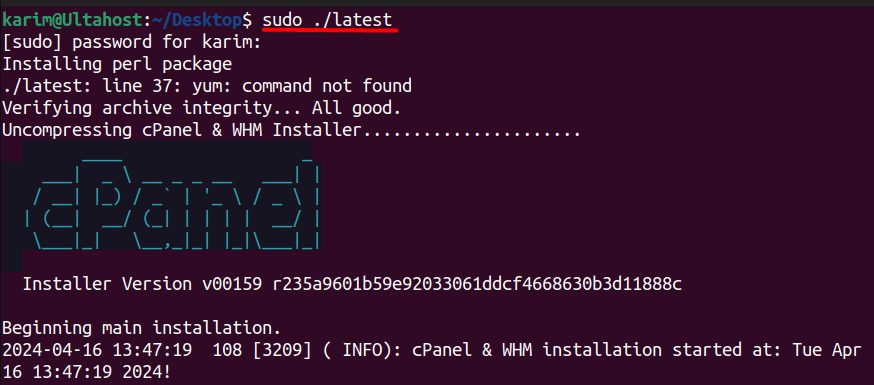
The installation takes from 30 minutes to an hour. Use screen or tmux so it goes on if your SSH session drops.
Step 6: Configure cPanel
When it finishes, open https://your_server_ip:2087 in your browser and log in as root. The setup wizard asks you to accept the license, enter an email address, set the host name and the nameservers.
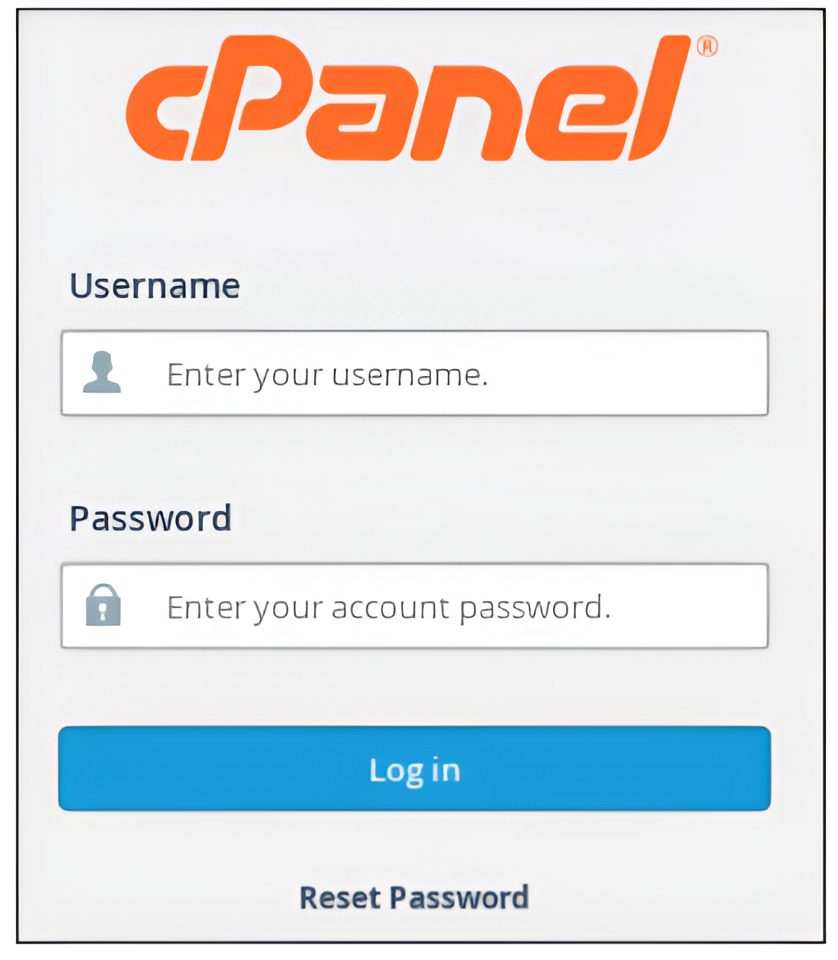
Then create your first account in WHM with Create a New Account.
Features of cPanel
- Domain management. Add and manage domains and subdomains.
- File management. A file manager and FTP accounts.
- Databases. Create and manage MySQL databases.
- Email. Mailboxes, forwarders and spam filters.
- Security. SSL, IP blocking and two-factor authentication.
- Backups. Make and restore backups.
- App installers. Install CMS apps such as WordPress.
Alternatives
If you do not want to buy a license, free panels are available, such as Webmin, CyberPanel, HestiaCP, ISPConfig and CWP.
Quick recap
- Use a clean, supported Ubuntu server, a host name and a license.
- Download and run the cPanel installer as root.
- Finish in WHM on port 2087.