

Root access needed. Root is the all-powerful admin user on a server. VPS and dedicated server customers have it. Be careful: root can change or delete anything.
What is ClamAV?
A VPS is a private slice of a big computer. A dedicated server is a whole computer just for you. ClamAV is a free antivirus program for these servers. It scans files for viruses and malware. Malware is software made to cause harm.
It is often used to check uploaded files and emails. It does not fix a hacked site by itself. It finds bad files so you can deal with them.
Before you start
- Take a backup of your server or important data.
- Have your root login ready. It is in your welcome email, or you can ask Hostvento support.
- Find out if your server runs cPanel & WHM. WHM is the admin panel for the server owner.
Method 1: With WHM (cPanel servers)
- Log in to WHM as root. The address and login are in your welcome email.
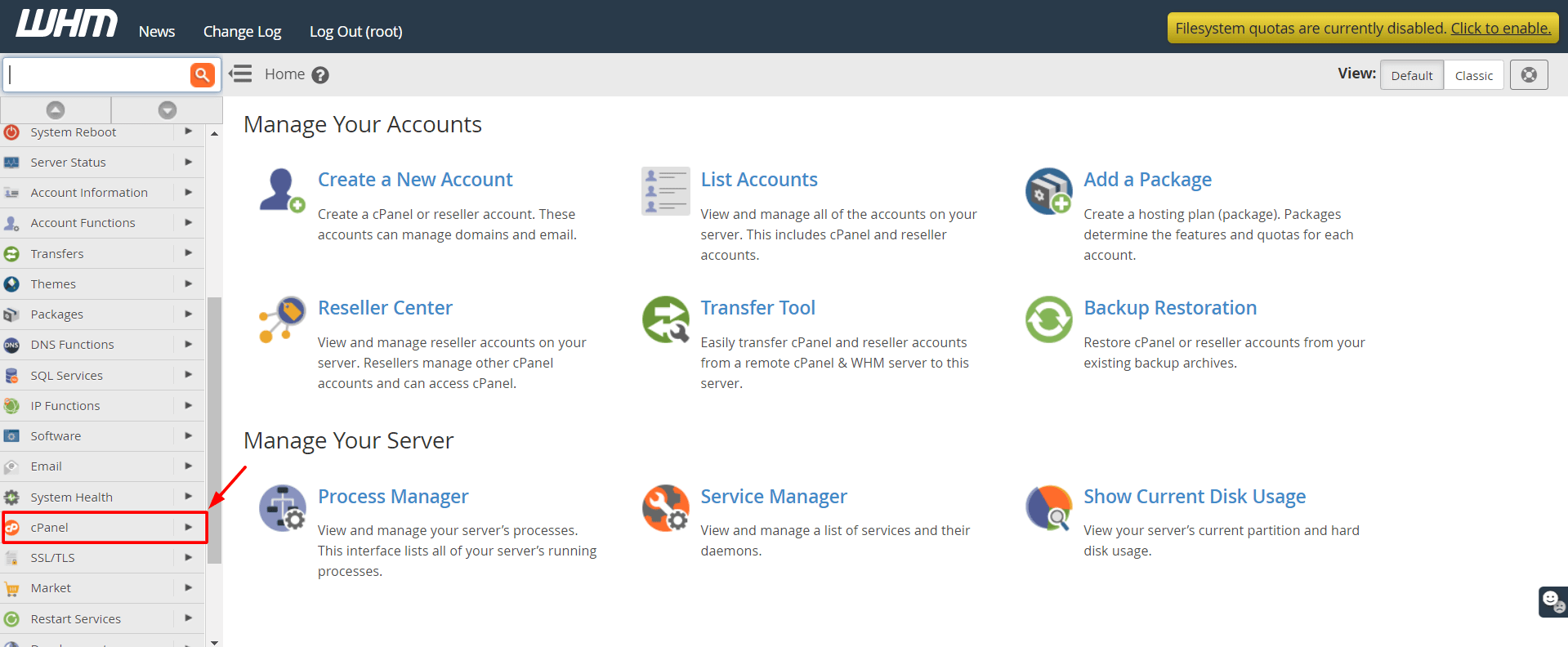
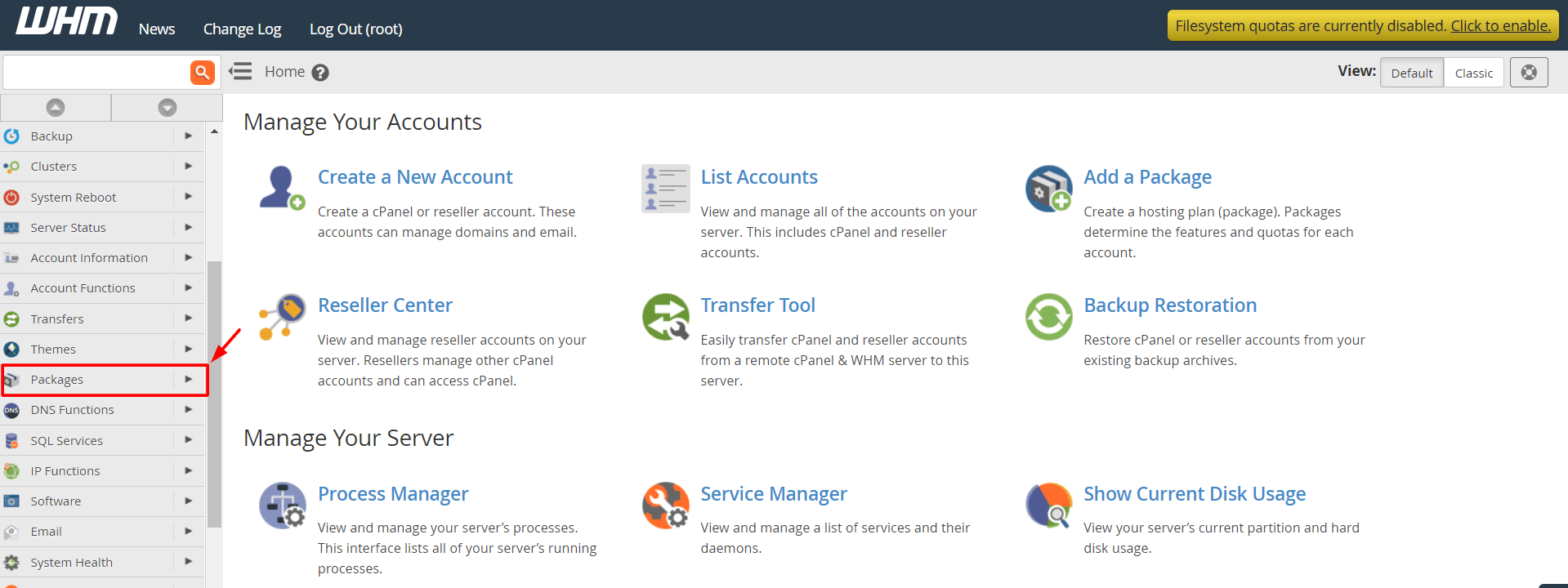
- In the search box on the left, type Manage Plugins.
- Click Manage Plugins.

- Find cPanel ClamAV Connector in the list.
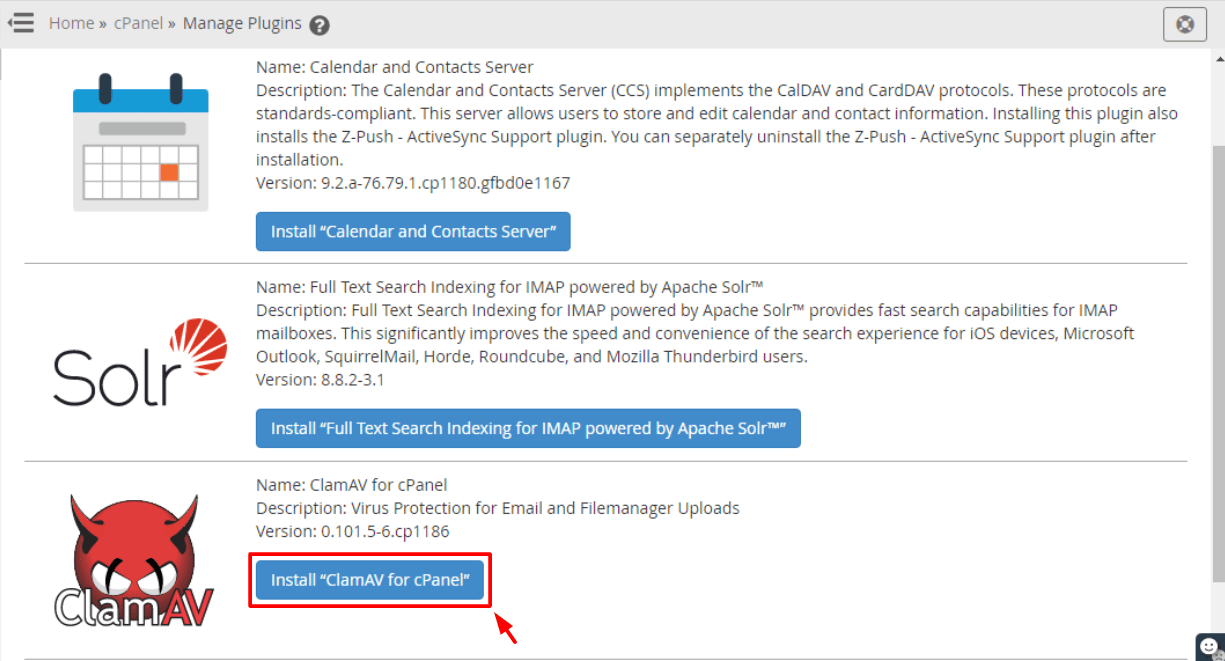
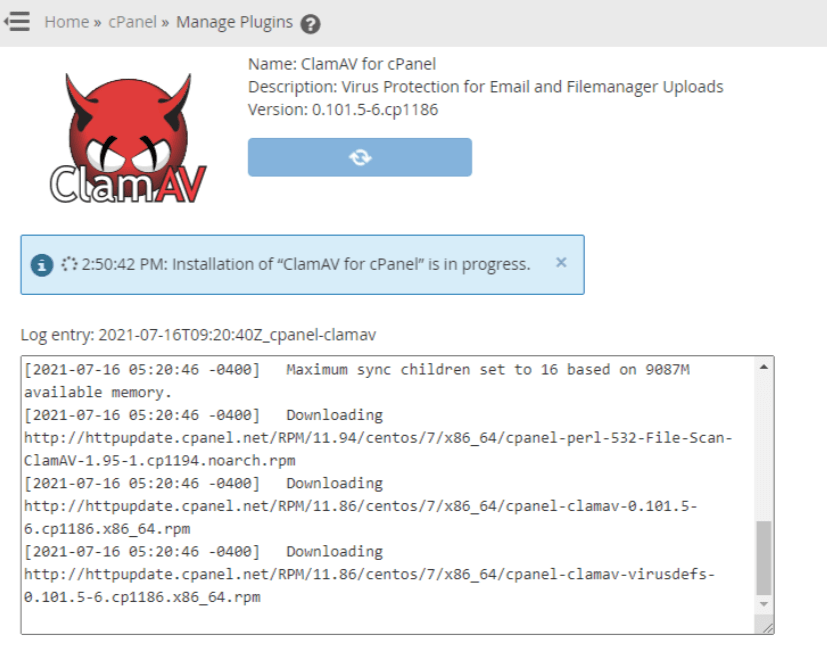
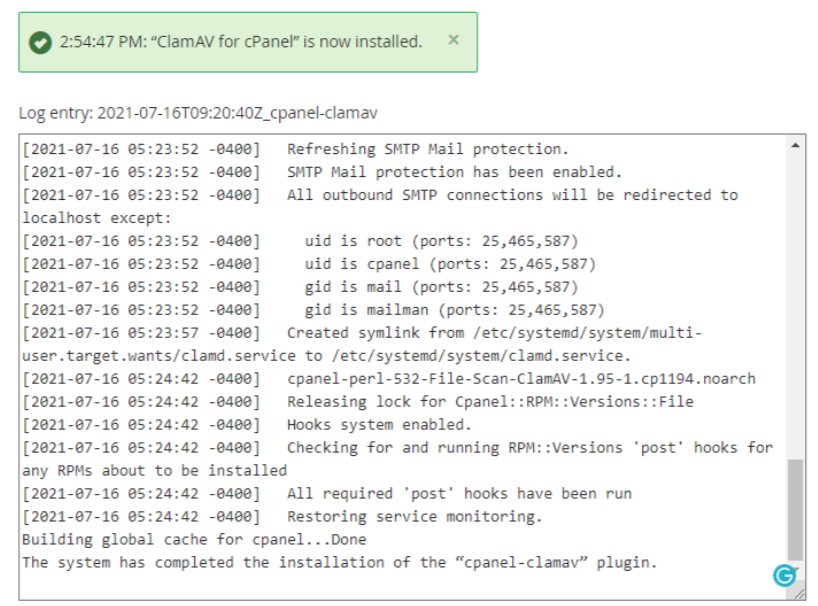
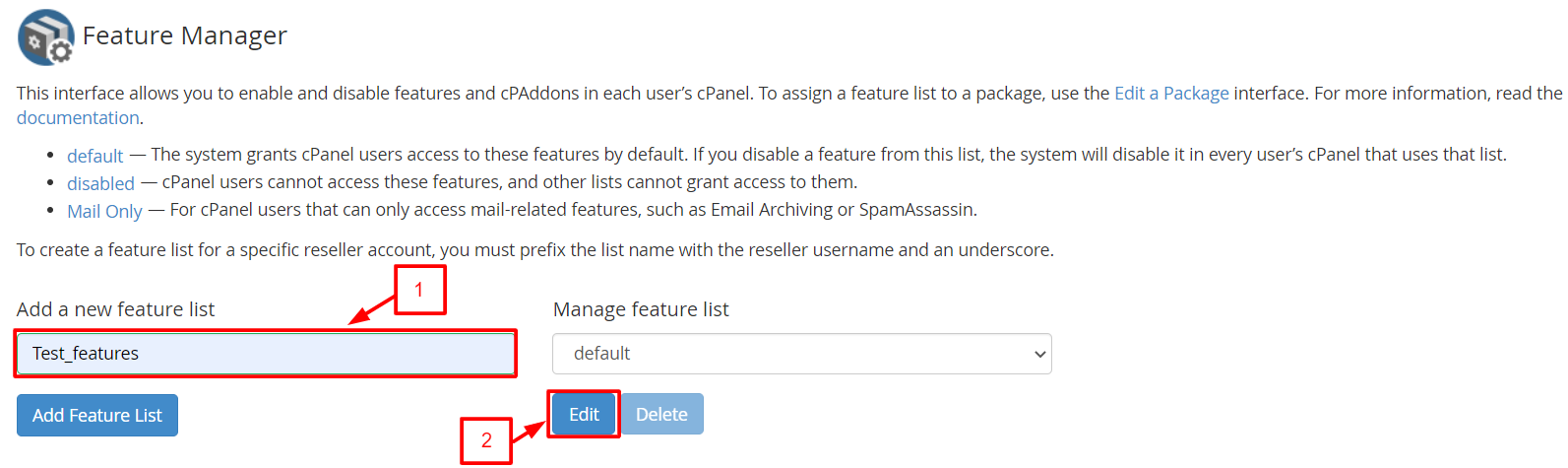
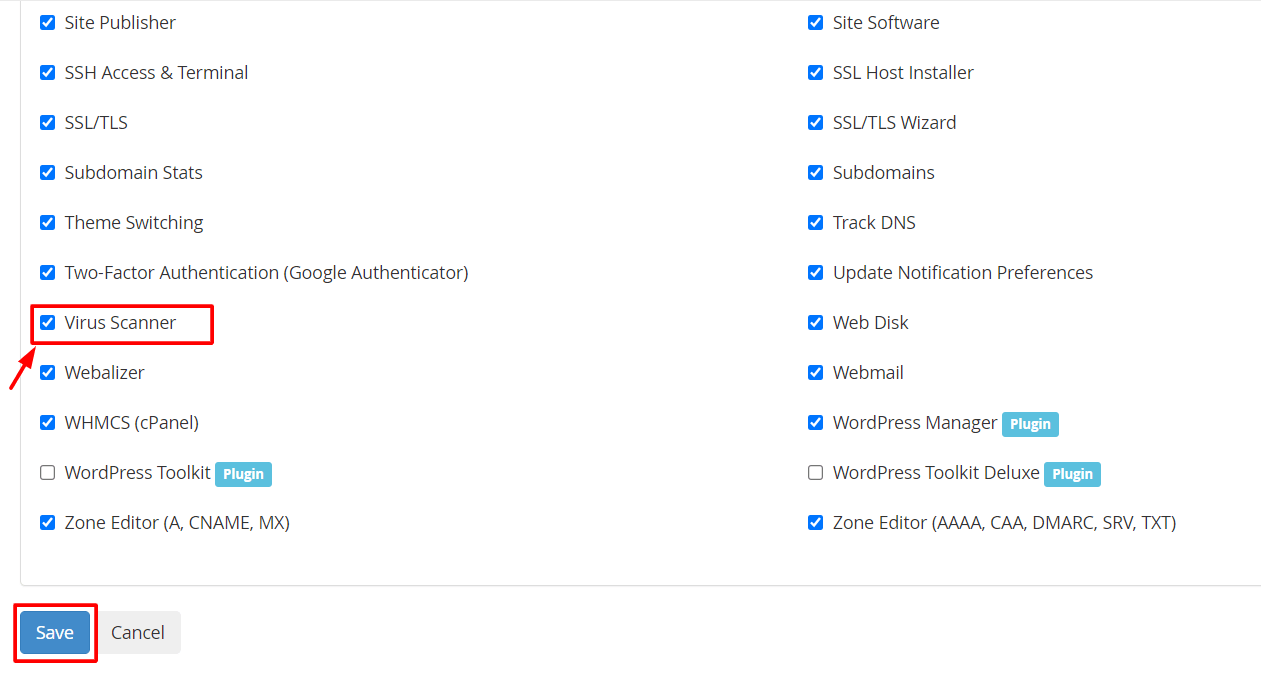
- Tick Install next to it. Also tick Install and Keep Updated if offered.
- Click Save and wait for it to finish.
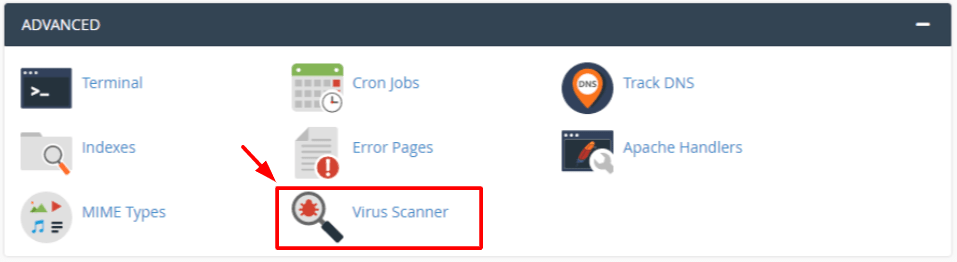
After that, cPanel users can scan their files from cPanel. Look for Virus Scanner under the Advanced section.
Method 2: With the command line (no panel)
The command line is a screen where you type commands. Connect with SSH, a safe way to reach your server from afar. Then run the commands for your system.
On AlmaLinux, Rocky Linux or CentOS:
dnf install epel-release -y
dnf install clamav clamd clamav-update -y
These add an extra software source, then install ClamAV. On older CentOS, use yum in place of dnf.
On Ubuntu or Debian:

apt update
apt install clamav clamav-daemon -y
These refresh the software list and install ClamAV.
Update the virus list
ClamAV needs a list of known viruses. Update it with:
freshclamThis downloads the newest virus list. If it says another process is running, wait a minute and try again.
Run a scan
clamscan -r -i /homeThis scans the /home folder and everything inside it. It prints only infected files.
Quick recap
- ClamAV is a free virus scanner for servers.
- You need root access.
- On cPanel, install it from WHM under Manage Plugins.
- Without a panel, install it with
dnforapt. - Run
freshclamto update, thenclamscanto scan.