

What is cPanel File Manager?
File Manager is a web tool in the cPanel control panel. You use it in your browser to upload, download, move, copy, rename and delete files and folders. It also lets you edit files and change permissions. It looks like the file explorer on your computer, so you do not need to know commands.
What is FTP?
FTP stands for File Transfer Protocol. It moves files between your computer (the client) and your server. You log in with a user name and a password and then copy files back and forth. Popular FTP programs are FileZilla, Cyberduck and WinSCP. FTP is good for large uploads and for many files at once.
The differences
| File Manager | FTP | |
|---|---|---|
| Access | In any browser, nothing to install | Needs an FTP program and login details |
| Ease of use | Easy, graphical | A bit more to learn |
| Features | Basic file tasks, editor, permissions | Powerful transfers, queues, resume of big uploads |
| Security | Uses your secure cPanel connection (HTTPS) | Plain FTP is not encrypted. Use SFTP or FTPS |
| Speed | Fine for small files | Faster for large files and many files |
In short: File Manager is easy and quick for small jobs. FTP (best over SFTP or FTPS) is better for big transfers.
Upload a file with File Manager
- Log in to cPanel.
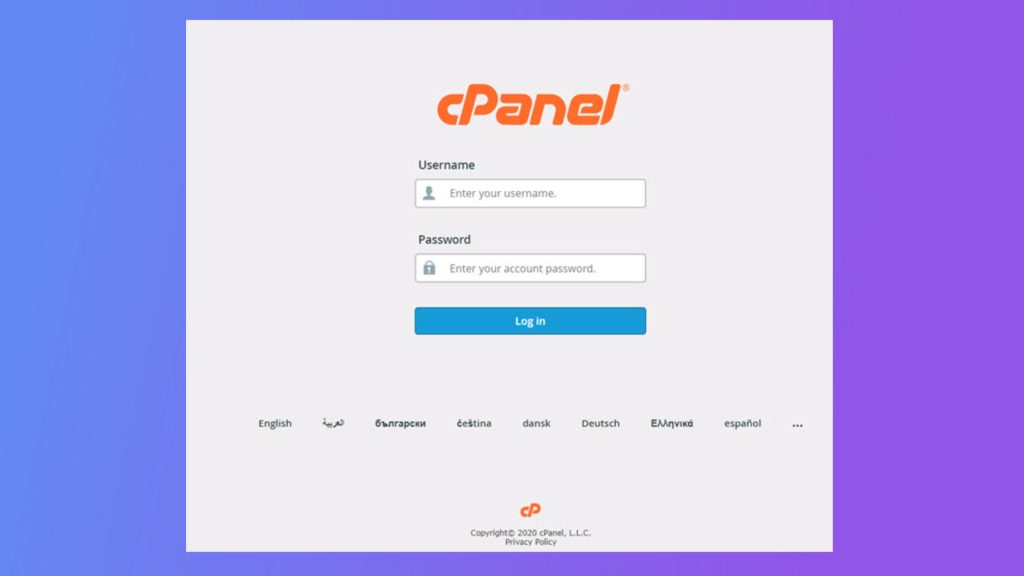
- In the Files section, click File Manager.
- Open the folder where the file should go. Click the folders in the left panel.
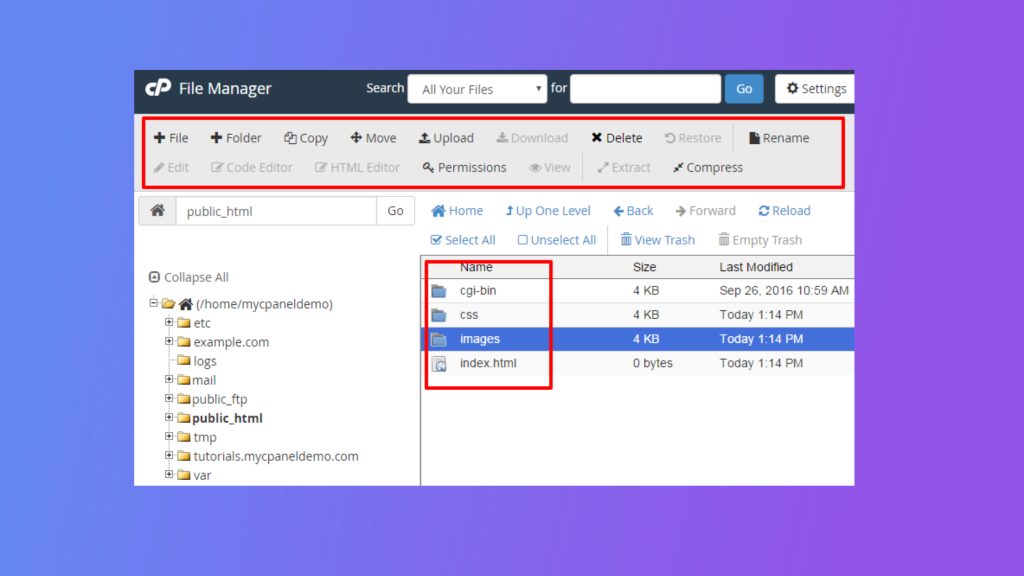
- Click Upload in the top toolbar.
- Click Select File to choose a file, or drag and drop it into the window.
- Wait until the progress bar finishes.
- Close the upload window and go back to the folder to check the file.
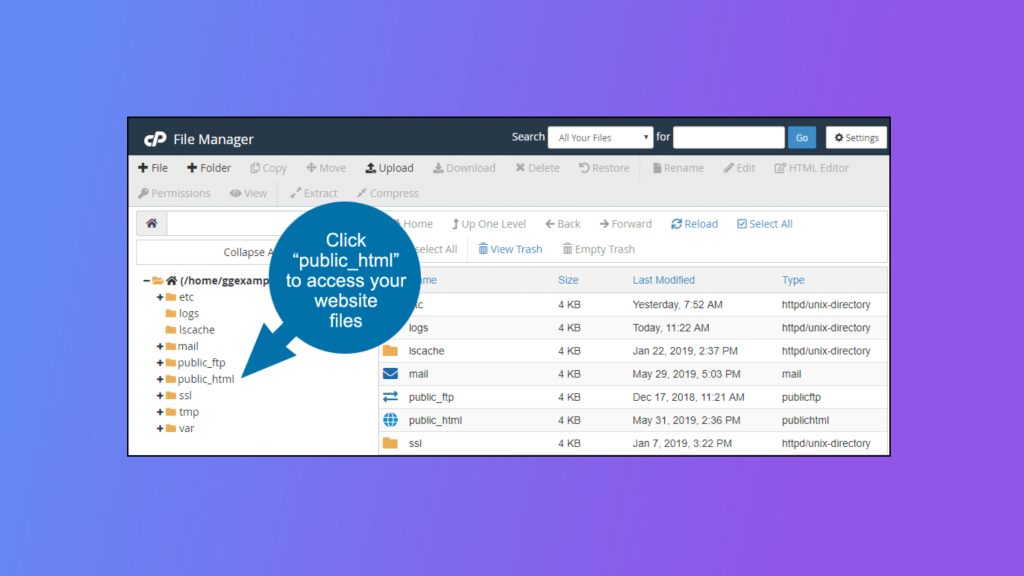
The steps can look a bit different on other versions of cPanel.
Quick recap
- File Manager is easy and works in your browser.
- FTP is better for big or many files. Use SFTP or FTPS to keep it secure.
- Choose the tool that fits the job.