

What is an FTP log?
FTP is a way to move files between your computer and a server. An FTP log is a diary of that activity. It records who logged in and which files were uploaded or downloaded. You can use it to find out who changed a file or to spot someone trying to break in.
WHM is the Web Host Manager. It is the admin panel for servers. It is for the server owner, not for normal website users. A raw log is the plain log file with nothing changed.
Where are FTP logs kept?
On cPanel servers, the FTP log is usually at /var/log/messages for Pure-FTPd. Some servers write to /var/log/xferlog. The path can change on your server. If it differs, ask Hostvento support.
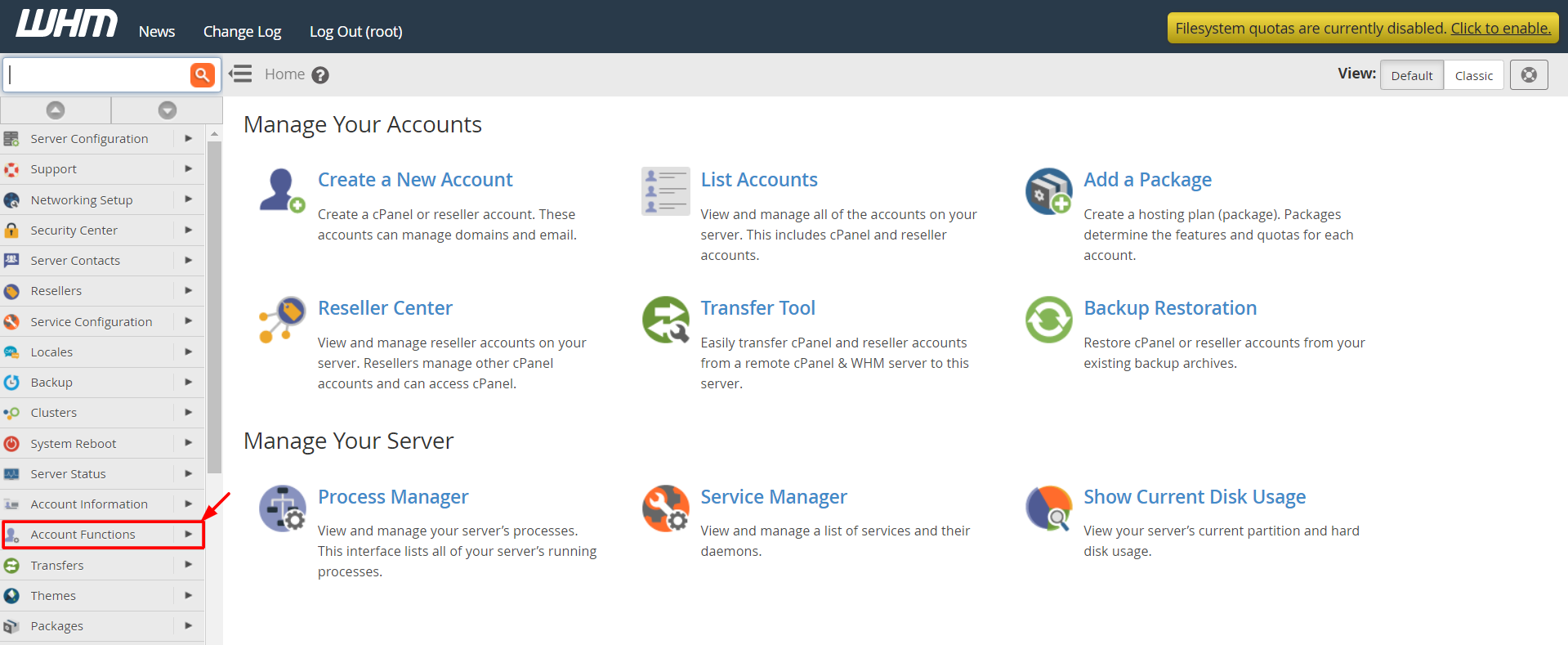
Steps in WHM
- Log in to WHM with your root login. WHM is usually on port 2087 of your server address.
- Use the search box at the top left. Type FTP.
- Look for FTP Server Configuration to check which FTP server is used.
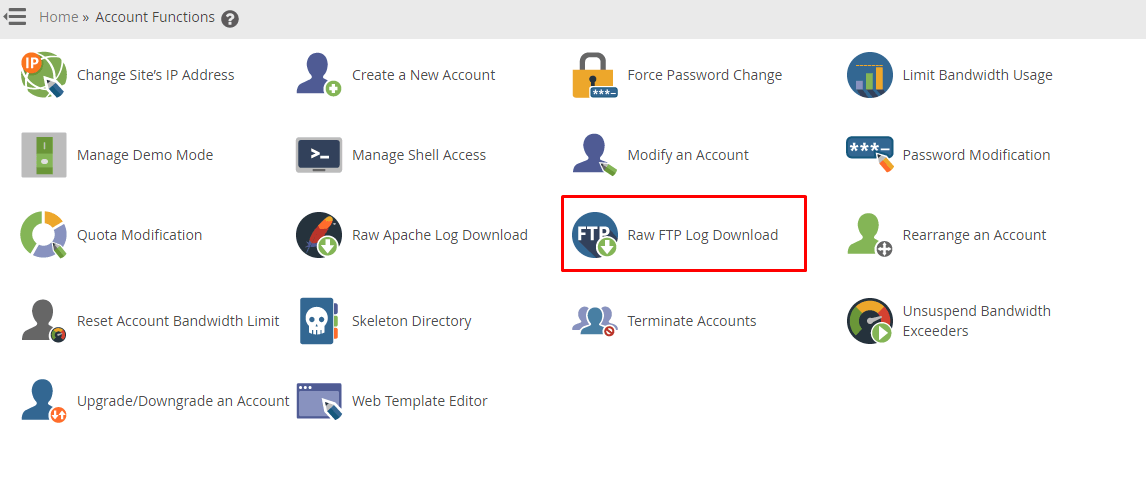
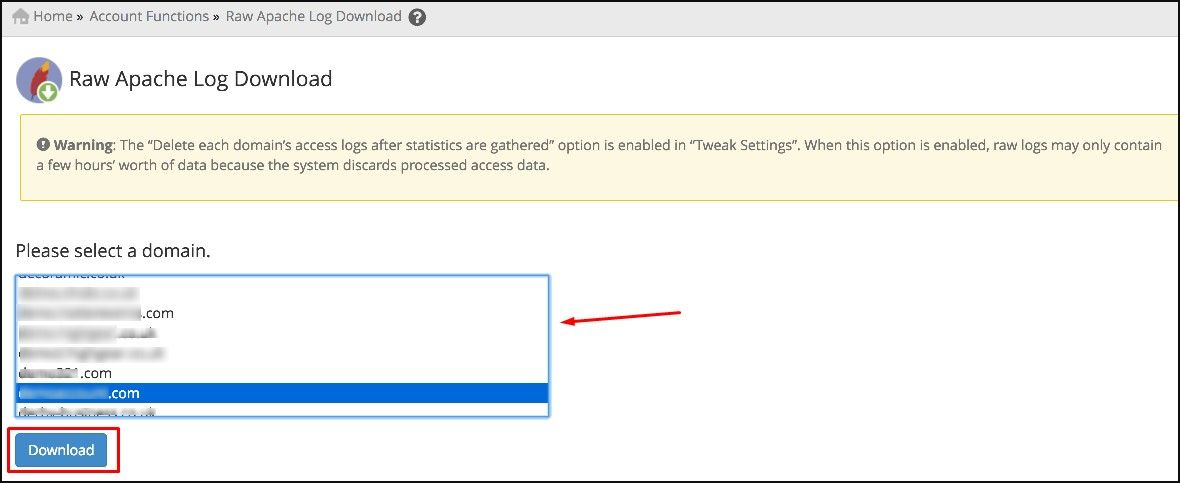
- Look for a log or statistics tool. Some versions have Raw Log Manager or Raw Access Logs in cPanel for web logs only.
- If WHM has no FTP log page, use the next method.
Steps with SSH
SSH is a safe way to type commands on a remote server.
- Connect to the server as root with SSH.
- Look at the end of the log.
tail -n 100 /var/log/xferlogThis shows the last 100 lines of the transfer log.
- Copy only the FTP lines into a new file.
grep -i "pure-ftpd" /var/log/messages > /root/ftp-log.txtThis saves all FTP lines into one file in the root folder.
- Download
/root/ftp-log.txtwith an SFTP program such as FileZilla or WinSCP. - Delete the copy from the server afterwards. It may include private details.
Quick recap
- The FTP log records logins and file transfers.
- Root access is needed to read it.
- Common files are
/var/log/xferlogand/var/log/messages. - Copy the lines and download them with SFTP.