

Method 1: Install UFW from the terminal
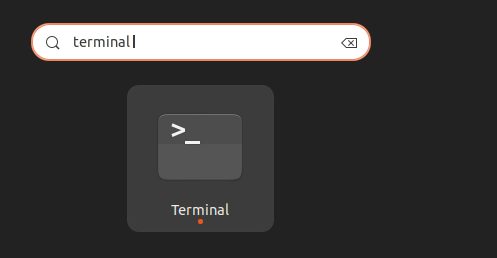
Step 1: Open a terminal
Step 2: Update the package list
sudo apt update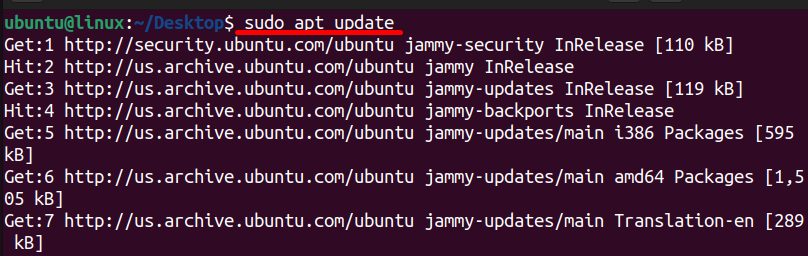
Step 3: Install UFW
sudo apt install ufw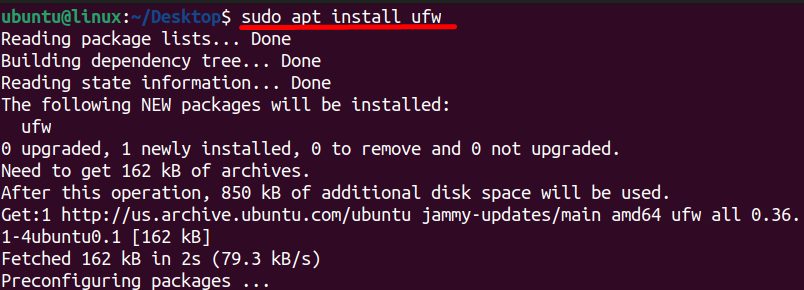
Step 4: Check the status
sudo ufw status
Step 5: Turn on UFW
Warning: Allow SSH before you enable UFW on a remote server, or you will lock yourself out.
sudo ufw allow ssh
sudo ufw enable

Method 2: Install from the Software Center
- Open Ubuntu Software.
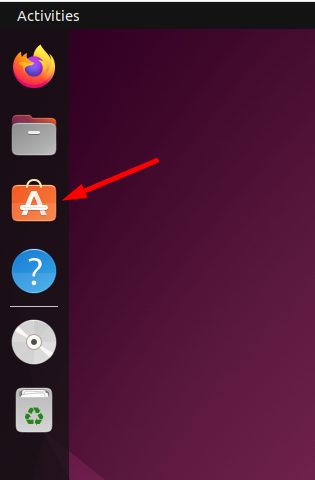
- Search for UFW or a GUI such as GUFW.
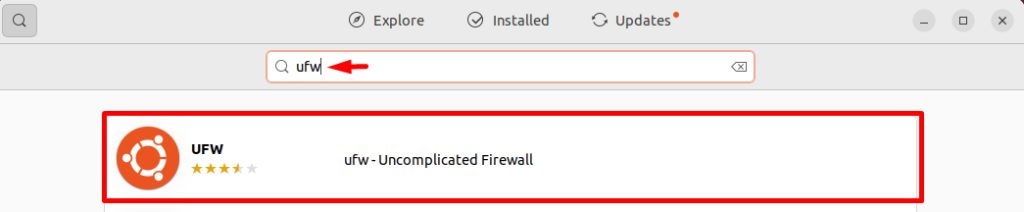
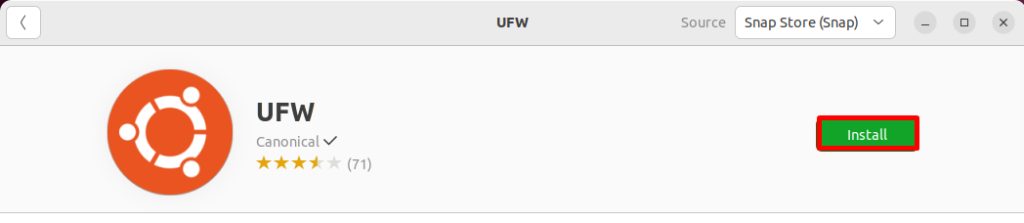
- Click Install.
Set up rules
Allow SSH:
sudo ufw allow ssh
Block a port:
sudo ufw deny 80
Set the default rules, deny all incoming and allow all outgoing:
sudo ufw default deny incoming
sudo ufw default allow outgoing
Show the rules with numbers:
sudo ufw status numberedWhy choose UFW
- Easy. Short, readable commands.
- Built in. It is part of Ubuntu.
- Works with iptables in the background.
- Safe by default. Deny incoming, allow outgoing.
Quick recap
- Install, allow SSH, then enable.
- Add rules with
allowanddeny.