

What is Zenmap
Zenmap is the graphical interface of Nmap, the network scanner. It lets you build scans with menus, see results in a clear window and save profiles.
Warning: Scan only networks and servers you own or have permission to test.
Method 1: Package manager
1. Update the package list
sudo apt update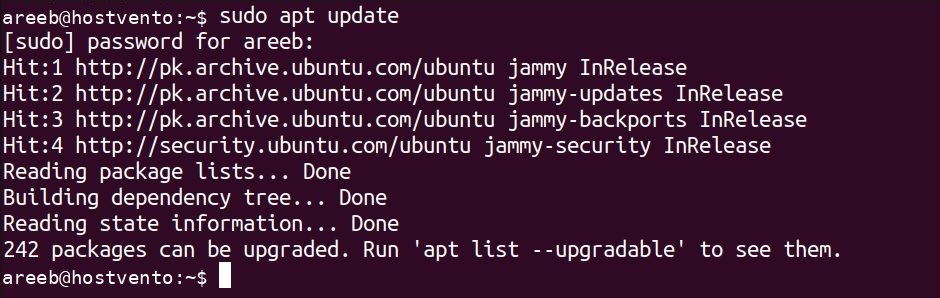
2. Install Zenmap
sudo apt install zenmap
If zenmap is not in your repositories, use the source method or the official Nmap packages.
3. Check it
zenmap --versionMethod 2: Build from source
1. Install the build tools
sudo apt install build-essential checkinstall zlib1g-dev libssl-dev libcurl4-openssl-dev2. Download the source
cd ~/Downloads
wget https://github.com/nmap/nmap/archive/refs/heads/master.zip -O nmap.zip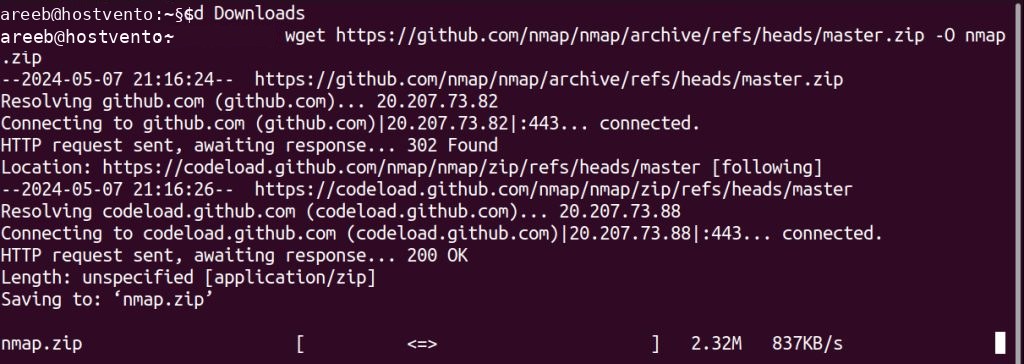
3. Extract and build
unzip nmap.zip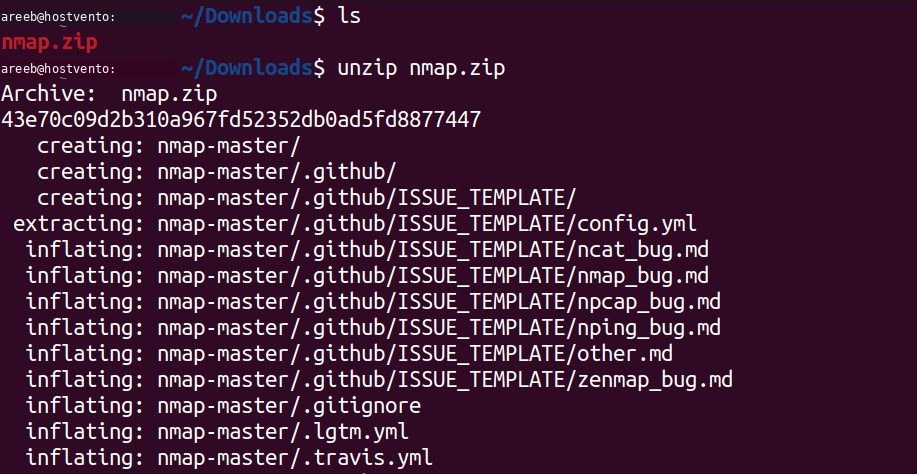
cd nmap-master
./configure
make
sudo make install
Note: Zenmap needs Python and GTK libraries. Recent Nmap versions have dropped Zenmap, so use an older release or the package if the build does not include it.
Start Zenmap
zenmap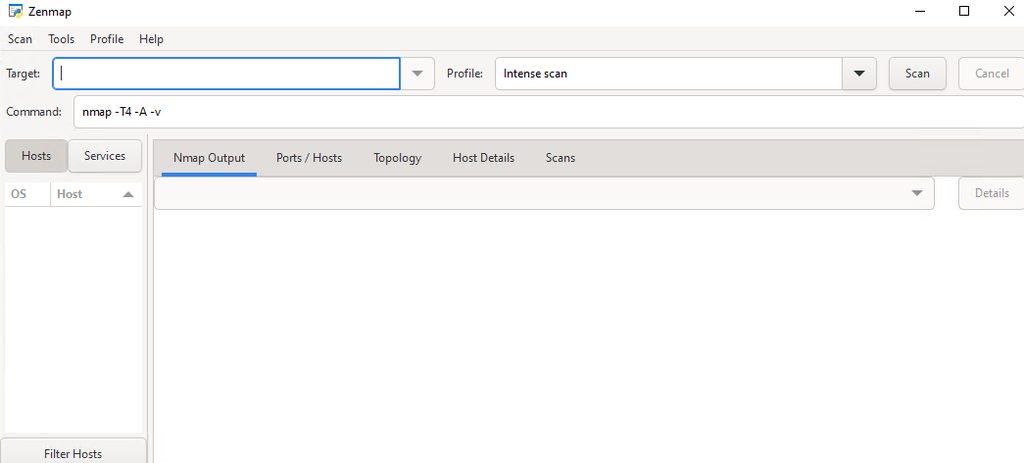
Features
- Target field for an IP or a range.
- Scan profiles, such as Quick scan and Intense scan.
- Topology view of the network.
- Saved results that you can compare.
Quick recap
sudo apt install zenmap, then runzenmap.