

What the error means
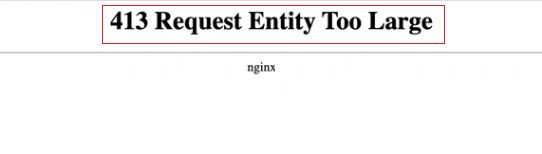
Every web server has a limit for the size of one request. When a file or form is bigger than the limit, the server stops it and shows 413 Request Entity Too Large.
Common causes
- Server upload limit. The web server or PHP accepts only small files.
- CMS limit. WordPress and other tools set their own limit, which can be lower than the server limit.
- Wrong configuration. The limit in the config file is smaller than you think.
Fix it as a visitor
- Make the file smaller. Compress images and videos, or pick a lighter format.
- Split a very large file into smaller parts and send them one by one.
- Update your browser or app, then try again.
Fix it as the site owner
You can raise the limit in the web server and in PHP. Raise it only as far as you need.
Apache
Add this line to your .htaccess file or to the Apache config, then restart Apache. The value is in bytes (here 100 MB):
LimitRequestBody 104857600Nginx
Open /etc/nginx/nginx.conf or your site config. Add this line inside the http or server block:
client_max_body_size 100M;Test the config and reload Nginx:
sudo nginx -t
sudo systemctl reload nginx
PHP
Change these two values in php.ini (or in the PHP settings of your control panel):
upload_max_filesize = 100M
post_max_size = 100M
Tip: If you cannot change the limits, upload big files with an FTP client such as FileZilla. FTP does not use the browser upload limit.
Quick recap
- 413 means the upload is bigger than the server allows.
- Visitors should shrink or split the file.
- Site owners raise
LimitRequestBody(Apache),client_max_body_size(Nginx) and the two PHP values.