

What the error means
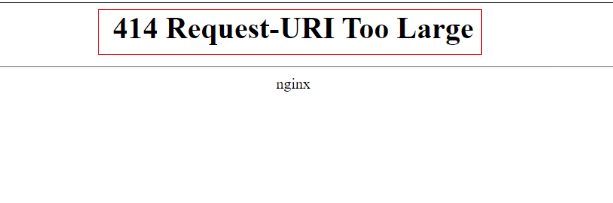
The 414 error appears when the full address (the URL), including everything after the ? sign, is longer than the server accepts. There is no official maximum, but many servers stop at about 8,000 characters.
Common causes
- Long query strings. Tracking tools and big forms add many parameters to the address.
- Redirect loops. A site that redirects in circles can make the address grow with every turn.
- Wrong request type. A form sends a lot of data with GET, where POST is the right choice.
Fixes for visitors
- Shorten the address. Remove extra parameters after the
?sign. - Clear your browser cache. Press
Ctrl + Shift + Delete, tick Cached images and files, and click Clear data.
Fixes for site owners
- Send big forms with POST instead of GET.
- Read your server logs and remove any redirect loops.
- Clear the cache in your control panel or caching plugin.
- If the address must stay long, raise the server limit as shown below.
Apache
Add the LimitRequestLine line to your Apache config and restart Apache. The default is 8190:
LimitRequestLine 16384Nginx
Add this line in the http or server block of your Nginx config. Then reload Nginx:
large_client_header_buffers 4 16k;Warning: Do not set the limit very high. A large limit makes it easier to attack your server.
Quick recap
- 414 means the address is too long.
- Shorten it, use POST, and remove redirect loops.
- Raise
LimitRequestLine(Apache) orlarge_client_header_buffers(Nginx) only if you must.