

Linux
Step 1: Check Python and pip
python3 --version && pip --version
Step 2: Install the package
pip install cryptography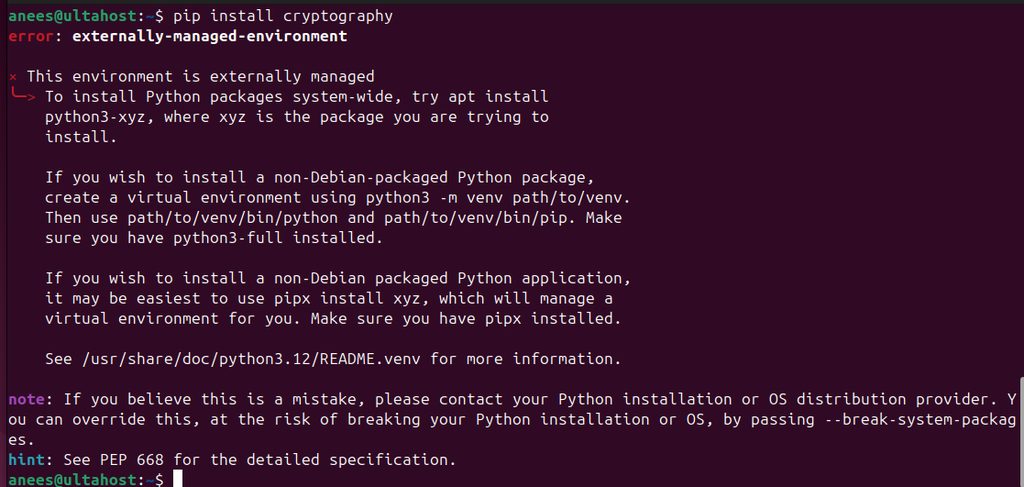
On new Linux systems (Debian 12, Ubuntu 23.04 and newer) pip may refuse with error: externally-managed-environment. This protects the system Python. Use a virtual environment:
python3 -m venv myenv
source myenv/bin/activate
pip install cryptography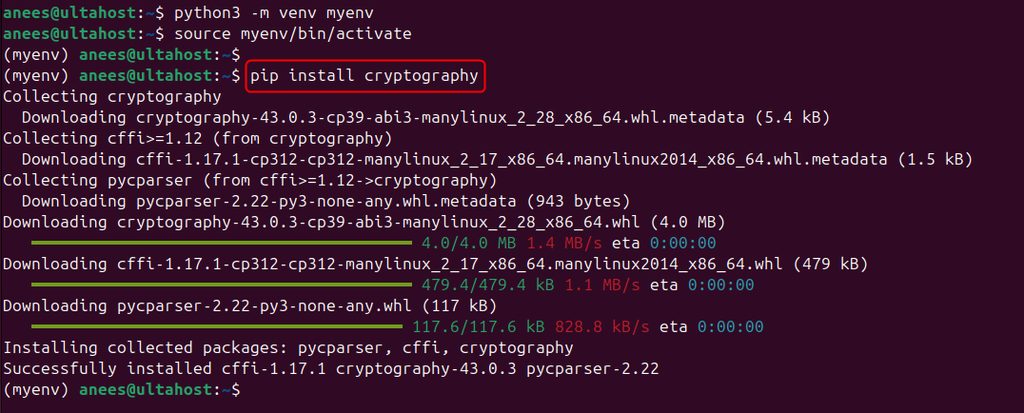
Step 3: Check the install
pip show cryptography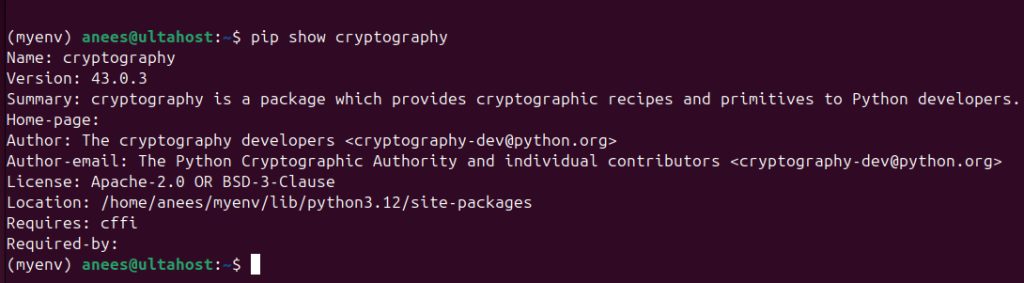
python -c "import cryptography; print(cryptography.__version__)"
Windows
Step 1: Check Python and pip
python --version
pip --version
Step 2: Install the package
pip install cryptography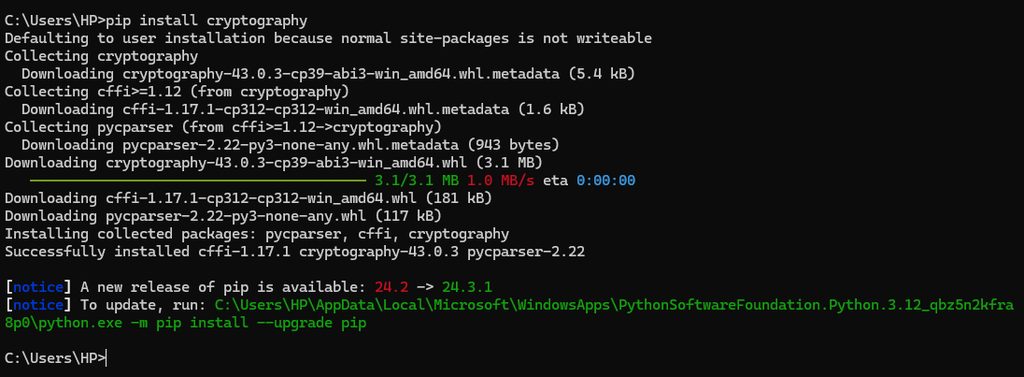
Step 3: Check the install
pip show cryptography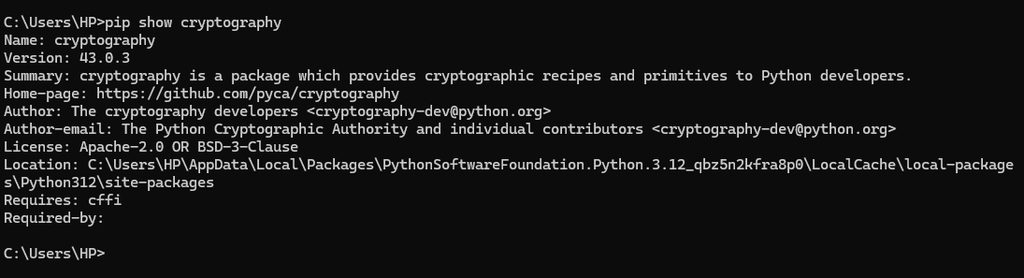
python -c "import cryptography; print(cryptography.__version__)"
Troubleshooting
If the build fails on Linux, install the build tools and the headers:
sudo apt install build-essential libssl-dev libffi-dev python3-dev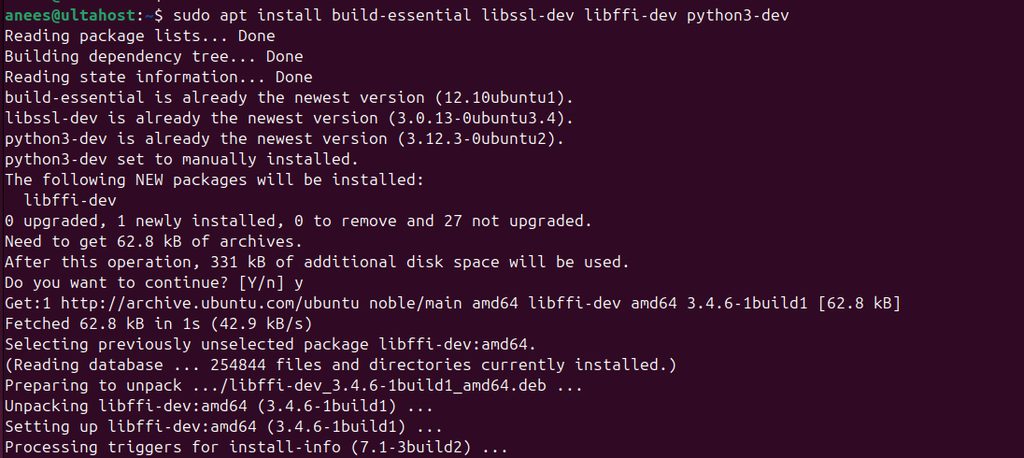
On Red Hat based systems: sudo dnf install gcc openssl-devel libffi-devel python3-devel.
Upgrade pip if you see build errors, because new pip versions install ready-made wheels:
python3 -m pip install --upgrade pipA quick example
from cryptography.fernet import Fernet

key = Fernet.generate_key()
f = Fernet(key)
token = f.encrypt(b"secret message")
print(f.decrypt(token))
Quick recap
pip install cryptography, in a virtual environment on new Linux systems.- Check with
pip show cryptography. - Install the build tools if the install fails.