

What OpenCV is
OpenCV is a free library for computer vision: images, video, face and object detection, and more. It is used in robotics, self-driving vehicles, medical imaging and many other areas.
Method 1: Ubuntu repositories (C++ development files)
Step 1: Update
sudo apt update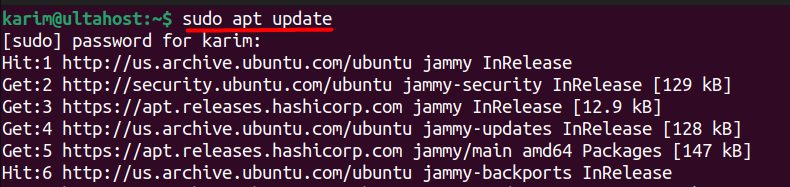
Step 2: Install
sudo apt install libopencv-dev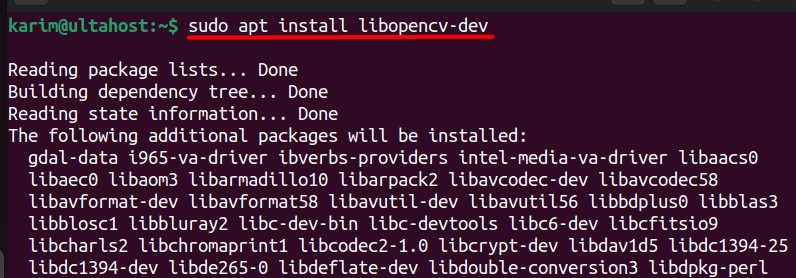
(For the Python bindings from the repository, install python3-opencv.)
Step 3: Check
dpkg -l libopencv-dev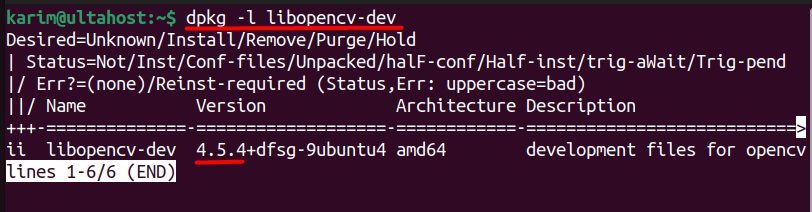
You can also see the version with pkg-config --modversion opencv4.
Method 2: pip in a virtual environment
Step 1: Install the venv module
sudo apt install python3-venv -y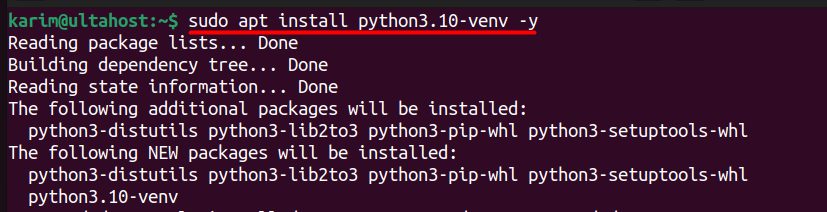
Step 2: Create a virtual environment
python3 -m venv myenv
Step 3: Activate it
source myenv/bin/activate
Step 4: Install OpenCV
pip3 install opencv-python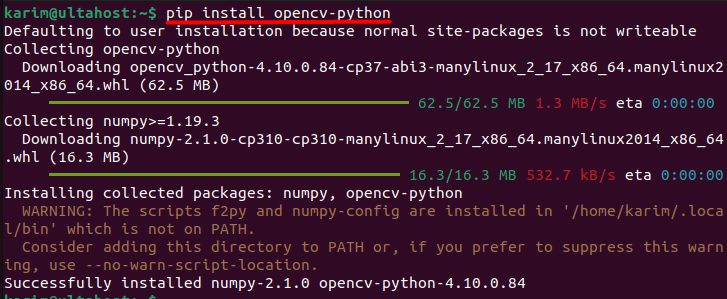
On a server without a display, use opencv-python-headless in place of opencv-python.
Step 5: Test it
python3import cv2
print(cv2.__version__)
A quick example
import cv2

img = cv2.imread("photo.jpg")
gray = cv2.cvtColor(img, cv2.COLOR_BGR2GRAY)
cv2.imwrite("photo_gray.jpg", gray)
Why use OpenCV
- Robotics. Robots see and move around.
- Self-driving vehicles. Detect lanes, signs and objects.
- Medical imaging. Analyze scans.
- Security and monitoring. Detect motion and faces.
- Augmented reality and photo apps.
Quick recap
sudo apt install libopencv-devfor C++.- A venv with
pip install opencv-pythonfor Python. - Test with
cv2.__version__.