

Why install Python yourself
- Older macOS versions have an old Python. Recent versions of macOS do not include a usable Python 3 by default, and the system copy should not be changed.
- Many tools, libraries and frameworks need a recent Python.
- Python is a great language to learn programming.
Step 1: Check what you have
Open Terminal and run:
python3 --version
If macOS asks you to install the command line developer tools, you can accept. That gives you an older Python 3.
Step 2: Download the latest Python
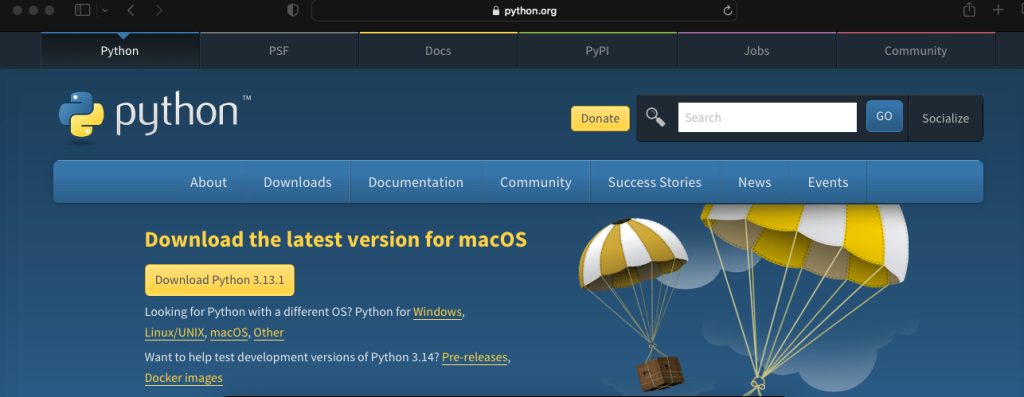
Go to the Python website (python.org/downloads) and download the latest macOS installer (a .pkg file).
Step 3: Install Python
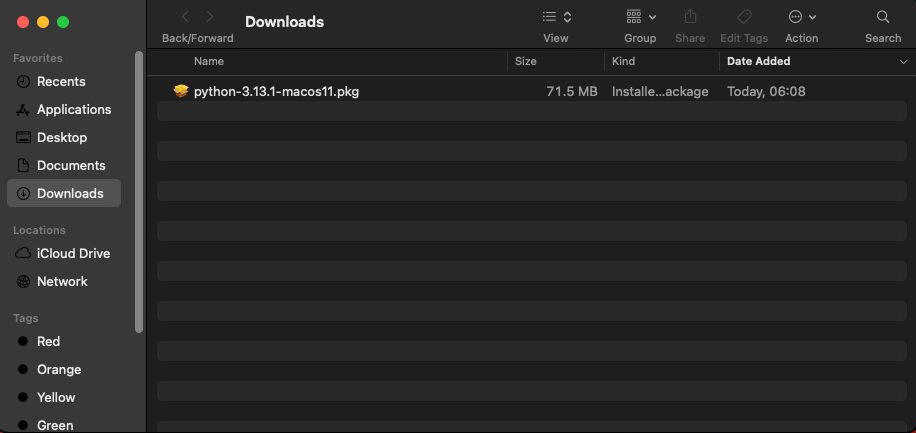
- Double-click the
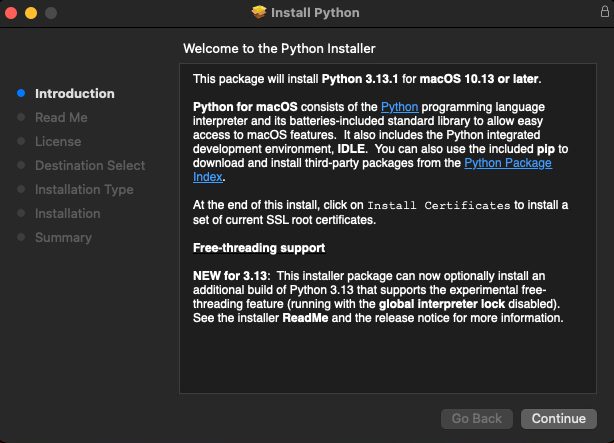
python-3.x.x-macos11.pkgfile to start the installer. - On the welcome screen, click Continue.
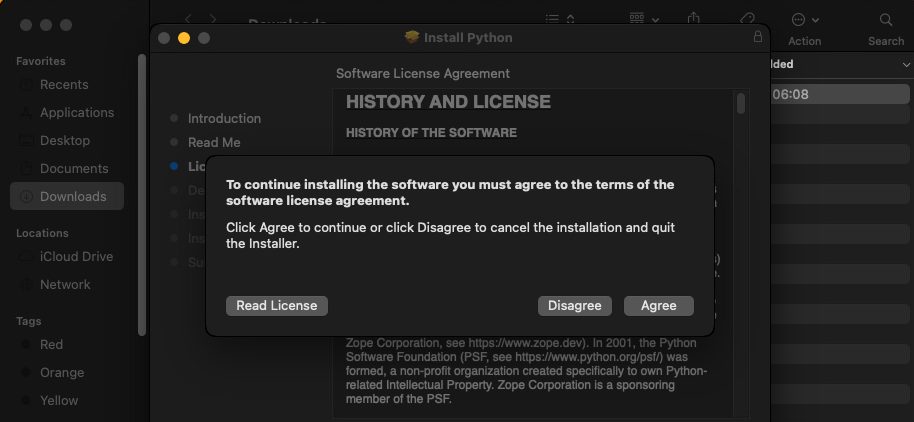
- Read the license, click Continue, then Agree.
- Choose the install location (the default is fine).
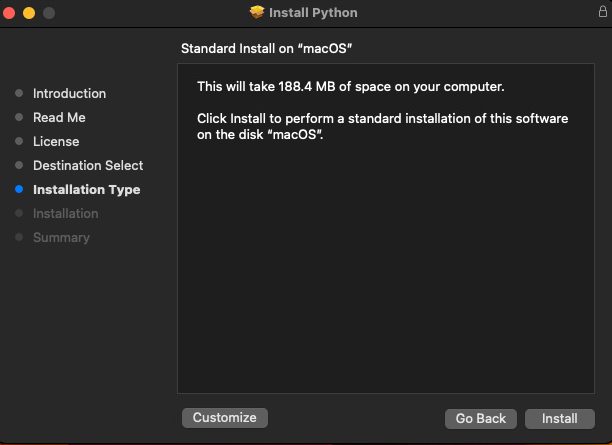
- Enter your macOS administrator password if you are asked.
- The install takes a few minutes. When it ends, click Close. A Finder window with extra files, such as
Install Certificates.command, may open. RunInstall Certificates.commandonce.
Step 4: Check the install
Open a new Terminal window:
python3 --version
Start the interpreter:
python3Try a line of code:
print("Hello, Python!")
Leave the interpreter with exit().
Install packages
Use pip:
pip3 install requestsFor clean projects, use a virtual environment:
python3 -m venv venv
source venv/bin/activate
Another way: Homebrew
If you use Homebrew:
brew install pythonQuick recap
- Download the
.pkgfrom python.org and run it. - Check with
python3 --version. - Use
pip3and virtual environments.