

Step 1: Check Node.js and npm
node -v && npm -v
Step 2: Create a project folder
mkdir graphql-example
cd graphql-example
Step 3: Start a Node.js project
npm init -y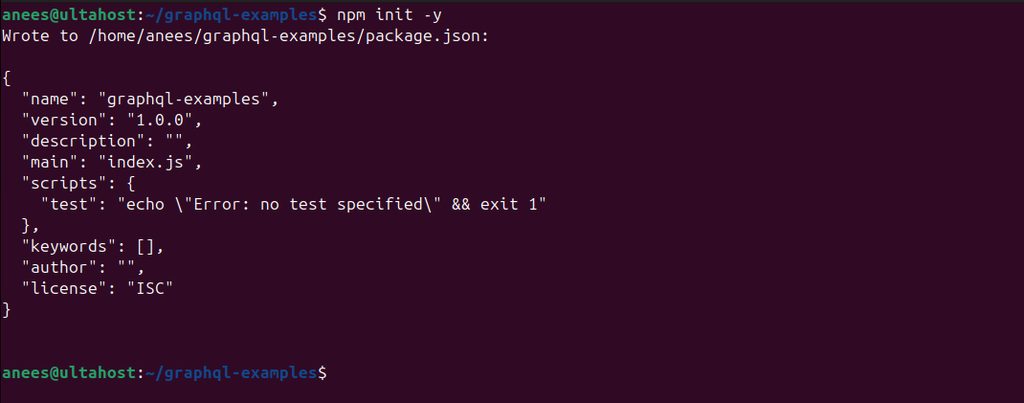
Step 4: Install GraphQL
npm install graphqlFor a web server with GraphQL, add Express and a handler. The old express-graphql package is no longer maintained. A good current choice is graphql-http:
npm install graphql express graphql-http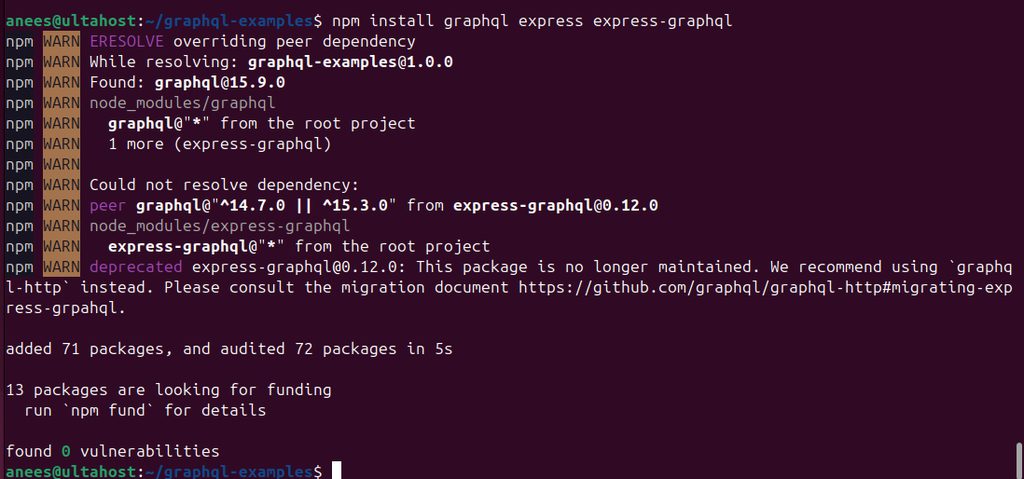
Step 5: Write a basic GraphQL query
Create a file graphqlFile.js:
var { graphql, buildSchema } = require("graphql");

var customSchema = buildSchema(`
  type Query {
    greeting: String
  }
`);

var root = {
  greeting: () => "Hello from GraphQL!",
};

graphql({ schema: customSchema, source: "{ greeting }", rootValue: root })
.then((response) => console.log(JSON.stringify(response)));- The schema describes the data you can ask for. Here there is one field,
greeting. - The root has the functions that give the data (resolvers).
graphql(...)runs a query against the schema.
Step 6: Run it
node graphqlFile.js
You should see {"data":{"greeting":"Hello from GraphQL!"}}.
A small web server
const express = require("express");
const { createHandler } = require("graphql-http/lib/use/express");
const { buildSchema } = require("graphql");

const schema = buildSchema(`type Query { greeting: String }`);
const root = { greeting: () => "Hello from GraphQL!" };

const app = express();
app.all("/graphql", createHandler({ schema, rootValue: root }));
app.listen(4000);
console.log("Running at http://localhost:4000/graphql");
Quick recap
npm init -yandnpm install graphql.- Define a schema and resolvers.
- Run queries with
graphql()or serve them with Express.