

Note: MATLAB needs a MathWorks account and a license (including trial and student licenses).
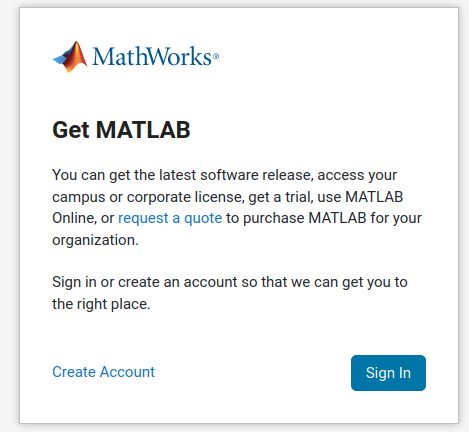
Step 1: Sign in to MathWorks
Go to the MathWorks website, open the MATLAB page and log in to your account.
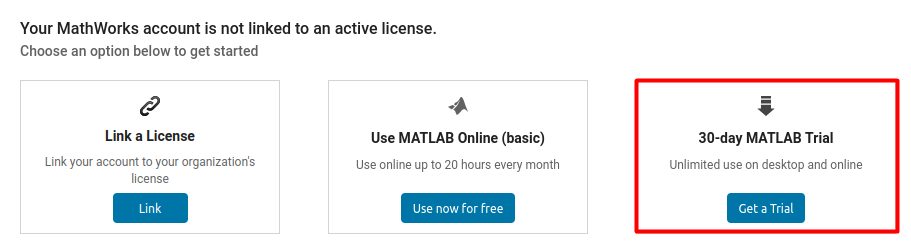
Step 2: Choose the installation method
Open the Download page of your license and choose the Linux installer.
Step 3: Provide the extra information
MathWorks may ask you for some details about your use. Fill them in and accept the terms.

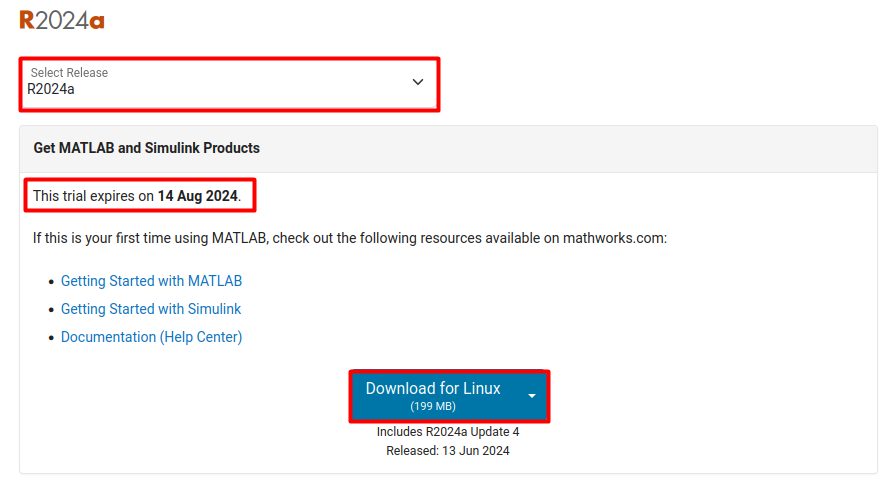
Step 4: Download the installer
Download the installer for Linux.
Step 5: Unzip it
Go to the folder of the download and unzip the file:
unzip file_name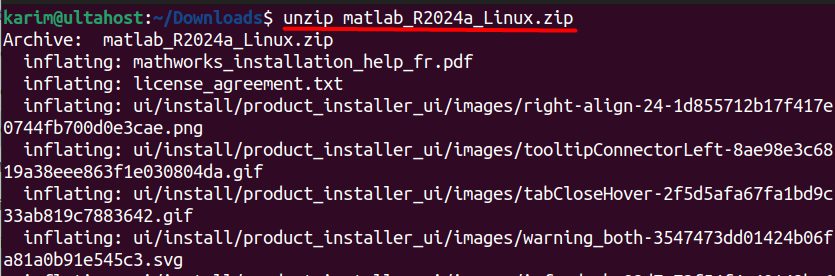
Step 6: Run the installer
./install
If MATLAB opens a graphical installer, it needs a desktop. On a server without a desktop, use the -inputFile option or X forwarding.
Step 7: Configure the installation
- Sign in with your MathWorks account.
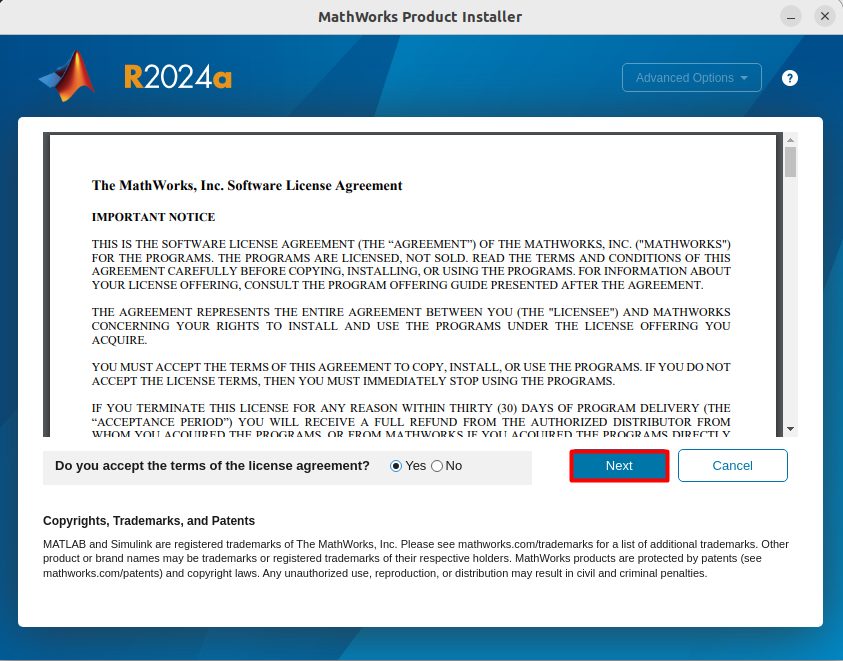
- Accept the license agreement.
- Choose the license you want to use.
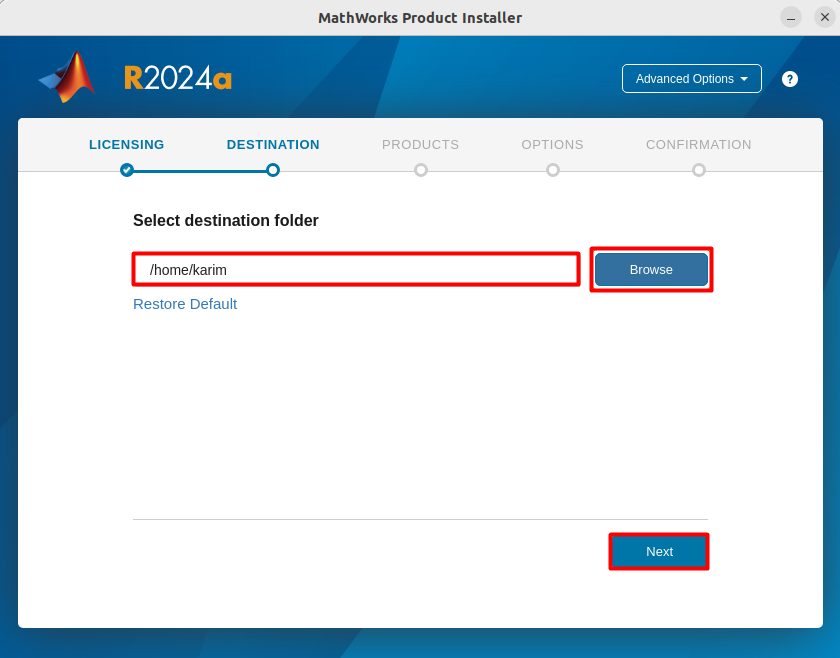
- Choose the destination folder. A common folder is
/usr/local/MATLAB/R2024a.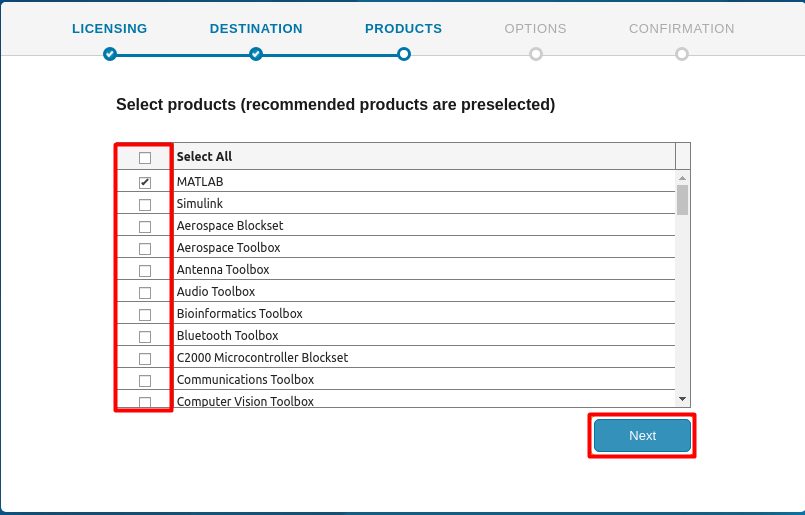
- Select the products and toolboxes to install.
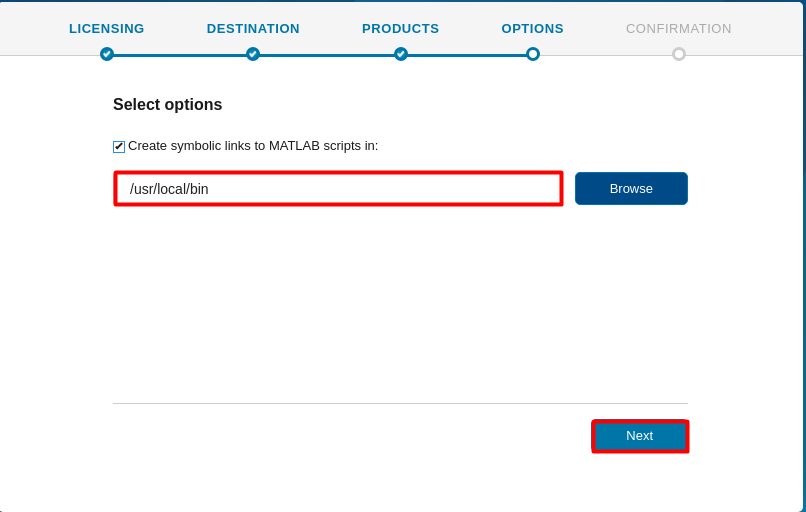
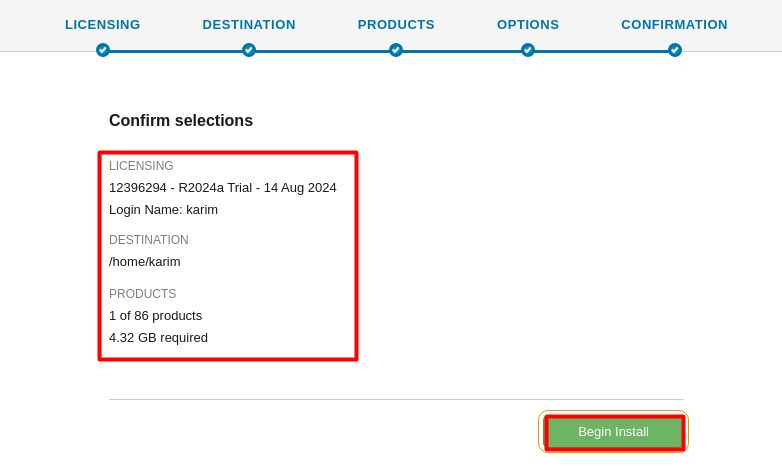
- Confirm your choices and start the install.
Start MATLAB
If the matlab command is not found, add the folder to your PATH:
nano ~/.bashrcAdd (use your own path):
export PATH=$PATH:/usr/local/MATLAB/R2024a/bin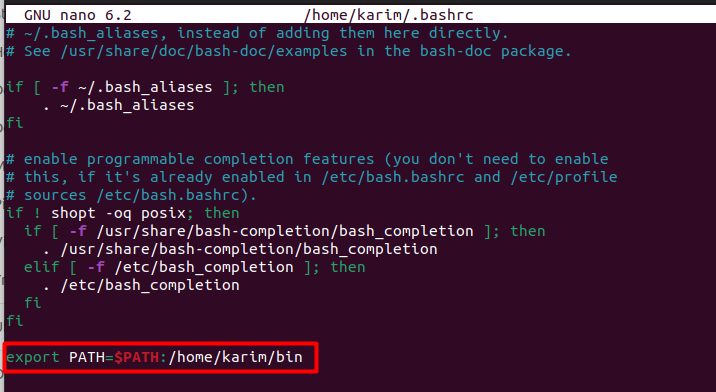
Load the change and start MATLAB:
source ~/.bashrc
echo $PATH
matlab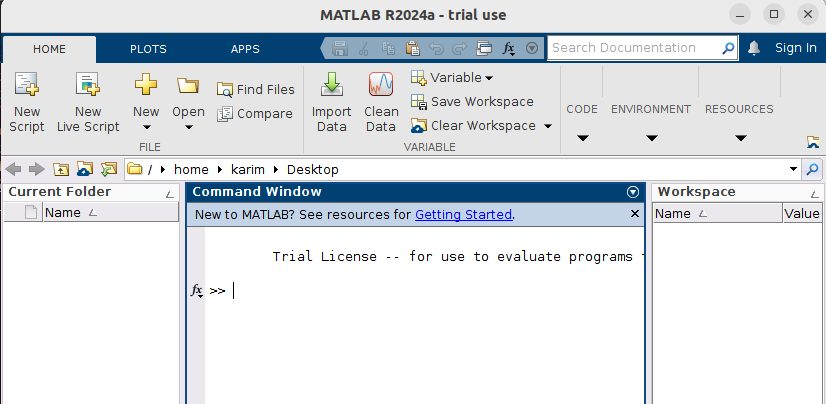
You can also create a link: sudo ln -s /usr/local/MATLAB/R2024a/bin/matlab /usr/local/bin/matlab.
Tips
- MATLAB needs several GB of disk space. A full install can take 30 GB or more.
- Install the libraries it asks for (
libgtk,libasound2) if it fails to start. - Keep your license active.
Quick recap
- Download from MathWorks, unzip and run
./install. - Install to
/usr/local/MATLAB/<release>. - Add the
binfolder to your PATH.