

Why use nvm
Different projects need different Node.js versions. nvm installs many versions side by side in your home folder and lets you switch between them with one command. You do not need sudo.
Step 1: Update the system
sudo apt update && sudo apt upgrade -y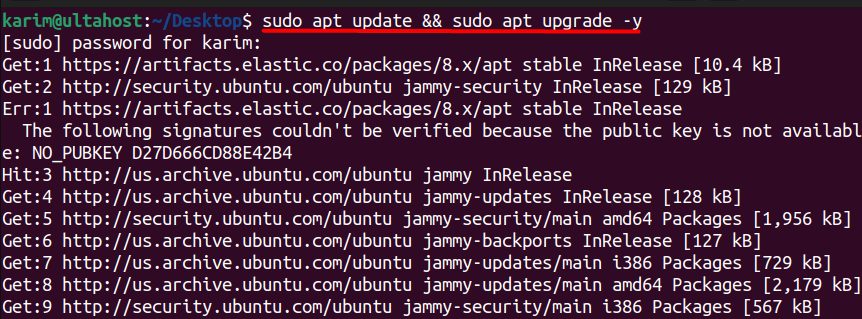
You also need curl: sudo apt install curl.
Step 2: Download and install nvm
curl -o- https://raw.githubusercontent.com/nvm-sh/nvm/v0.40.1/install.sh | bash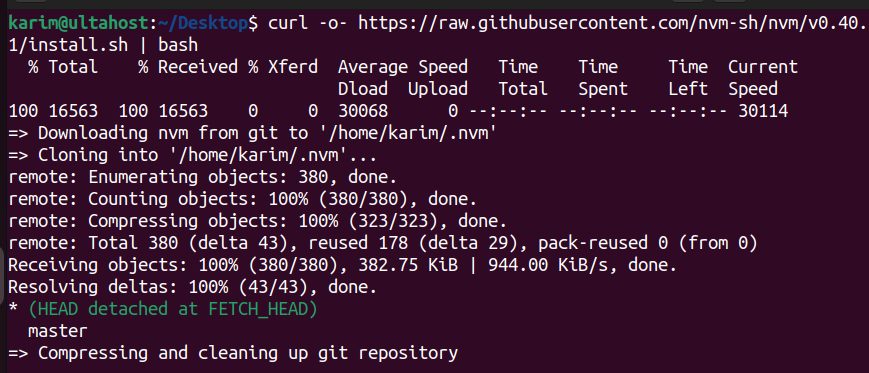
(Check the nvm project page for the newest version number.)
Step 3: Activate nvm
source ~/.bashrc
Step 4: Check nvm
nvm --version
Step 5: Install Node.js versions
See which versions you can install:
nvm list-remote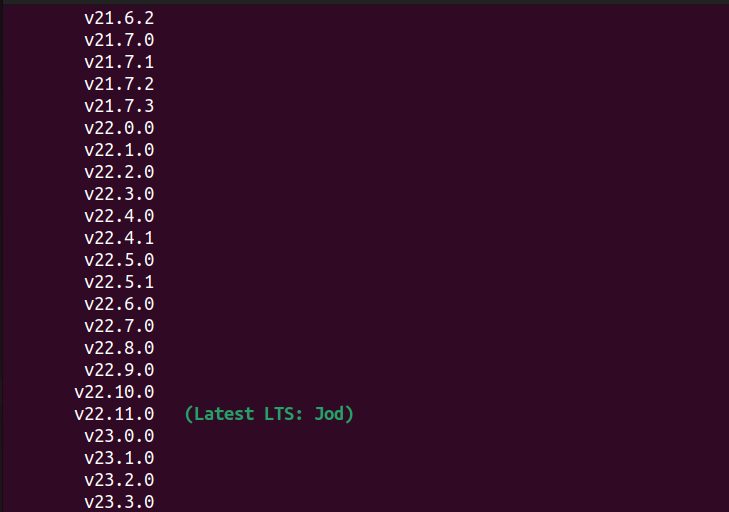
Install the latest LTS version:
nvm install --lts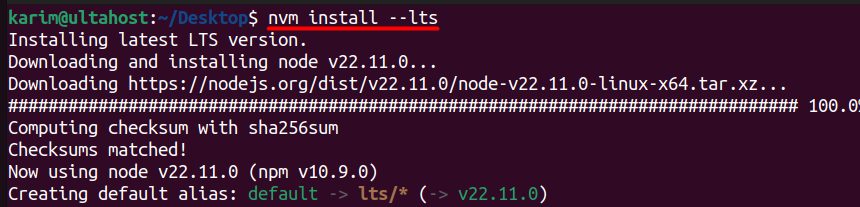
List the installed versions:
nvm list
Install a specific version:
nvm install 23.0.0

Step 6: Switch versions
nvm use 23.0.0
Check the active version with node -v.
Useful commands
| Command | What it does |
|---|---|
nvm use <version> | Switches to a version for this shell |
nvm alias default <version> | Sets the default for new shells |
nvm ls | Lists installed versions |
nvm uninstall <version> | Removes a version |
nvm current | Shows the active version |
For each project you can add a file .nvmrc with the version number, then run nvm use in the folder.
About Node.js
- Event-driven architecture.
- Single-threaded with non-blocking I/O.
- Fast execution thanks to the V8 engine.
- npm, the largest package registry.
- Cross-platform.
- Scalable.
Quick recap
- Install nvm with the script and reload your shell.
nvm install --ltsandnvm install <version>.nvm use <version>switches between them.