

What Vue.js is
Vue.js is a progressive JavaScript framework for building user interfaces. Key features:
- Declarative templates. HTML-like templates show your data.
- Components. You build the interface from reusable pieces.
- Reactive data binding. The page updates when the data changes.
- Directives and computed properties.
- Vue Router for pages and Pinia (or Vuex) for state management.
Why many people choose Vue: it is easy to learn, flexible, fast and has an active community.
Vue CLI is a command-line tool that sets up Vue projects quickly. (For new projects, the Vue team now also recommends npm create vue@latest with Vite. The steps below follow the Vue CLI way.)
Requirements
- An Ubuntu system (the steps work on all current releases, not only 19.04).
- Update the package list:
sudo apt update- Install Node.js and npm:
sudo apt install nodejs npm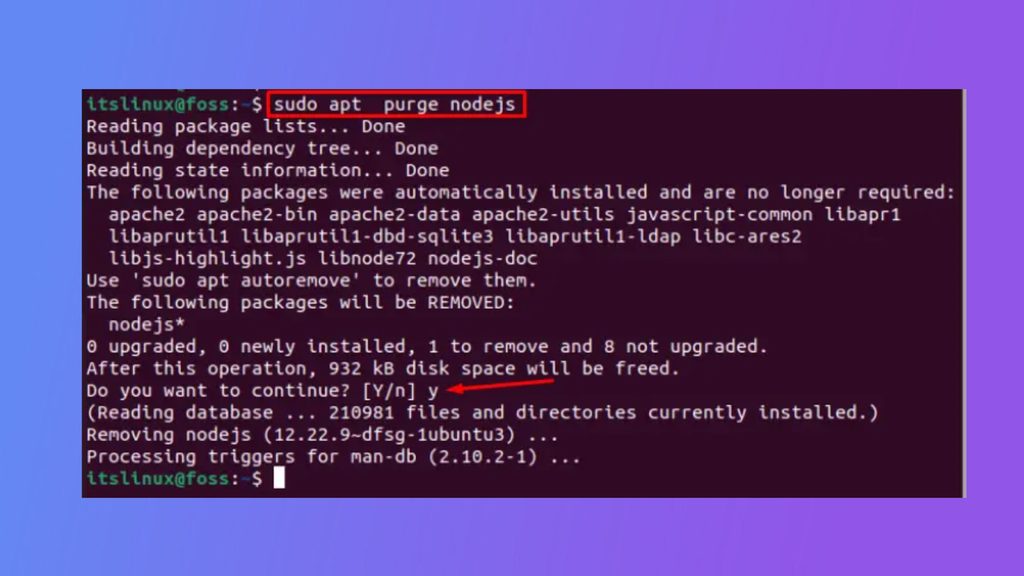
The version in the Ubuntu repository may be old. For a recent version, use NodeSource or nvm.
Install the Vue CLI
Install it globally with npm:
npm install -g @vue/cli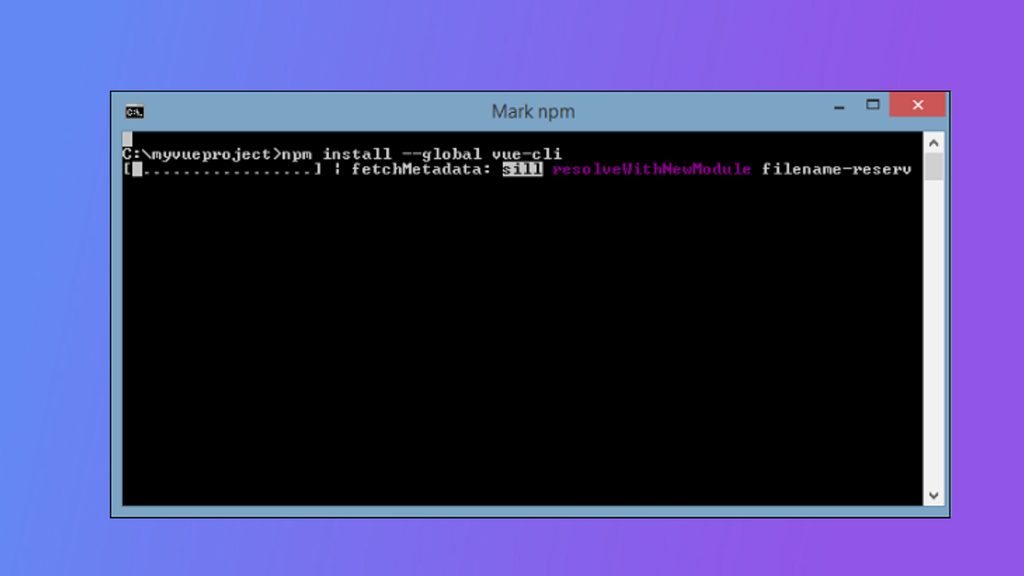
If you get a permission error, set a user folder for global npm packages, or use nvm. Check the version:
vue --versionCreate a project
Replace my-vue-project with the name of your project:
vue create my-vue-project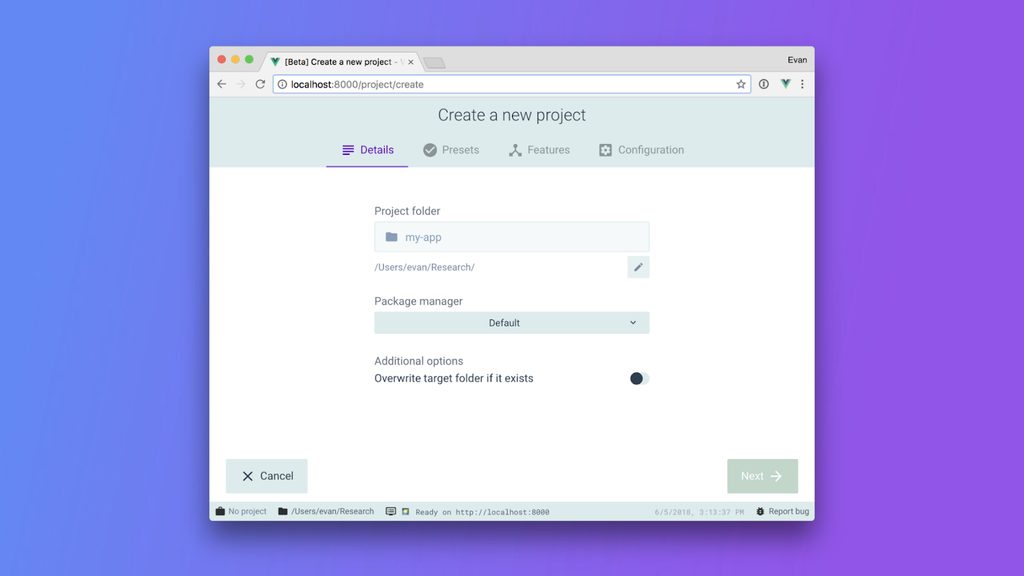
The CLI asks you to choose a preset. Pick the default preset, or choose the features by hand.
Go into the project folder:
cd my-vue-projectRun the development server
npm run serve(In projects made with Vite, the command is npm run dev.)
The server compiles the project. When it is done, the terminal shows the address:
App running at:
  - Local:   http://localhost:8080/
Open that address in your browser. You see the starting page of your Vue app. Stop the server with Ctrl + C.
Build for production
npm run buildThis makes a dist folder with files to upload to your web server.
Quick recap
- Install Node.js and npm, then
npm install -g @vue/cli. - Create a project with
vue createand start it withnpm run serve. - Build with
npm run build.