

Prerequisites
- A recent version of macOS.
- Homebrew, the package manager for macOS. Install it with:
/bin/bash -c "$(curl -fsSL https://raw.githubusercontent.com/Homebrew/install/HEAD/install.sh)"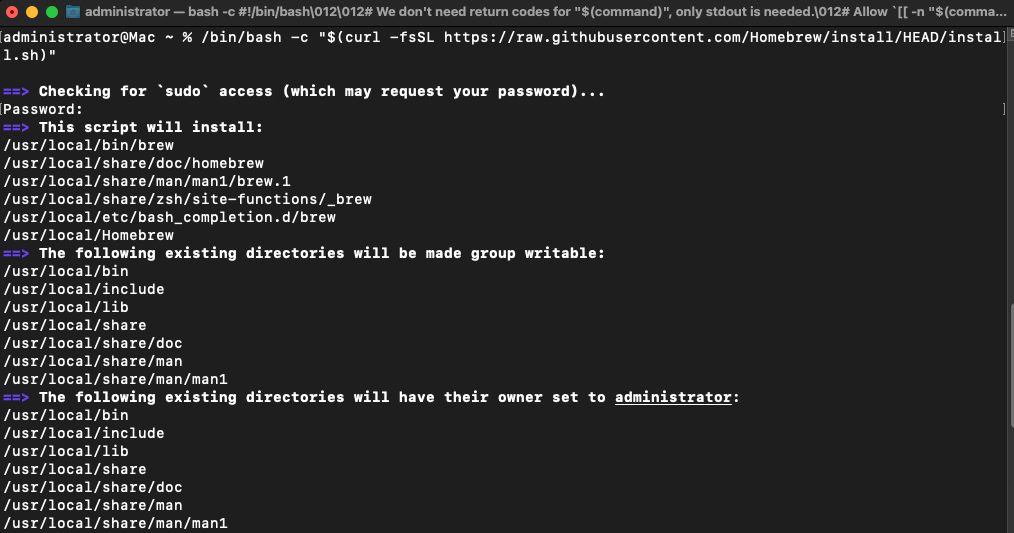
- Node.js. The Homebrew Yarn package installs it as a dependency if it is missing.
Step 1: Update Homebrew
brew update
Step 2: Install Yarn
brew install yarn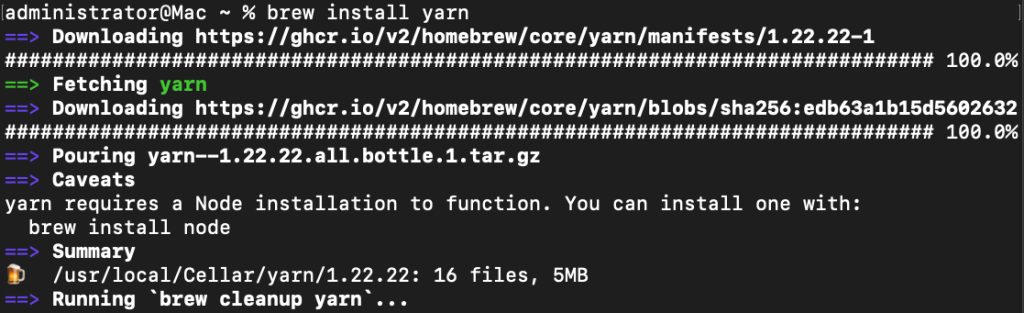
Step 3: Check it
yarn --version
Use Yarn
| Task | Command |
|---|---|
| Start a project | yarn init |
| Add a package | yarn add [package-name] |
| Remove a package | yarn remove [package-name] |
| Update packages | yarn upgrade |
| Run a script | yarn run [script-name] |
Example:
yarn run startBest practices
- Update Yarn regularly with
brew upgrade yarn. - Commit the
yarn.lockfile so all developers use the same versions. - Use one package manager per project; do not mix npm and Yarn.
Quick recap
brew install yarnandyarn --version.