

Vim packages
- vim-tiny is a minimal version, often pre-installed.
- vim is the standard version.
- vim-gtk3 is the GUI version (gVim).
- vim-nox adds scripting support for Python, Perl and Ruby.
- neovim is a modern rewrite of Vim.
Method 1: apt (recommended)
Step 1: Update the package list
sudo apt update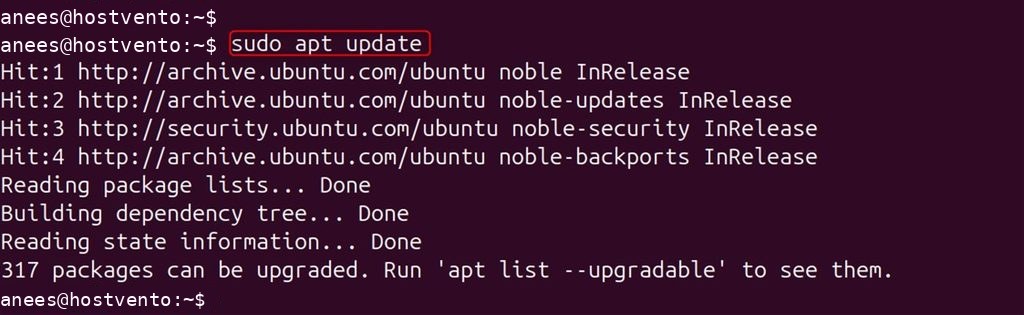
Step 2: Install Vim
Minimal:
sudo apt install vim-tiny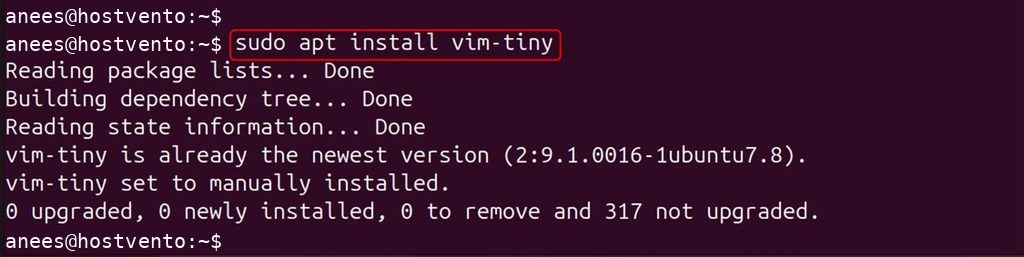
Standard:
sudo apt install vim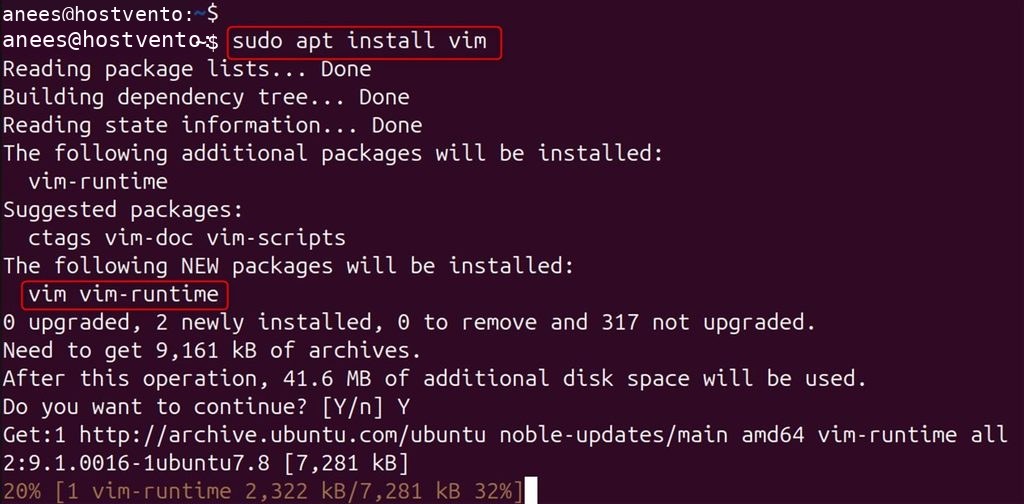
GUI version:
sudo apt install vim-gtk3Step 3: Check it
vim --version
Method 2: Snap
Install snapd if it is missing:
sudo apt install snapd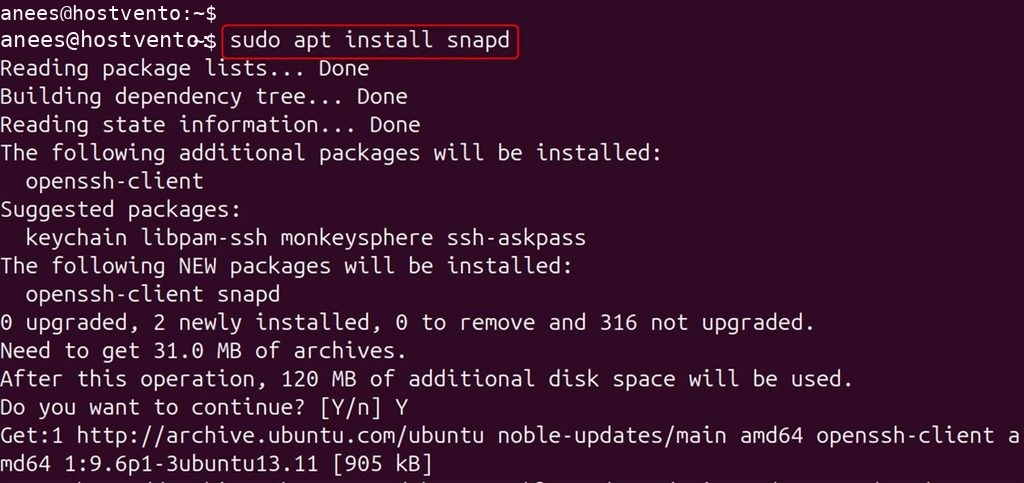
sudo snap install --edge vim-editor
The command is vim-editor:
vim-editor --version
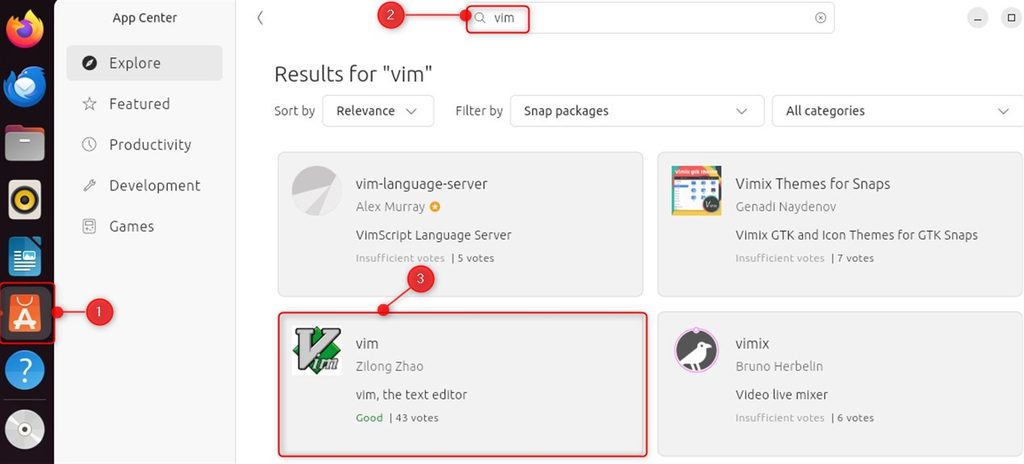
Method 3: Ubuntu Software
Open Ubuntu Software, search for vim and click Install.
Method 4: Build from source
Step 1: Install the build tools
sudo apt update && sudo apt install build-essential libncurses-dev git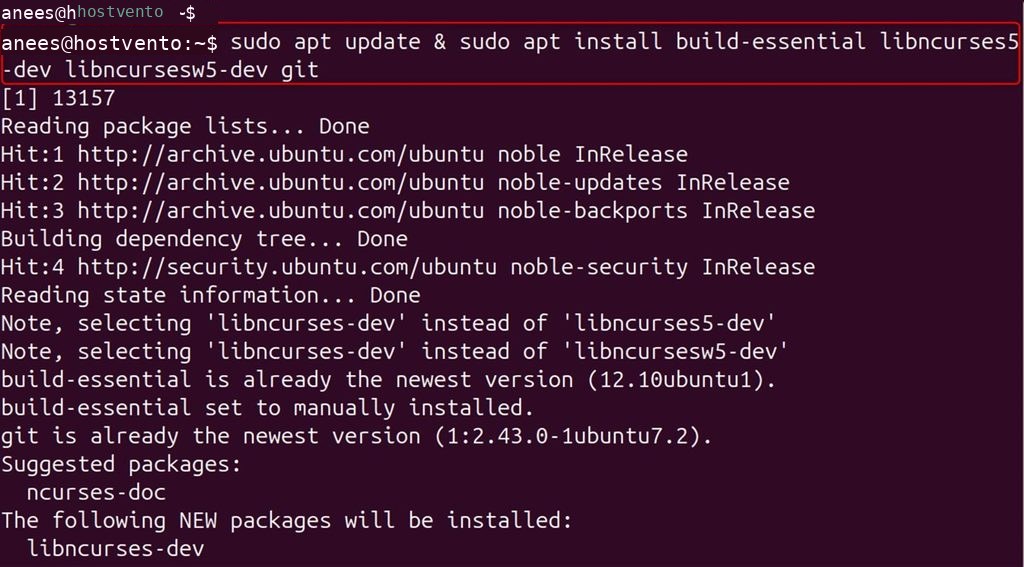
Step 2: Get the source
git clone https://github.com/vim/vim.git
cd vim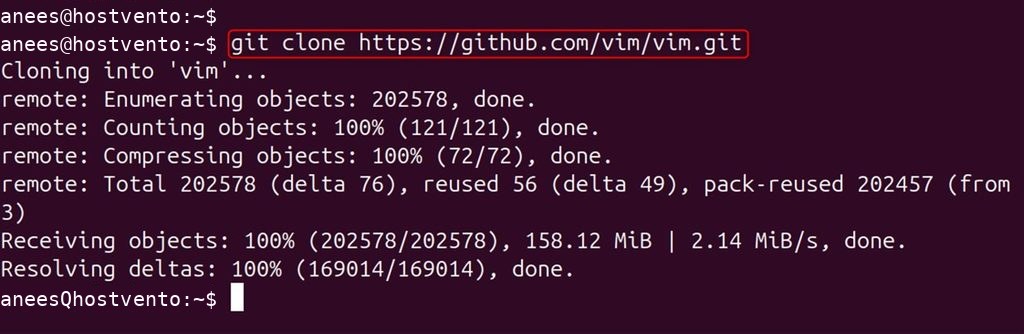
Step 3: Configure and build
./configure --with-features=huge
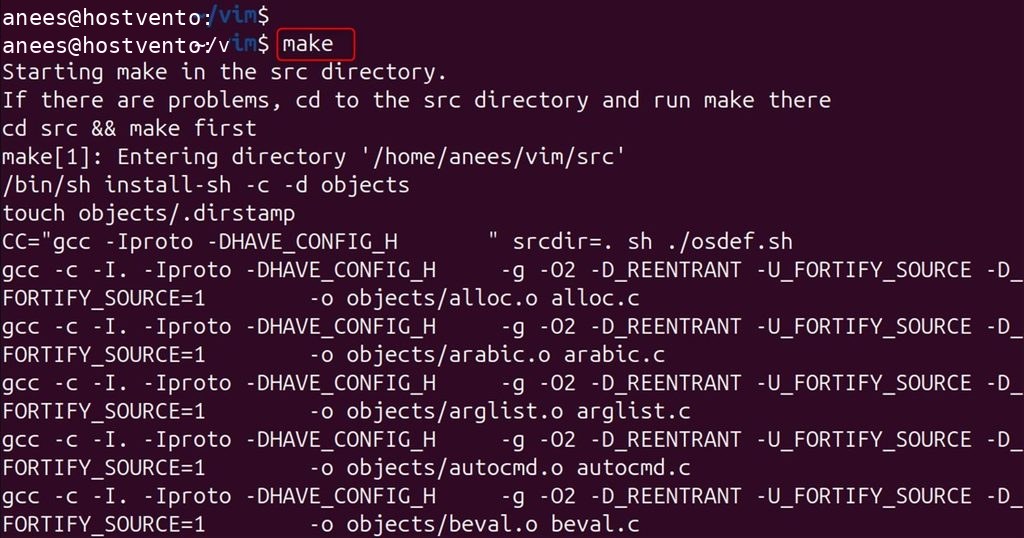
make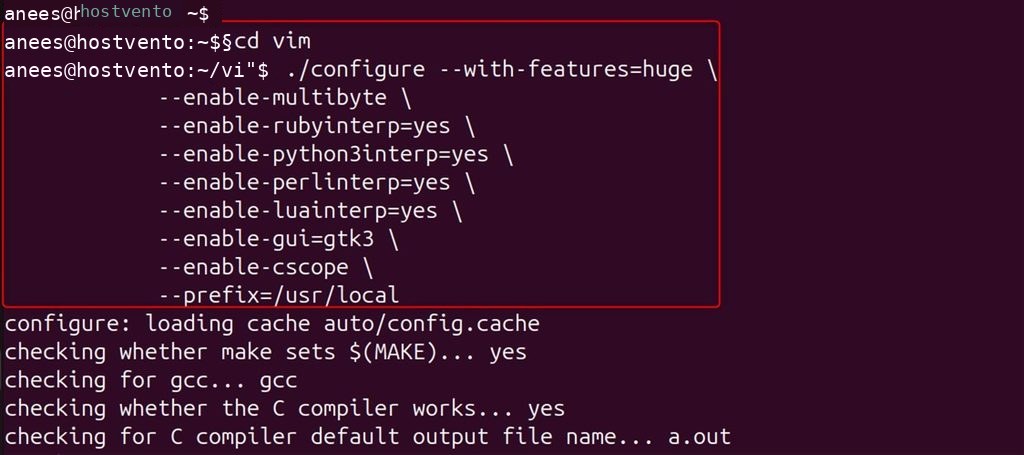
Step 4: Install
sudo make install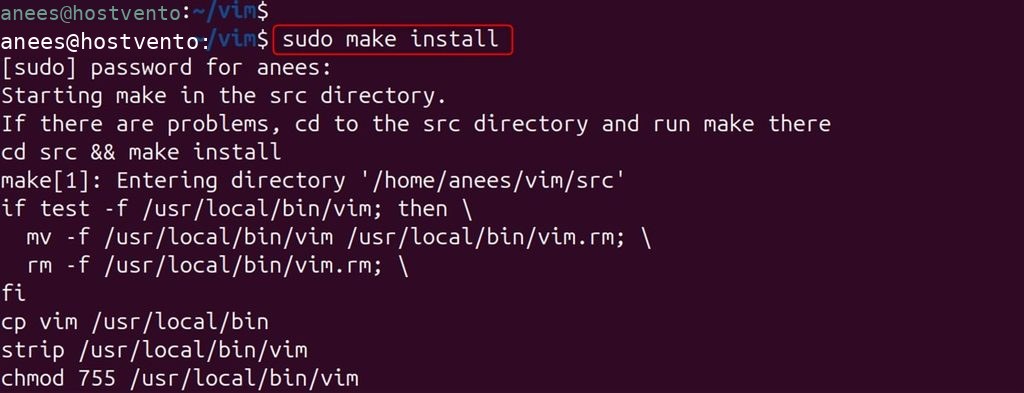
Check it:
/usr/local/bin/vim --version
Open Vim
vim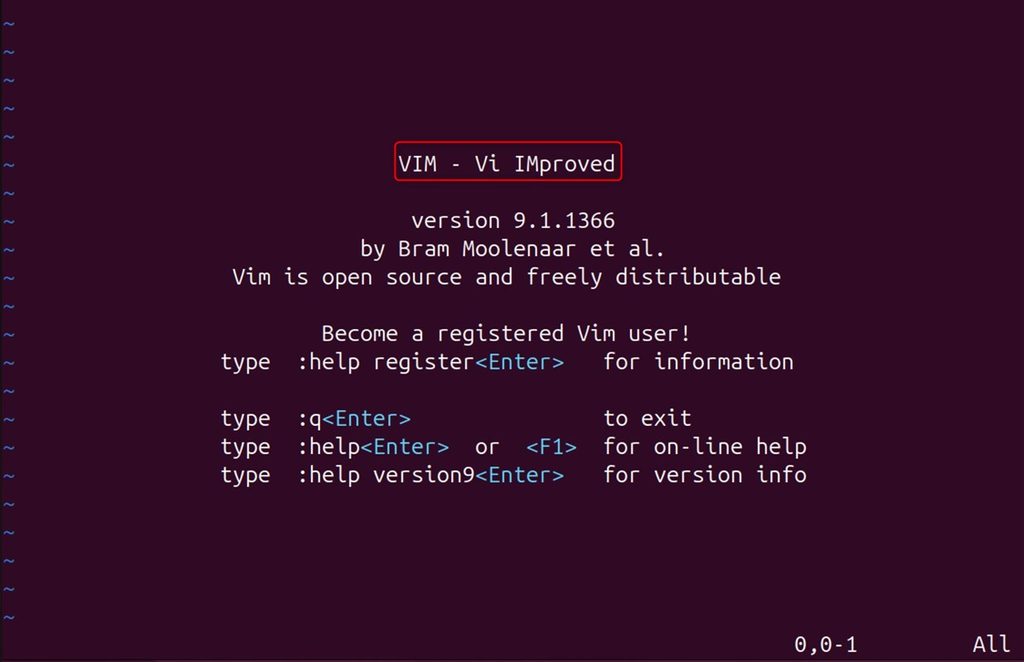
Press i to type, Esc to stop, and type :wq to save and quit, or :q! to quit without saving.
Remove Vim
apt:
sudo apt autoremove vim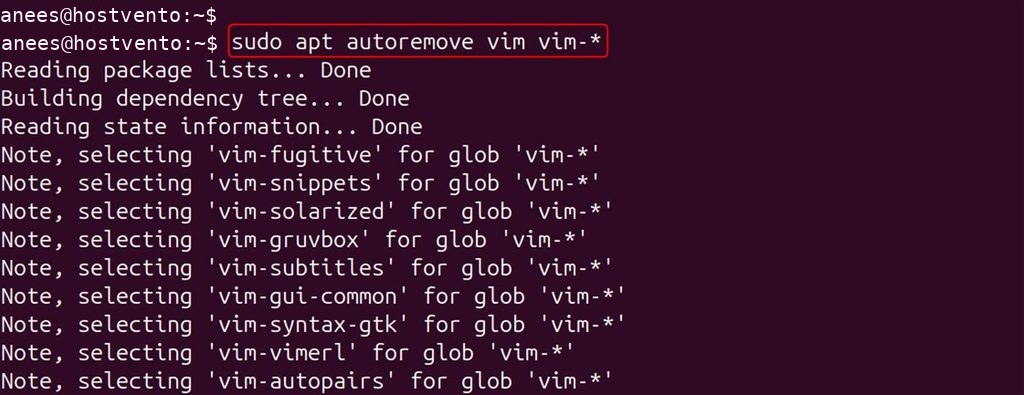
Snap:
sudo snap remove vim-editor
Source build, from the vim folder:
sudo make uninstall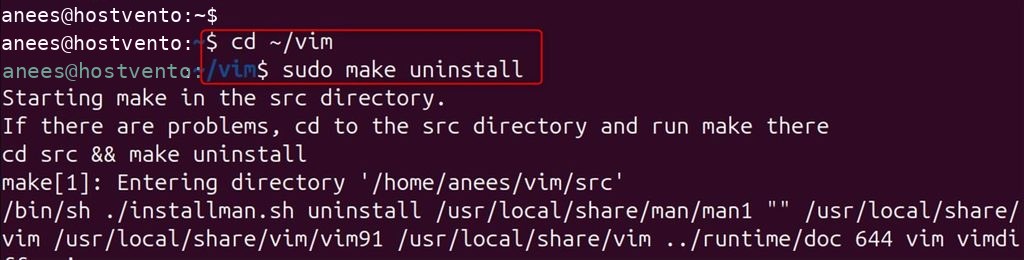
FAQ
Which package is best for programming? vim-nox, because it supports Python, Perl and Ruby.
How do I exit Vim? Press Esc, then type :q! and press Enter to leave without saving.
Quick recap
sudo apt install vimis the easiest way.- Use
vim-noxfor scripting features.