

Step 1: Install Node.js and npm
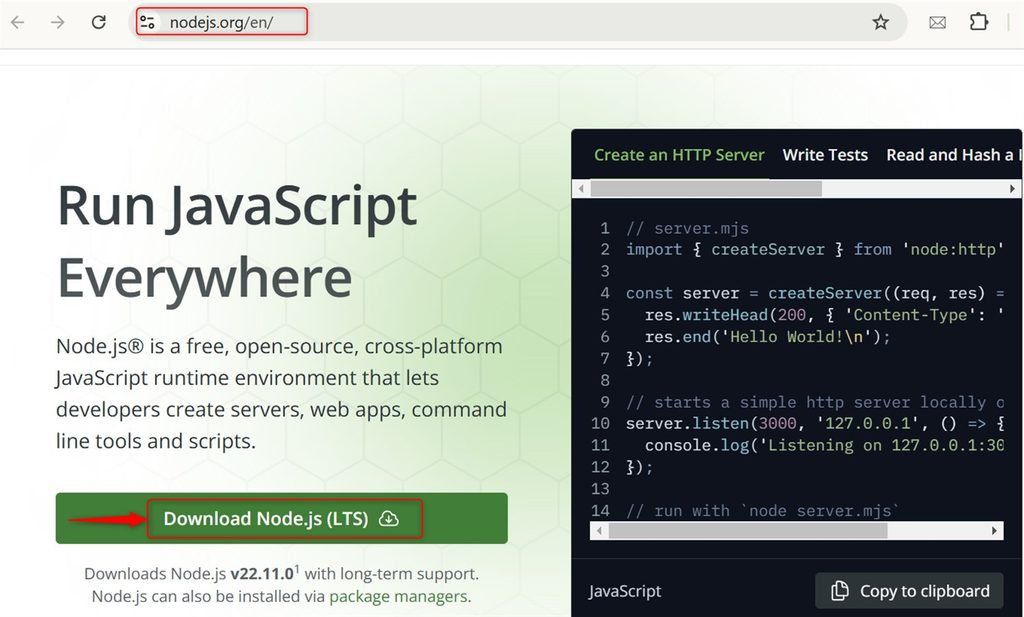
Download Node.js from nodejs.org, or install it with your package manager.
Check both versions:
node -v
npm -v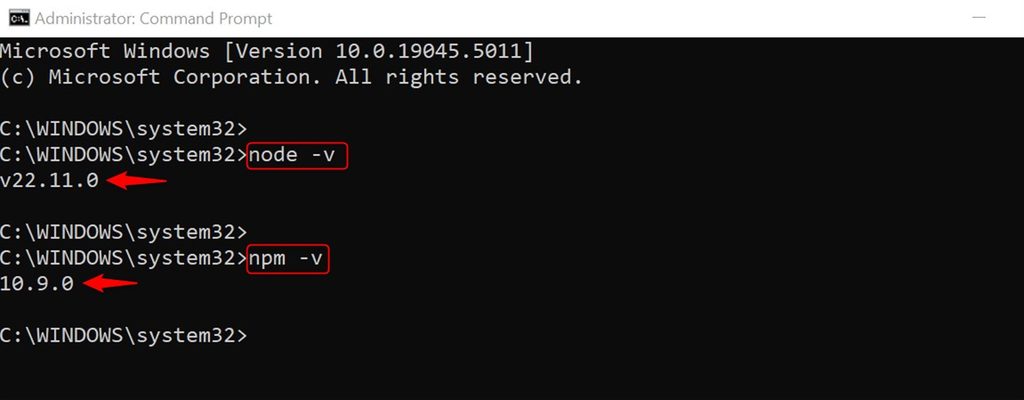
Step 2: Install TypeScript globally
npm install -g typescript
Check it:
tsc --version
Step 3: Install TypeScript in a project
Local installs keep every project on its own version.
mkdir my-project && cd my-project
npm init -y
npm install typescript --save-dev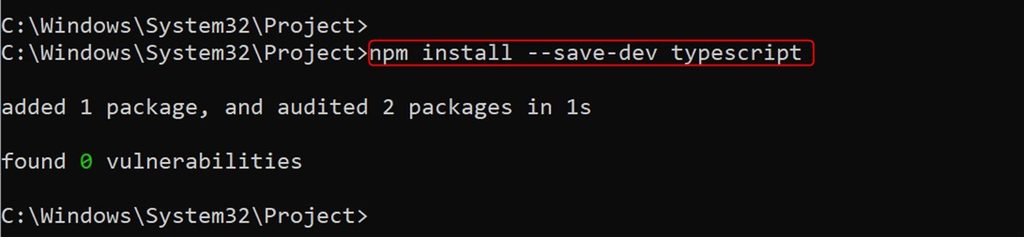
Step 4: Configure TypeScript
npx tsc --init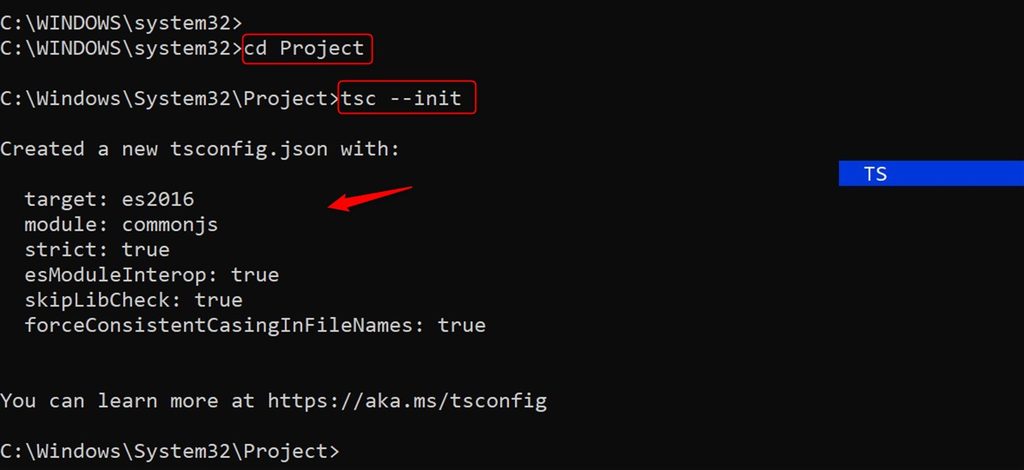
This creates tsconfig.json. Set "outDir": "./dist" and "rootDir": "./src" to keep sources and output apart.
Step 5: Write TypeScript code
Create src/index.ts:
function greet(name: string): string {
  return `Hello, ${name}!`;
}

console.log(greet("World"));
Step 6: Compile
npx tsc
The compiled dist/index.js appears.
Step 7: Run
node dist/index.js
You see Hello, World!.
Quick recap
- Install Node.js, then
npm install typescript --save-dev. - Create
tsconfig.jsonwithnpx tsc --init. - Compile with
npx tsc, run withnode.