

What sleep does
sleep waits for a set time and then ends. It is mostly used in scripts to add delays.
Syntax
sleep NUMBER[SUFFIX]- NUMBER is the length of the pause.
- SUFFIX is the unit:
- s seconds (default) - m minutes - h hours - d days
Show the help:
sleep --help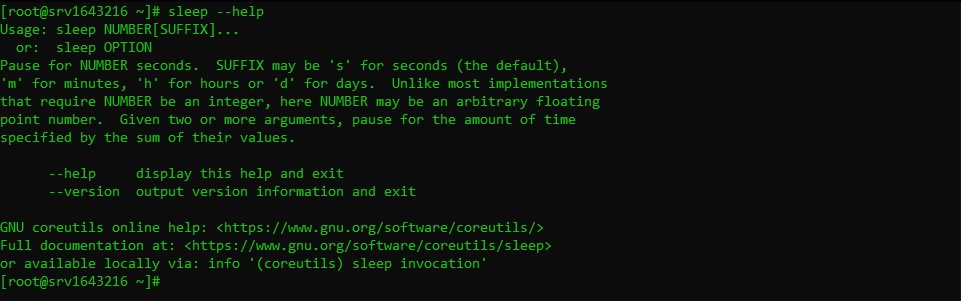
Examples
Wait 5 seconds:
sleep 5
Wait 2 minutes:
sleep 2m
Wait 3 hours:
sleep 3hAdvanced use
Decimal numbers (GNU sleep):
sleep 2.5Several values add up:
sleep 1 2 3This waits 6 seconds.
In a loop:
for i in {1..5}; do
    echo "Iteration $i"
    sleep 2
done
In Bash scripts
Add a delay:
#!/bin/bash
echo "Starting task..."
sleep 10
echo "Task completed."
Repeat a job every hour:
#!/bin/bash
while true; do
    tar czf backup_$(date +%Y%m%d_%H%M).tar.gz /path/to/backup
    sleep 3600
done
For regular jobs, cron or a systemd timer is a better choice than a loop with sleep.
Run it in the background
sleep 60 && echo "Done" &Quick recap
sleep 5waits 5 seconds,sleep 2mwaits 2 minutes.- Use it in scripts to add delays between steps.