

What is ss
ss (socket statistics) shows network sockets: connections, listening ports and the state of each. It is faster than the old netstat and gives more detail. Read the manual with:
man ss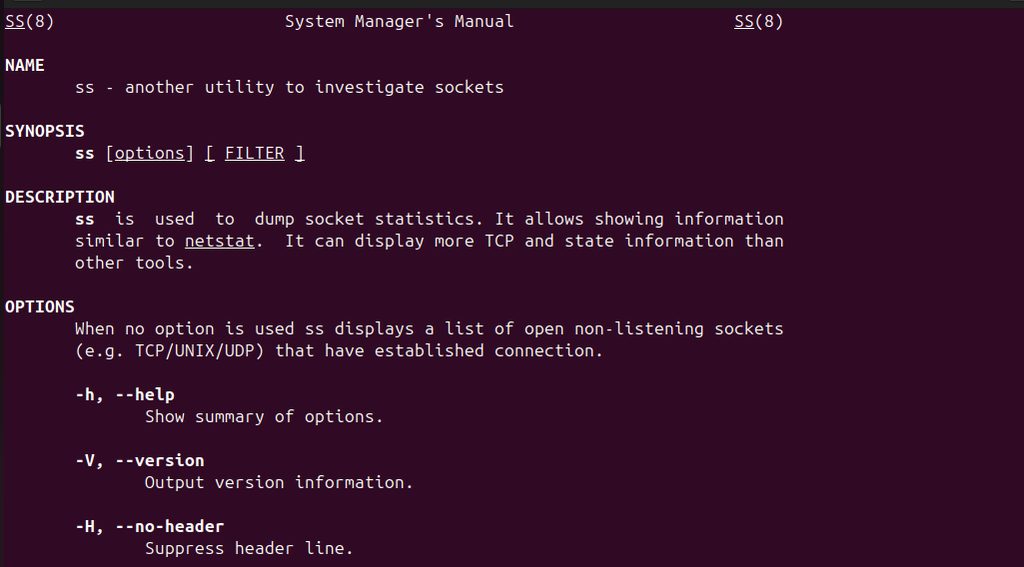
Common options
| Command | What it shows |
|---|---|
ss | Established connections |
ss -a | All sockets, listening and not |
ss -l | Only listening sockets |
ss -t | TCP sockets |
ss -u | UDP sockets |
ss -lt | Listening TCP sockets |
ss -lu | Listening UDP sockets |
ss -p | The process that uses each socket |
ss -n | Numbers, no name lookup (faster) |
ss -s | A summary of statistics |
ss -4 | IPv4 sockets only |
ss -6 | IPv6 sockets only |
Example 1: List connections
ss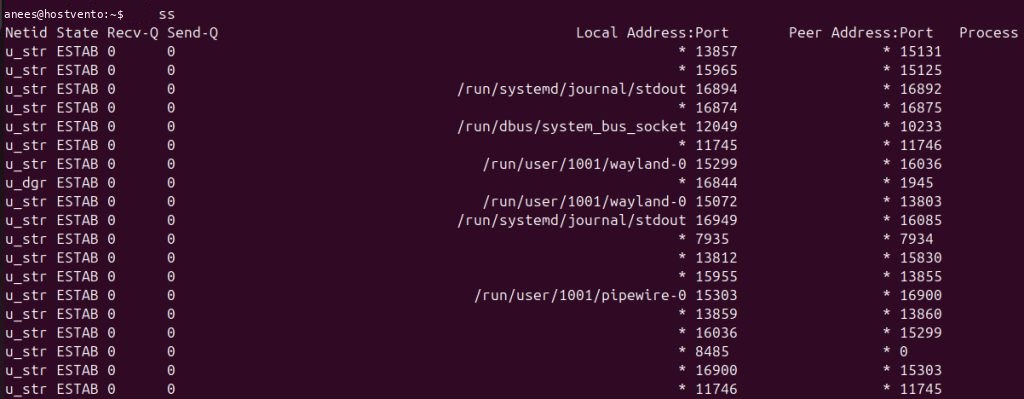
Example 2: List all sockets
ss -a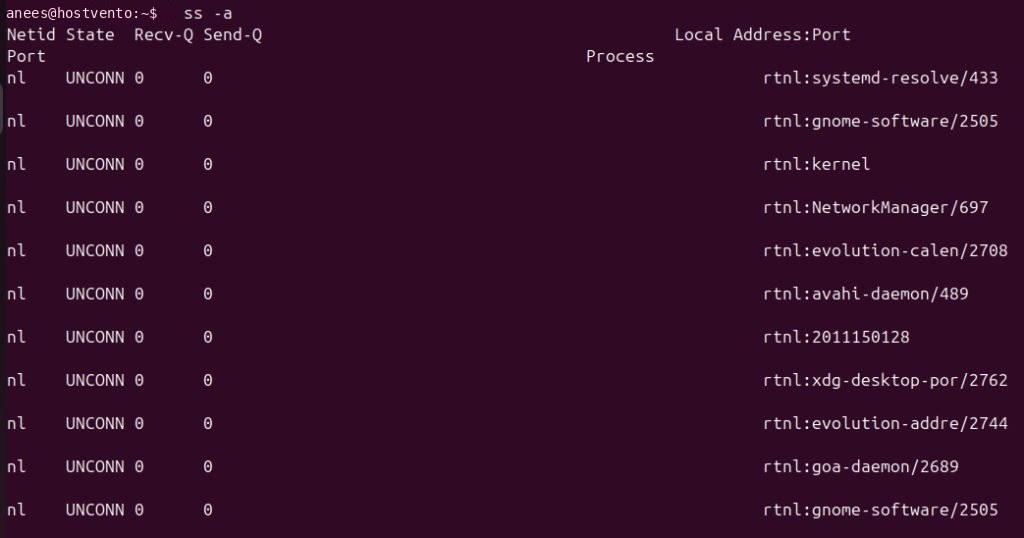
Example 3: List listening sockets
ss -l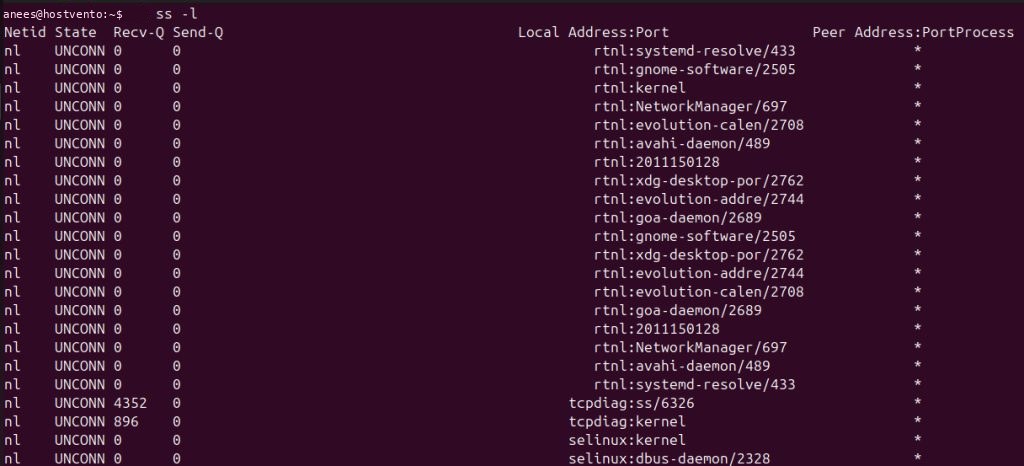
Example 4: IPv4 or IPv6 only
ss -4
ss -6Example 5: Summary
ss -s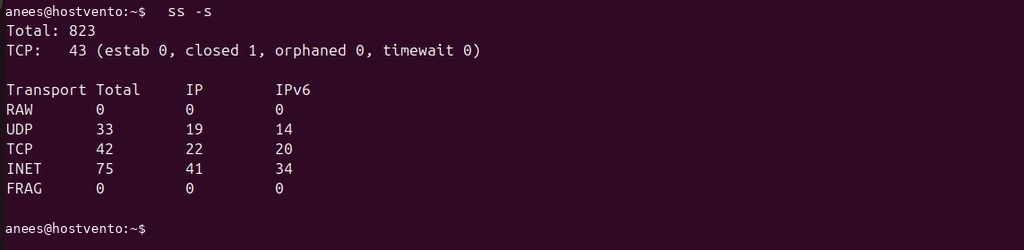
It shows the total number of sockets and counts for TCP, UDP and others.
Practical examples
Find which program listens on which port (needs root to see all):
sudo ss -tulpnCheck who uses port 80:
sudo ss -tlnp | grep :80Show connections to a remote address:
ss -t dst 203.0.113.5Filter by state:
ss -t state establishedCount connections to port 443:
ss -tn sport = :443 | wc -lQuick recap
ss -tulpnis the best command to see listening ports with their programs.ss -sgives a quick summary.