

What which does
which shows the full path of the executable that the shell would run for a command. It searches the folders in your PATH variable in order.
Syntax
which [options] [command]Example:
which ls
Output: /usr/bin/ls
Options
-ashows all the matches found inPATH, not only the first.--versionshows the version ofwhich.--helpshows a summary of the usage.
Version
which --version
Help
which --help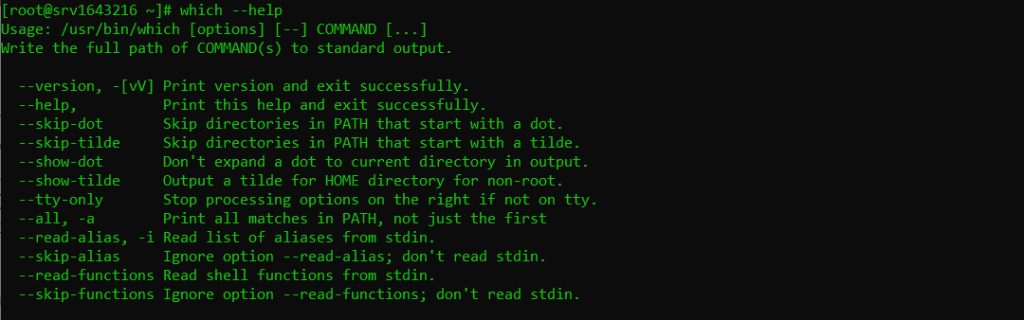
Examples
Find one command
which grep
Check several commands
which ls pwd cd
cd is a shell built-in, so which may not find a file for it. Use type cd to learn what it is.
Show all matches
which -a python3Use it in a script
#!/bin/bash
if which curl > /dev/null; then
    echo "curl is installed"
else
    echo "curl is not installed"
fi
command -v curl is a more portable way to do the same check.
which, whereis and type
whichfinds the executable inPATH.whereisfinds the binary, the source and the manual page.typetells you if a name is an alias, a built-in, a function or a file.
Quick recap
which commandprints the path of the command. Usewhich -ato see all matches.