

What is PrestaShop?
PrestaShop is free software for building an online shop. Version 1.7 is older. Newer versions install in a similar way.
You will use a database. A database is where the shop keeps products, customers and orders. Think of it as a big, tidy notebook.
Before you start
- Your domain must point to your hosting.
- Your hosting needs a PHP version that PrestaShop 1.7 supports. PHP is the language the shop runs on. Ask Hostvento support which version fits.
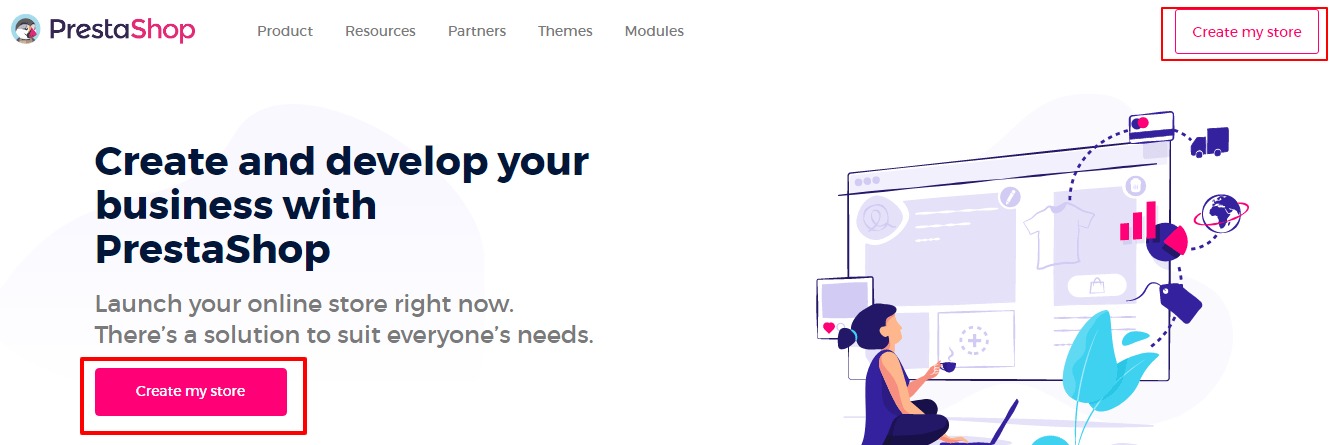
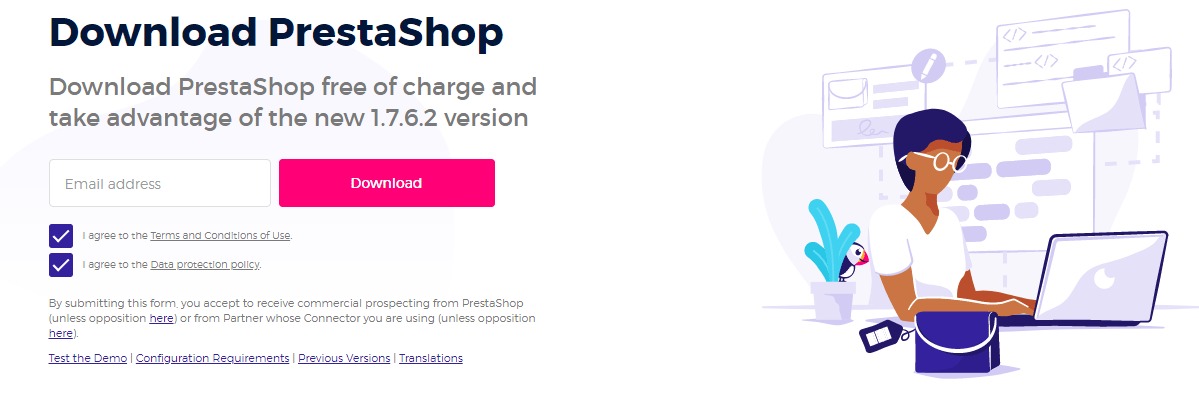
- Download the PrestaShop 1.7 ZIP from the official PrestaShop website.
Steps
- Log in to your control panel.
- Create a new database, a database user and a strong password. In cPanel, use MySQL Databases. Add the user to the database with all privileges.
- Write down the database name, user and password.
- Open File Manager and go to your site folder, often
public_html.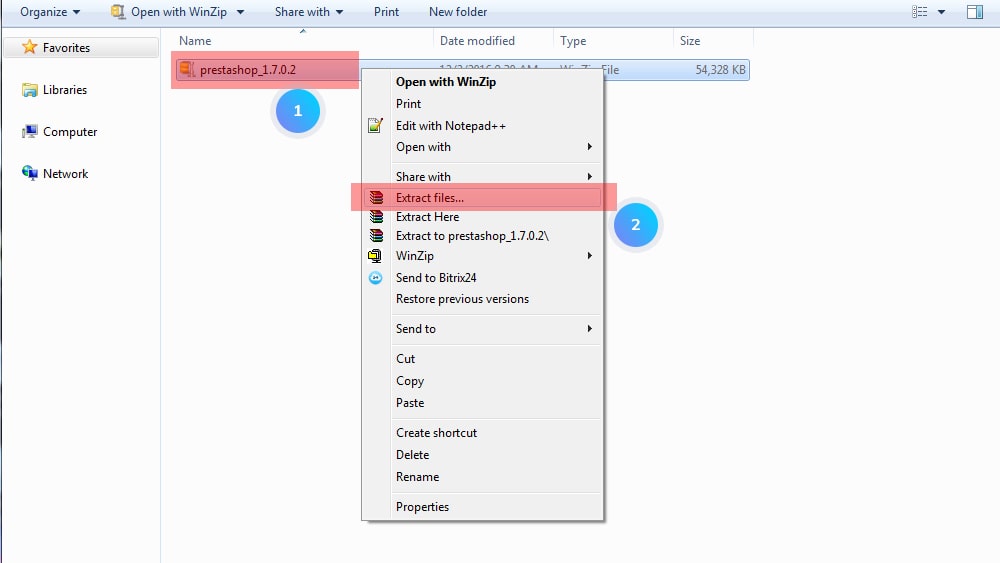
- Click Upload and add the PrestaShop ZIP.
- Right-click the ZIP and choose Extract.
- Inside, you may find a second ZIP named
prestashop.zip. Extract that one too. - Open your domain in a browser. The installer starts.
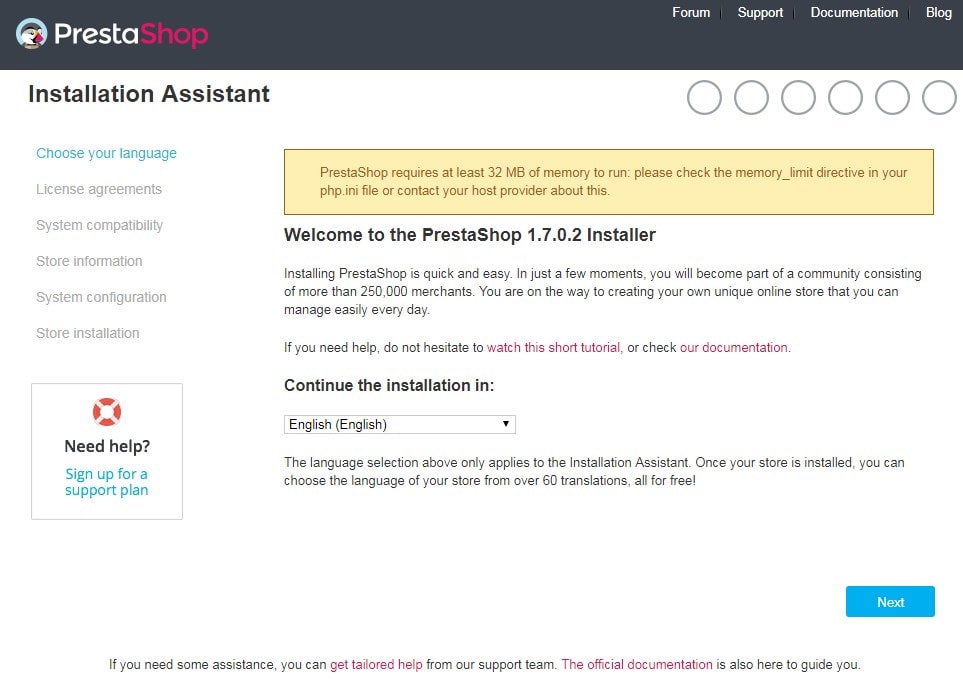
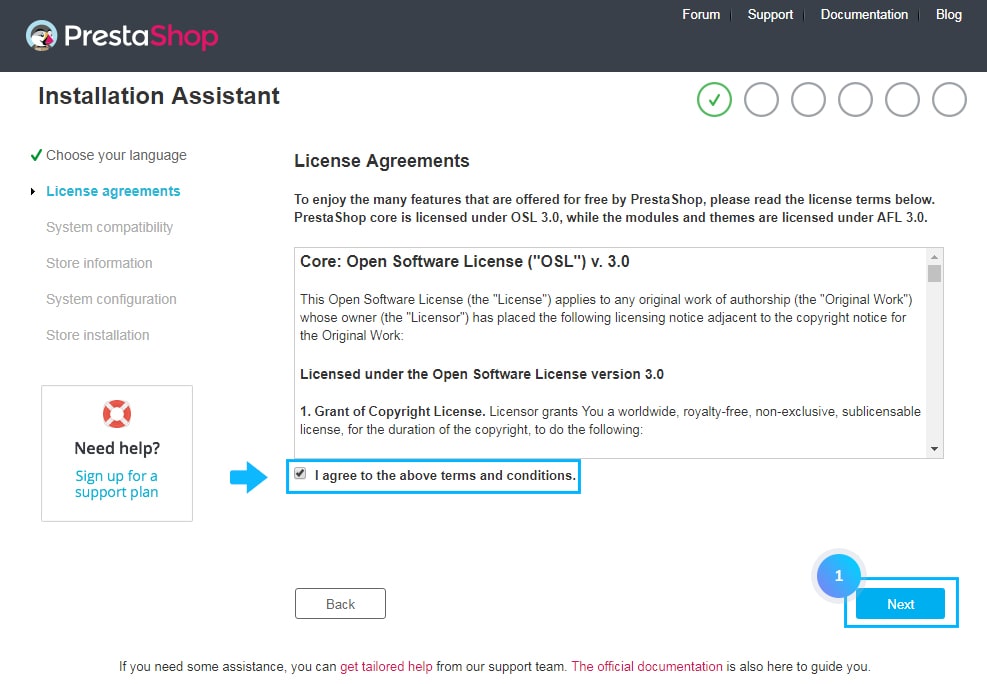
- Pick your language and accept the license.
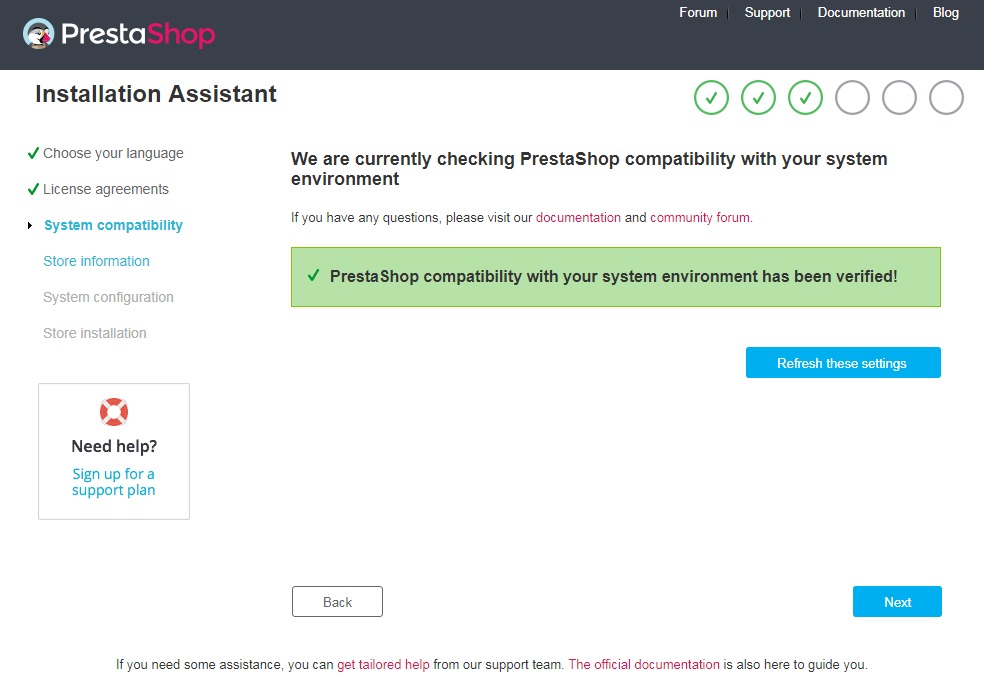
- The installer checks your server. Fix any red items before you go on. Support can help.
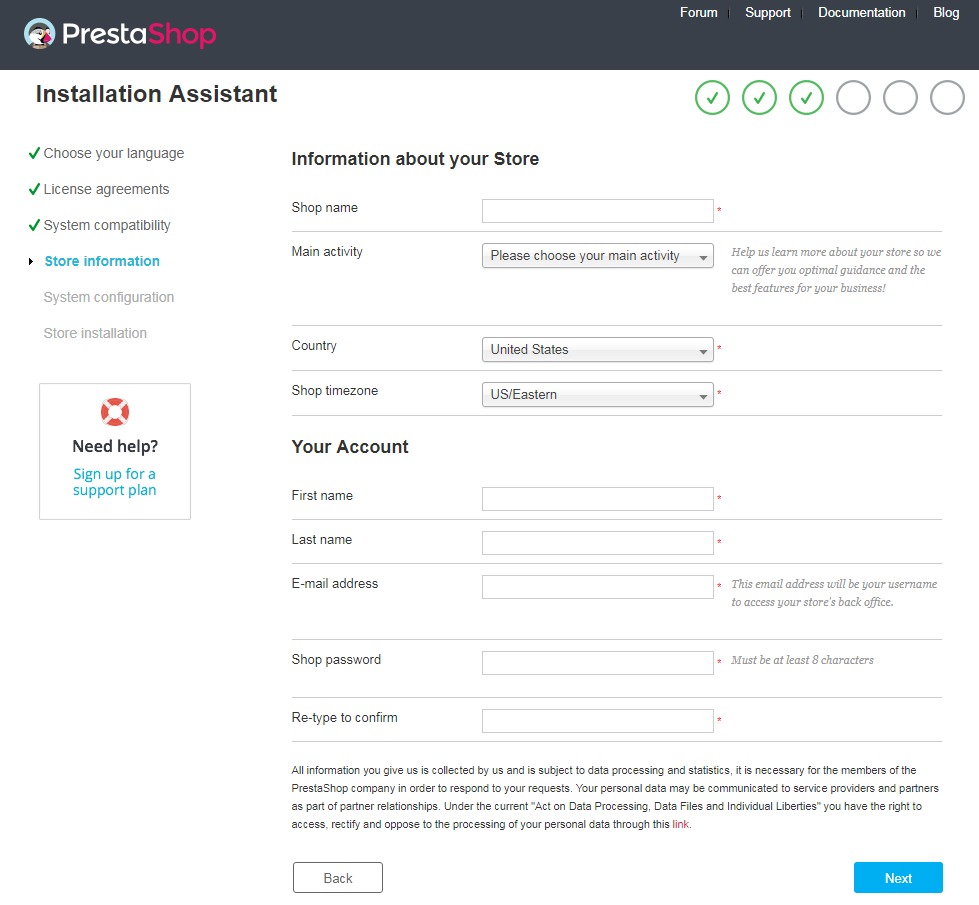
- Enter your shop name, country, and admin name, email and password.
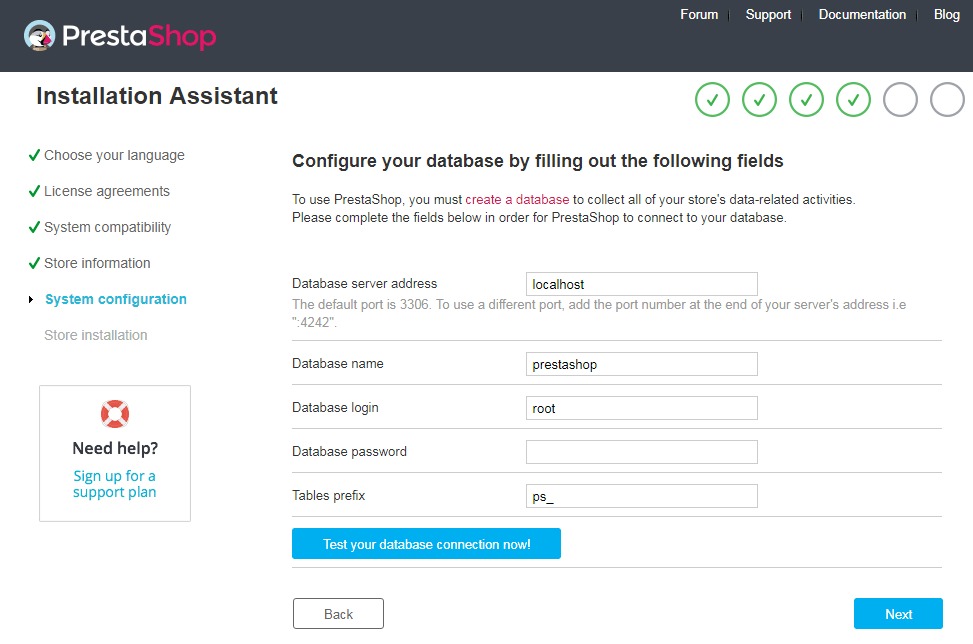
- On the database page, type the database name, user and password. Use
localhostas the database server. - Click Test your database connection now. Continue when it says it works.
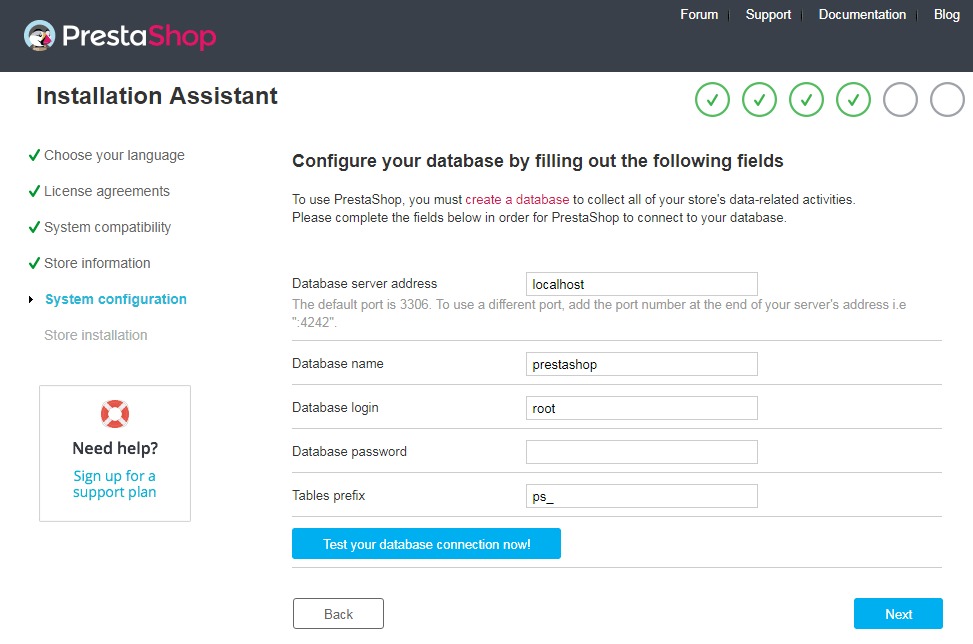
- Wait for the install to finish.
Warning: If your folder already holds a live site, back it up first. Extracting can overwrite files.
After the install
- Delete the
installfolder in File Manager. PrestaShop will not let you log in until you do. - Rename the
adminfolder if you like. It has a random name already. Save it. - Log in using the admin address and your email and password.
Tip: Write down your admin folder name. If you lose it, you cannot find your login page.
Quick recap
- Create a database and user first.
- Upload and extract the PrestaShop ZIP.
- Open your domain and follow the installer.
- Delete the
installfolder at the end. - Need help? Open a support ticket.