

What is a script?
A script (or app) is a ready-made program that runs your website. You do not have to write code. Softaculous is a tool in cPanel that installs these apps for you. cPanel is the control panel where you manage your hosting. With so many choices, a beginner can feel lost. Start by asking what you want to build.
Step 1: Decide what your site is for
Match your goal to an app type. These are popular examples.
| Your goal | App type | Examples |
|---|---|---|
| Blog or small business site | Blogs and CMS | WordPress, Joomla |
| Online shop | E-commerce | WooCommerce (needs WordPress), PrestaShop, OpenCart |
| Discussion forum | Forums | phpBB, SMF |
| Photo gallery | Image galleries | Piwigo |
| Wiki or help pages | Wikis | MediaWiki, DokuWiki |
| Online course | Education | Moodle |
A CMS is a content management system. It lets you add and edit pages from a dashboard, with no coding.
Step 2: Compare the choices
- Open Softaculous Apps Installer in cPanel.
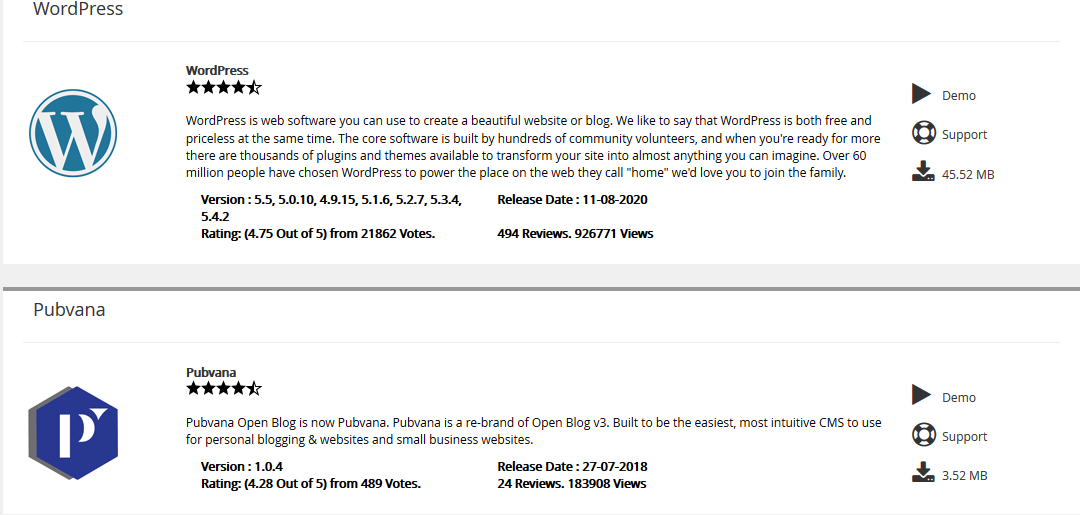
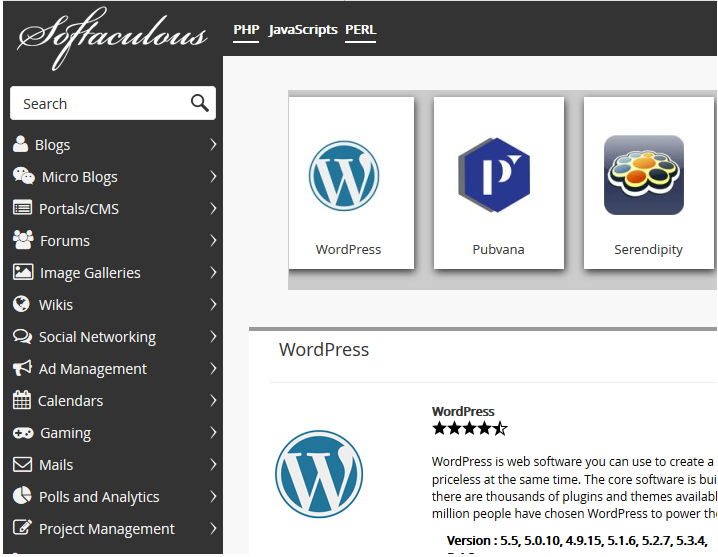
- Pick a category on the left.
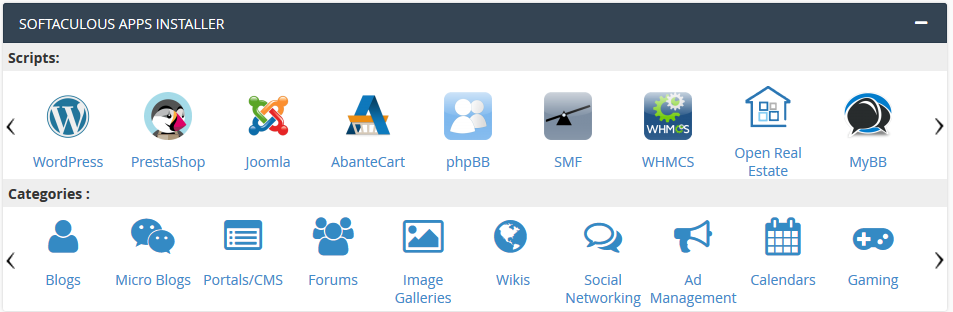
- Click an app name to open its page.
- Read the Overview and Features tabs.
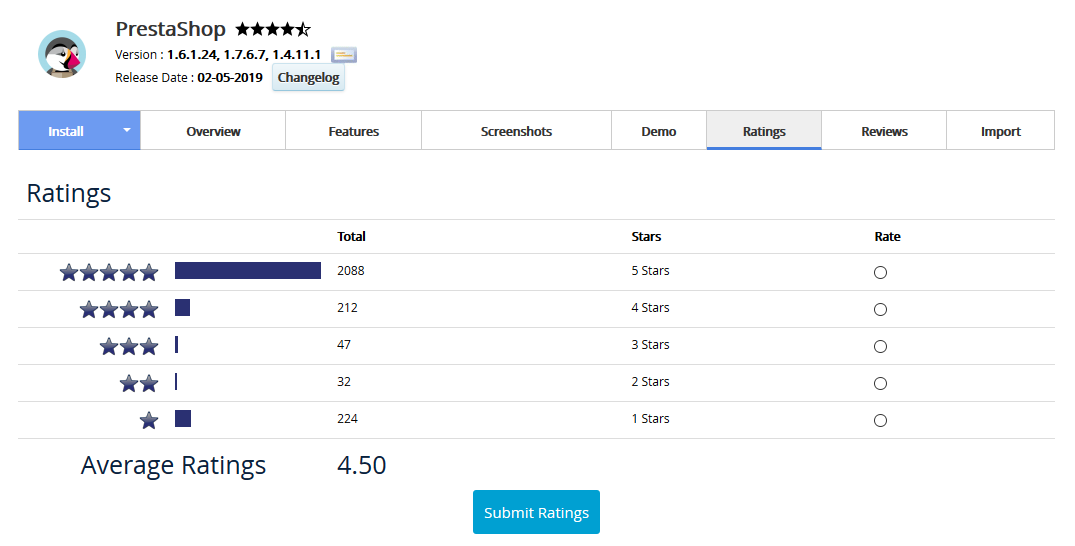
- Read the Ratings and Reviews tabs to learn what other users think.
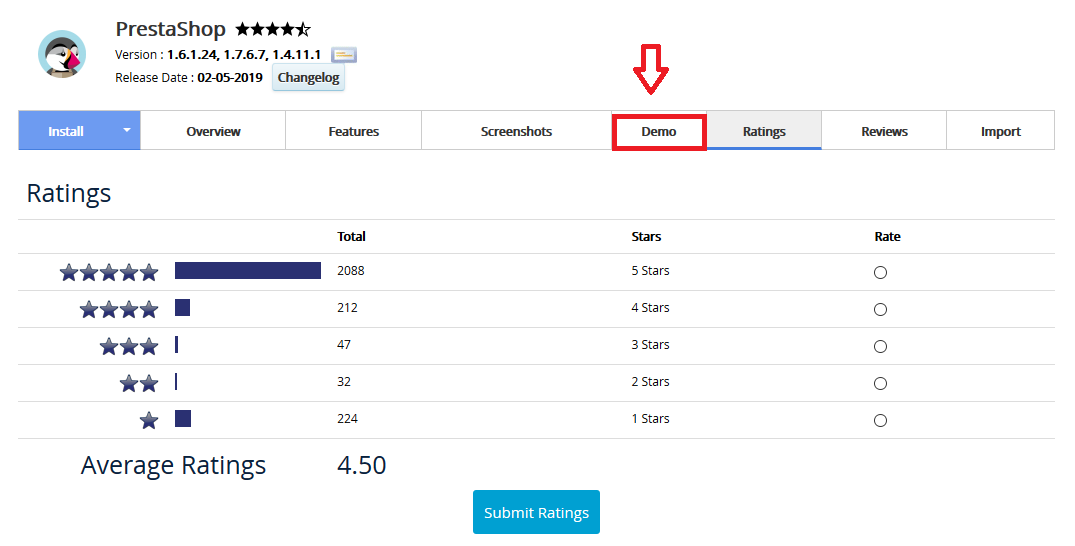
- Try the Demo tab to see the app live before you install.
Step 3: Think about these points
- Ease of use. Beginners often prefer apps with simple dashboards and lots of guides online.
- Help from others. Popular apps have big communities, so answers to your questions are easy to find.
- Add-ons. Check if there are themes (looks) and plugins (extra features) you need.
- Updates. Pick an app that gets regular updates to stay safe.
- Room to grow. Think about what you might want in a year.
- Your plan limits. Big apps use more space and power. Ask Hostvento support what your plan supports.
Step 4: Install and try
Click the Install tab and fill in the form. If you do not like the app, you can remove it from All Installations and try another. Take a backup first if you added content you want to keep.
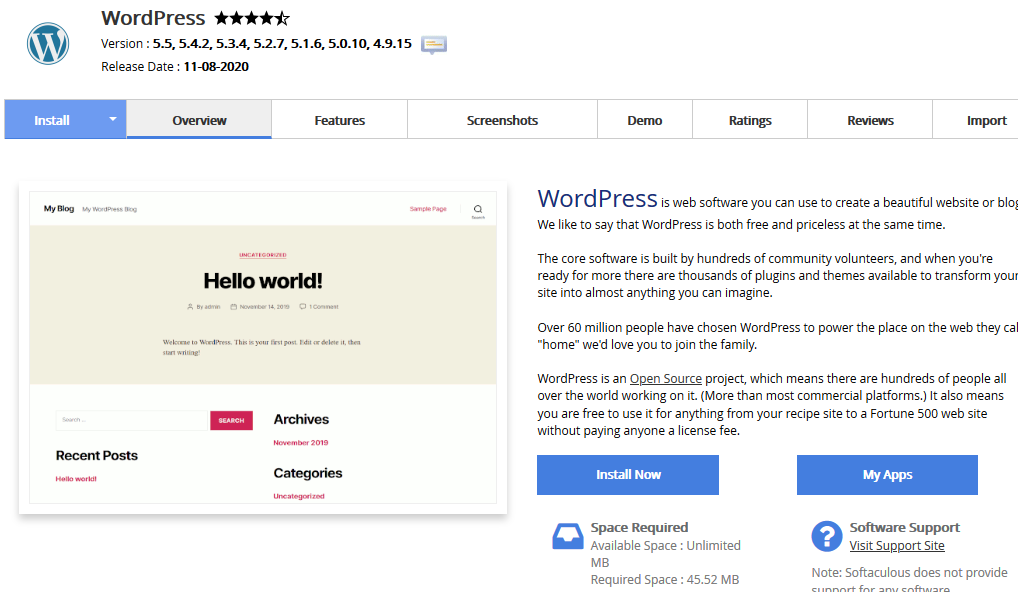
Tip: If you are unsure, WordPress is a safe first choice for most small sites. It is easy to learn and has many guides.
Quick recap
- Decide what you want to build first.
- Choose a matching category in Softaculous.
- Read reviews and try the demo.
- Pick an app that is easy and well supported.