

A server rarely fails without warning. CPU use climbs, memory fills, swap starts working hard and pages get slow. Real-time monitoring helps you act before the server collapses. Linux has simple built-in tools for it, so you need no big dashboards to start.
What is Linux server monitoring
It means watching these things as they happen:
- Processor activity.
- Memory use.
- Process behavior.
- Disk input and output.
- Network load.
top
top shows a live view of:
- Tasks.
- CPU usage.
- RAM usage.
- Swap use.
- Load average.
htop
htop shows the same data in a clearer layout, with a bar for each CPU core. It is easy to see when one core is overloaded and the others are idle, a sign of a single-threaded app. Install it with sudo apt install htop.
vmstat
vmstat 2 prints a line every 2 seconds. It shows whether the system is waiting on input and output, or the CPU is busy. It helps you tell a CPU problem from a disk problem.
CPU usage
In top the CPU line shows:
- us user space (your applications).
- sy system (the kernel).
- id idle time.
- wa wait time (waiting for disk or network).
High us means the apps are busy. High sy means the kernel is doing a lot of work. High wa means the CPU waits for disk or network, which is not a processor problem.
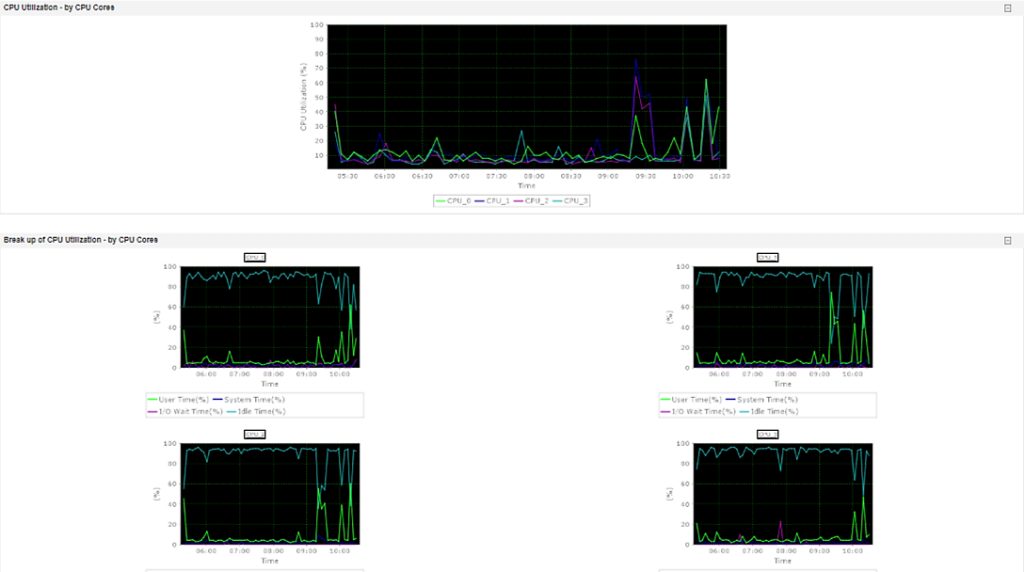
uptime gives a quick snapshot with the load average.
mpstat -P ALL 2 (from the sysstat package) breaks CPU use down per core.
RAM usage
High memory use is not always a problem. Linux uses free memory for caching, so unused memory is wasted memory.
free -hThe output shows total, used, free, buffers/cache and available memory. Watch the available column and the swap use. A problem exists if memory keeps growing and never goes down after peak hours, or if swap use rises.
Load average
Load average shows how many tasks run or wait for the CPU. It measures demand, not a percentage. Check it with uptime or top. You see three numbers:
- The last 1 minute.
- The last 5 minutes.
- The last 15 minutes.
If the first number is much higher than the others, you have a recent spike. If all three are high, the load is sustained.
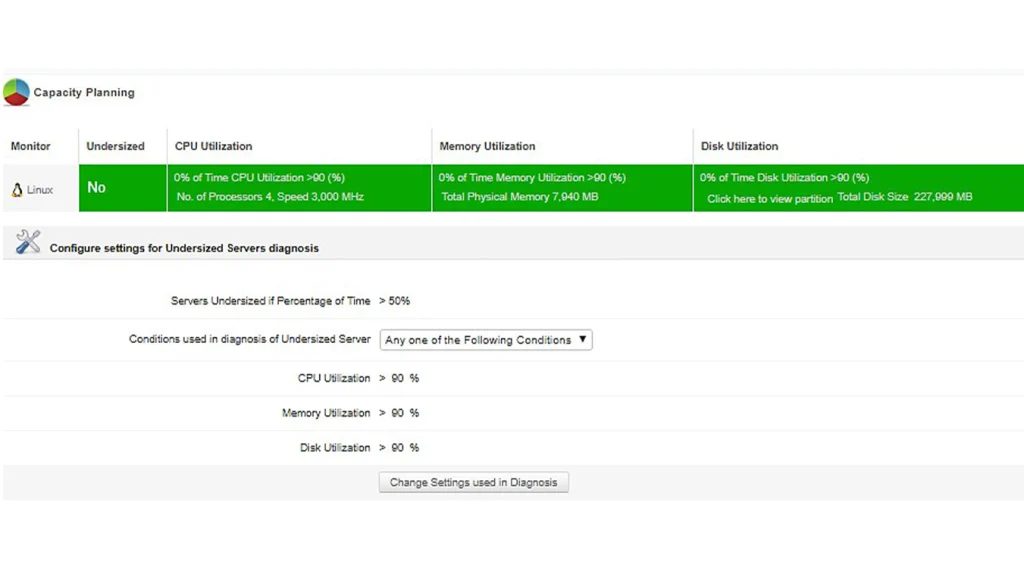
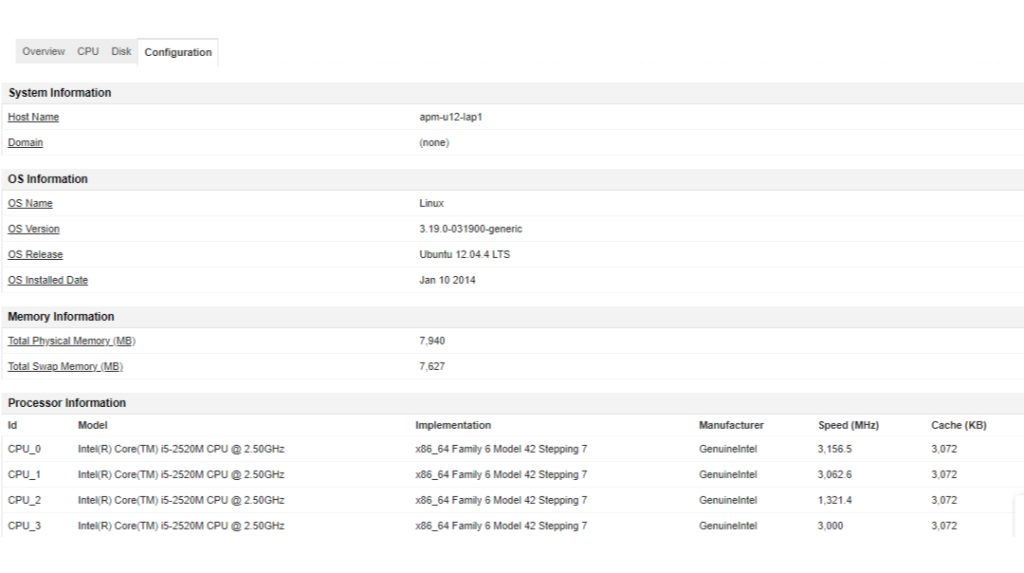
Compare the number with the count of CPU cores (nproc). A load of 4 on a 4-core server means full use. A load of 6 on 8 cores is fine, but the same on 2 cores means strain.
A high load with low CPU use often means processes wait for the disk. Check it with iostat -x 2.
System performance
Performance is the balance of CPU, memory, disk and network.
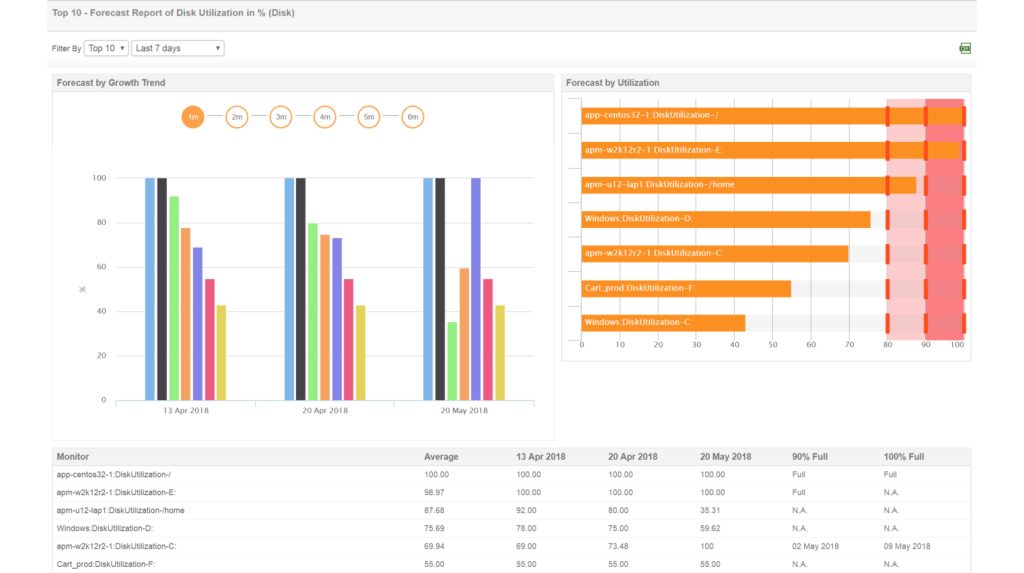
sar(fromsysstat) collects and shows history, so you can compare today with yesterday.atoprecords everything and helps you link events: a traffic spike raises CPU, then load, then memory pressure.
FAQ
What is Linux server monitoring? Tracking health values like CPU, memory and load to prevent downtime.
What is a good load average? It depends on the cores. A load equal to the core count means full use. Higher means strain.
Is high RAM use always bad? No. Problems start when swap use rises and available memory drops.
Which command is best for CPU? top, htop and mpstat.
How often should I check? Use continuous monitoring with alerts, plus manual checks in routine maintenance.
Quick recap
- Use
toporhtopfor a live view,free -hfor memory anduptimefor load. - Compare load with the number of CPU cores.