

What does this mean?
Bandwidth is the amount of data your site sends to visitors. Every hosting account has a limit. WHM is the Web Host Manager, the control panel for the server owner. It can suspend an account when it goes over its limit. Suspend means to switch it off for a while. The site then shows a suspended page.
This guide is only for people who run WHM. If you have a normal hosting account, you cannot do this yourself. Open a support ticket instead.
Before you start
If you simply unsuspend, the account may go over the limit again soon. Decide whether to raise the limit or find out why the traffic is high.
Steps to unsuspend
- Log in to WHM as root or as a reseller with the right rights.
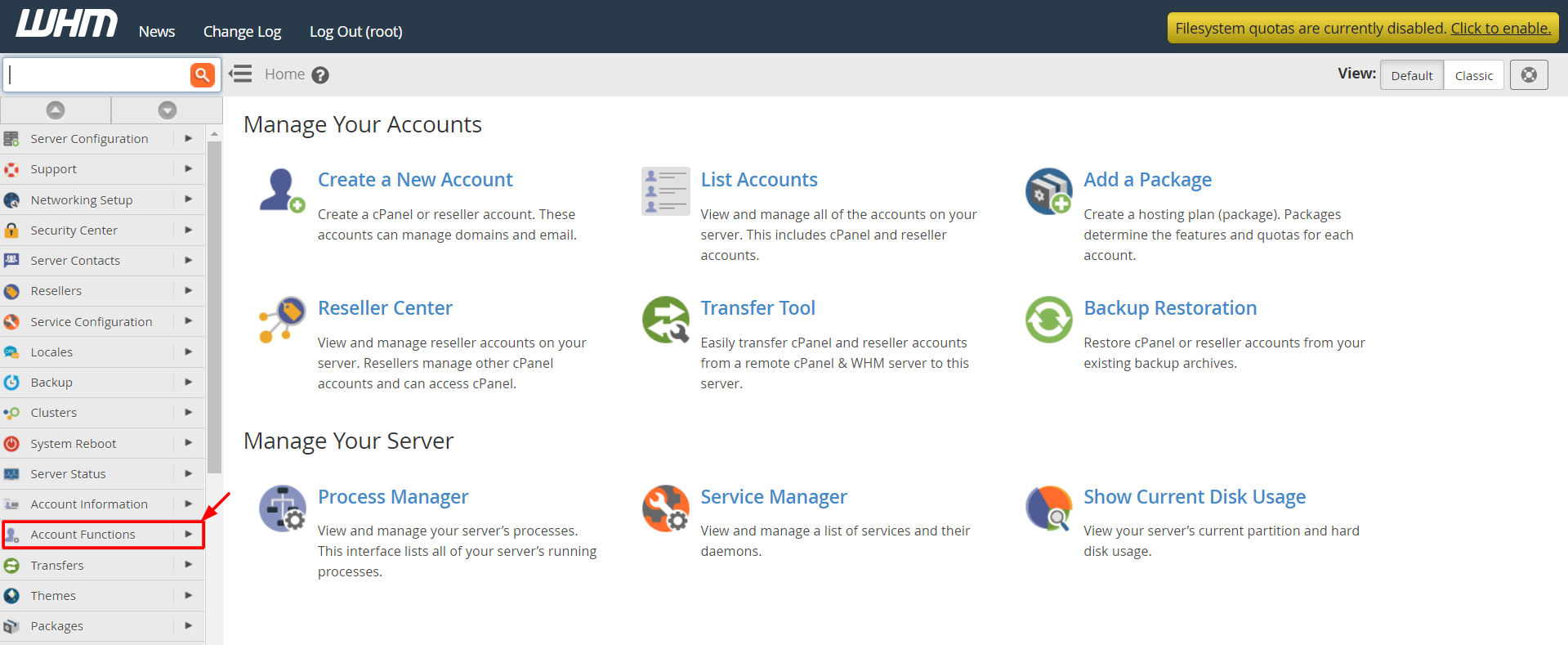
- Use the search box on the left and type Manage Accounts, or open List Accounts.
- Find the account in the list.
- Click the + next to the account to open its options.
- Click Unsuspend.
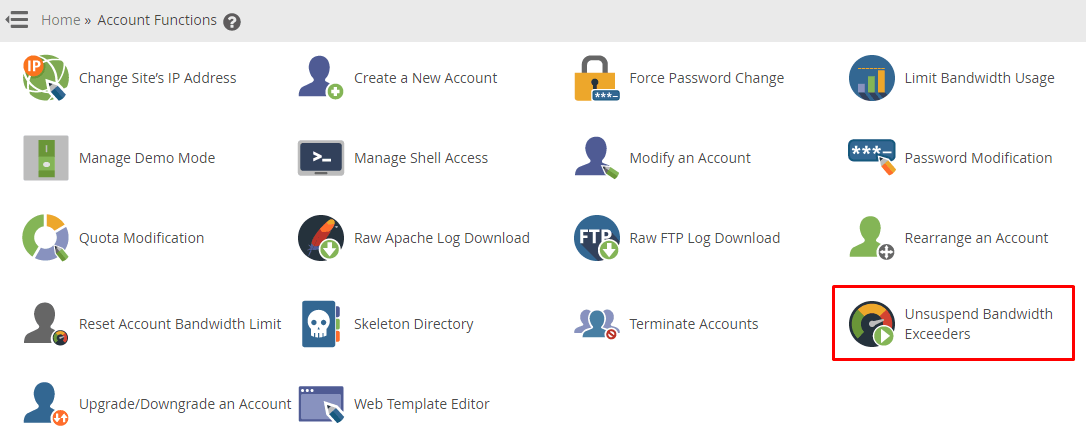
- Confirm the message that appears.
The account is now on again, but the old usage count is still there.
Steps to raise the bandwidth limit
- In WHM, search for Modify an Account.
- Choose the account and click Modify.
- Find Bandwidth Limit and enter a higher number, in megabytes. Or choose Unlimited if your rules allow.
- Click Save.
Check why it went over
- Open the bandwidth section in WHM to see usage per account.
- Look for big downloads, hotlinked images or bot traffic.
- Think about caching or a CDN, which is a network that serves copies of your files from many places.
Counts reset
Bandwidth counts reset at the start of each billing month. Suspended accounts that went over often come back after the reset, depending on your WHM settings.
Quick recap
- WHM can suspend accounts that go over their bandwidth limit.
- Use List Accounts, then Unsuspend.
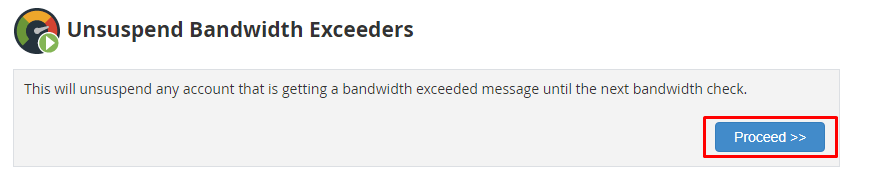
- Raise the limit in Modify an Account if needed.
- Find out why traffic was high.
- Shared hosting users should contact support.