

What you need
- A Linux VPS with Apache or Nginx already running.
- A registered domain whose DNS points to the VPS.
- SSH access with sudo rights.
Step 1: Update the system
sudo apt update && sudo apt upgrade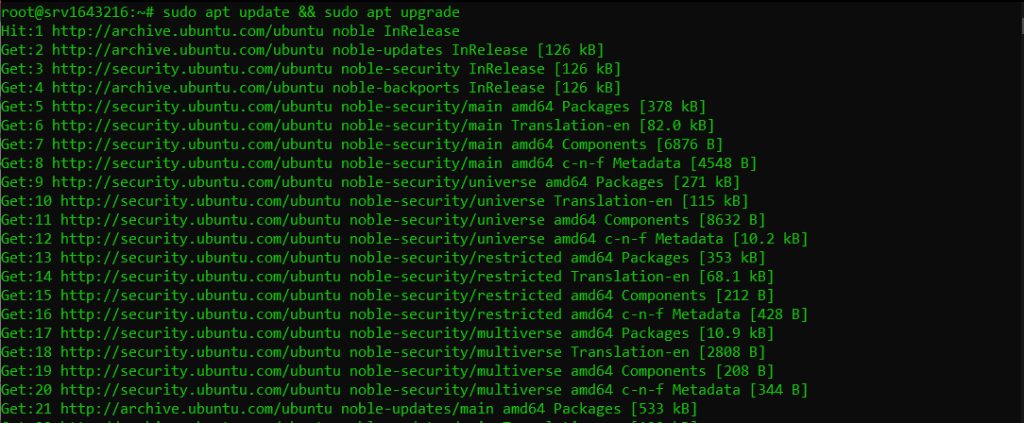
Step 2: Install Certbot
Install snapd first:
sudo apt install snapd && sudo snap install core
Then install Certbot:
sudo snap install --classic certbot
Link the command so it works everywhere:
sudo ln -s /snap/bin/certbot /usr/bin/certbotStep 3: Get the certificate
For Apache:
sudo certbot --apacheFor Nginx:
sudo certbot --nginx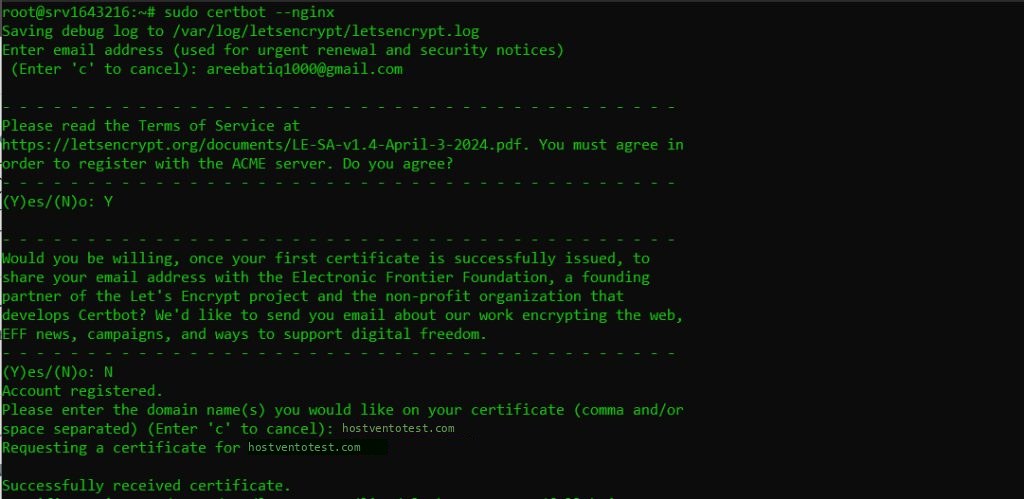
Enter your email, accept the terms, choose your domain, and let Certbot set up the redirect to HTTPS.
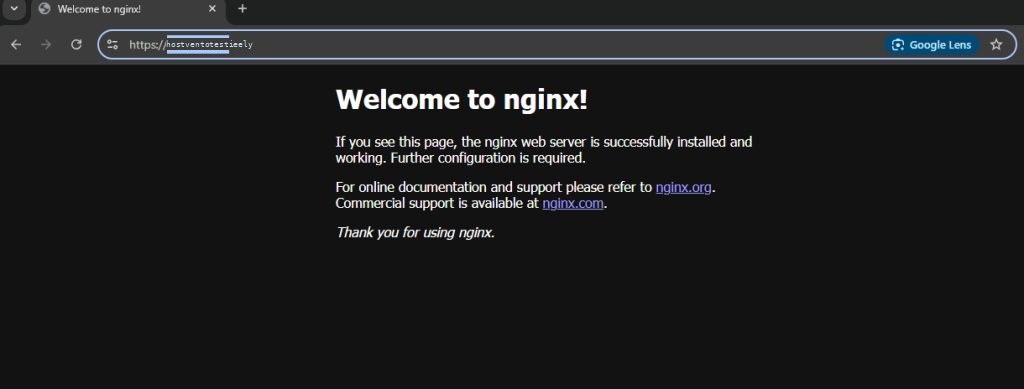
Step 4: Check the result
Open your site with https:// and check the padlock in the browser.
Step 5: Auto-renewal
Let's Encrypt certificates last 90 days. The Snap package normally adds a renewal timer by itself. You can test it with:
sudo certbot renew --dry-runIf you prefer a cron job, open the crontab:
sudo crontab -eand add a line that runs twice a day:
0 0,12 * * * /usr/bin/certbot renew --quietQuick recap
- Install snapd, then Certbot, and link the command.
- Run
certbot --apacheorcertbot --nginx. - Test renewal with
certbot renew --dry-run.