What is CyberPanel and SSL?
CyberPanel is a control panel. A control panel is a web page where you manage your websites, email and files. SSL is a digital badge that makes the connection to your website safe. It turns the address into HTTPS and shows a padlock in the browser. CyberPanel can get a free SSL from Let's Encrypt, a service that gives out free certificates.
Before you start
- Your domain must point to your server's IP address. Let's Encrypt checks this before it gives a certificate.
- The website must already exist in CyberPanel.
If you are not sure how to log in to CyberPanel, check your welcome email or ask Hostvento support.
Steps
- Open your CyberPanel address in a browser and log in. It often ends with a port number such as
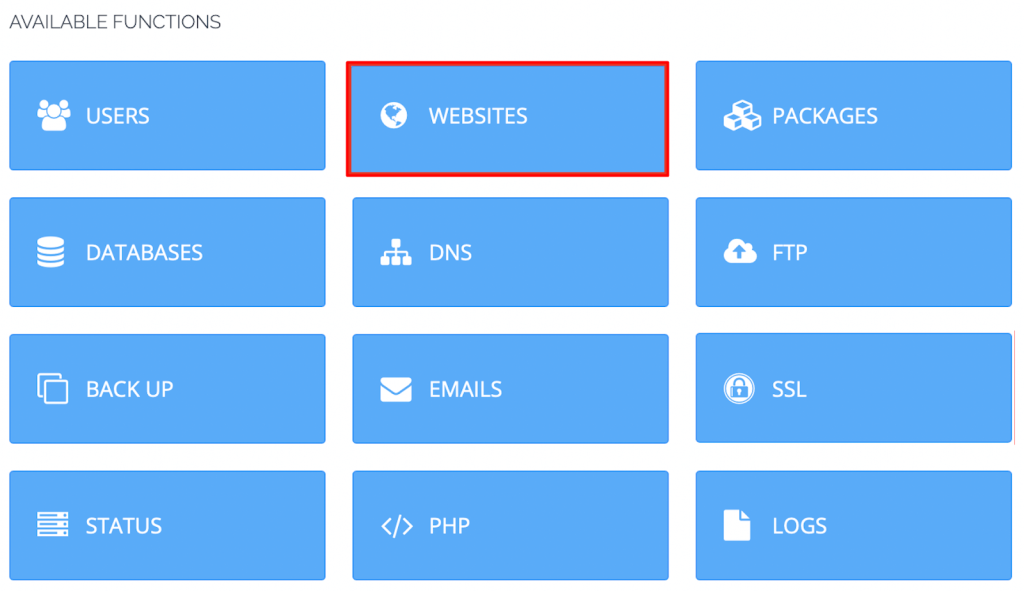
:8090. - In the left menu, click SSL.
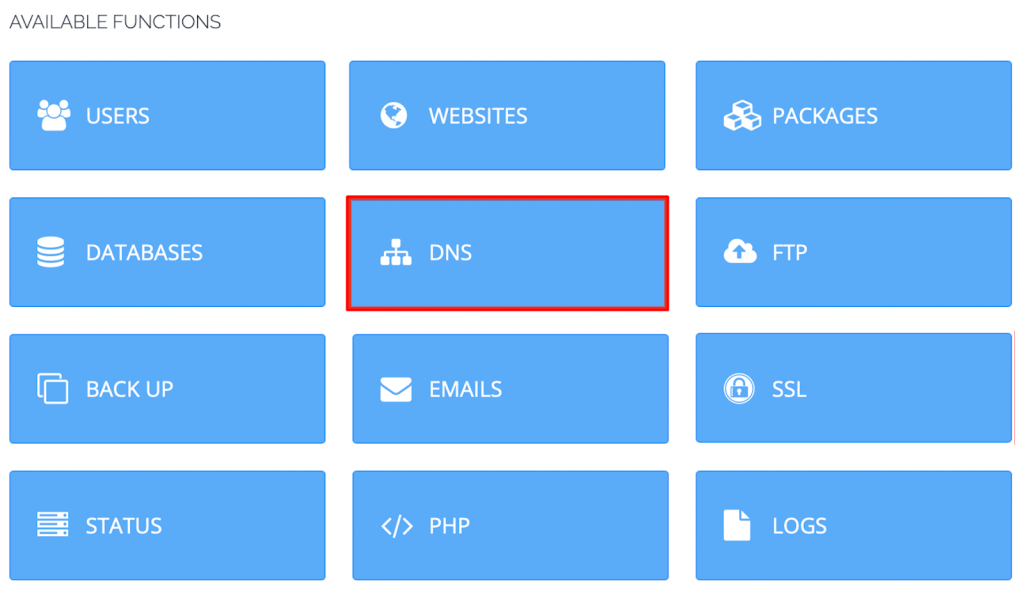
- Click Manage SSL.
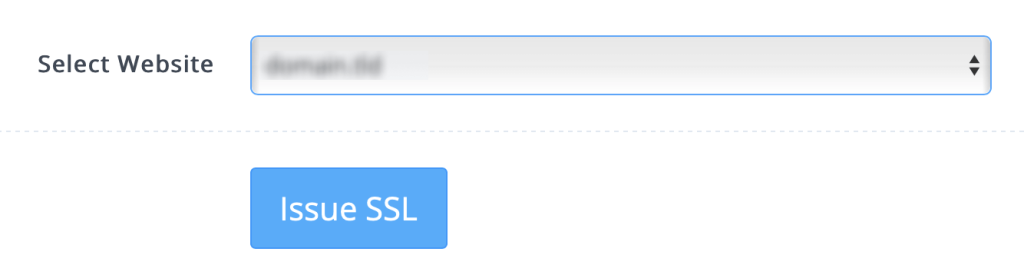
- In the Select Virtual Host box, choose your domain.
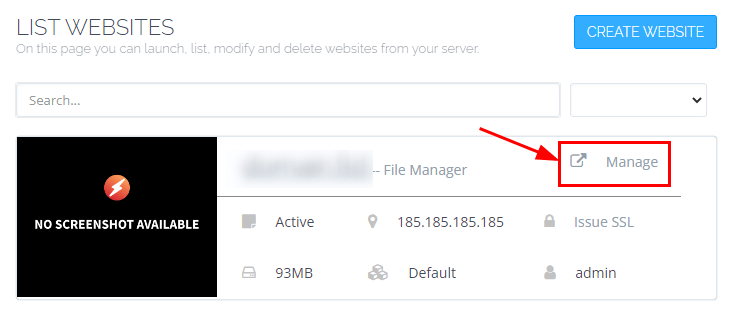
- Click Issue SSL.
- Wait a short time. CyberPanel will ask Let's Encrypt for the certificate and install it.
- When you see a green success message, open
https://yourdomain.comin a new tab. - Look for the padlock beside the address.
Free SSL for the hostname and mail
CyberPanel can also secure other things:
- Hostname SSL protects the address of the panel itself.
- MailServer SSL protects your email connections.
Open the matching item under the SSL menu, choose the domain and click Issue SSL.
If it fails
- Check that your domain points to the server. DNS changes can take some hours to spread.
- Check that ports 80 and 443 are open in the firewall.
- Check that you did not ask for too many certificates in a short time. Let's Encrypt has limits.
- Try again after a while.
Tip: Let's Encrypt certificates last a short time. CyberPanel renews them for you, so you do not need to do anything.
Quick recap
- Log in to CyberPanel and go to SSL, then Manage SSL.

- Pick your domain and click Issue SSL.
- Make sure the domain points to your server first.
- Open the site with HTTPS to check the padlock.