

What you need
- Nginx on Ubuntu or another Linux system.
- A valid SSL certificate (Let's Encrypt is free).
- SSH or terminal access with sudo.
- A domain that points to your server.
Step 1: Install Nginx
sudo apt install nginx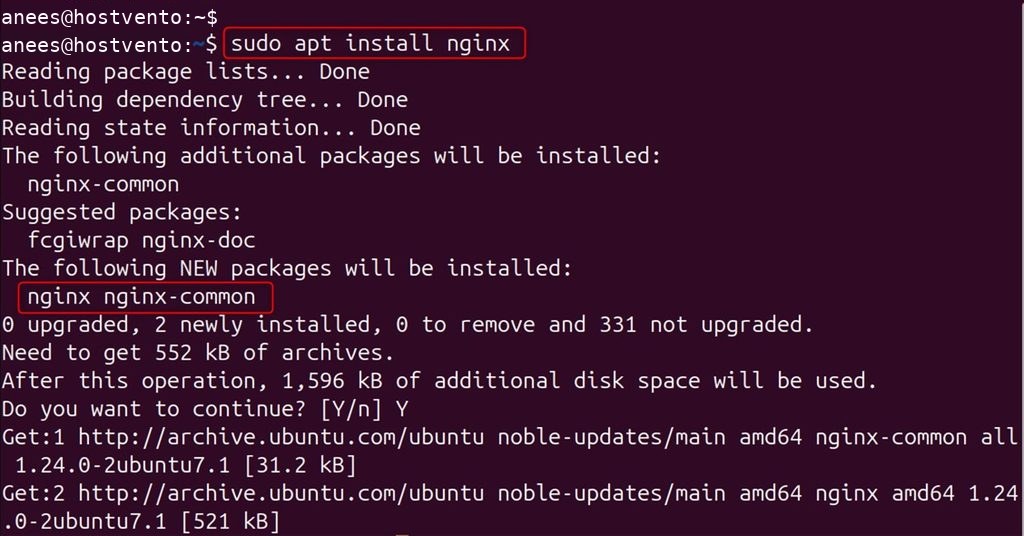
Step 2: Get an SSL certificate
Install Certbot with the Nginx plugin:
sudo apt install certbot python3-certbot-nginx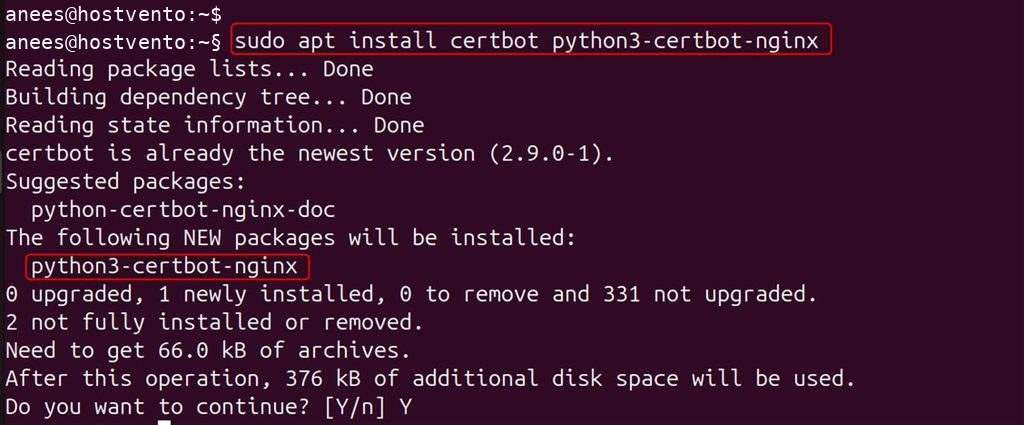
Request the certificate:
sudo certbot --nginx
Certbot asks if you want to redirect HTTP to HTTPS. If you choose yes, it adds the redirect for you. The steps below show how to do it by hand, or how to check it.
Step 3: Set up the redirect
Open your site config, for example /etc/nginx/sites-available/example.com (or /etc/nginx/conf.d/example.com.conf):
sudo nano /etc/nginx/sites-available/example.comAdd a server block for port 80 that sends everything to HTTPS:
server {
    listen 80;
    listen [::]:80;
    server_name example.com www.example.com;
    return 301 https://example.com$request_uri;
}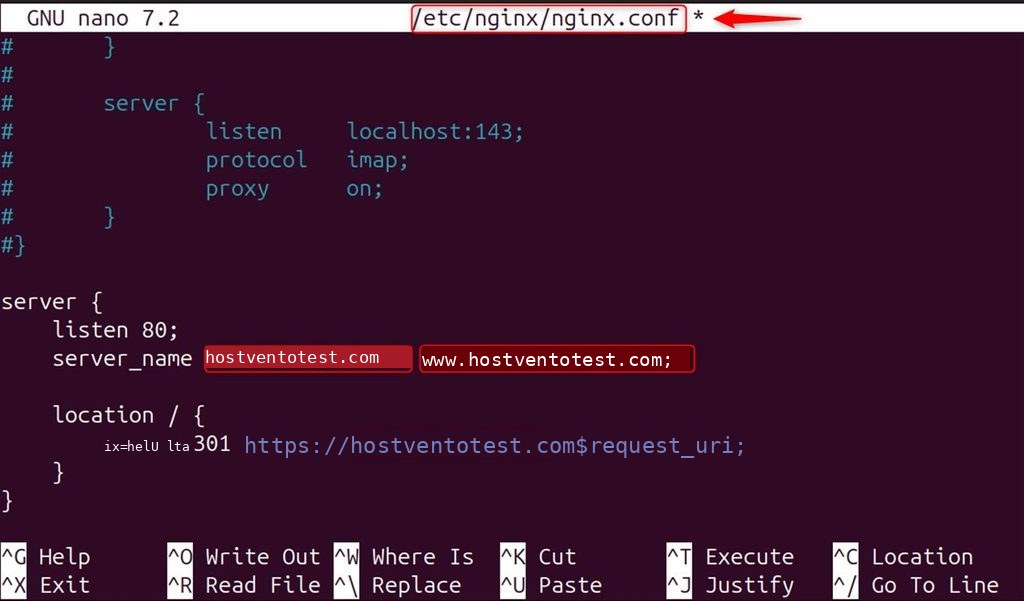
listen 80catches the plain HTTP requests.return 301sends a permanent redirect, which search engines understand.$request_urikeeps the path and query string.
The HTTPS server block (port 443 with your certificate) must also exist and use server_name example.com www.example.com. Also redirect https://www.example.com to your main domain if you want one address.
Step 4: Check Nginx
sudo systemctl status nginx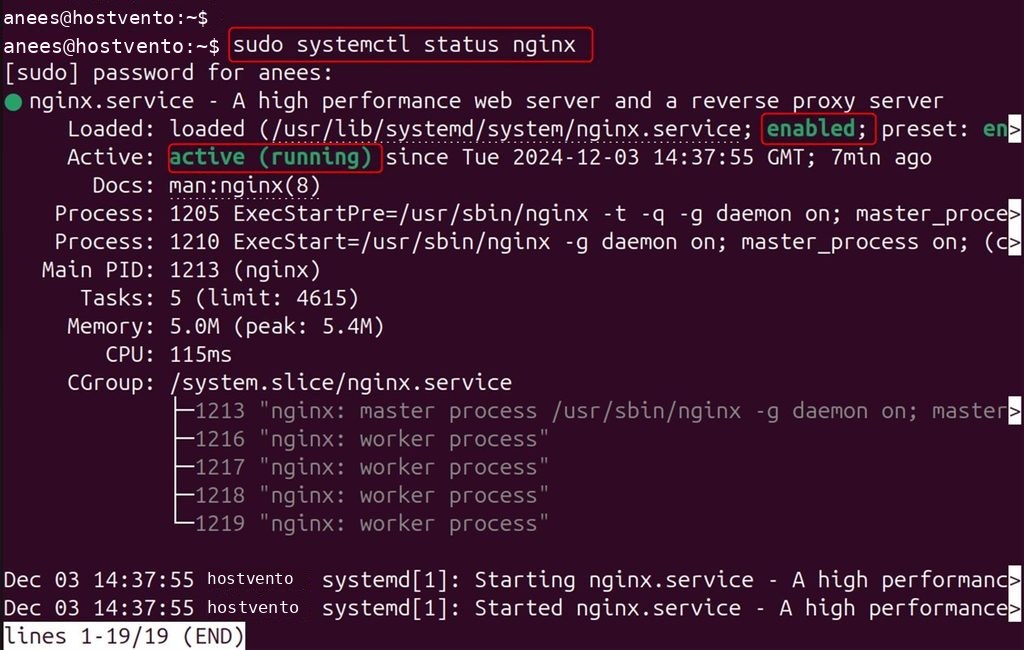
Test the configuration:
sudo nginx -t
Step 5: Restart Nginx
sudo systemctl restart nginx
Test it
curl -I http://example.comThe answer should show 301 Moved Permanently and a Location: https://example.com/ header.
Quick recap
- Get a certificate, add a port 80 server block with
return 301, and reload Nginx.