

Part 1: Install Docker on Ubuntu
Step 1: Update the package list
sudo apt update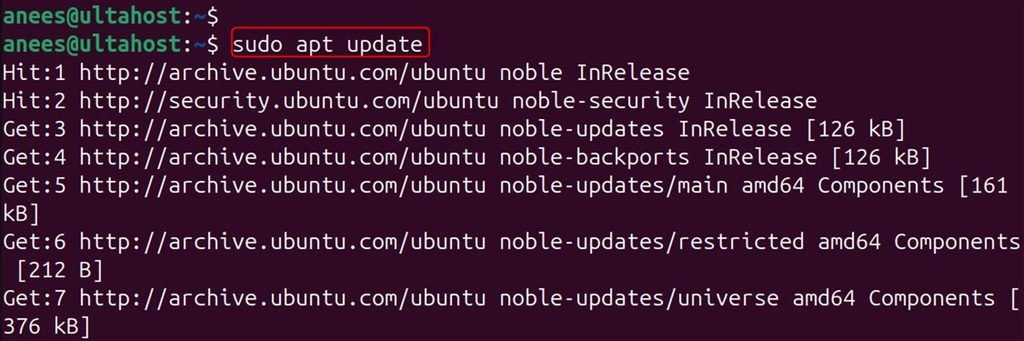
Step 2: Install the helper packages
sudo apt install -y apt-transport-https ca-certificates curl software-properties-common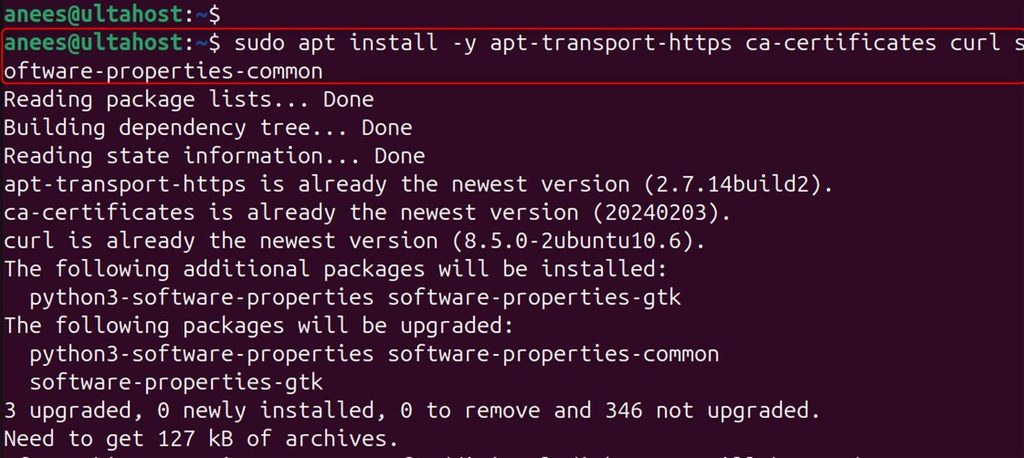
Step 3: Add the Docker GPG key
curl -fsSL https://download.docker.com/linux/ubuntu/gpg | sudo gpg --dearmor -o /usr/share/keyrings/docker-archive-keyring.gpg
Step 4: Add the Docker repository
echo "deb [arch=$(dpkg --print-architecture) signed-by=/usr/share/keyrings/docker-archive-keyring.gpg] https://download.docker.com/linux/ubuntu $(lsb_release -cs) stable" | sudo tee /etc/apt/sources.list.d/docker.list > /dev/null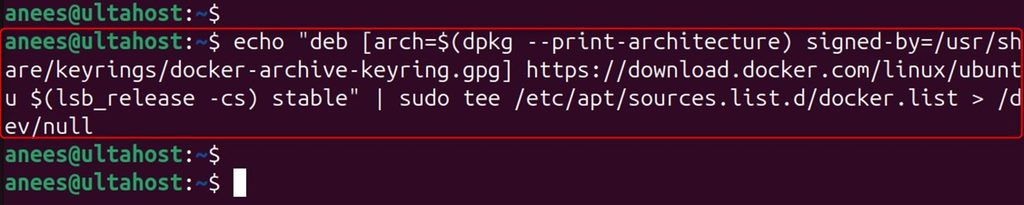
Step 5: Install Docker Engine
sudo apt update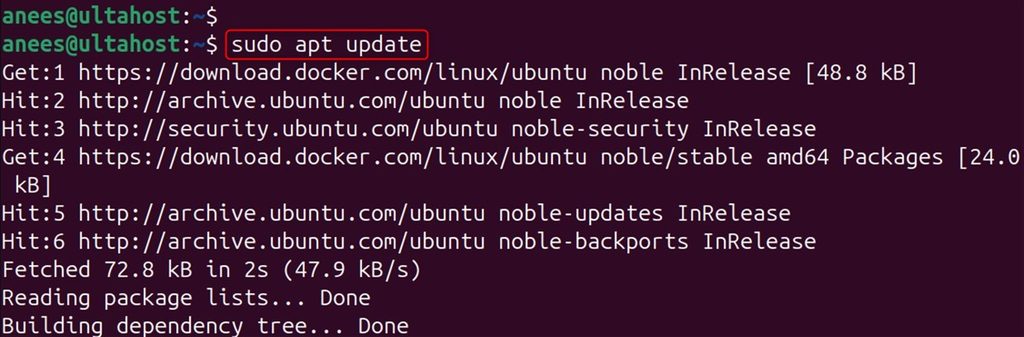
sudo apt install -y docker-ce docker-ce-cli containerd.io docker-compose-plugin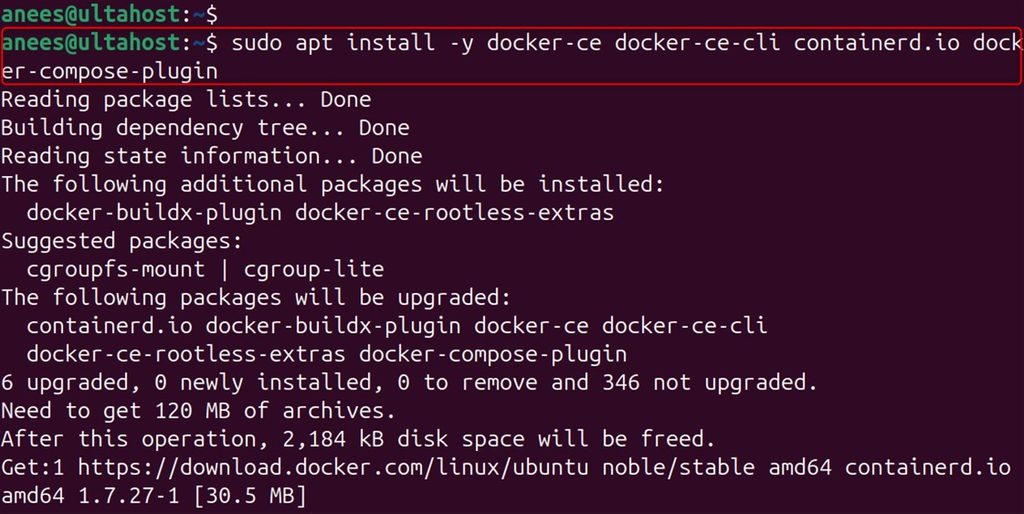
docker-ceis the Docker engine.docker-ce-cliis the command-line tool.containerd.iois the container runtime.docker-compose-pluginadds Docker Compose.
Step 6: Test it
sudo docker run hello-world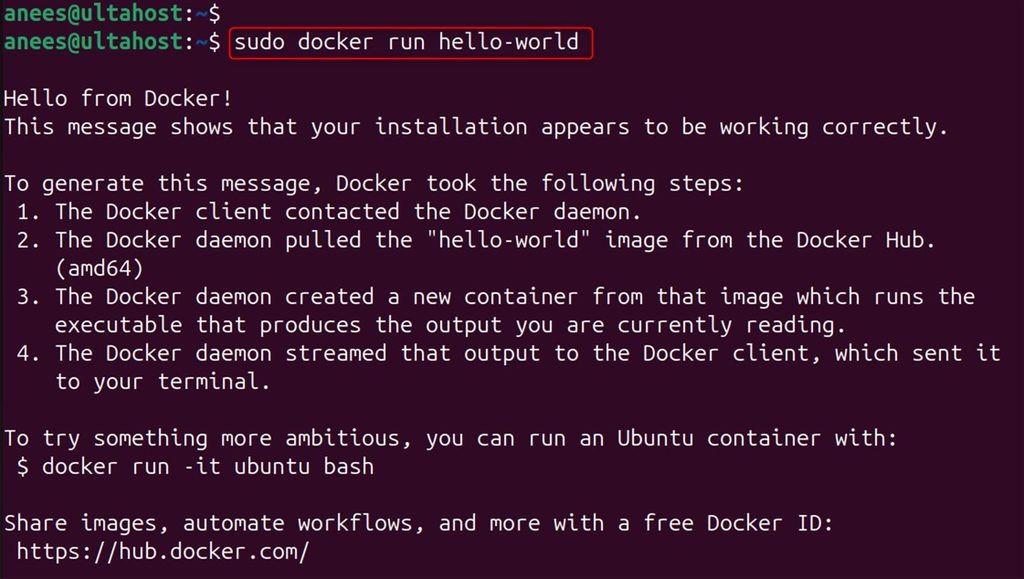
Step 7 (optional): Use Docker without sudo
sudo usermod -aG docker ${USER}
newgrp docker
Part 2: Create a simple Node.js app
Install Node.js and npm first, if you have not done so.
Step 1: Make a project folder
mkdir nodejs-docker-app && cd nodejs-docker-app
Step 2: Start a Node.js project
npm init -y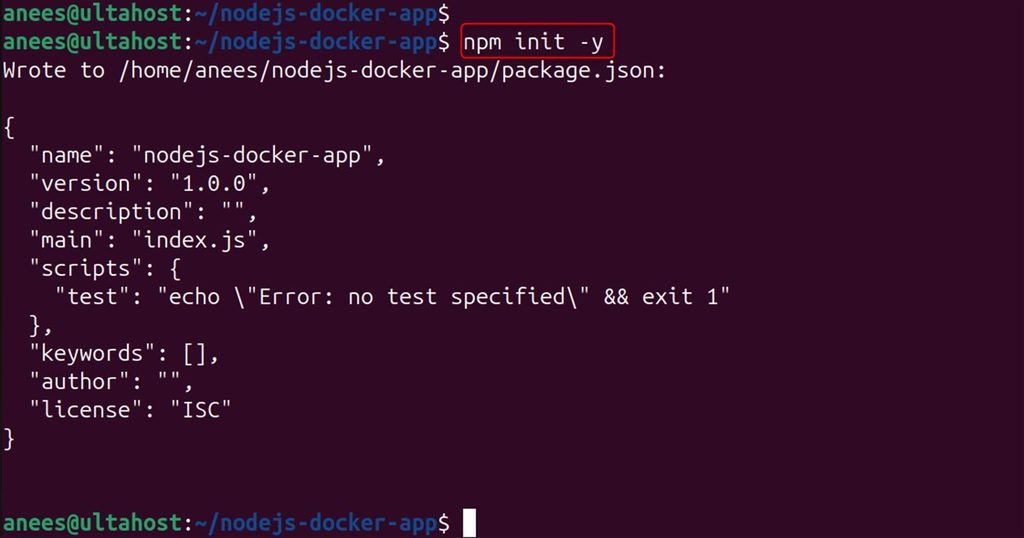
Step 3: Install Express
npm install express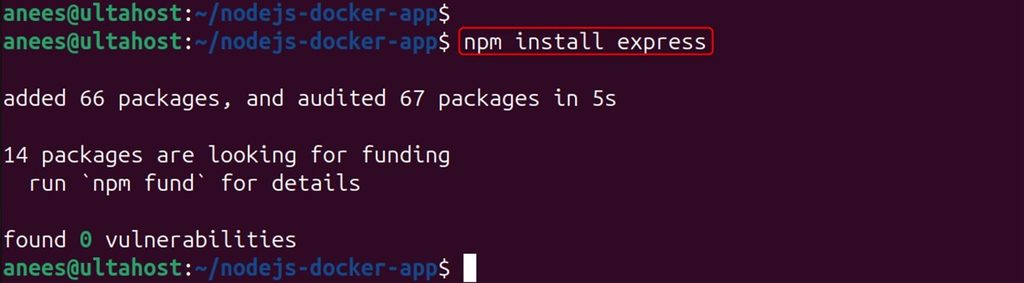
Step 4: Create the app file
touch app.js
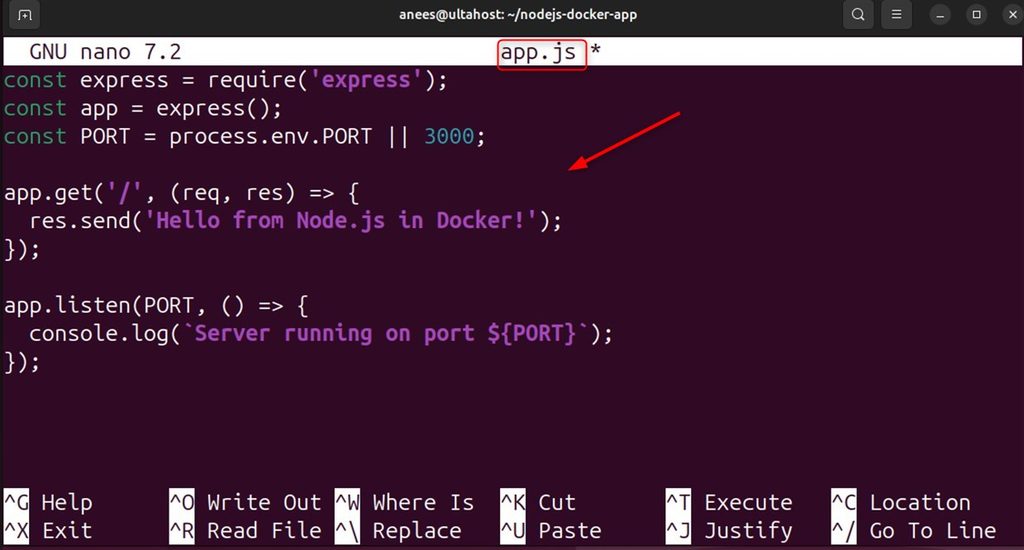
Step 5: Add the code
const express = require('express');
const app = express();
const PORT = process.env.PORT || 3000;
app.get('/', (req, res) => {
  res.send('Hello from Node.js in Docker on Ubuntu 24.04!');
});
app.listen(PORT, () => {
  console.log(`Server running on port ${PORT}`);
});
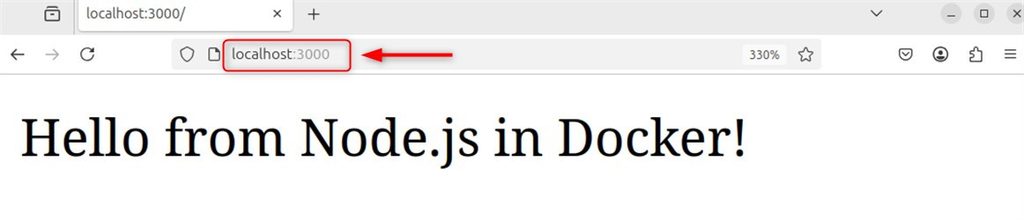
Step 6: Test it on your machine
node app.js
Open http://localhost:3000. You see the hello message.
Part 3: Put the app in a container
Step 1: Create a Dockerfile
touch Dockerfile
Step 2: Add the content
FROM node:20-slim
WORKDIR /usr/src/app
COPY package*.json ./
RUN npm install
COPY . .
EXPOSE 3000
CMD ["node", "app.js"]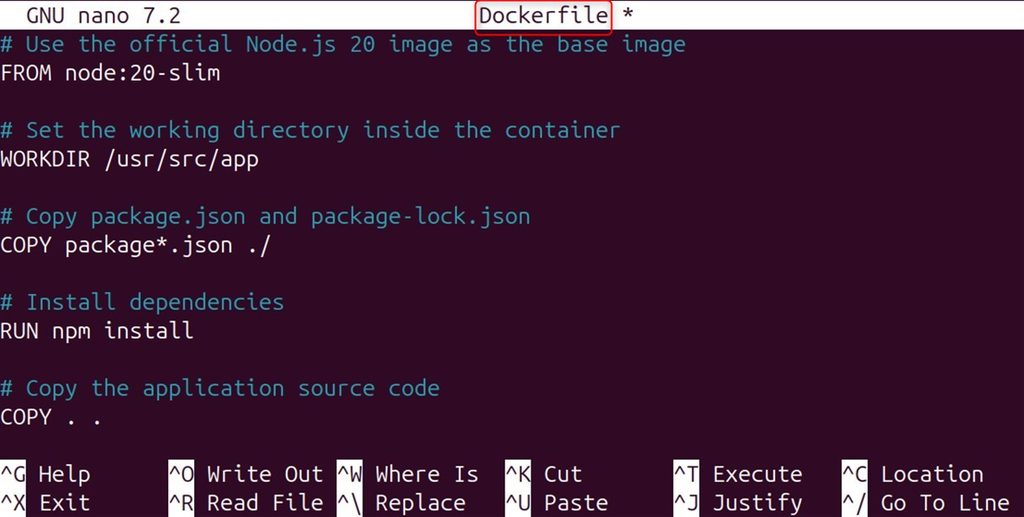
Step 3: Create a .dockerignore file
touch .dockerignore
Step 4: List what to leave out
node_modules
npm-debug.log
Dockerfile
.dockerignore
.git
.gitignore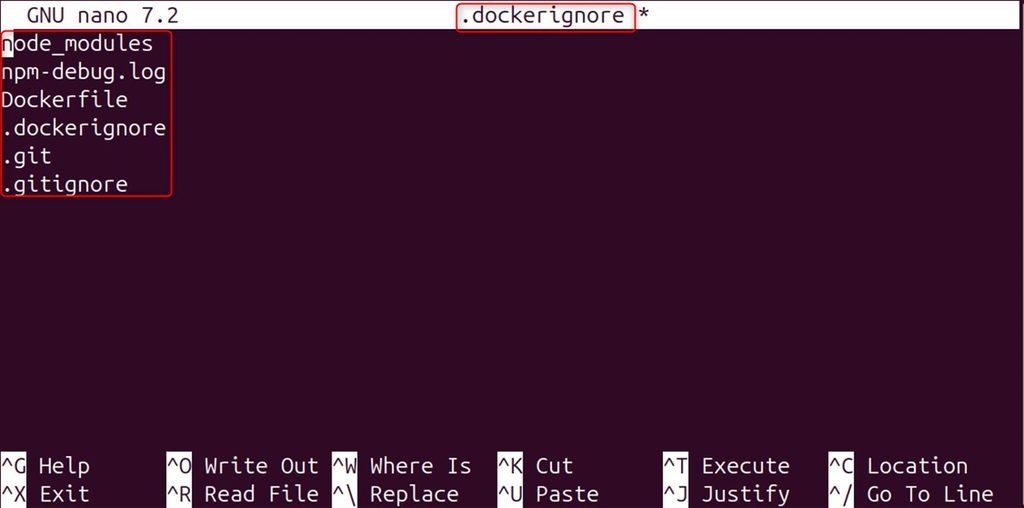
Part 4: Build and run
Step 1: Build the image
docker build -t nodejs-app .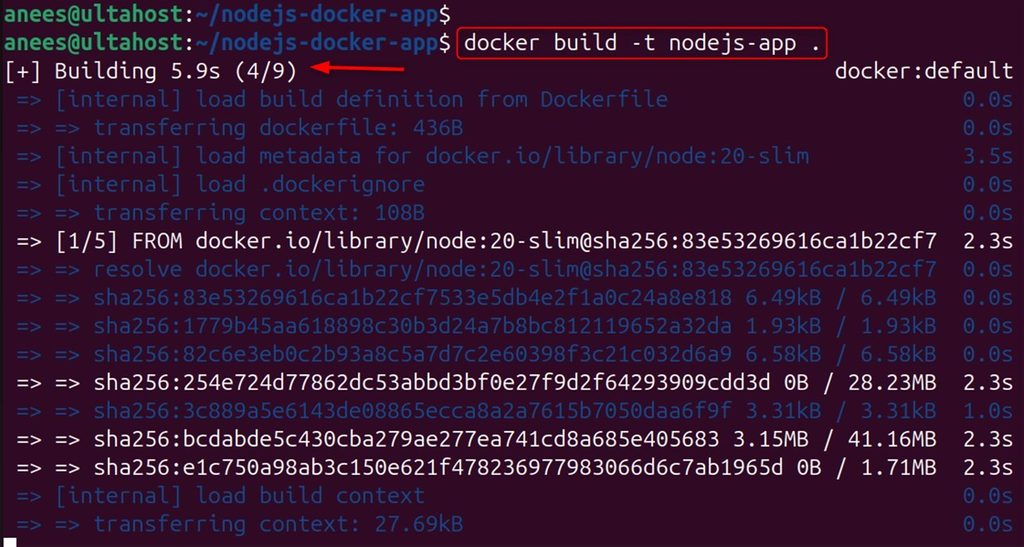
Step 2: Run the container
docker run -p 3000:3000 -d --name my-nodejs-app nodejs-app
Step 3: Check that it runs
docker ps
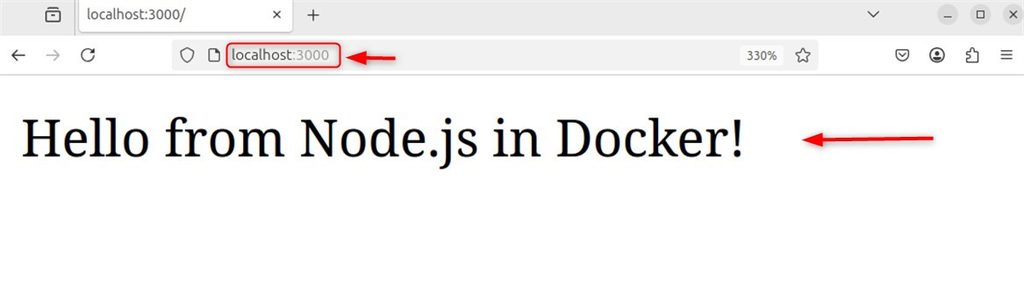
Step 4: Test the app
Open http://localhost:3000 (or http://SERVER_IP:3000). The same message shows up, now served from the container.
Quick recap
- Install Docker from its official repository.
- A Dockerfile copies your app and starts it with
node app.js. docker buildmakes the image anddocker run -p 3000:3000starts it.