

Install Vim
On Debian and Ubuntu:
sudo apt install vim -y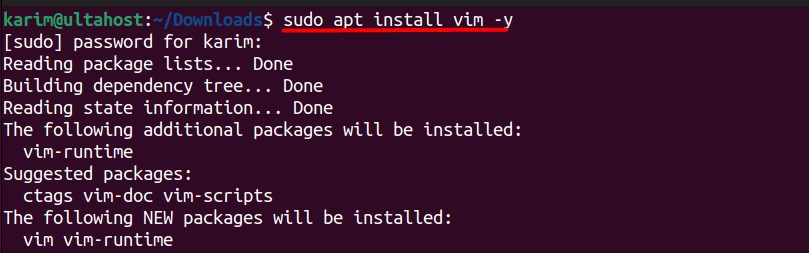
On Red Hat based systems:
sudo yum install vim -yor:
sudo dnf install vim -yCheck the installation:
vi --version
Delete one line
Press Esc to make sure you are in normal mode. Move the cursor to the line and type:
dd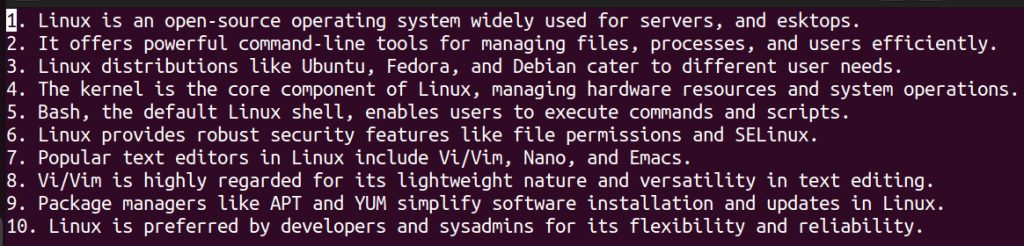
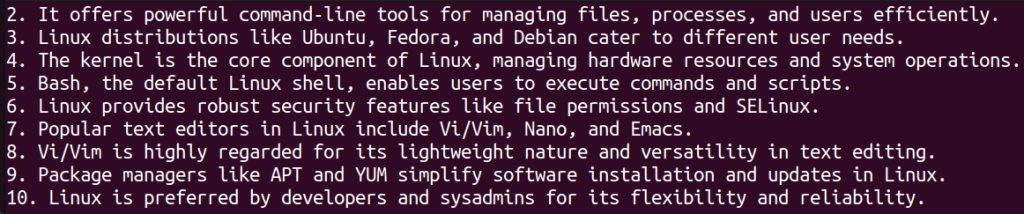
d means delete and the second d means the whole line.
Delete several lines
Type a number before dd. This deletes three lines, starting from the current one:
3dd
Delete a range of lines
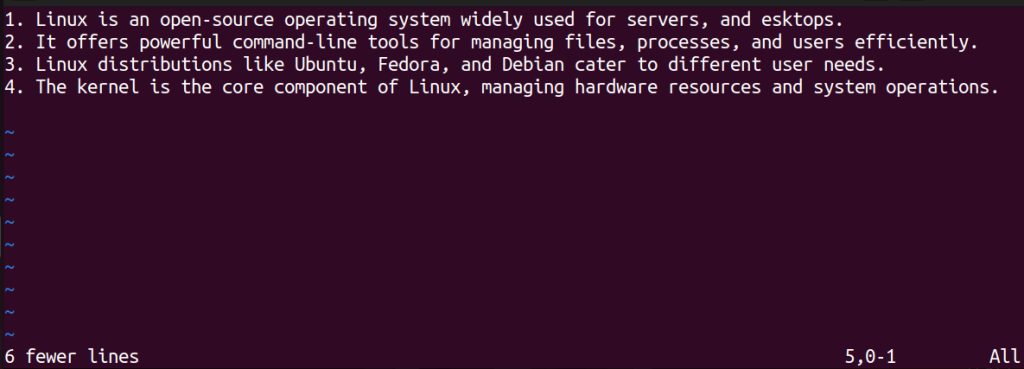
Go to command mode with : and give the range. This deletes lines 5 to 10:
:5,10d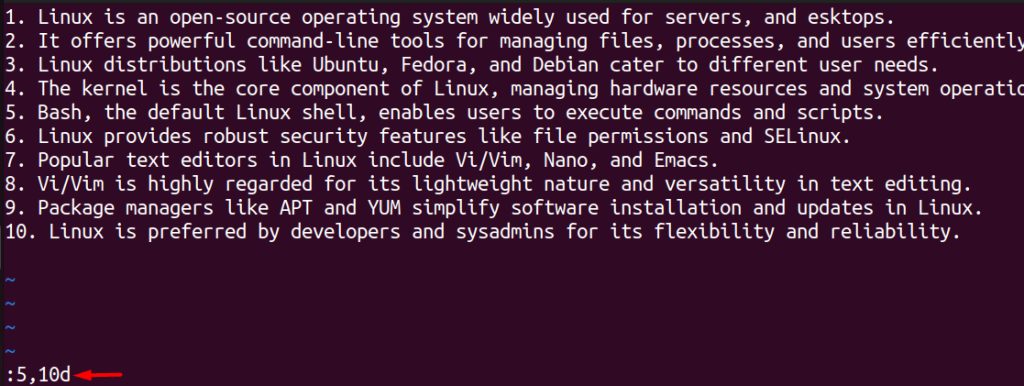
Delete to the end of the file
dG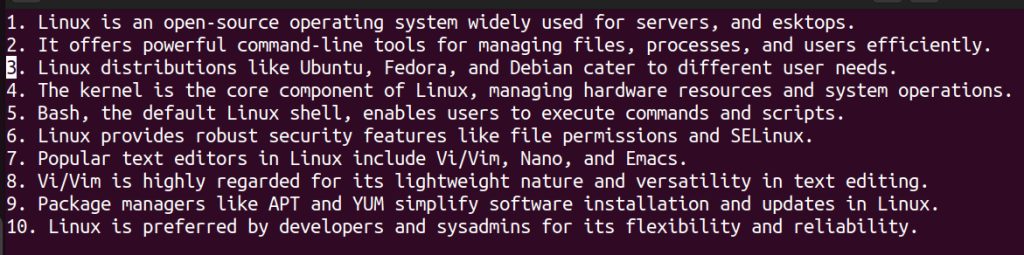

G moves to the last line, and d deletes from the cursor to there.
Delete to the beginning of the file
dgg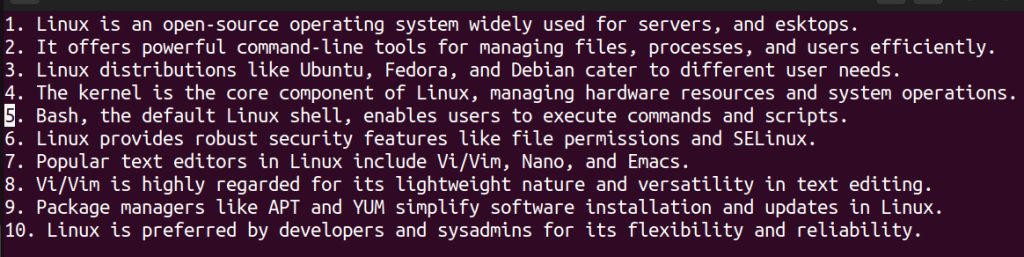

Delete lines that contain a word
:g/pattern/dReplace pattern with the word. For example, delete all lines that contain "Linux":
:g/Linux/d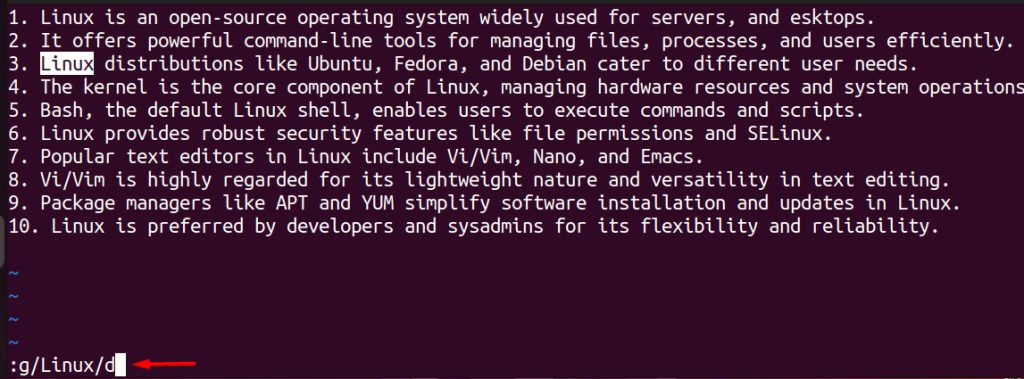
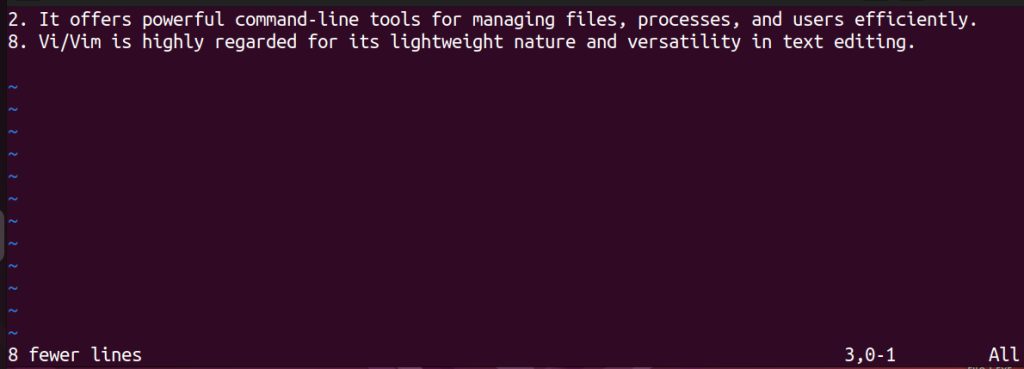
g means global. It checks the whole file.
Delete lines that do not contain a word
:v/Linux/d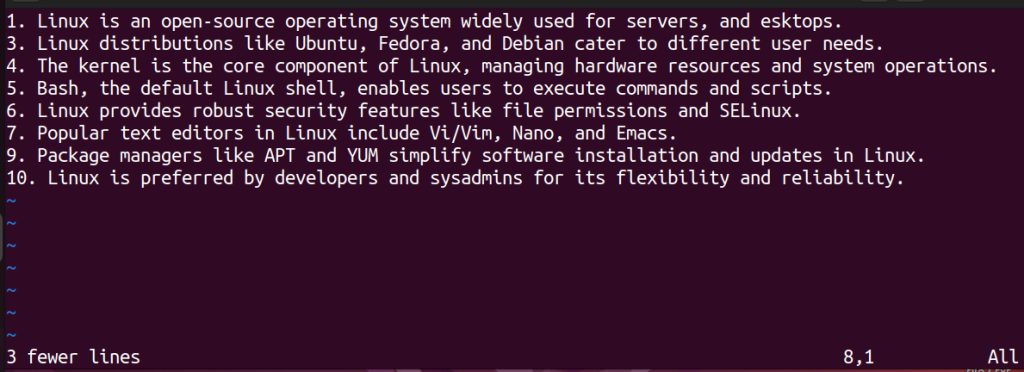
Good habits
- Press
Escfirst. Commands act differently in insert and visual mode. - Preview before you delete. Run
:g/pattern/first (withoutd). Vim then lists all the matching lines. - Use
uto undo andCtrl + rto redo. - Save with
:w, or leave without saving with:q!.
Quick recap
dddeletes a line,3dddeletes three.:5,10ddeletes a range.:g/word/ddeletes all lines with a word.