

Why run Redis in Docker
- Isolation. The container does not mix with other software on the host.
- Portability. The same image runs on any system that has Docker.
- Simplicity. You pull an image and do not compile or install anything.
- Scale. More instances are easy to start.

Before you start
Check that Docker is installed:
docker --version
Step 1: Pull the image
docker pull redis:latest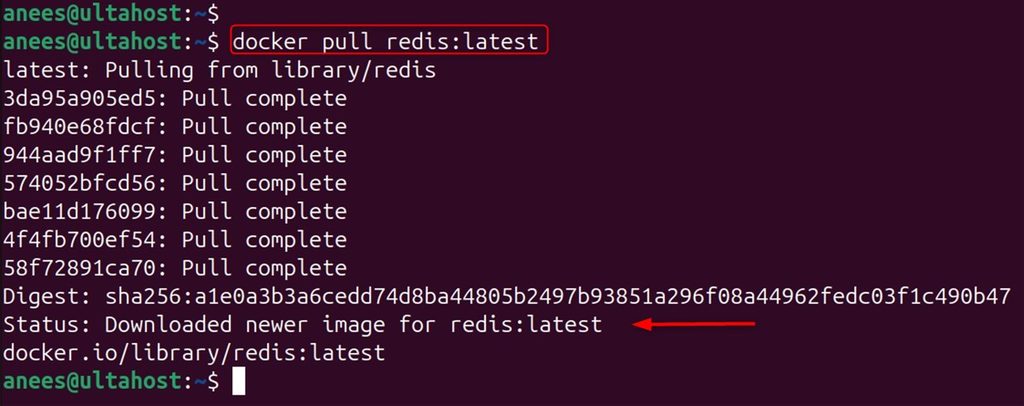
Step 2: Run a basic container
docker run --name my-redis -d redis:latest
--name gives the container a name and -d runs it in the background.
Step 3: Open the port
To reach Redis from outside the container, map port 6379:
docker run --name my-redis -p 6379:6379 -d redis:latest
Check that it runs:
docker ps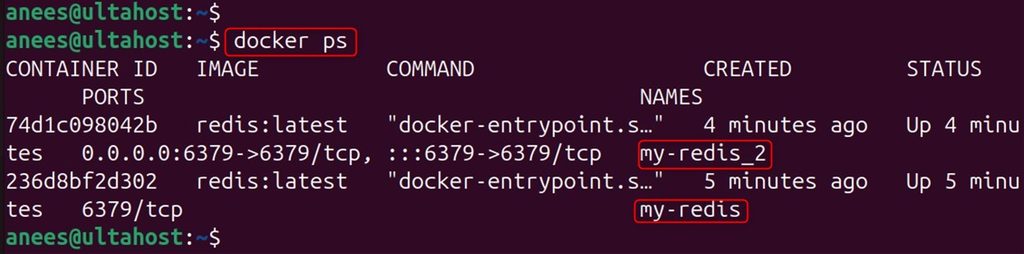
-p 127.0.0.1:6379:6379 if only local apps need it.Step 4: Test it
Open the Redis command line inside the container:
docker exec -it my-redis redis-cli
Try to save and read a value:
SET mykey "Hello World"
GET mykey
Step 5: Keep the data
Without a volume, the data is lost when the container is removed. Use a volume and turn on the append-only file:
docker run --name my-redis -p 6379:6379 -v redis_volume:/data -d redis:latest redis-server --appendonly yes
Look at the volume:
docker volume inspect redis_volume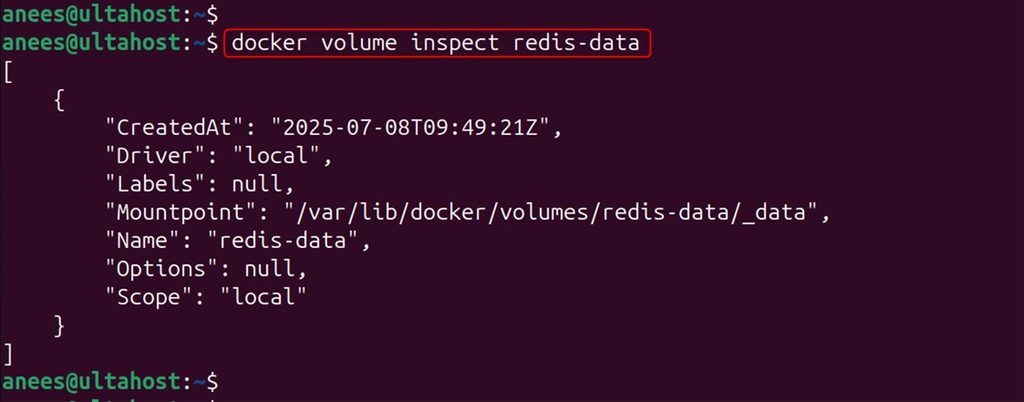
Step 6: Use your own configuration
Create a redis.conf file:
echo "maxmemory 256mb
maxmemory-policy allkeys-lru
save 60 1000" > redis.conf
Run Redis with that file:
docker run --name my-redis -p 6379:6379 -v $(pwd)/redis.conf:/usr/local/etc/redis/redis.conf -v redis_volume:/data -d redis:latest redis-server /usr/local/etc/redis/redis.conf
Step 7: Add a password
Add this line to redis.conf:
requirepass mypasswordRestart the container, then connect and sign in:
docker exec -it my-redis redis-cli
AUTH mypassword
Use a long, random password in real use.
Step 8: Use Docker Compose
Save this as docker-compose.yml:
services:
  redis:
    image: redis:latest
    container_name: my-redis
    ports:
      - "6379:6379"
    volumes:
      - redis-data:/data
      - ./redis.conf:/usr/local/etc/redis/redis.conf
    command: redis-server /usr/local/etc/redis/redis.conf
    restart: unless-stopped
volumes:
  redis-data: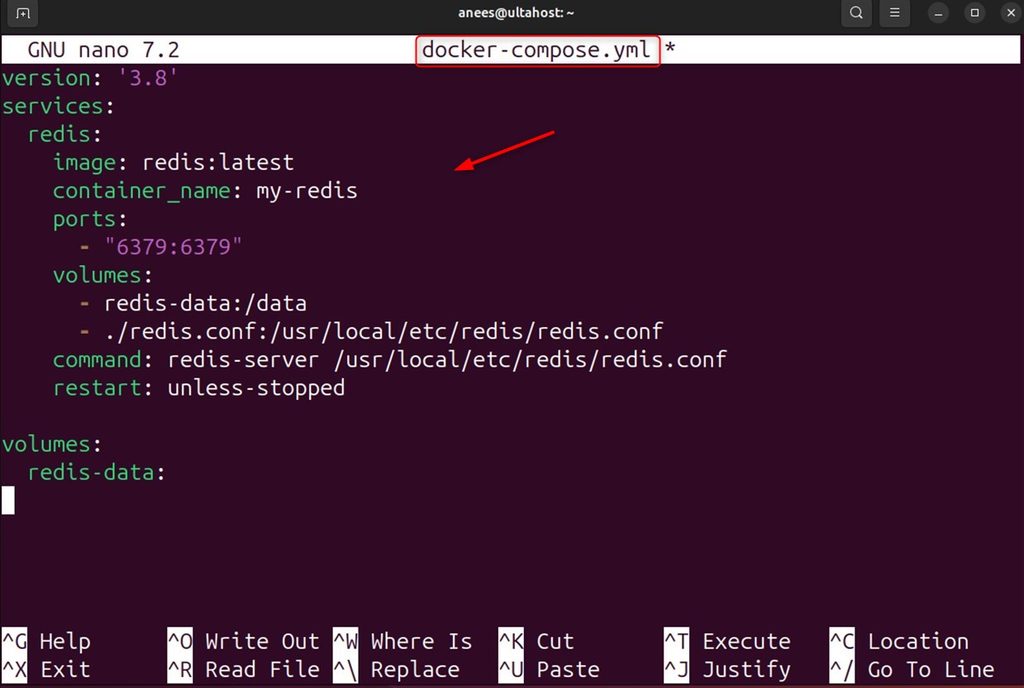
Start it:
docker compose up -d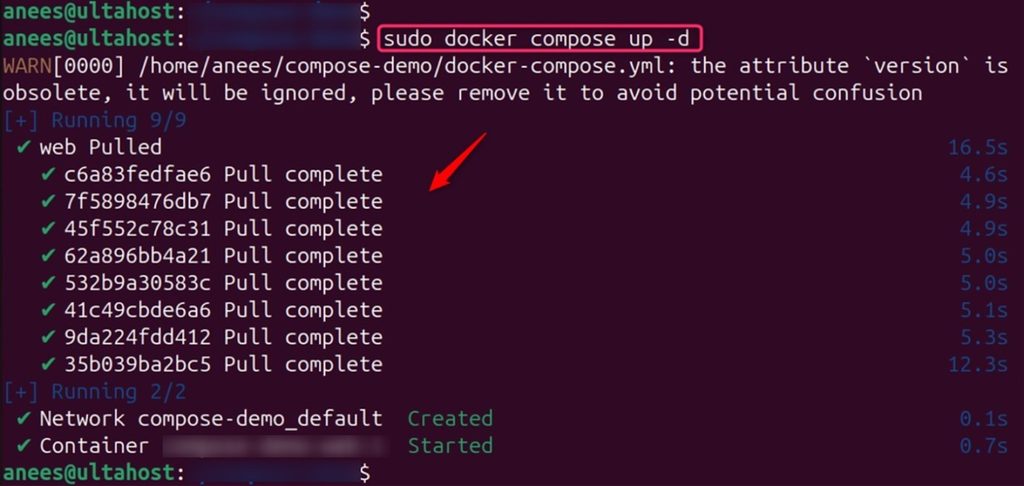
(On older installations, the command is docker-compose up -d.)
Step 9: Logs
docker logs my-redis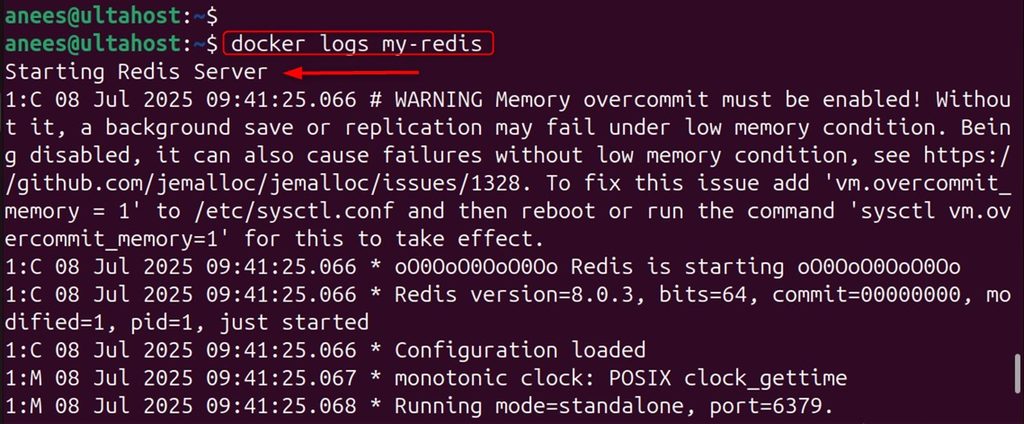
Follow the logs live:
docker logs -f my-redis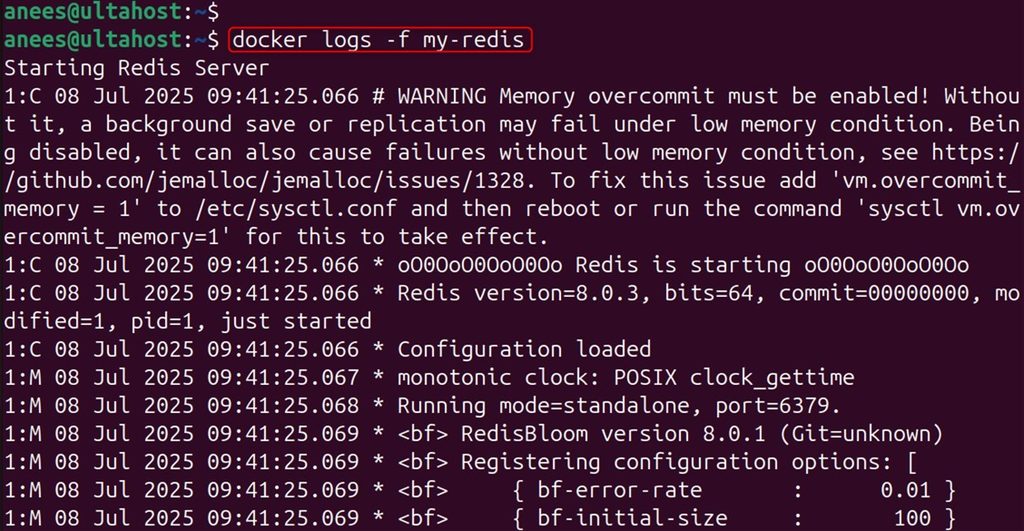
Step 10: Stop and clean up
docker stop my-redis
docker rm my-redis
The volume stays until you remove it with docker volume rm redis_volume.
Step 11: Update
docker pull redis:latest
Then stop and remove the old container, and start a new one with the same volume. The data is kept.
Quick recap
docker run -d -p 6379:6379 redisstarts Redis.- Use a volume and
--appendonly yesto keep data. - Set a password and keep the port closed to the internet.