

Steps
- Log in to HestiaCP. Use your VPS IP address and port 8083, for example
https://203.0.113.10:8083/.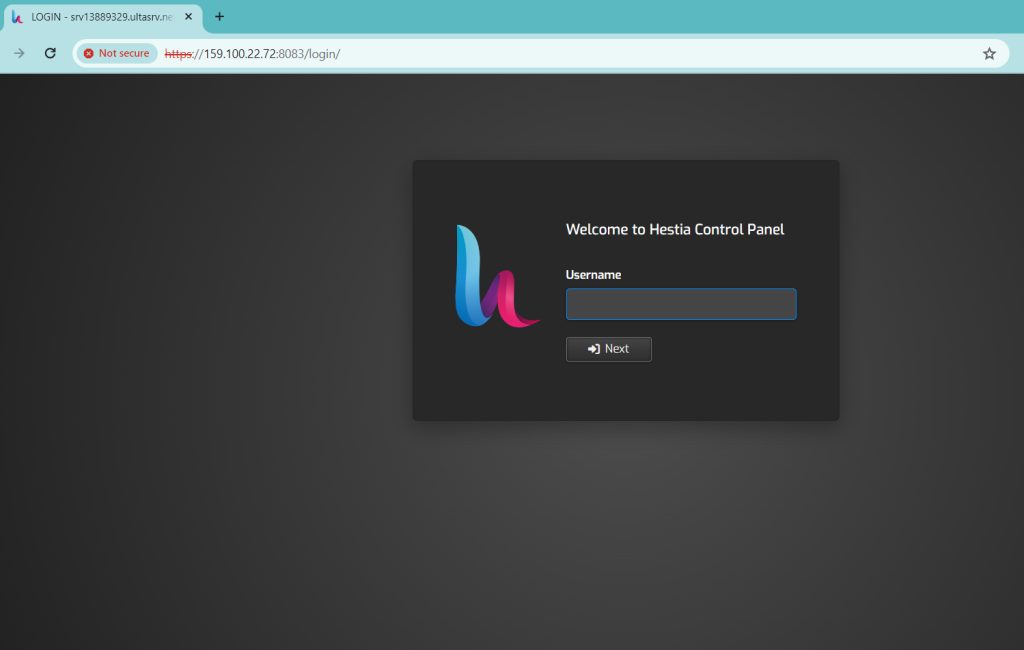
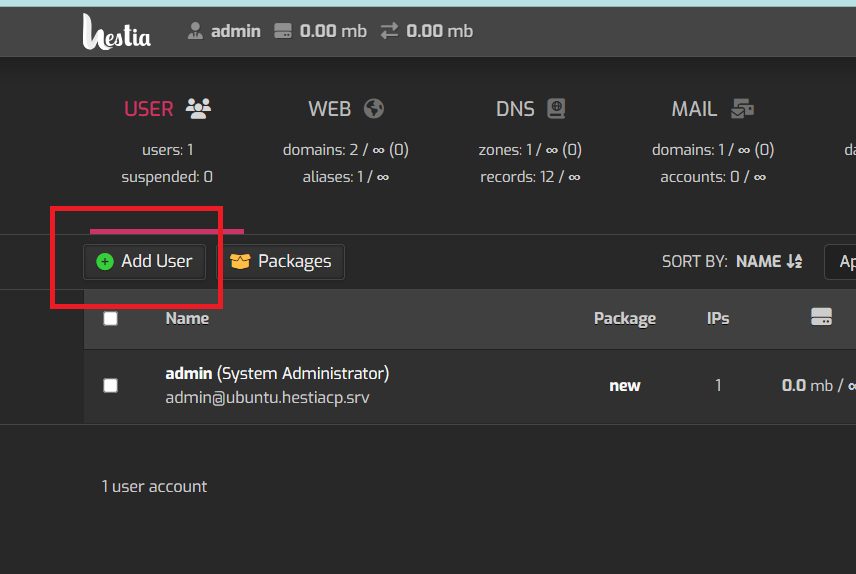
- Click Add User.
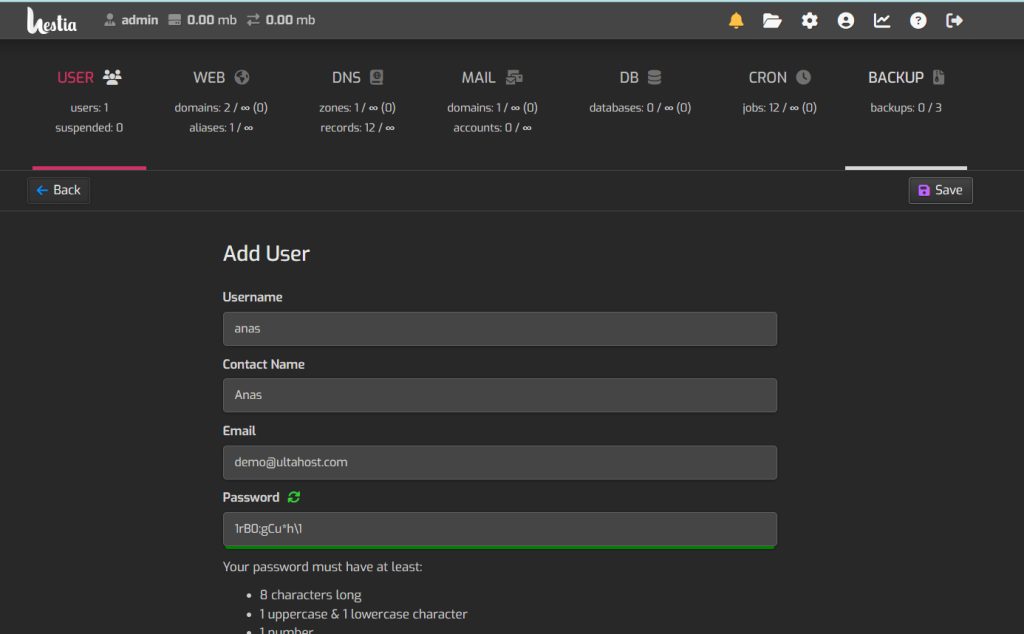
- Enter the details of the new user: user name, password and email address.
- Set the role or permissions, if your setup offers them.
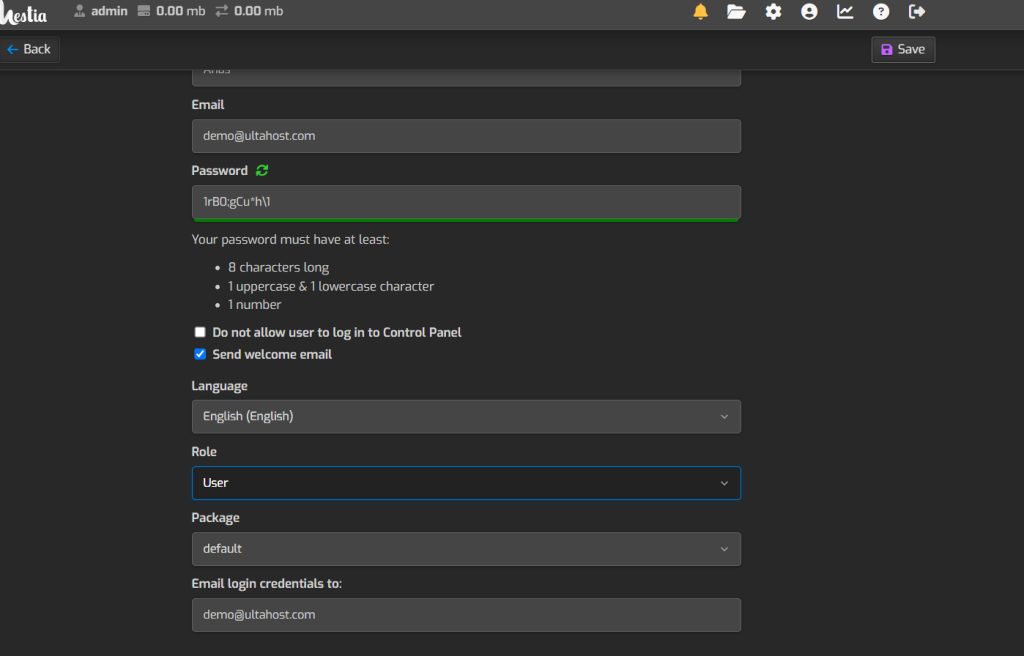
- Click Save to create the user.
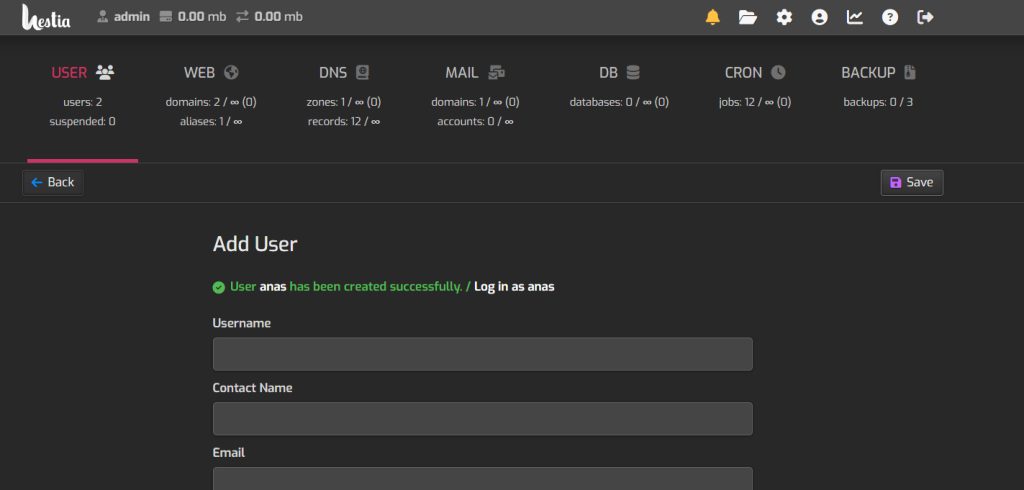
- Test the account. Log out and log in with the new user name and password.
Quick recap
- Use Add User, fill in the form and save.
- Log in as the new user to confirm it works.