

Key terms
Kafka
- Producer sends data to a topic.
- Consumer reads data from a topic.
- Topic is a named stream of records.
- Broker is a server that stores the data of topics.
Kubernetes
- Pod is the smallest unit that Kubernetes runs.
- Deployment manages copies and updates of pods.
- Service exposes pods and lets other apps find them.
- ConfigMap and Secret hold settings and private data.
What you need
- A running Kubernetes cluster (Minikube, GKE, EKS, AKS or your own).
kubectl, set up for the cluster.- Helm, the package manager of Kubernetes.
- Storage for the Kafka logs, such as NFS or a cloud disk.
Step 1: Start a cluster
If you have none, install Minikube and start it. Replace the driver name with one you have installed, such as docker:
minikube start --driver=docker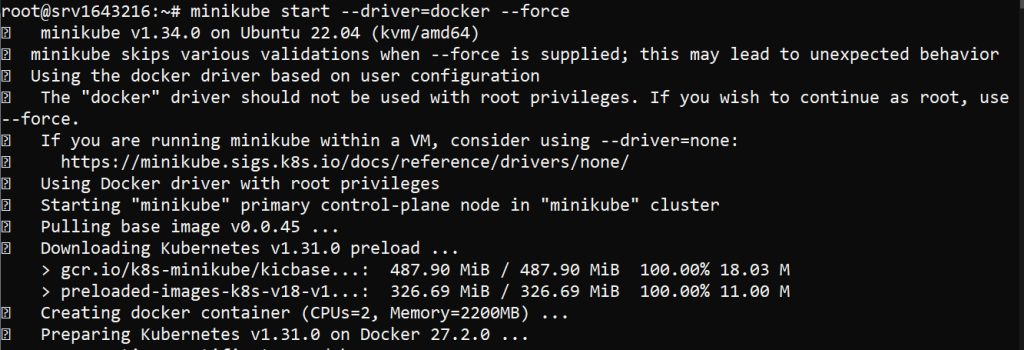
Check that it works:
kubectl cluster-info && kubectl get nodes
Step 2: Install Helm
curl https://raw.githubusercontent.com/helm/helm/main/scripts/get-helm-3 | bash
Check it:
helm version
Step 3: Add the Bitnami repository
helm repo add bitnami https://charts.bitnami.com/bitnami
helm repo update
Step 4: Prepare storage
Kafka needs persistent storage for its logs. Save this as kafka-pvc.yaml:
apiVersion: v1
kind: PersistentVolumeClaim
metadata:
  name: kafka-pvc
spec:
  accessModes:
    - ReadWriteOnce
  resources:
    requests:
      storage: 10Gi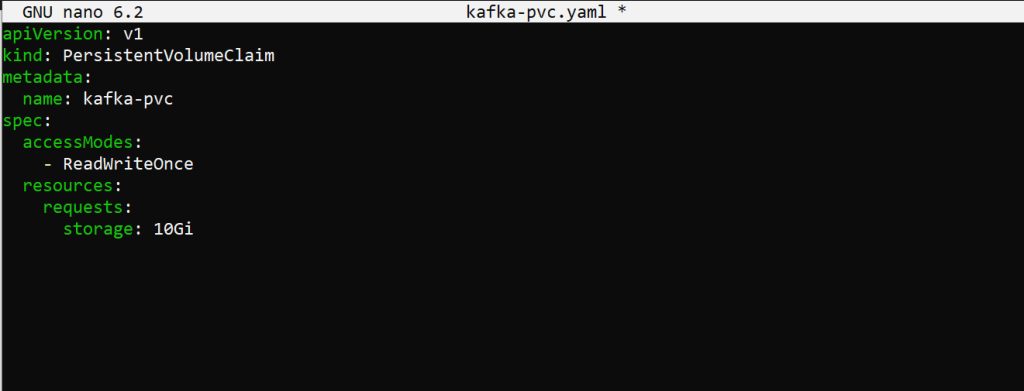
kubectl apply -f kafka-pvc.yamlNote: The Bitnami chart creates its own volume claims when
persistence.enabled is true, as in the values file below. Use the claim above only if you want to manage storage by hand.Step 5: Install Kafka
helm install my-kafka bitnami/kafka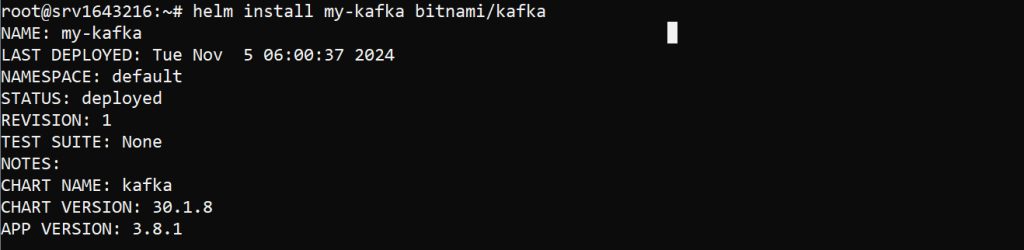
To customize it, save a values.yaml. The names of the settings depend on the chart version. Check them with helm show values bitnami/kafka.
persistence:
  enabled: true
  size: 10Gi
  storageClass: standard
replicaCount: 3
zookeeper:
  enabled: true
Install with the file:
helm install -f values.yaml my-kafka bitnami/kafkaStep 6: Check the result
kubectl get pods && kubectl get services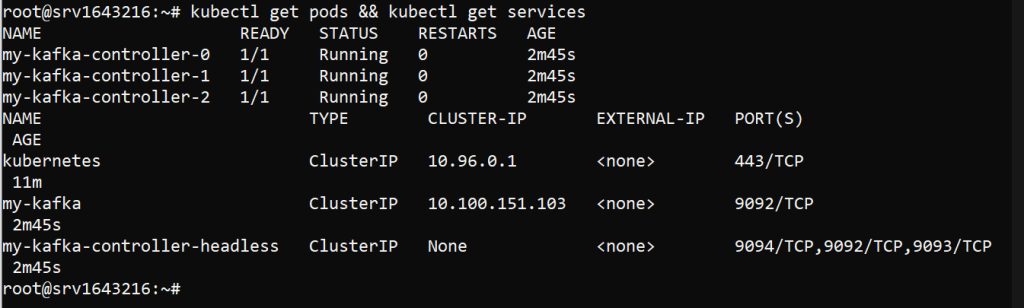
Read the logs of a pod:
kubectl logs -f <kafka-pod-name>Step 7: Use Kafka
Forward the port to your machine:
kubectl port-forward svc/my-kafka 9092:9092Send messages to a topic called test:
kafka-console-producer.sh --broker-list localhost:9092 --topic testRead them:
kafka-console-consumer.sh --bootstrap-server localhost:9092 --topic test --from-beginningStep 8: Scale
Raise the number of brokers in values.yaml:
replicaCount: 5Upgrade the release and check:
helm upgrade my-kafka -f values.yaml bitnami/kafka
kubectl get pods
Step 9: Metrics
Turn on the Kafka metrics exporter in values.yaml:
metrics:
  kafka:
    enabled: true
    port: 9308
Step 10: Secure it
TLS
tls:
  enabled: true
  existingSecret: kafka-tls-secret
kubectl create secret generic kafka-tls-secret --from-file=ca.crt --from-file=cert.crt --from-file=cert.keySign-in (SASL)
auth:
  clientProtocol: sasl
  jaas:
    enabled: true
    clientUsers:
      - user
    clientPasswords:
      - password
Use strong passwords in real use.
Network policy. Let only certain pods reach Kafka:
apiVersion: networking.k8s.io/v1
kind: NetworkPolicy
metadata:
  name: kafka-policy
spec:
  podSelector:
    matchLabels:
      app: kafka
  ingress:
    - from:
        - podSelector:
            matchLabels:
              role: my-app
      ports:
        - protocol: TCP
          port: 9092
kubectl apply -f kafka-policy.yamlQuick recap
- Helm and the Bitnami chart install Kafka quickly.
- Give Kafka persistent storage and check the pods.
- Turn on TLS, sign-in and network policies for production.