

The :s command
The substitute command :s replaces text. Press Esc first, then type a colon.
:s/pattern/replacement/This replaces the first match on the current line.
| Command | What it does |
|---|---|
:s/old/new/ | Replace the first "old" on this line |
:s/old/new/g | Replace every "old" on this line |
:%s/old/new/g | Replace every "old" in the whole file |
:%s/old/new/gc | Same, but ask before each change |
:5,10s/old/new/g | Replace only in lines 5 to 10 |
Example, replace all matches in the current line:
:s/old/new/g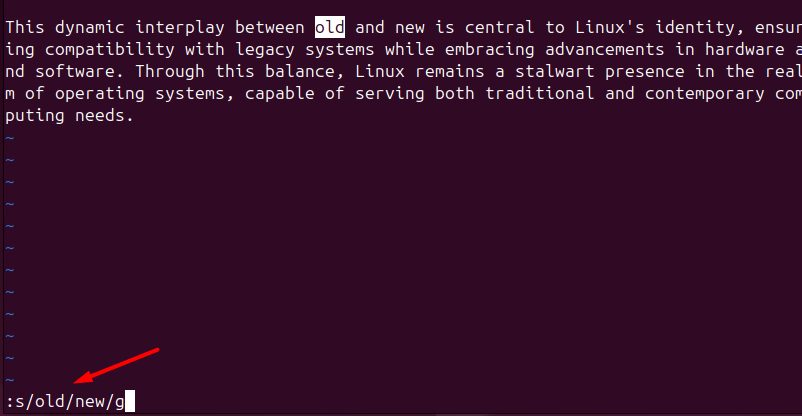
Replace in the whole file:
:%s/old/new/gReplace only the first match of each line in the file:
:%s/old/new/The :g command
:g runs a command on every line that matches a pattern. To delete all lines that contain "old":
:g/old/d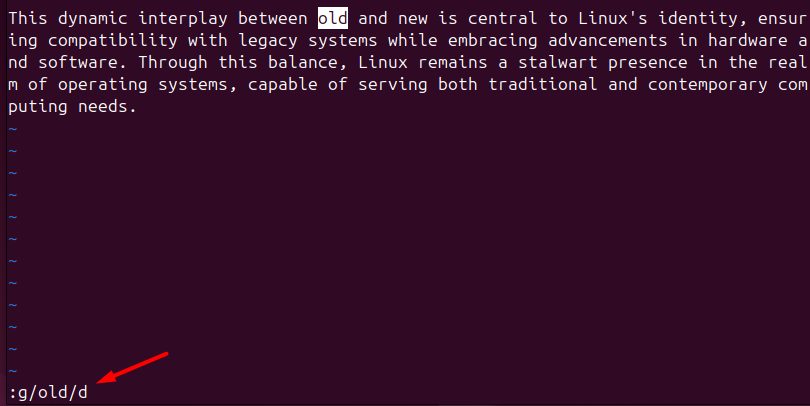
The general form is:
:g/pattern/commandRegular expressions
Whole words only. Use \< and \> as word boundaries, so "older" is not changed:
:%s/\<old\>/new/g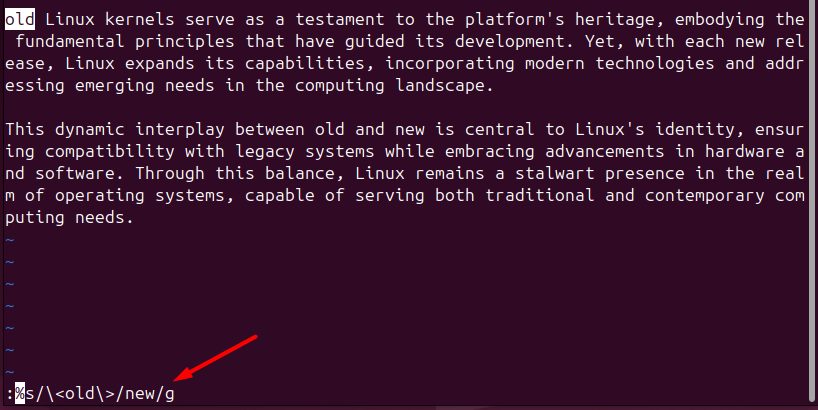
Character classes
:s/old[0-9a-zA-Z]/new/This replaces "old" followed by one letter or digit.
Groups and backreferences. In Vim, use \( and \) for groups, and \1 for the match. This turns old123 into new123:
:s/old\([0-9]\+\)/new\1/Add \v ("very magic") to write patterns without so many backslashes:
:s/\vold(\d+)/new\1/Practical examples
Rename a function in code
:%s/old_function/new_function/gChange a phrase in a text
:%s/old phrase/new phrase/gChange a path (use another separator instead of /):
:%s#/old/path#/new/path#gQuick recap
:%s/old/new/greplaces everywhere.- Add
cto confirm each change. :g/pattern/ddeletes the lines that match.