

Method 1: Command line
Update the package list:
sudo apt update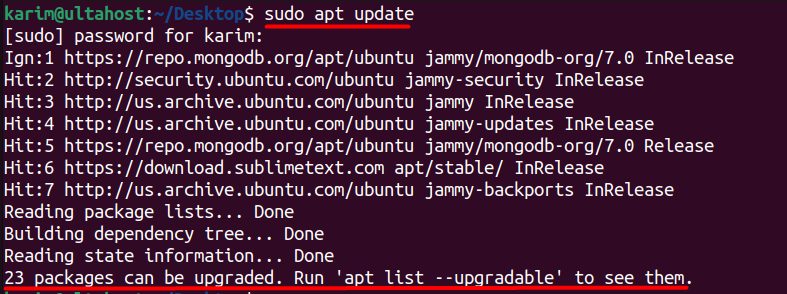
Install Chromium:
sudo apt install chromium-browser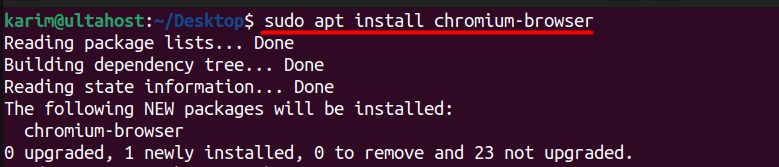
On Ubuntu 22.04 the chromium-browser package is a small wrapper that installs Chromium as a snap package. This is normal.
Check the version:
chromium-browser --version
Start it:
chromium-browser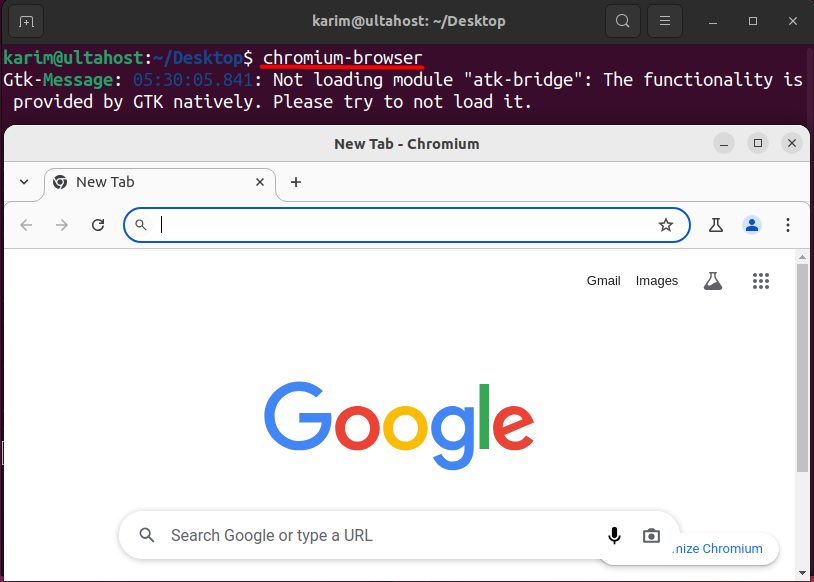
If the installation breaks, you can repair it:
sudo apt install --fix-broken chromium-browserTo remove it:
sudo apt remove chromium-browserMethod 2: Ubuntu Software
- Open Ubuntu Software from the dock.

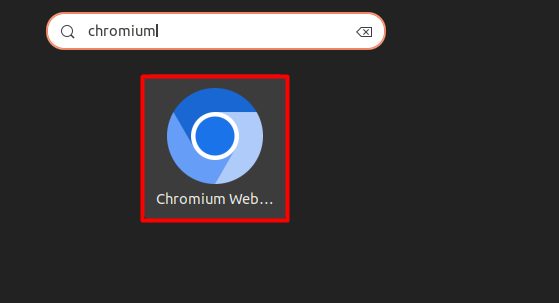
- Search for Chromium and open the result.

- Click Install and enter your password.
Main features
Fast browsing
- Quick page loading and rendering.
- A responsive interface.
Secure browsing
- Protection from malware and phishing.
- Regular security updates.
- Incognito mode.
Customization
- Extensions and themes.
- A custom home page.
- Many settings.
Compatibility
- Works with most sites and web apps.
- Supports many languages.
Quick recap
sudo apt install chromium-browserinstalls it (as a snap).- Or use Ubuntu Software.
- Start it with
chromium-browser.