


What Hive is
Apache Hive is a data warehouse tool built on Hadoop. It lets you query and manage large data sets in HDFS with a SQL-like language called HiveQL.
Requirements
- Java 8 or newer with
JAVA_HOMEset. - A working Hadoop installation with the environment variables set (see our Hadoop guide). Hive 4.x needs Java 8 and Hadoop 3.x.
- Ubuntu. This guide used Ubuntu 24.04, but other versions work.
- At least 4 GB of RAM (8 GB is better for real work).
- 20 GB of free disk space.
Step 1: Download and extract Hive
Check Hadoop first:
hadoop version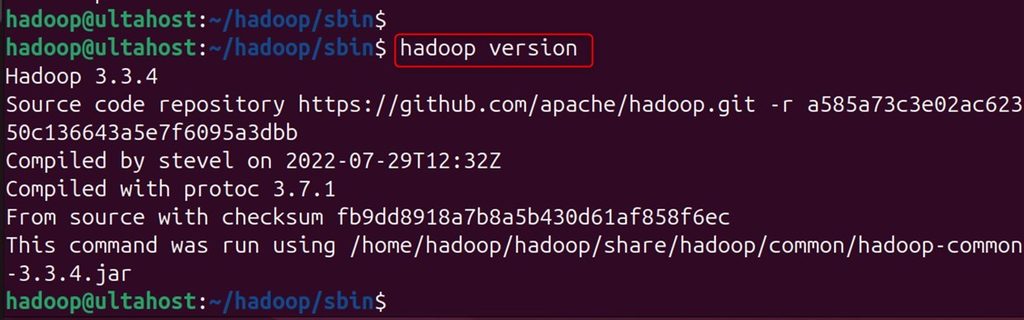
Download Hive from the Apache download page.
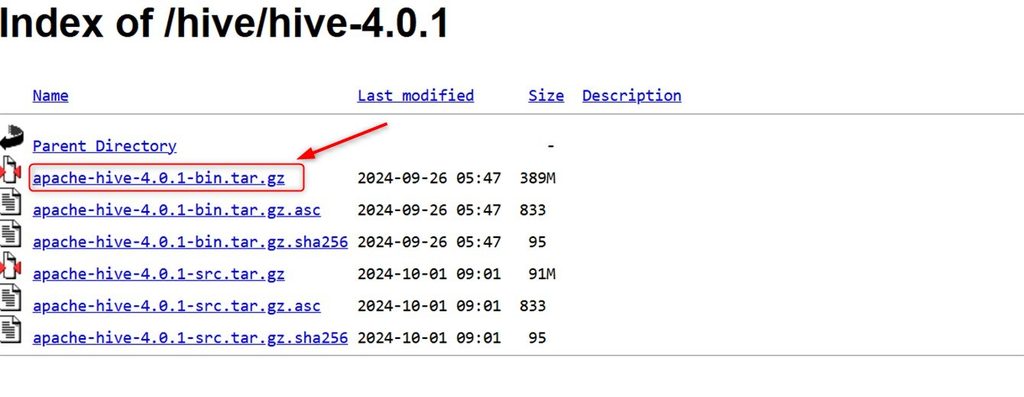
Or with wget (check the current version number on the Apache site):
wget https://downloads.apache.org/hive/hive-4.0.1/apache-hive-4.0.1-bin.tar.gz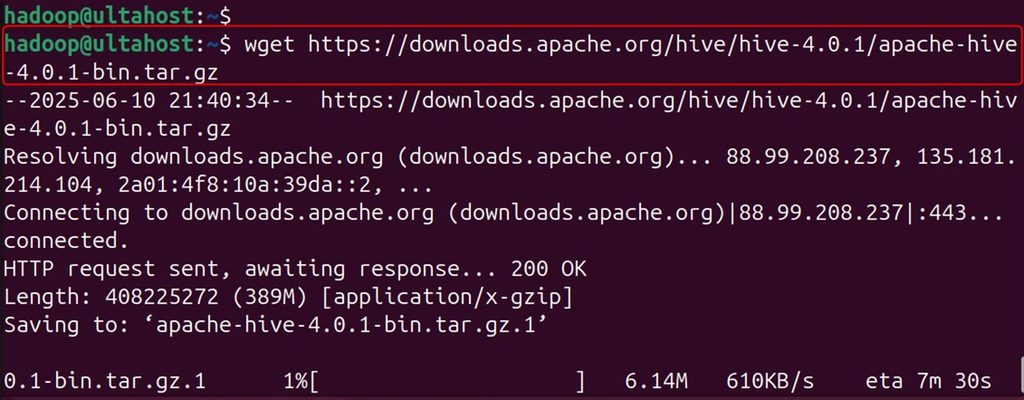
Extract it:
tar xzf apache-hive-4.0.1-bin.tar.gz
Step 2: Set the environment variables
Open ~/.bashrc:
nano ~/.bashrcAdd these lines at the end (change the path to where you extracted Hive):
export HIVE_HOME="/home/hdoop/apache-hive-4.0.1-bin"
export PATH=$PATH:$HIVE_HOME/bin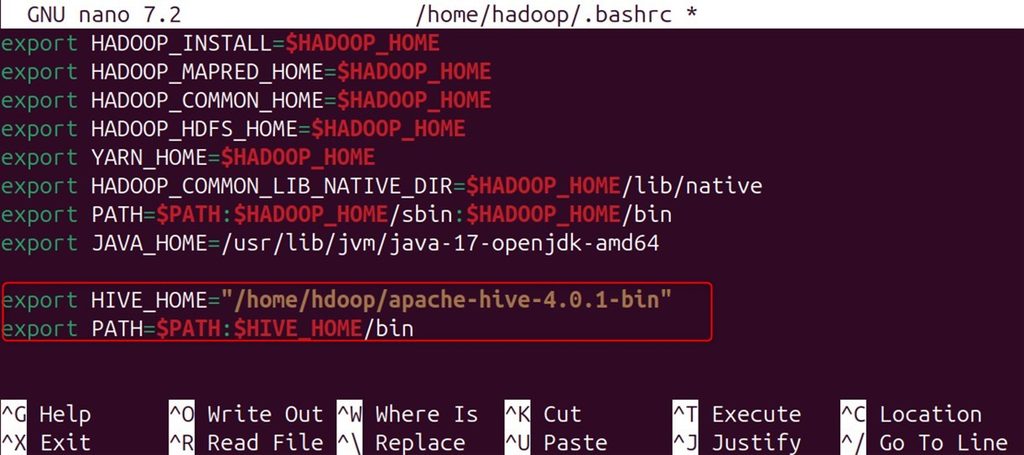
Apply the changes:
source ~/.bashrc
Check them:
echo $HIVE_HOME
echo $PATH | grep hive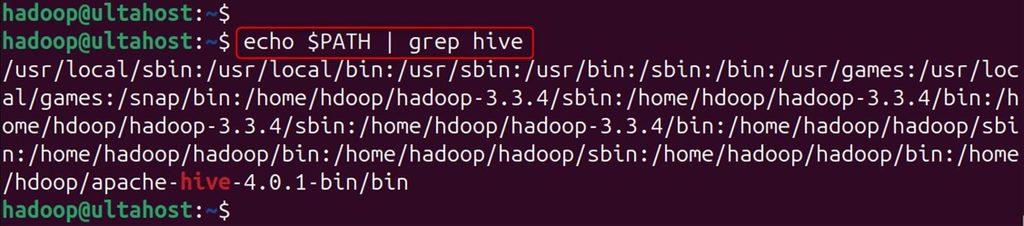
Step 3: Configure Hadoop for Hive
Edit core-site.xml:
sudo nano $HADOOP_HOME/etc/hadoop/core-site.xmlAdd the proxy user settings inside <configuration> (replace db_user and server with the users that run Hive):
<property>
    <name>hadoop.proxyuser.db_user.groups</name>
    <value>*</value>
</property>
<property>
    <name>hadoop.proxyuser.db_user.hosts</name>
    <value>*</value>
</property>
<property>
    <name>hadoop.proxyuser.server.hosts</name>
    <value>*</value>
</property>
<property>
    <name>hadoop.proxyuser.server.groups</name>
    <value>*</value>
</property>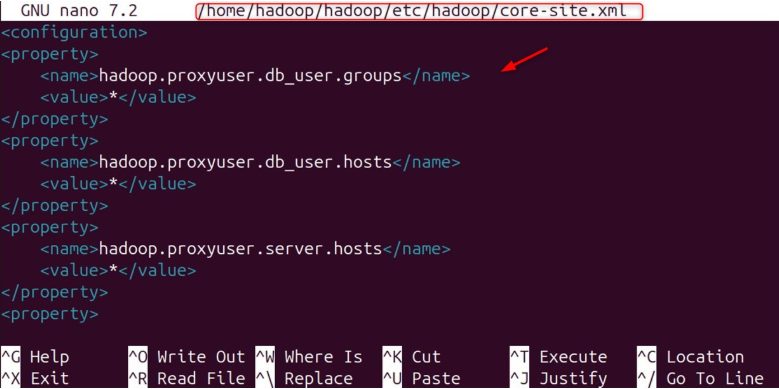
These settings let the Hive user act on behalf of other users. The * values are open and fine for a test. Narrow them in production.
Step 4: Create the HDFS folders
hadoop fs -mkdir /tmp
hadoop fs -chmod g+w /tmp
hadoop fs -ls /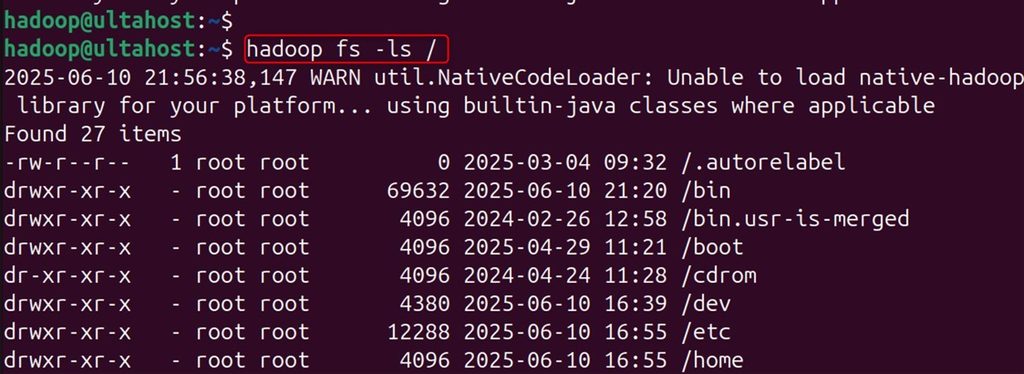
Also create the warehouse folder:
hadoop fs -mkdir -p /user/hive/warehouse
hadoop fs -chmod g+w /user/hive/warehouse
Step 5: Configure Hive (optional but good)
cd apache-hive-4.0.1-bin/conf
ls -l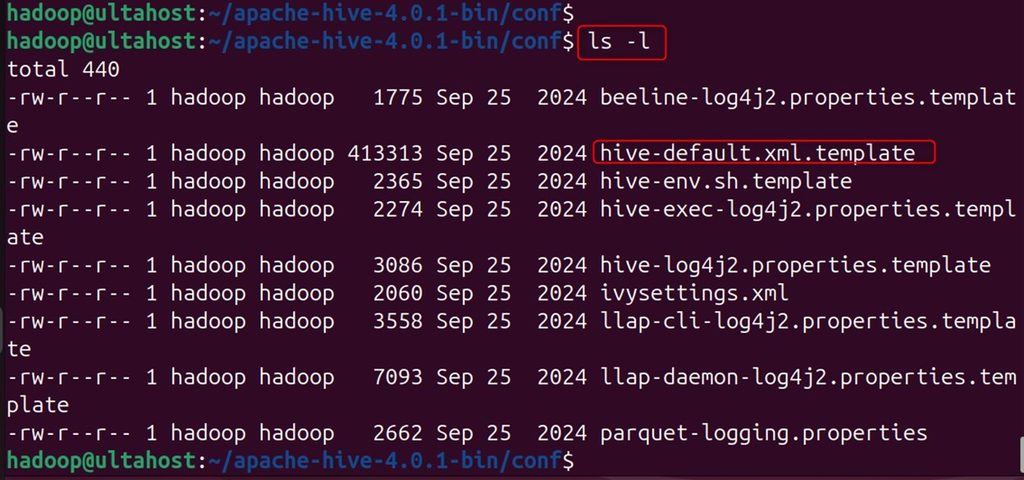
Copy the template:
cp hive-default.xml.template hive-site.xml
Edit it:
nano hive-site.xmlSet, for example, the warehouse folder:
<property>
    <name>hive.metastore.warehouse.dir</name>
    <value>/user/hive/warehouse</value>
</property>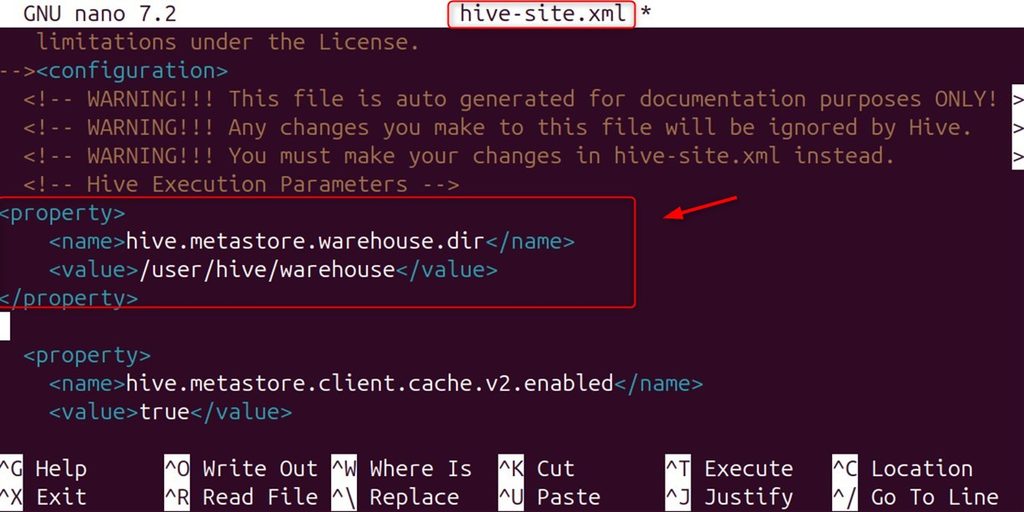
Custom settings help you tune performance for your hardware, fit your environment and meet production rules.
Step 6: Initialize the metastore
cd apache-hive-4.0.1-bin
bin/schematool -dbType derby -initSchema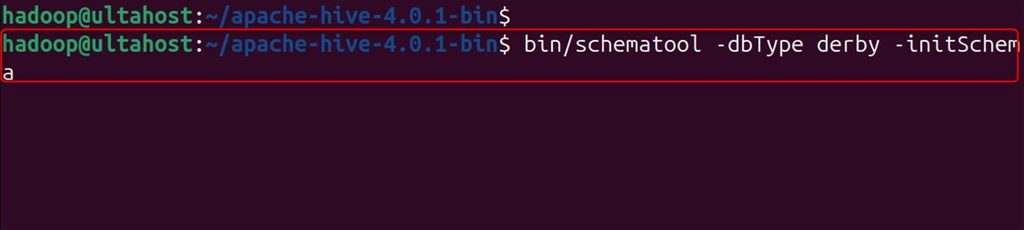
The metastore stores the databases, table definitions, column data types, partitions and security information. Derby is fine for testing. Use MySQL or PostgreSQL for production.
Step 7: Start Hive and test it
bin/hiveserver2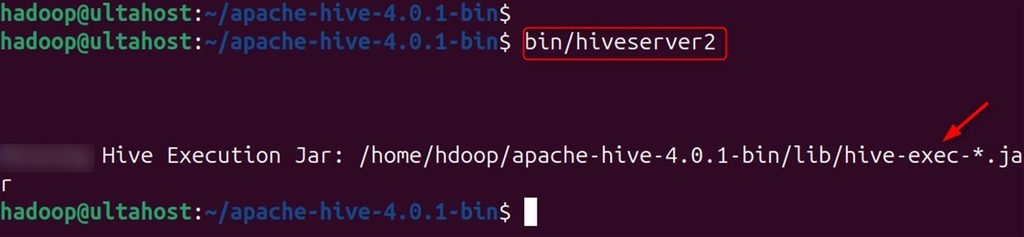
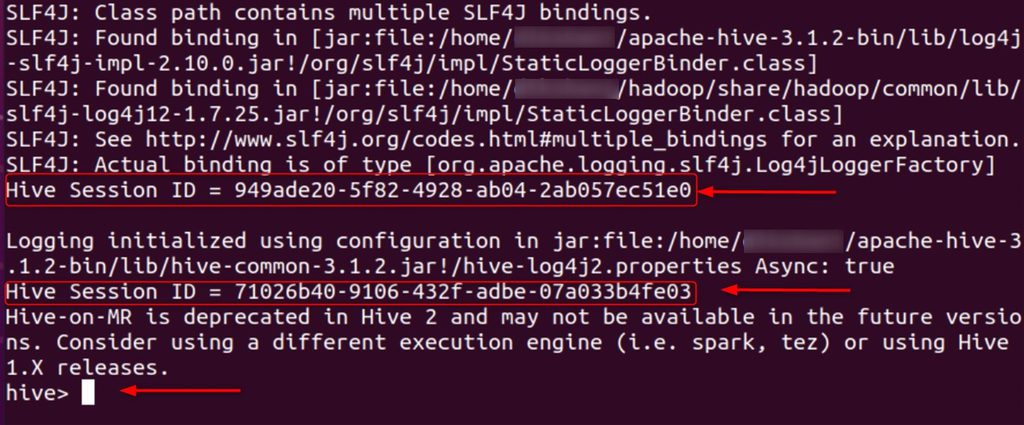
In another terminal, connect with bin/beeline -u jdbc:hive2://localhost:10000 and create a table:
CREATE TABLE IF NOT EXISTS student_details(
name STRING,
marks FLOAT)
ROW FORMAT DELIMITED
FIELDS TERMINATED BY ',';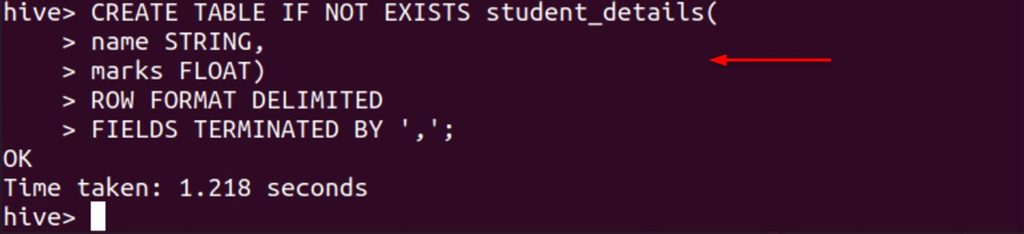
Quick recap
- Install Hadoop first, then download and extract Hive.
- Set
HIVE_HOME, create the HDFS folders and runschematool -initSchema. - Start HiveServer2 and create a table to test.