

What ZooKeeper is
Apache ZooKeeper is a service that keeps configuration and naming data, and helps distributed systems such as Kafka and Hadoop to coordinate.
Step 1: Install Java
Check if Java is installed:
java --version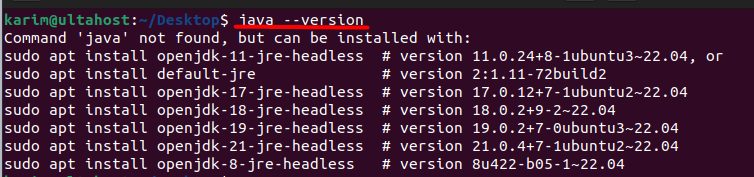
If not, install it:
sudo apt update
sudo apt install default-jdk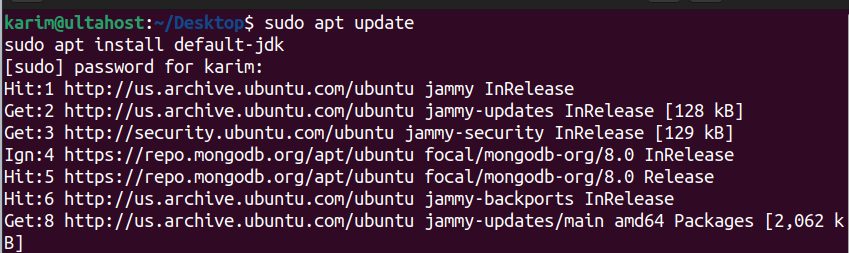
Step 2: Create a user for ZooKeeper
sudo adduser --system --group --home /opt/zookeeper zookeeper
Step 3: Create the data folder
sudo mkdir -p /var/lib/zookeeper
sudo chown zookeeper:zookeeper /var/lib/zookeeper
Step 4: Download and install ZooKeeper
cd /opt
Open the Apache ZooKeeper download page and copy the link of the latest stable binary release.
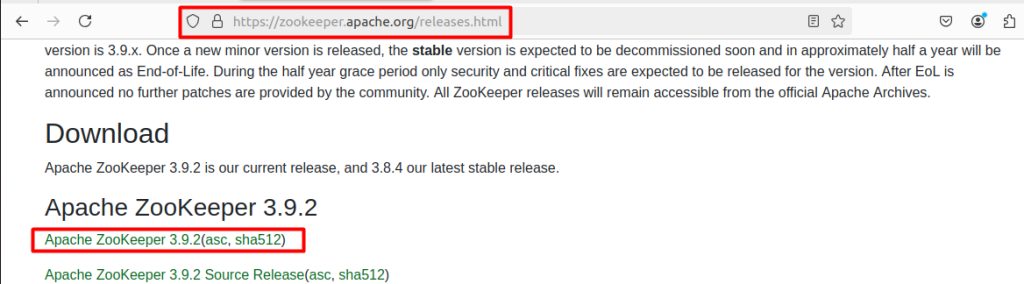
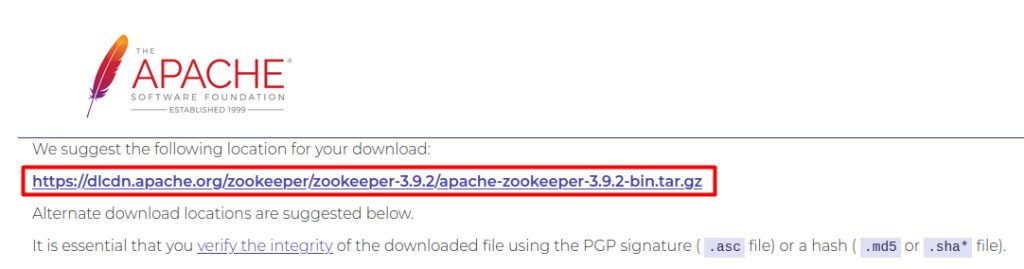
Download it (replace the version with the current one):
sudo wget https://dlcdn.apache.org/zookeeper/zookeeper-3.9.2/apache-zookeeper-3.9.2-bin.tar.gz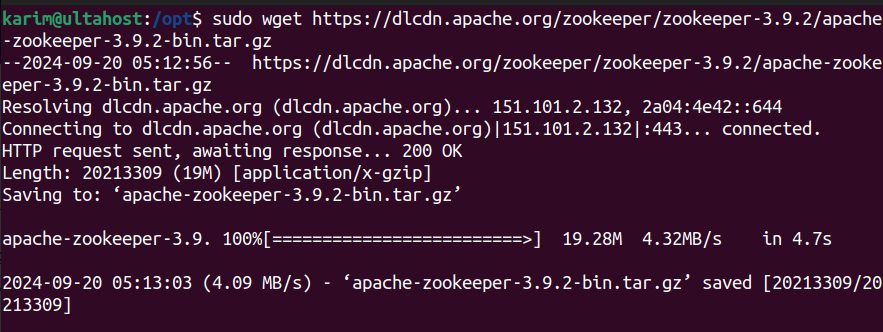
Extract it:
sudo tar -xzf apache-zookeeper-*.tar.gz -C /opt
Rename the folder:
sudo mv /opt/apache-zookeeper-*-bin /opt/zookeeper
Give the user the right to own it:
sudo chown -R zookeeper:zookeeper /opt/zookeeper
Step 5: Configure ZooKeeper
Copy the sample file to zoo.cfg:
sudo cp /opt/zookeeper/conf/zoo_sample.cfg /opt/zookeeper/conf/zoo.cfg
sudo nano /opt/zookeeper/conf/zoo.cfg
Use these settings:
tickTime=2000
dataDir=/var/lib/zookeeper
clientPort=2181
initLimit=10
syncLimit=5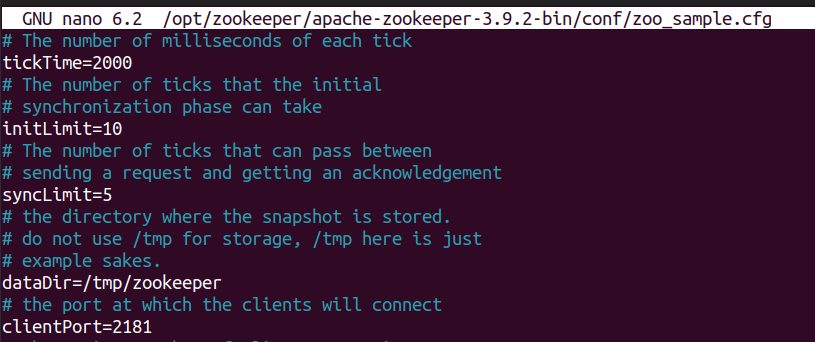
- tickTime. The basic time unit in milliseconds.
- dataDir. Where ZooKeeper keeps its data.
- clientPort. The port for client connections.
- initLimit. The time that followers have to connect and sync to the leader.
- syncLimit. The time allowed between a request and its acknowledgment.
Step 6: Create a system service
sudo nano /etc/systemd/system/zookeeper.serviceAdd:
[Unit]
Description=Apache ZooKeeper Service
After=network.target

[Service]
Type=forking
User=zookeeper
Group=zookeeper
ExecStart=/opt/zookeeper/bin/zkServer.sh start
ExecStop=/opt/zookeeper/bin/zkServer.sh stop
Restart=on-failure

[Install]
WantedBy=multi-user.target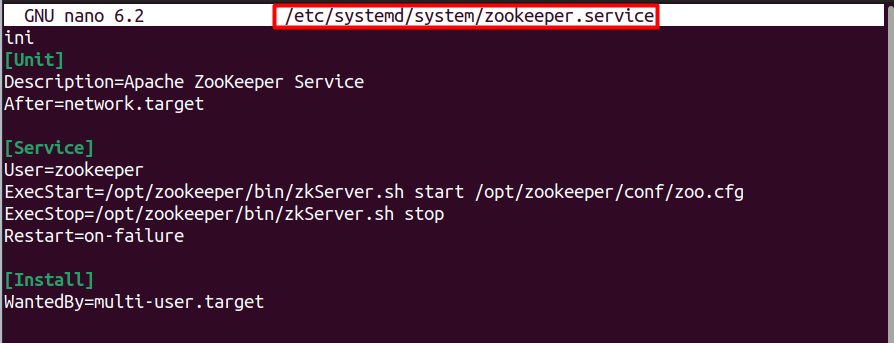
Reload systemd:
sudo systemctl daemon-reload
Step 7: Start ZooKeeper
sudo systemctl start zookeeper
sudo systemctl enable zookeeper
sudo systemctl status zookeeper
Test with the client:
/opt/zookeeper/bin/zkCli.sh -server 127.0.0.1:2181
Quick recap
- Install Java, create a user, download and extract ZooKeeper.
- Set
zoo.cfgwithdataDirandclientPort. - Run it as a systemd service.