

What a proxy is
A proxy server sits between your users and the internet. It can:
- Improve security by hiding internal machines.
- Protect privacy.
- Control and filter what users can open.
- Save bandwidth and speed up access by caching.
Squid is a free, popular caching proxy. It supports HTTP, HTTPS and FTP, and can be tuned in many ways.
Install Squid
Update the system:
sudo apt update && sudo apt full-upgrade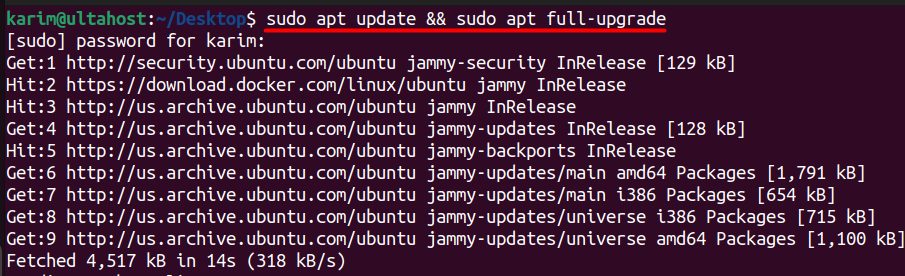
Install Squid:
sudo apt install squid -y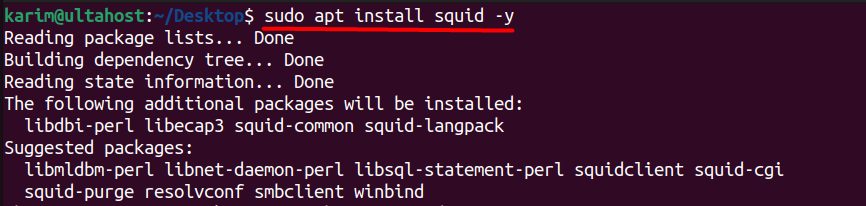
Check that it runs:
sudo systemctl status squid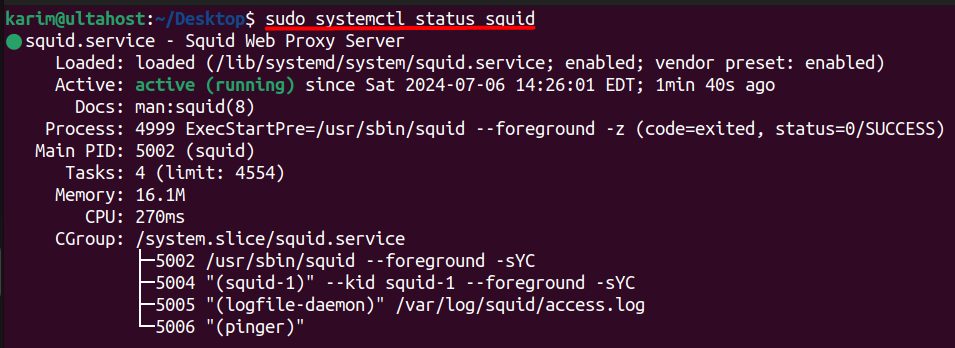
Configure Squid
Make a backup of the original file, then edit it:
sudo cp /etc/squid/squid.conf /etc/squid/squid.conf.backup
sudo nano /etc/squid/squid.conf
Allow your network. Define an ACL for your network and allow it. Put the http_access allow line above the final http_access deny all:
acl localnet src 192.168.1.0/24
http_access allow localnet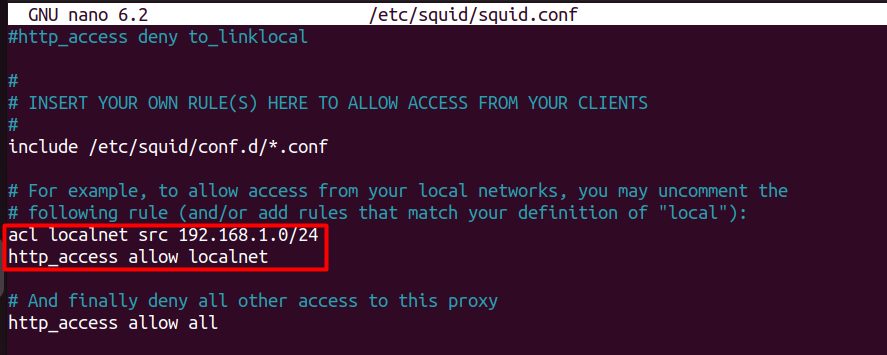
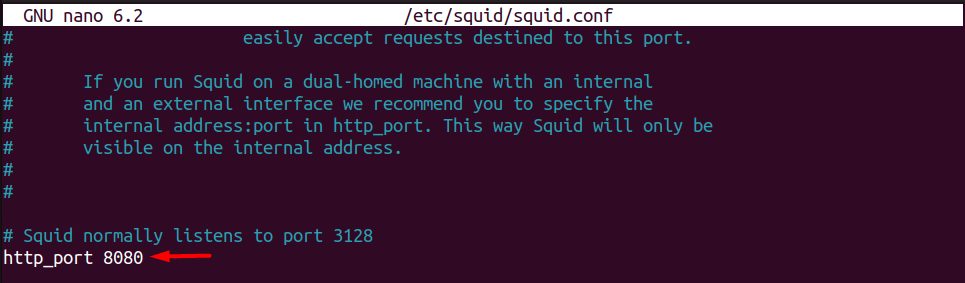
Change the port. Find http_port 3128 and change the number if you want another port. Open that port in your firewall.
Turn on caching. Set the cache folder and size, and the memory used for caching:
cache_dir ufs /var/spool/squid 10000 16 256
cache_mem 256 MB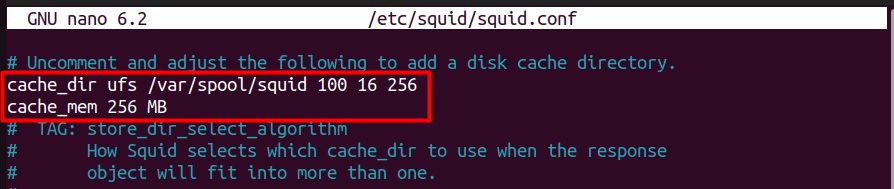
10000 is the cache size in MB.
Save the file and restart Squid:
sudo systemctl restart squid
Use the proxy
On your client, set the proxy to the IP address of the server and port 3128 (or your port). Test it:
curl -x http://server_ip:3128 http://example.comRead the logs
sudo tail -f /var/log/squid/access.log
sudo tail -f /var/log/squid/cache.log
Benefits of Squid
- Faster pages through caching.
- Less bandwidth use.
- Better security and access control.
- Content filtering with ACLs.
- Open source and highly configurable.
Quick recap
- Install
squid, allow your network with an ACL, and restart the service. - Change the port and cache size in
squid.conf. - Read
access.logto see what happens.