

What PPTP is
PPTP (Point-to-Point Tunneling Protocol) is an early VPN protocol. It is simple and works on almost every device, but its encryption is weak.
What you need
- A VPS with a public IP address.
- Basic Linux knowledge.
- An SSH client.
- Root or sudo access.
- A supported OS. The commands below are for Ubuntu and Debian.
Step 1: Connect to the VPS
ssh username@your_server_ipStep 2: Update the server
sudo apt update
sudo apt upgrade
Step 3: Install the PPTP package
sudo apt install pptpd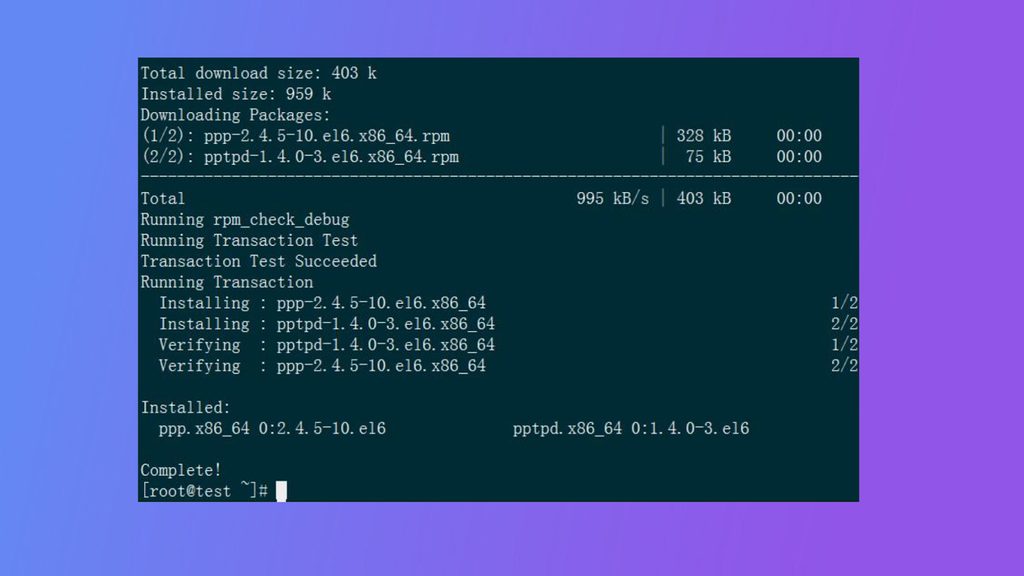
Step 4: Configure PPTP
Open the configuration file:
sudo nano /etc/pptpd.confSet the local address and the range for clients at the end of the file:
localip 192.168.1.1
remoteip 192.168.1.100-200
Choose private addresses that do not clash with your own networks.
Step 5: Add DNS servers
Open /etc/ppp/pptpd-options and add (or edit) these lines:
ms-dns 8.8.8.8
ms-dns 8.8.4.4
Step 6: Create VPN users
Open the user file:
sudo nano /etc/ppp/chap-secretsAdd one line per user, in this format: username pptpd password *
vpnuser pptpd StrongPassword123 *Save and close the file.
Step 7: Turn on IP forwarding
sudo nano /etc/sysctl.confRemove the # before this line (or add it):
net.ipv4.ip_forward=1Apply it:
sudo sysctl -pStep 8: Set up the firewall
Allow the PPTP port (TCP 1723) and the GRE protocol, and set up NAT. Replace eth0 with your network interface:
sudo iptables -A INPUT -p tcp --dport 1723 -j ACCEPT
sudo iptables -A INPUT -p gre -j ACCEPT
sudo iptables -t nat -A POSTROUTING -o eth0 -j MASQUERADE
Save the rules with iptables-persistent so they stay after a reboot.
Step 9: Restart the service
sudo systemctl restart pptpd
sudo systemctl enable pptpd
Step 10: Connect a client
On your device, add a new VPN connection of the type PPTP. Enter the IP address of the server, your user name and your password.
Quick recap
- Install
pptpd, set the IP ranges and add users tochap-secrets. - Turn on forwarding and open TCP 1723 and GRE.
- Prefer OpenVPN or WireGuard for real security.