

What the ELK stack is
- Elasticsearch stores and searches the data.
- Logstash collects and processes logs.
- Kibana is the web interface for charts and searches.
Together they are used for log analysis and monitoring. You need a server with at least 4 GB of RAM.
Step 1: Install Elasticsearch
Update the system:
sudo apt update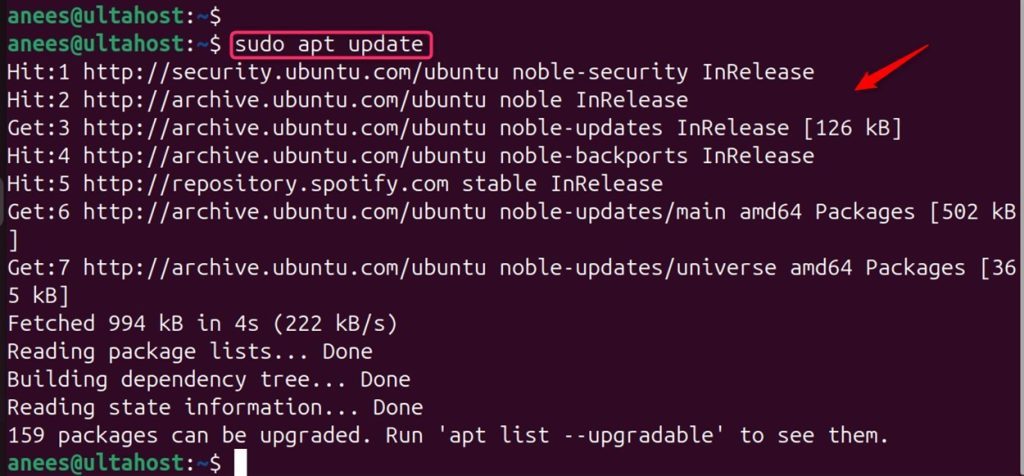
Import the GPG key:
wget -qO - https://artifacts.elastic.co/GPG-KEY-elasticsearch | sudo gpg --dearmor -o /usr/share/keyrings/elasticsearch-keyring.gpg
Add the repository:
echo "deb [signed-by=/usr/share/keyrings/elasticsearch-keyring.gpg] https://artifacts.elastic.co/packages/8.x/apt stable main" | sudo tee /etc/apt/sources.list.d/elastic-8.x.list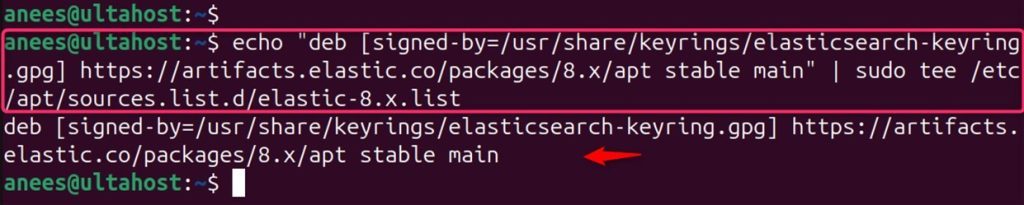
Install:
sudo apt update
sudo apt install elasticsearch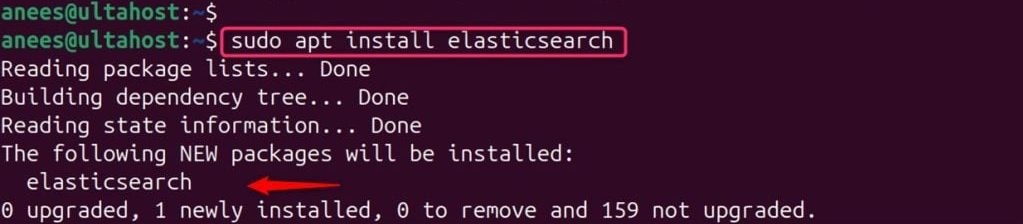
Note the password of the elastic user that the install prints.
Start the service:
sudo systemctl daemon-reload
sudo systemctl enable elasticsearch.service
sudo systemctl start elasticsearch.service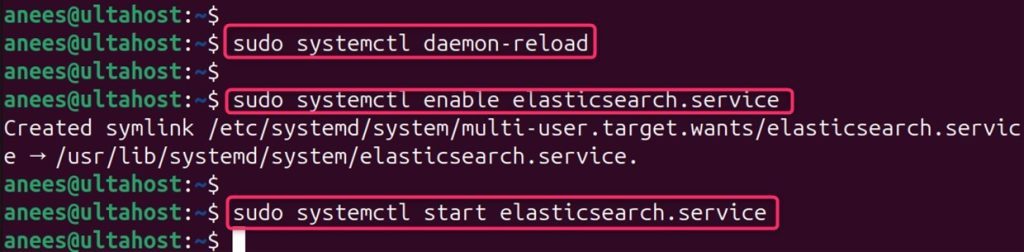
Step 2: Install Logstash
sudo apt install logstash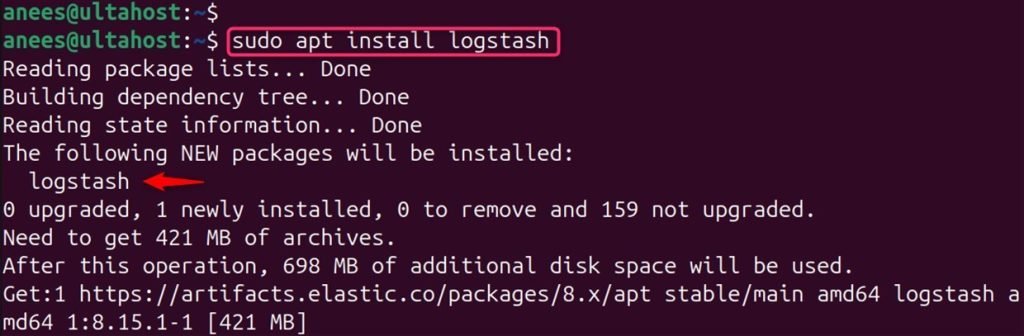
Start and enable it:
sudo systemctl start logstash.service
sudo systemctl enable logstash.service
Step 3: Install Kibana
sudo apt install kibana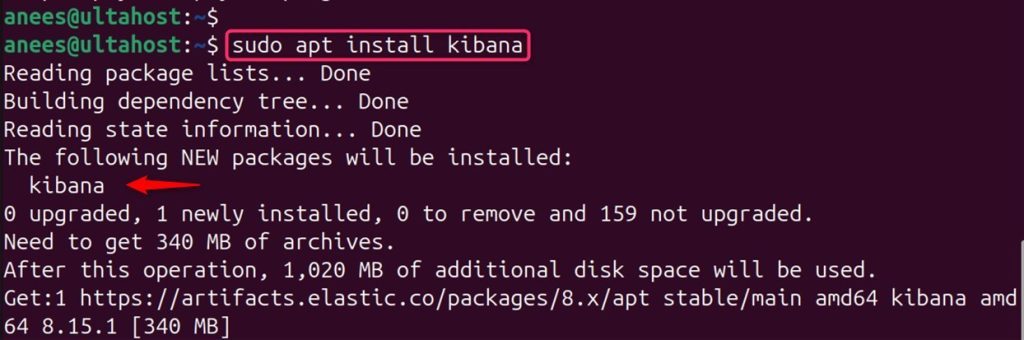
Start and enable it:
sudo systemctl enable kibana.service
sudo systemctl start kibana.service
Step 4: Open Kibana
Kibana listens on port 5601. By default it listens on localhost only. For a first test from your computer, open an SSH tunnel:
ssh -L 5601:localhost:5601 user@your_server_ipThen open http://localhost:5601 in your browser.
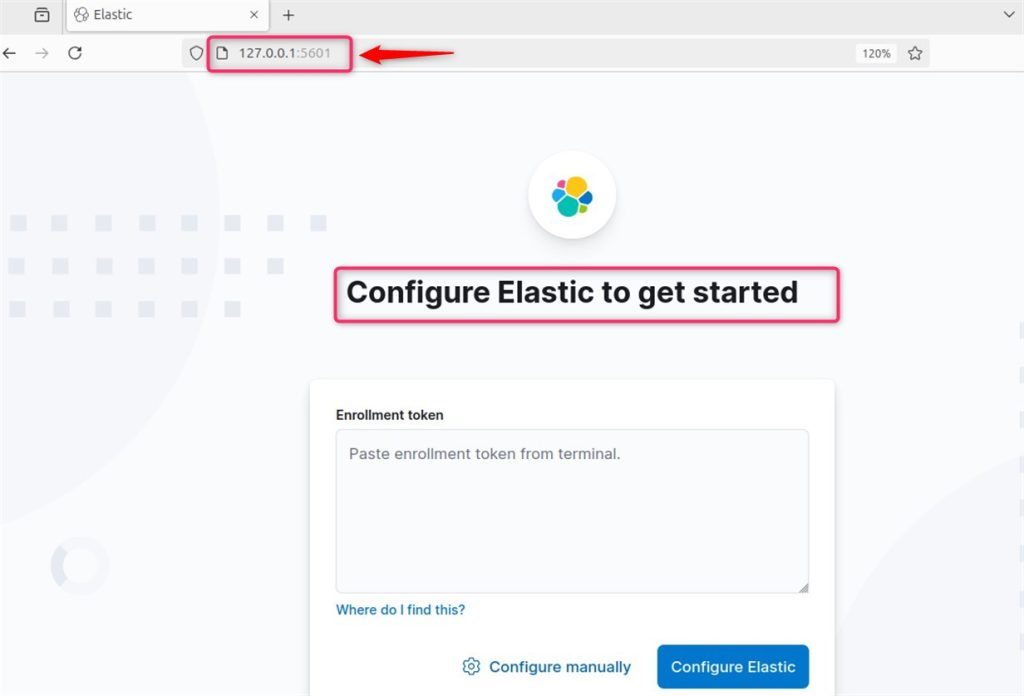
The first time, Kibana asks for an enrollment token. Make one on the server:
sudo /usr/share/elasticsearch/bin/elasticsearch-create-enrollment-token -s kibanaand a verification code:
sudo /usr/share/kibana/bin/kibana-verification-codeThen log in as elastic with the password from step 1.
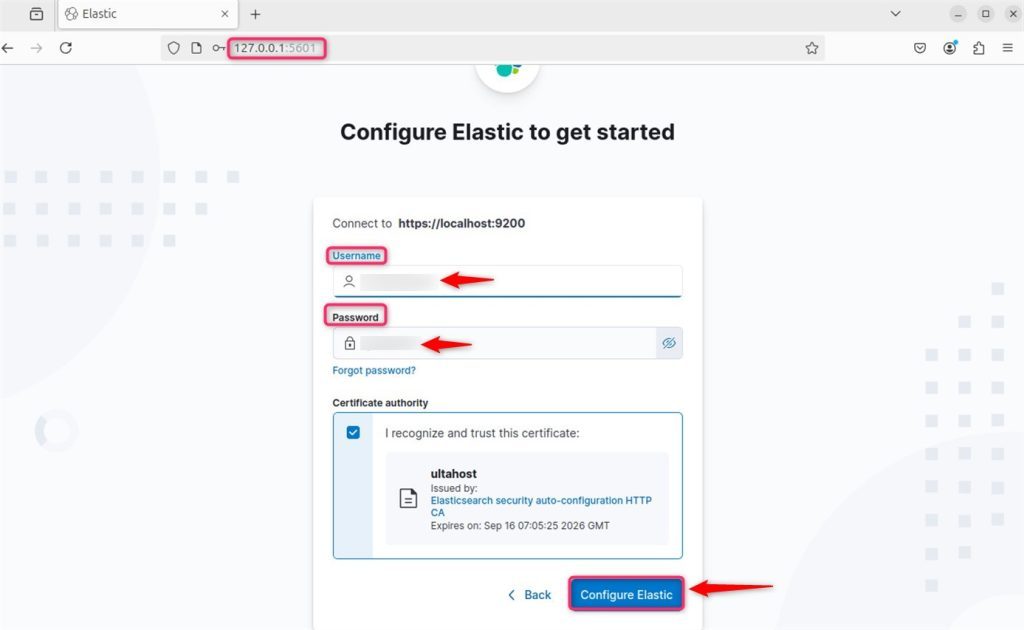
You can also install Beats (light data shippers) on other servers to send data to Elasticsearch or Logstash.
Step 5: Secure the stack with Nginx and HTTPS
To reach Kibana at a domain name, put Nginx in front of it.
Install Nginx:
sudo apt install nginx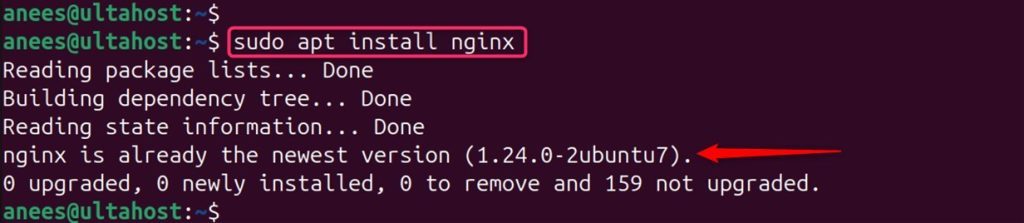
Create a server block that proxies to http://localhost:5601. Then add HTTPS with Let's Encrypt:
sudo apt install certbot python3-certbot-nginx
sudo certbot --nginx -d your-domain.com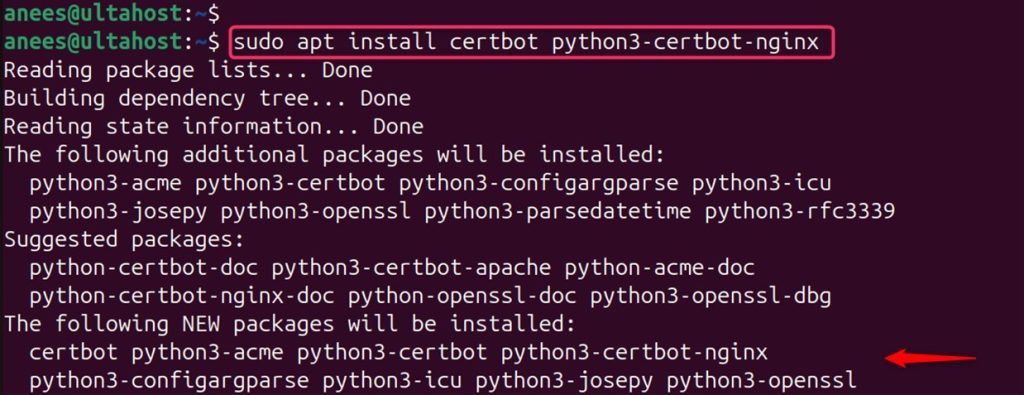
Step 6: Firewall
sudo ufw allow 'Nginx Full'Open port 5601 only if you must reach Kibana directly, and only for your own IP address.
Check Elasticsearch (use your own password):
curl --cacert /etc/elasticsearch/certs/http_ca.crt -u elastic https://localhost:9200/_cat/indices?v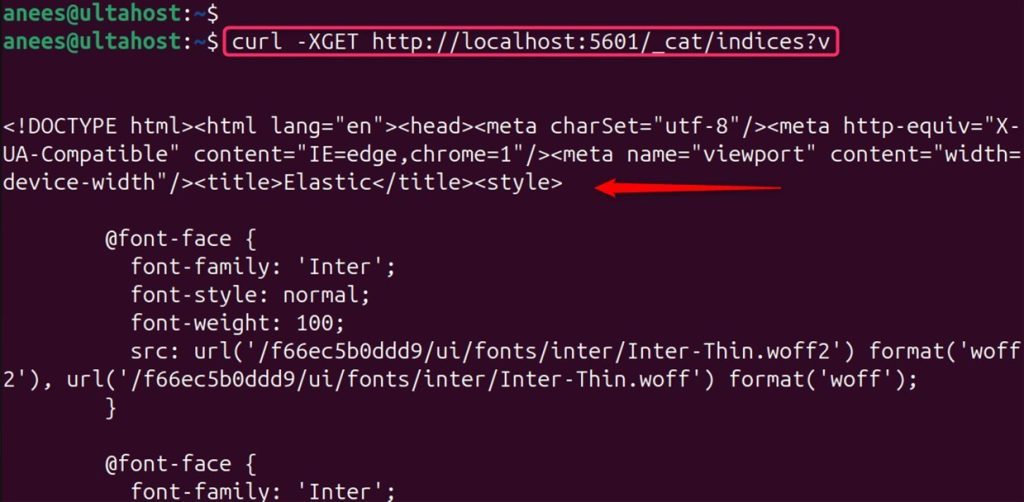
Quick recap
- Install Elasticsearch, Logstash and Kibana from the Elastic repository.
- Use an enrollment token to connect Kibana.
- Put Nginx with HTTPS in front, and keep ports 9200 and 5601 closed to the world.