

Note: GitHub stopped the development of Atom in December 2022. It still works, but it no longer gets updates. For new work, Visual Studio Code is a good alternative.
What Atom offers
- Easy install of packages for more features.
- Themes, key bindings and toolbars to change the look.
- Git and GitHub support built in.
- Teletype, a package for working together.
- Code completion.
- A file browser and project management.
Step 1: Update the system
sudo apt update && sudo apt upgrade -y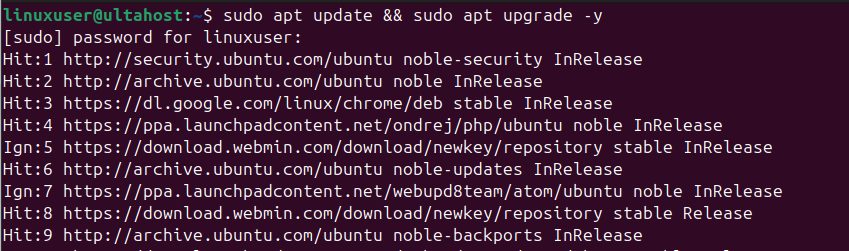
Step 2: Download Atom
Open the Atom page of the GitHub releases and find the .deb file for Ubuntu.
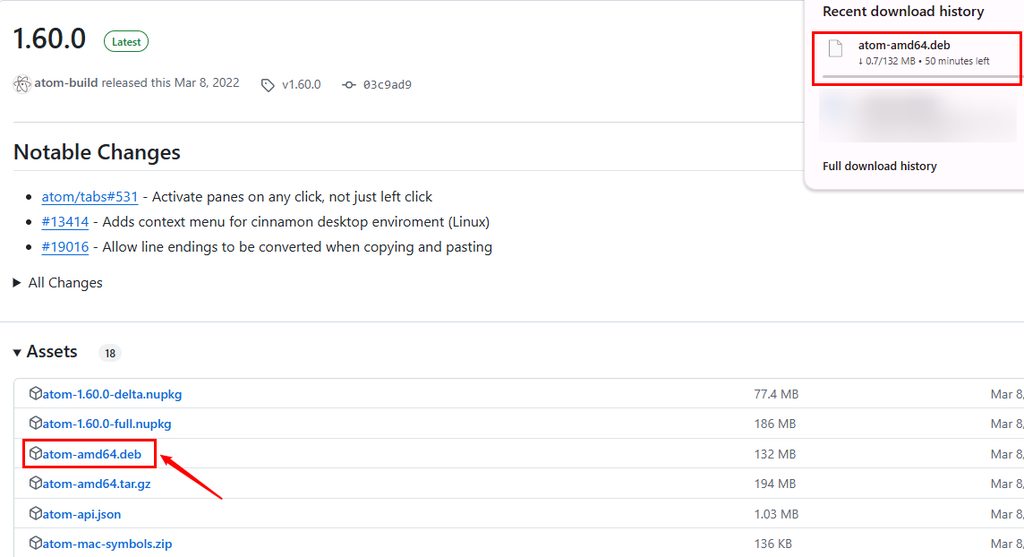
Or download it in the terminal:
wget https://github.com/atom/atom/releases/download/v1.60.0/atom-amd64.deb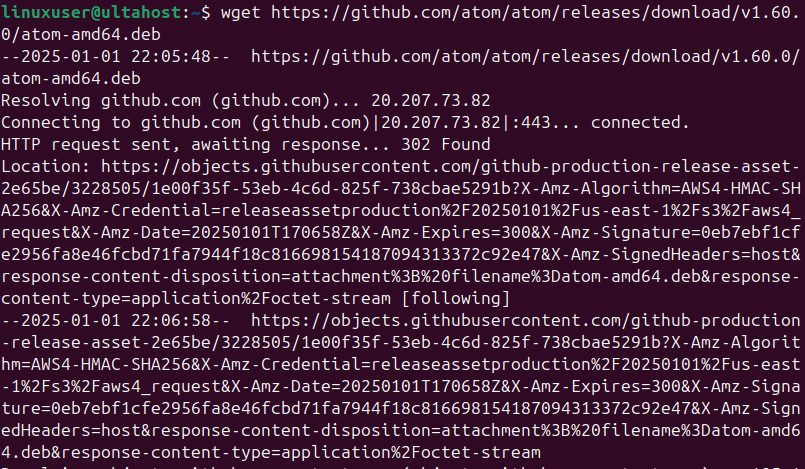
Step 3: Install Atom
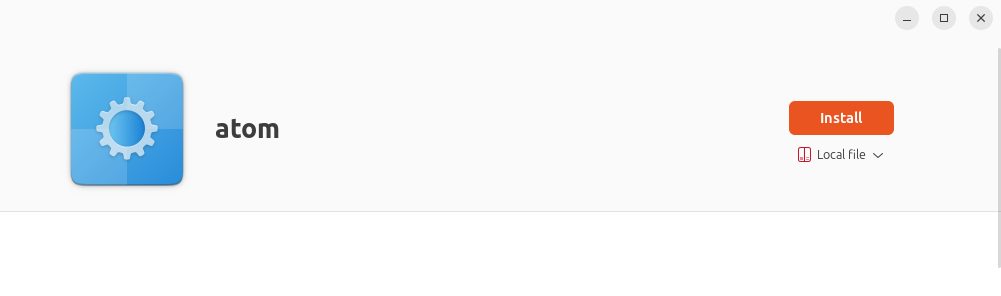
You can install it by double-clicking the file in the file manager.
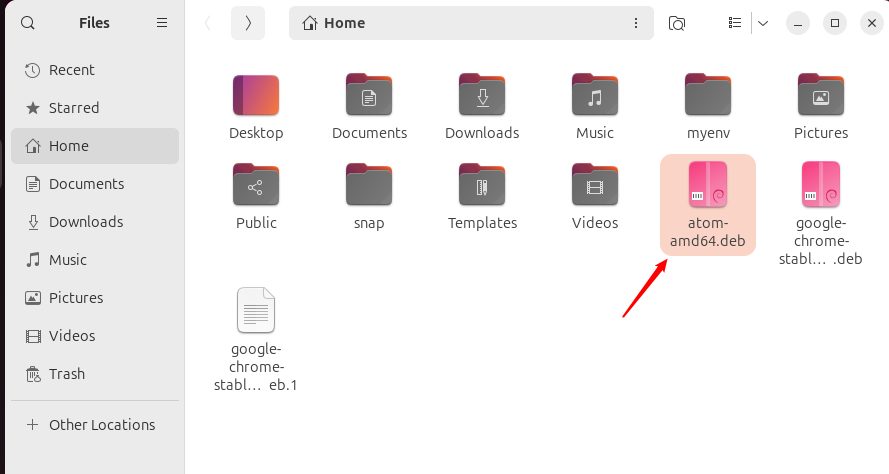
Or use the terminal:
sudo apt install ./atom-amd64.deb
Step 4: Check the installation
atom --version
Step 5: Start Atom
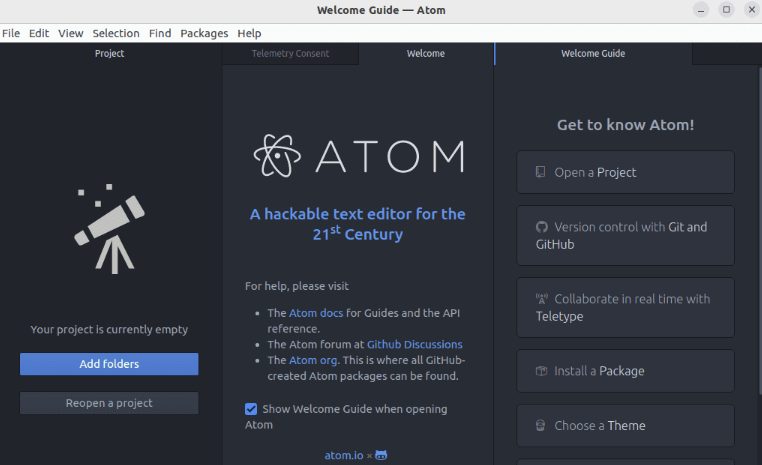
Open Atom from the applications menu, or type atom in a terminal.
Remove Atom
sudo apt remove atomQuick recap
- Download
atom-amd64.deband install it withsudo apt install ./atom-amd64.deb. - Check with
atom --version. - Atom is no longer updated; think about VS Code.