

Requirements
- A 64-bit system with a modern processor.
- A few hundred MB of free disk space.
- An internet connection.
Method 1: Install with APT
Step 1: Update the package list
sudo apt update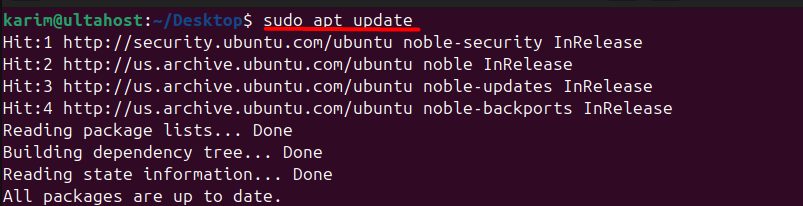
Step 2: Install Go
sudo apt install golang-go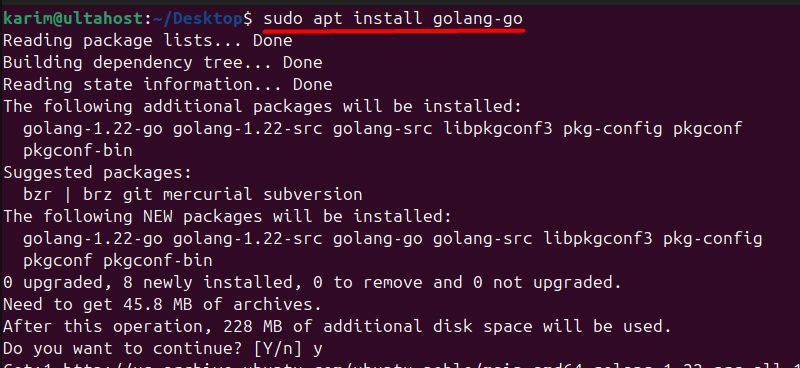
Step 3: Check it
go version
Note: The Go version in the Ubuntu 22.04 repository is older than the latest release. If you need a newer one, use Snap or the official tarball.
Method 2: Install with Snap
Step 1: Install snapd (if it is not installed)
sudo apt install snapd
Step 2: Install Go
sudo snap install go --classic
Step 3: Add the Snap folder to the PATH
echo 'export PATH=$PATH:/snap/bin' >> ~/.bashrc
source ~/.bashrc
Step 4: Check it
go version
Method 3: The official tarball (newest version)
Download the Linux tarball from go.dev/dl, then:
sudo rm -rf /usr/local/go
sudo tar -C /usr/local -xzf go1.22.0.linux-amd64.tar.gz
echo 'export PATH=$PATH:/usr/local/go/bin' >> ~/.bashrc
source ~/.bashrc
Use the file name of the version you downloaded.
Quick recap
sudo apt install golang-gois the simplest way.sudo snap install go --classicgives a newer version.- Check with
go version.