

What Git is
Git is the most used version control system. Its main ideas:
- Distributed. Every developer has a full copy of the history.
- Version control. Git records every change to your files.
- Branching. You can work on features in separate lines of the code.
- Staging. You choose which changes go into the next commit.
- Merging. Git joins the work of different people.
Method 1: Install with APT
sudo apt update
sudo apt install git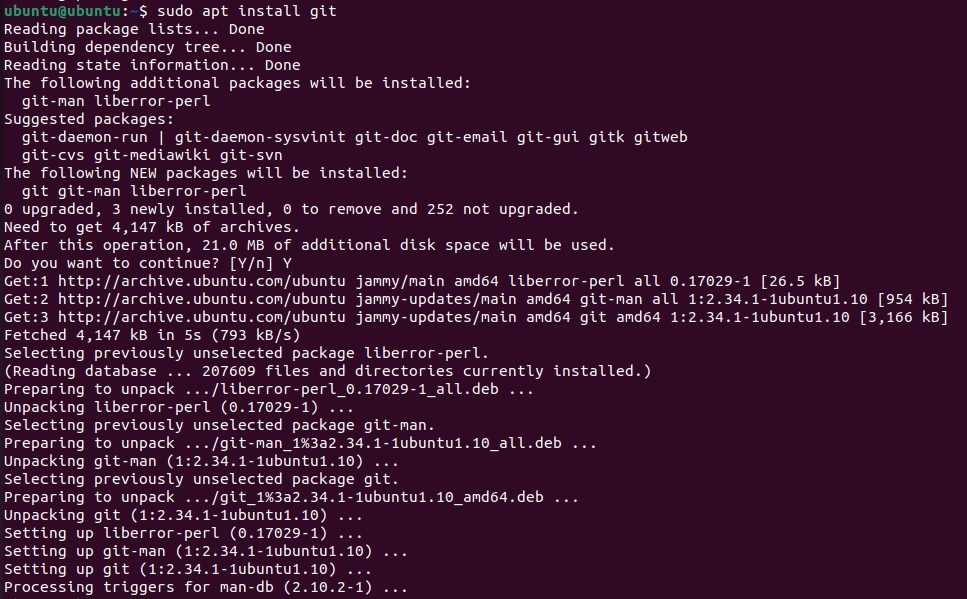
Check it:
git --version
Method 2: Compile from source
Use this only if you need a version that is newer than the one in Ubuntu.
Install the dependencies:
sudo apt install build-essential libssl-dev libcurl4-gnutls-dev libexpat1-dev gettext zlib1g-devDownload the tarball of the version you want from the Git website (https://mirrors.edge.kernel.org/pub/software/scm/git/), then extract it:
tar -xzvf git-2.35.3.tar.gz
cd git-2.35.3
Configure, build and install:
make configure
./configure --prefix=/usr
make
sudo make install
Set up Git
Tell Git who you are. Git puts this in every commit:
git config --global user.name "Your Name"
git config --global user.email "you@example.com"
Check your settings:
git config --listTo update Git later:
sudo apt update && sudo apt upgrade gitWhy use Git
- Version control. Track every change and go back when needed.
- Collaboration. Branches let many people work on a project.
- Offline work. You can commit without a connection.
Quick recap
sudo apt install gitand check withgit --version.- Set
user.nameanduser.email. - Compile from source only for a newer version.