

What Hadoop is
Apache Hadoop is a framework to store and process very large amounts of data across many computers. It scales well, handles many data types and uses cheap hardware.
Step 1: Update the system
sudo apt update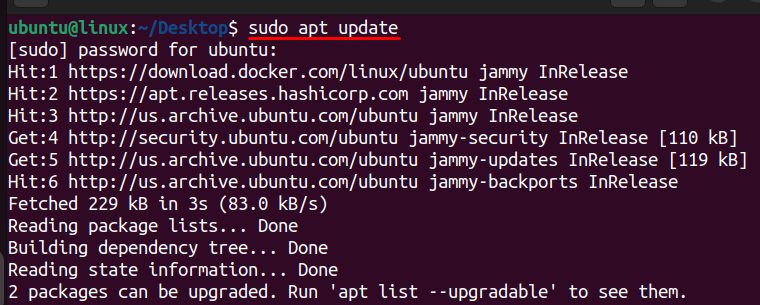
Step 2: Install Java
sudo apt install default-jdk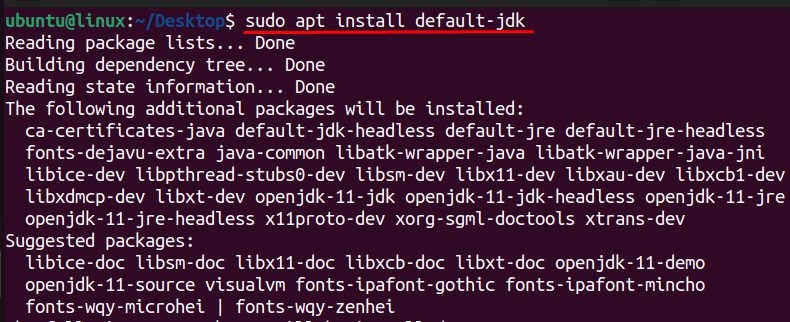
Check the version:
java -version
(Hadoop 3.4 runs on Java 8 and Java 11. Java 17 may need extra settings. If the default JDK is too new, install openjdk-11-jdk.)
Step 3: Download Hadoop
Open the Apache Hadoop download page and pick the latest stable release.

wget https://dlcdn.apache.org/hadoop/common/hadoop-3.4.0/hadoop-3.4.0.tar.gz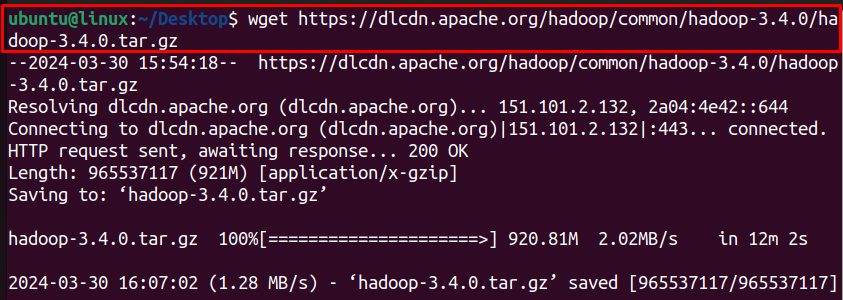
Step 4: Extract it
tar -xzvf hadoop-3.4.0.tar.gz
Step 5: Move it
sudo mv hadoop-3.4.0 /usr/local/hadoop
Step 6: Find the Java path
readlink -f /usr/bin/java | sed "s:bin/java::"
Step 7: Set JAVA_HOME in Hadoop
Open the Hadoop environment file:
sudo nano /usr/local/hadoop/etc/hadoop/hadoop-env.shAdd (or change) the line, with your Java path:
export JAVA_HOME=/usr/lib/jvm/java-11-openjdk-amd64/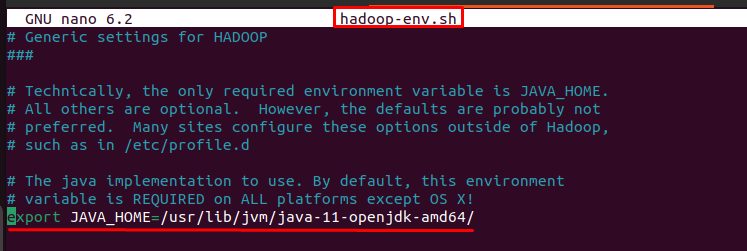
Or set it from the system value:
export JAVA_HOME=$(readlink -f /usr/bin/java | sed "s:bin/java::")Step 8: Check Hadoop
/usr/local/hadoop/bin/hadoop version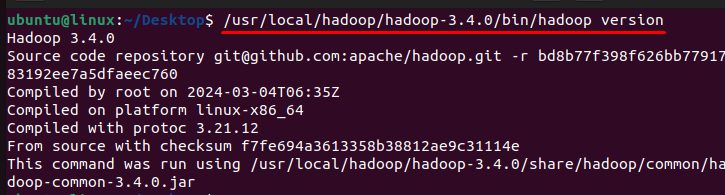
It prints the Hadoop version and build details.
Next steps
To use Hadoop, set HADOOP_HOME and add $HADOOP_HOME/bin to the PATH in ~/.bashrc. Configure core-site.xml, hdfs-site.xml, mapred-site.xml and yarn-site.xml. Set up passwordless SSH to localhost. Format the file system with hdfs namenode -format and start the services with start-dfs.sh and start-yarn.sh.
Why use Hadoop
- Scalability. Add machines as your data grows.
- Flexibility. It handles structured and unstructured data.
- Cost. Runs on commodity hardware.
Quick recap
- Install Java, download and extract Hadoop to
/usr/local/hadoop. - Set
JAVA_HOMEinhadoop-env.sh. - Check with
hadoop version.