


What Helm is
Helm is the package manager for Kubernetes. It installs applications from packages called charts and keeps track of each install as a release.
Method 1: The official Helm APT repository
Step 1: Update the system
sudo apt update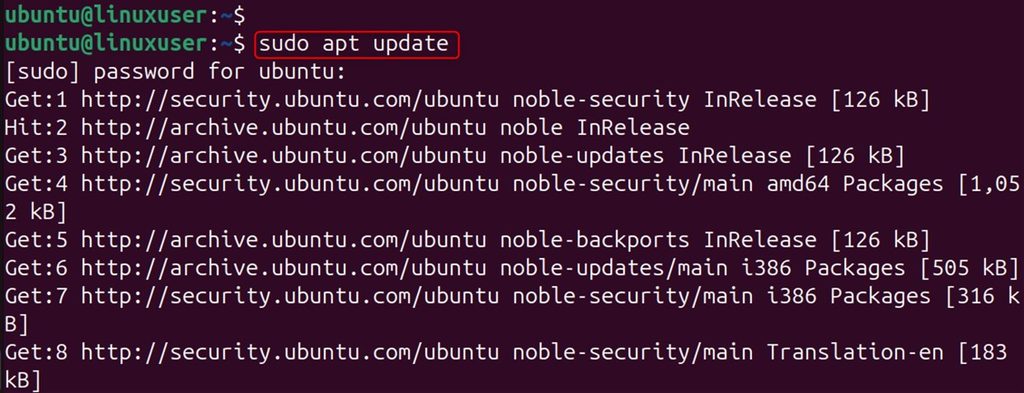
Step 2: Add the Helm GPG key
The apt-key command is deprecated. Use a keyring:
curl https://baltocdn.com/helm/signing.asc | gpg --dearmor | sudo tee /usr/share/keyrings/helm.gpg > /dev/null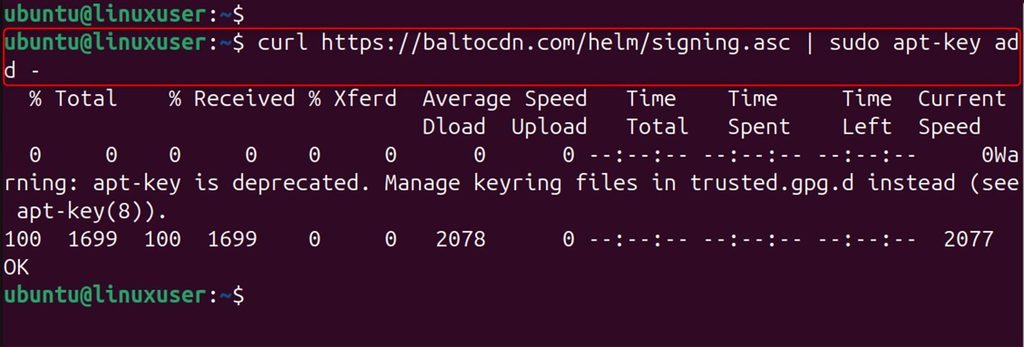
Step 3: Add the repository
sudo apt install apt-transport-https --yes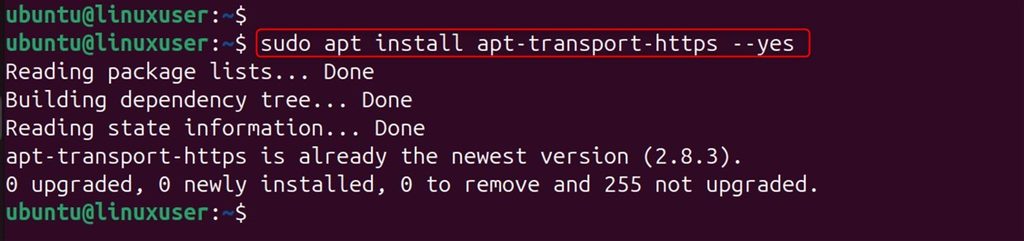
echo "deb [arch=$(dpkg --print-architecture) signed-by=/usr/share/keyrings/helm.gpg] https://baltocdn.com/helm/stable/debian/ all main" | sudo tee /etc/apt/sources.list.d/helm-stable-debian.list
Step 4: Update and install
sudo apt update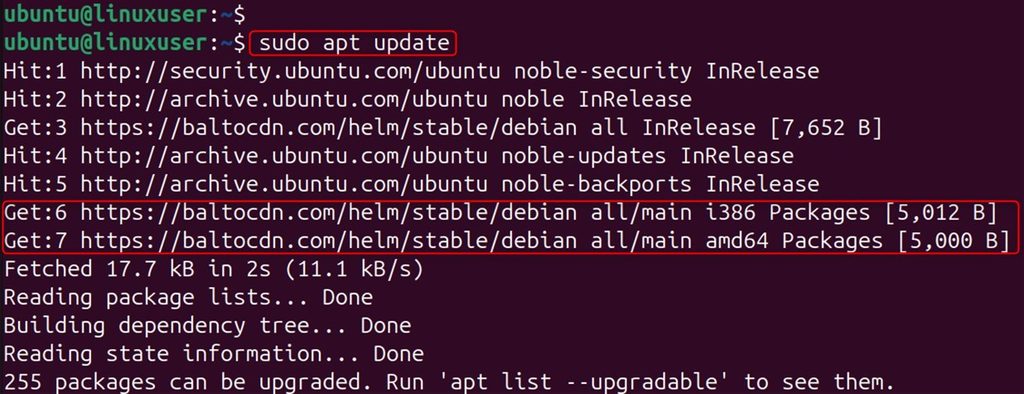
sudo apt install helm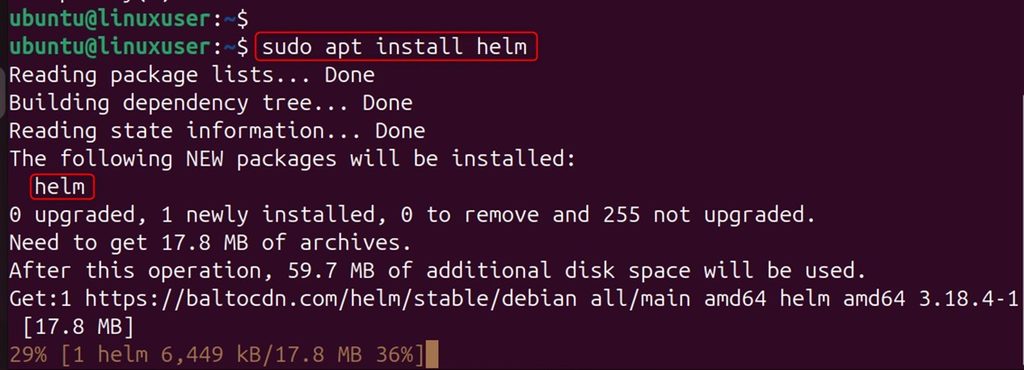
helm version
Method 2: Snap
sudo snap install helm --classic
Method 3: The install script
curl https://raw.githubusercontent.com/helm/helm/main/scripts/get-helm-3 | bash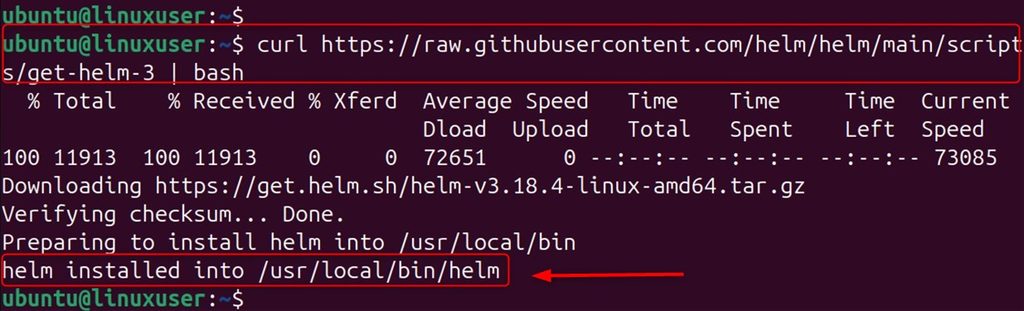
helm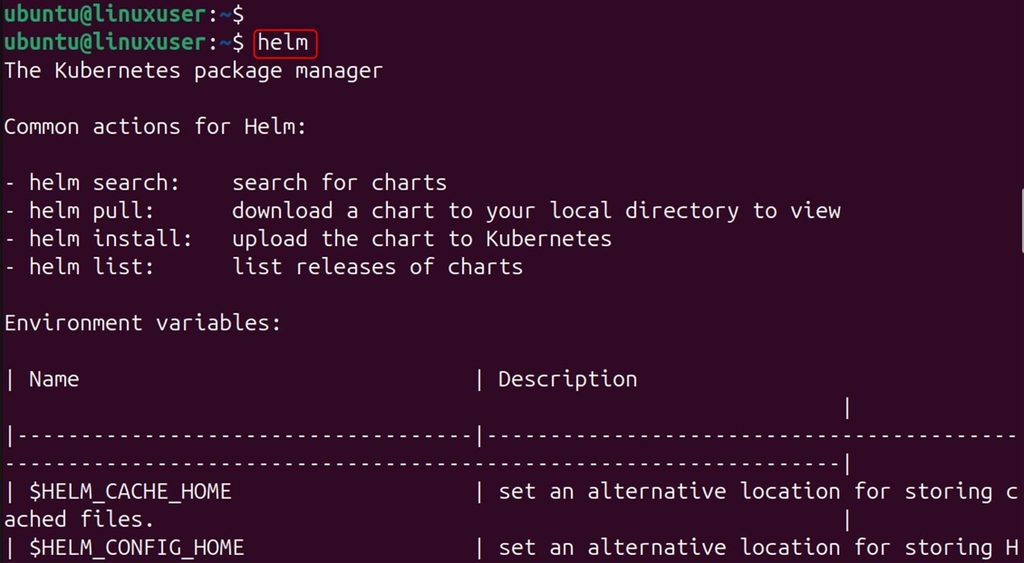
Read a script before you pipe it to a shell.
Method 4: Manual install of the binary
Step 1: Download it
wget https://get.helm.sh/helm-v3.14.0-linux-amd64.tar.gz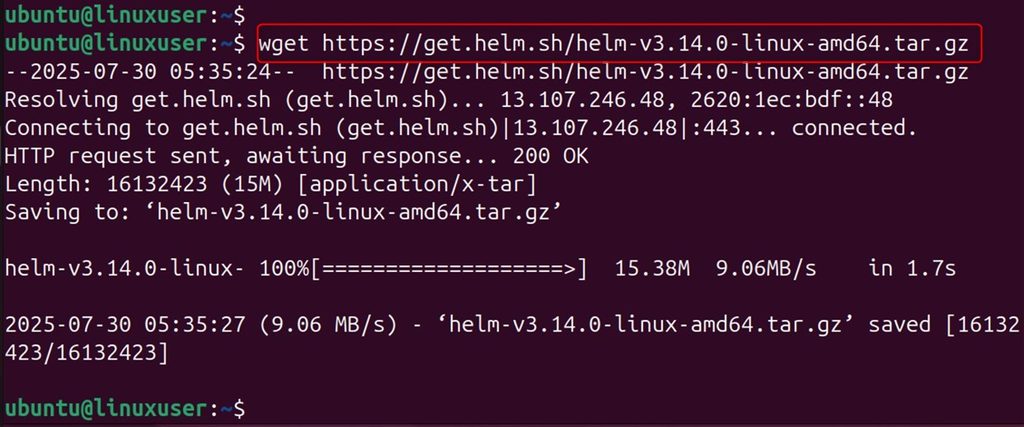
Step 2: Extract it
tar -zxvf helm-v3.14.0-linux-amd64.tar.gz
Step 3: Move it to a system folder
sudo mv linux-amd64/helm /usr/local/bin/helm
which helm
Get started with Helm
You need a Kubernetes cluster and kubectl set up.
Add a chart repository
helm repo add bitnami https://charts.bitnami.com/bitnami
helm repo update
Install an app (NGINX)
helm install my-nginx bitnami/nginx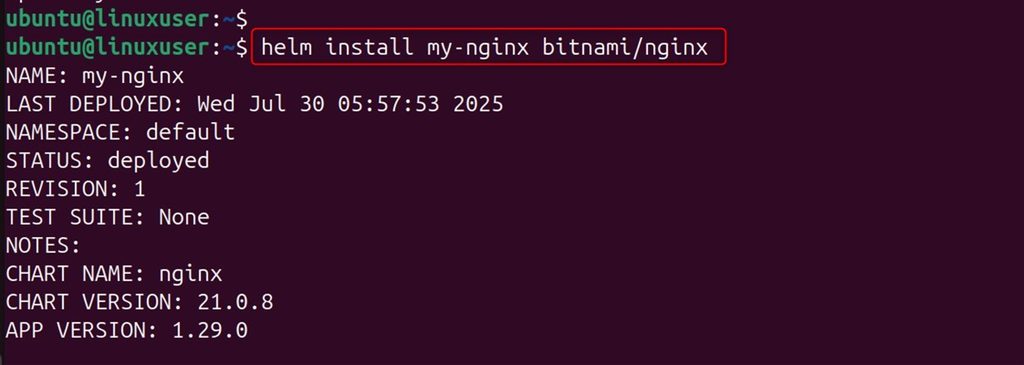
In its own namespace:
helm install my-nginx bitnami/nginx --namespace web --create-namespace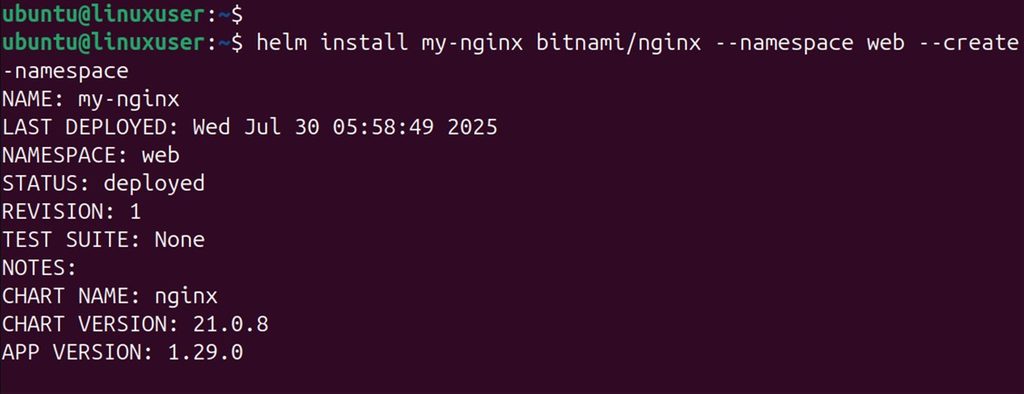
List releases
helm list
Remove a release
helm uninstall my-nginx
Uninstall Helm
sudo apt remove helm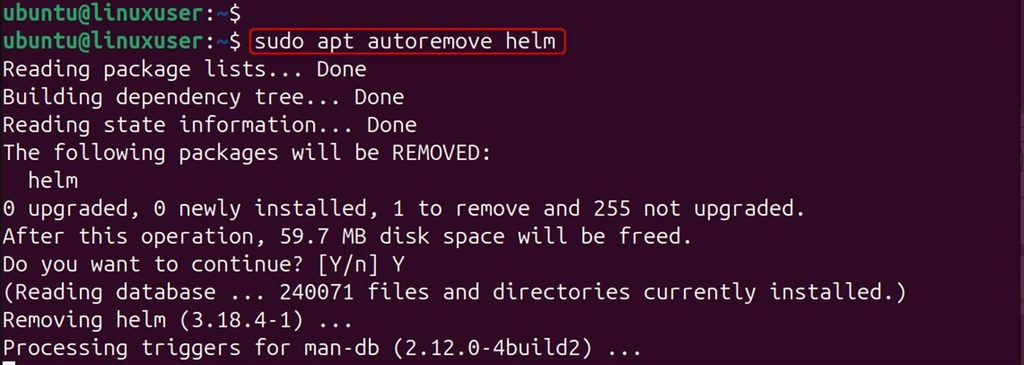
sudo snap remove helm
sudo rm /usr/local/bin/helm
Quick recap
- Install from the Helm APT repository, with Snap, a script or the binary.
helm repo add,helm install,helm list,helm uninstall.- Check with
helm version.