

What HestiaCP is
HestiaCP is a free, open-source web hosting control panel. It manages websites, domains, email, DNS, databases and FTP from one web interface.
Before you start
- A clean Debian server (a supported release, such as Debian 11 or 12) with root access.
- A fully qualified host name that points to the server.
- At least 1 GB of RAM (2 GB or more is better).
Step 1: Update Debian
sudo apt-get update && sudo apt-get upgrade -y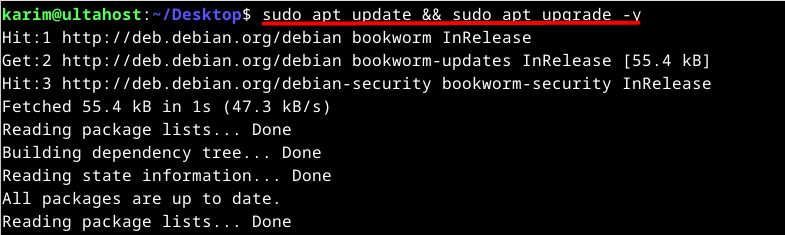
Step 2: Install the required packages
sudo apt-get install -y build-essential apt-utils apt-transport-https ca-certificates curl gnupg2 rsyslog wget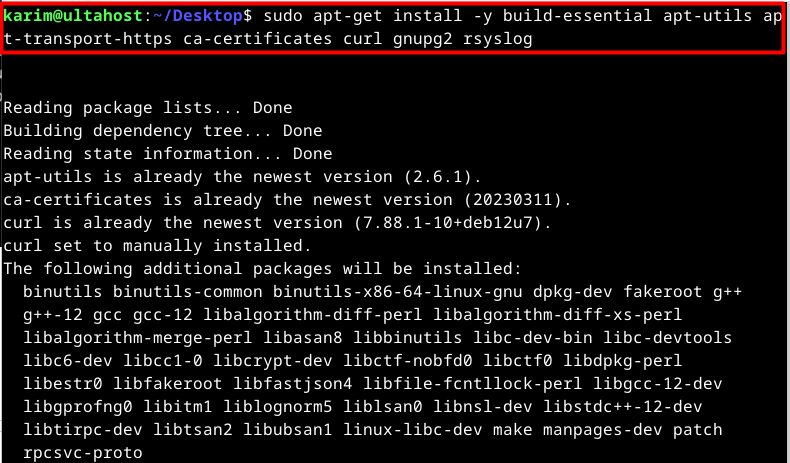
Step 3: Download the installation script
wget https://raw.githubusercontent.com/hestiacp/hestiacp/release/install/hst-install.sh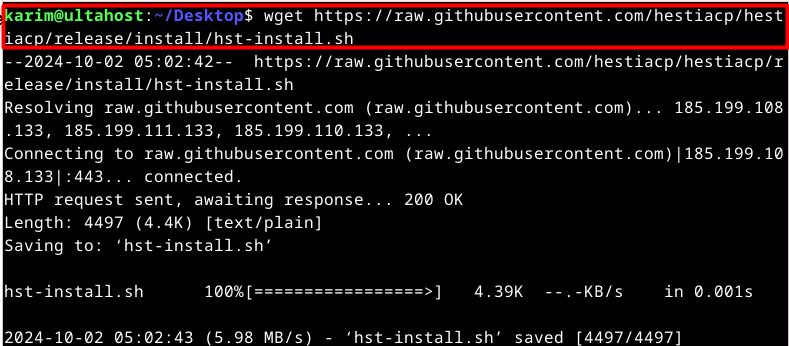
Step 4: Run the installer
Run it as root:
sudo bash hst-install.sh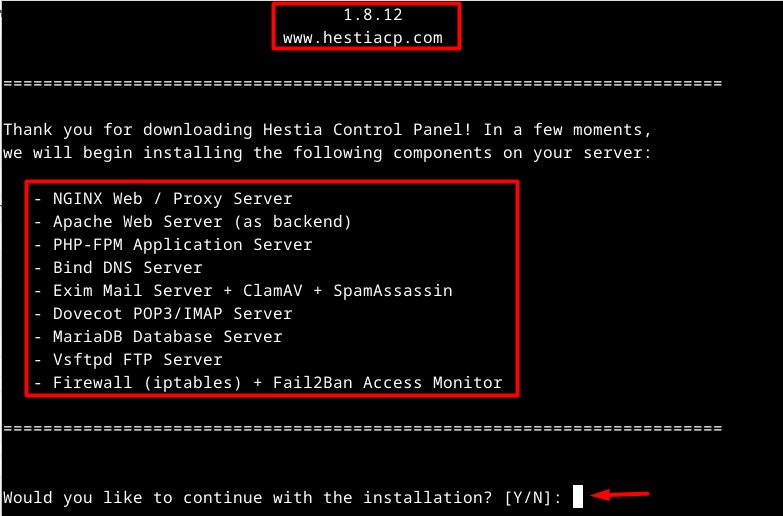
You can also give options on the command line, for example --email you@example.com --hostname server.example.com --password YourPassword.
The installer lists the software it will install:
- NGINX web and proxy server
- Apache web server (as a back end)
- PHP-FPM application server
- Bind DNS server
- Exim mail server with ClamAV and SpamAssassin
- Dovecot POP3 / IMAP server
- MariaDB database server
- Vsftpd FTP server
- Firewall (iptables) and Fail2Ban
Read the list and make sure it fits your needs. Then answer y.
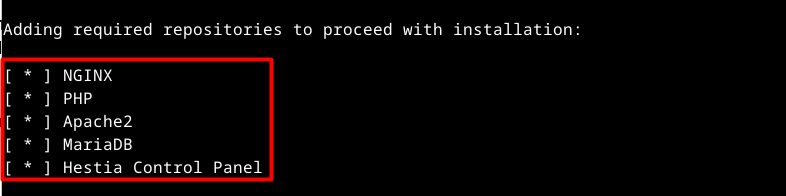
Enter your email address and the host name when asked. The installation takes several minutes.

At the end, the installer shows the panel address and the admin user name and password. Write them down.
Open HestiaCP
Open it in your browser (port 8083):
https://your-server-ip-address:8083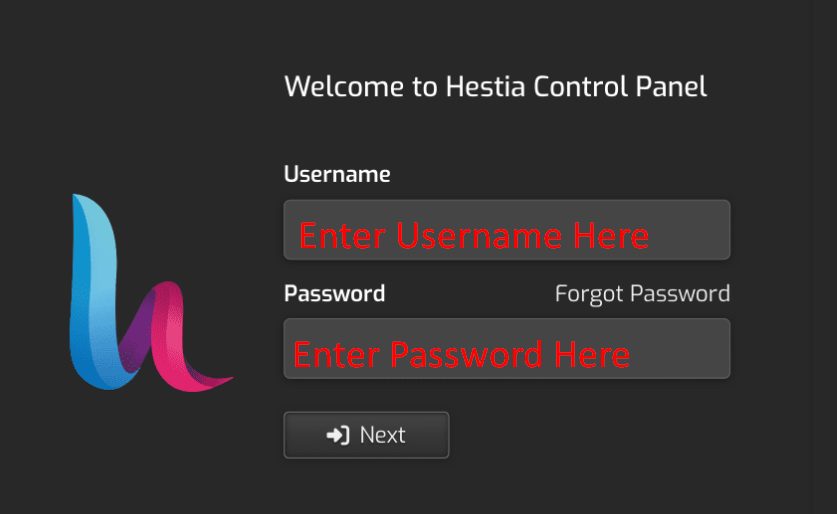
Log in as admin. Your browser warns about the certificate until you set up a trusted one.
Features
- Domains. Add and manage domains and subdomains, DNS and SSL.
- Email. Mailboxes, forwarders and spam filters.
- FTP. Create FTP accounts.
- Databases. Create MariaDB or PostgreSQL databases.
Benefits for Debian users
- Less complexity. One place for server tasks.
- More productivity. Common jobs are a few clicks.
- Security. Firewall and Fail2Ban come with it.
- A friendly interface.
Quick recap
- Use a clean Debian server and update it.
- Download and run
hst-install.sh. - Log in on port 8083 as
admin.