

What MEAN is
MEAN is a set of JavaScript tools to build web apps:
- MongoDB, the database.
- Express.js, the web framework for Node.js.
- Angular, the front-end framework.
- Node.js, the runtime for the server.
Step 1: Update the system
sudo apt update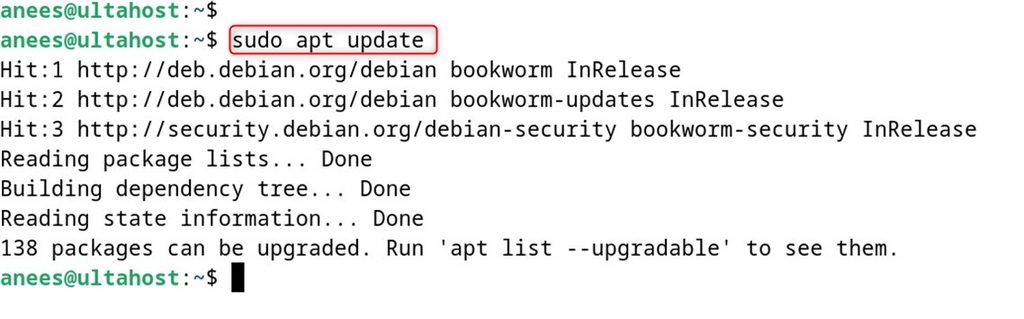
Step 2: Install Node.js and npm
Add the NodeSource repository (Node.js 18 is shown; use a current LTS such as 20 or 22 if you can):
curl -fsSL https://deb.nodesource.com/setup_18.x | sudo -E bash -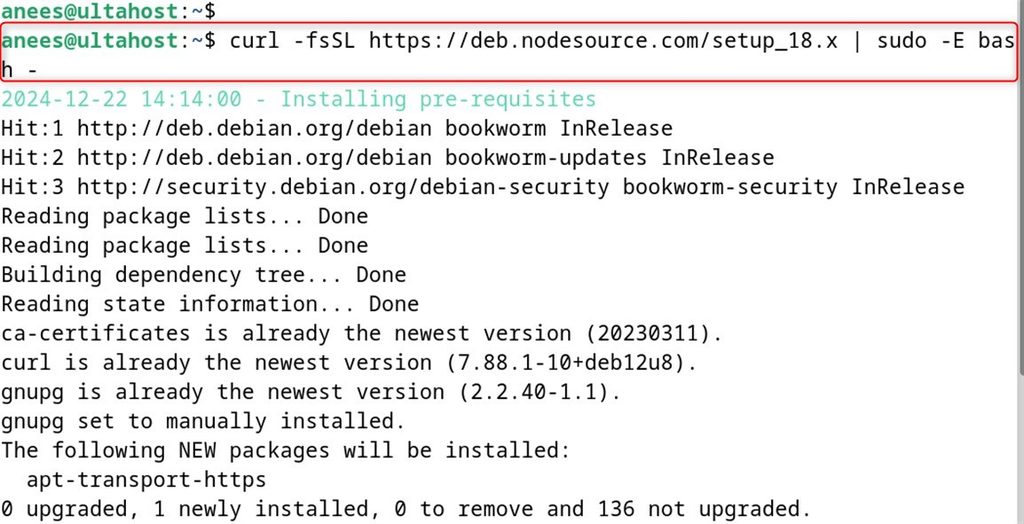
Install Node.js (npm is included):
sudo apt install -y nodejs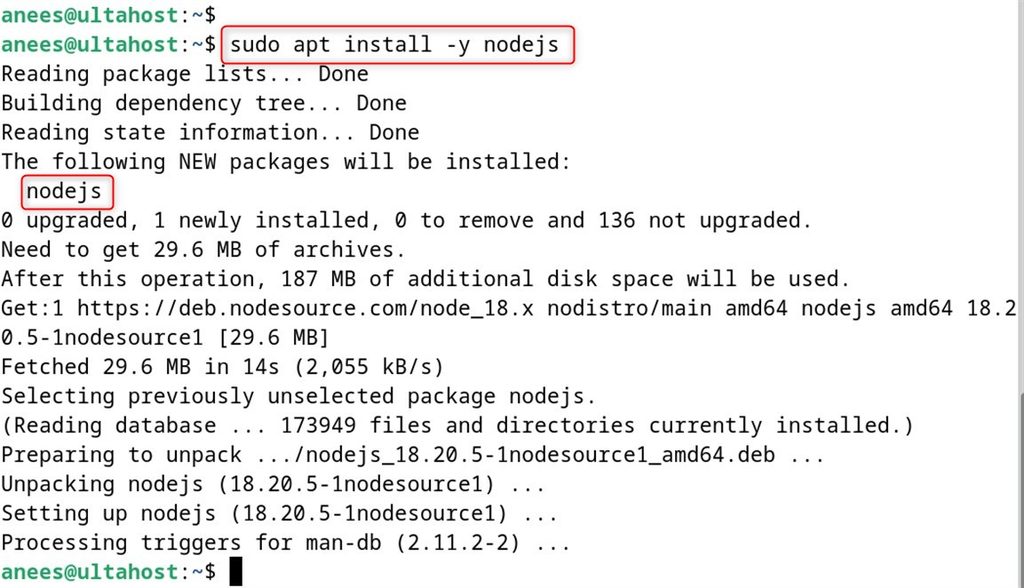
Check the versions:
node -v
npm -v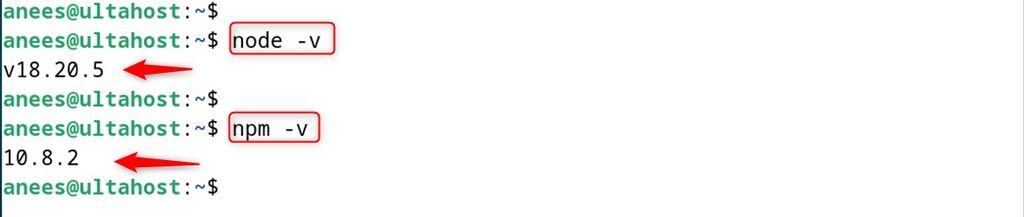
Step 3: Install MongoDB
Import the GPG key:
curl -fsSL https://www.mongodb.org/static/pgp/server-7.0.asc | sudo gpg -o /usr/share/keyrings/mongodb-server-7.0.gpg --dearmor
Create the source list. Debian 12 is not officially listed for MongoDB 7.0 on every build, so check the MongoDB documentation for your release. The example uses the Debian repository:
echo "deb [signed-by=/usr/share/keyrings/mongodb-server-7.0.gpg] http://repo.mongodb.org/apt/debian bookworm/mongodb-org/7.0 main" | sudo tee /etc/apt/sources.list.d/mongodb-org-7.0.list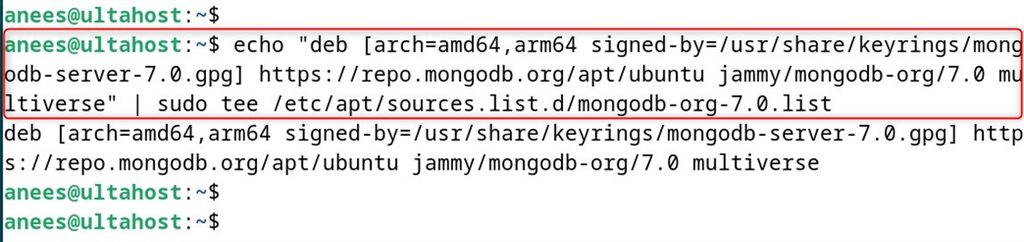
Update and install:
sudo apt update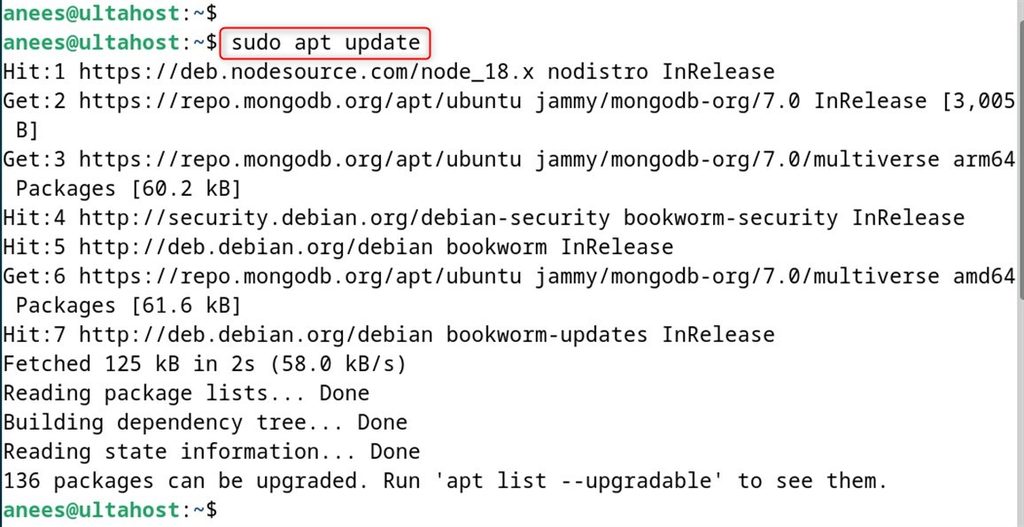
sudo apt install mongodb-org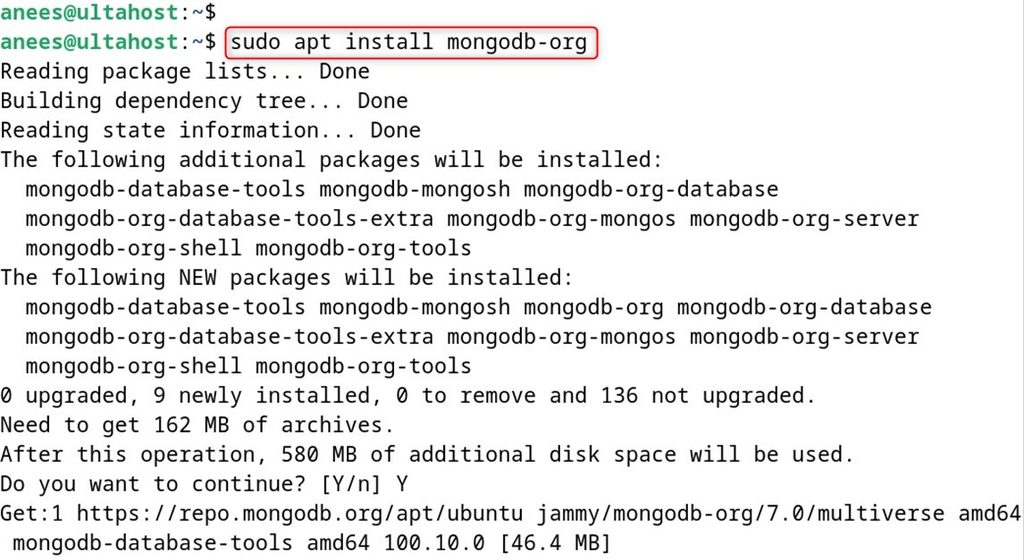
Start and enable the service:
sudo systemctl start mongod
sudo systemctl enable --now mongod
Check it:
sudo systemctl status mongod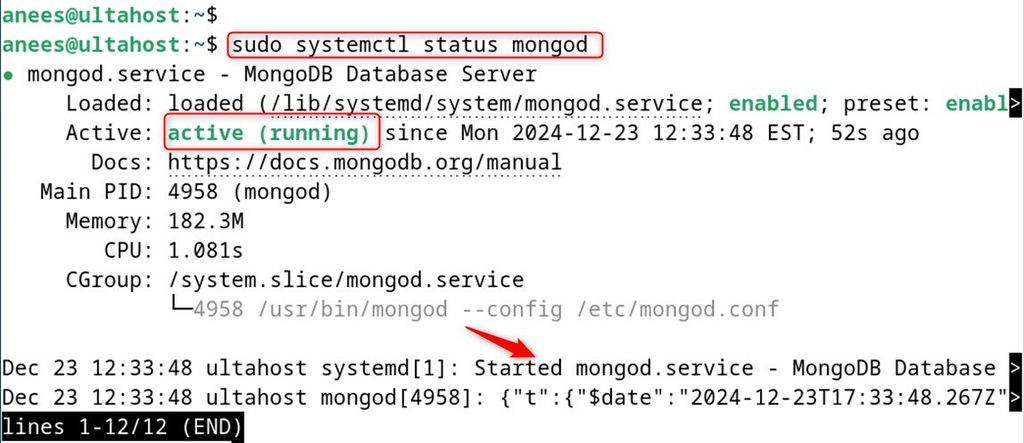
Step 4: Install Express.js
Create a project folder:
mkdir myapp && cd myapp
Start a Node.js project:
npm init -y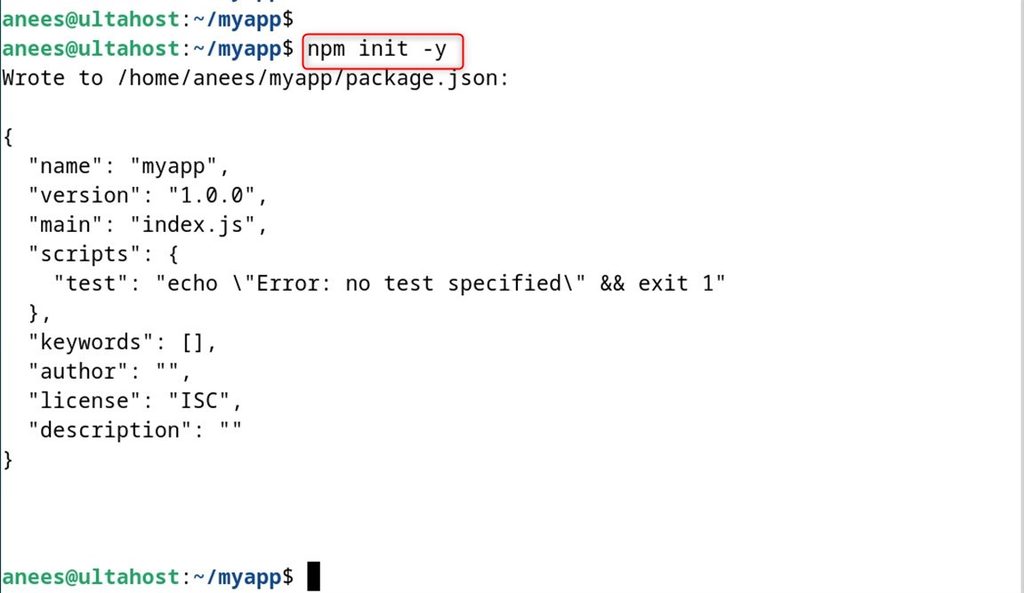
Install Express:
npm install express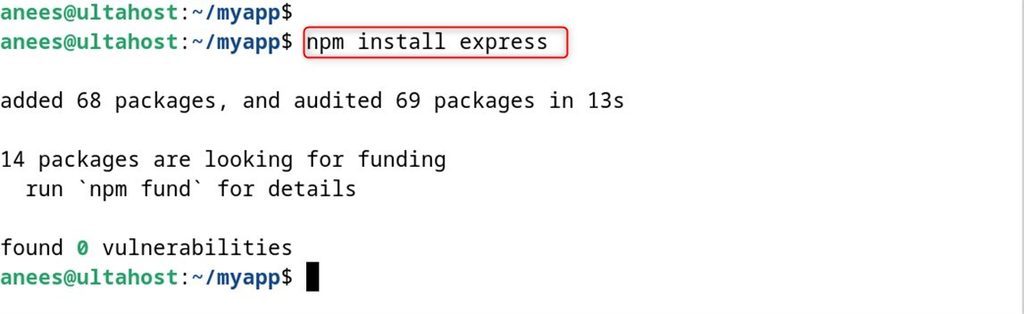
Step 5: Set up Angular
Install the Angular CLI:
sudo npm install -g @angular/cli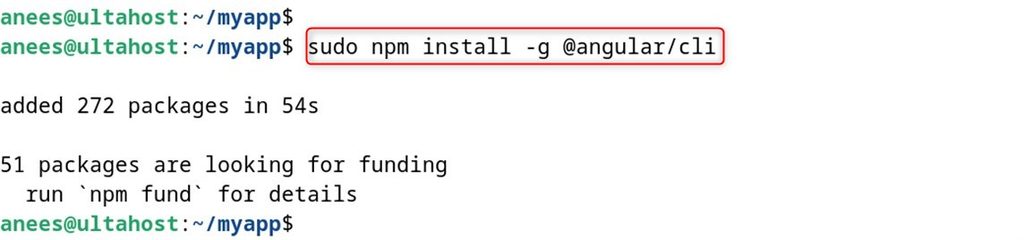
Create the Angular project:
ng new client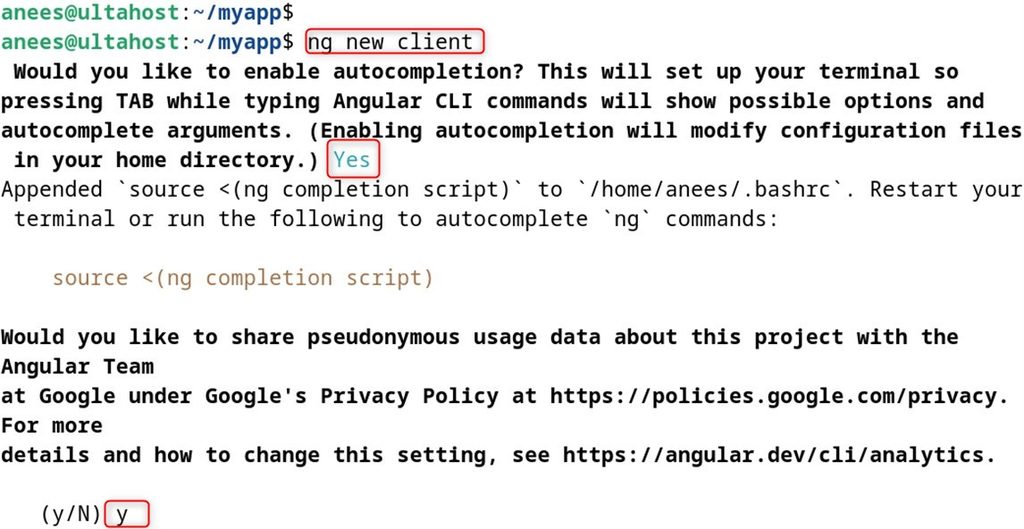
Go into the folder:
cd client
Start the development server:
ng serve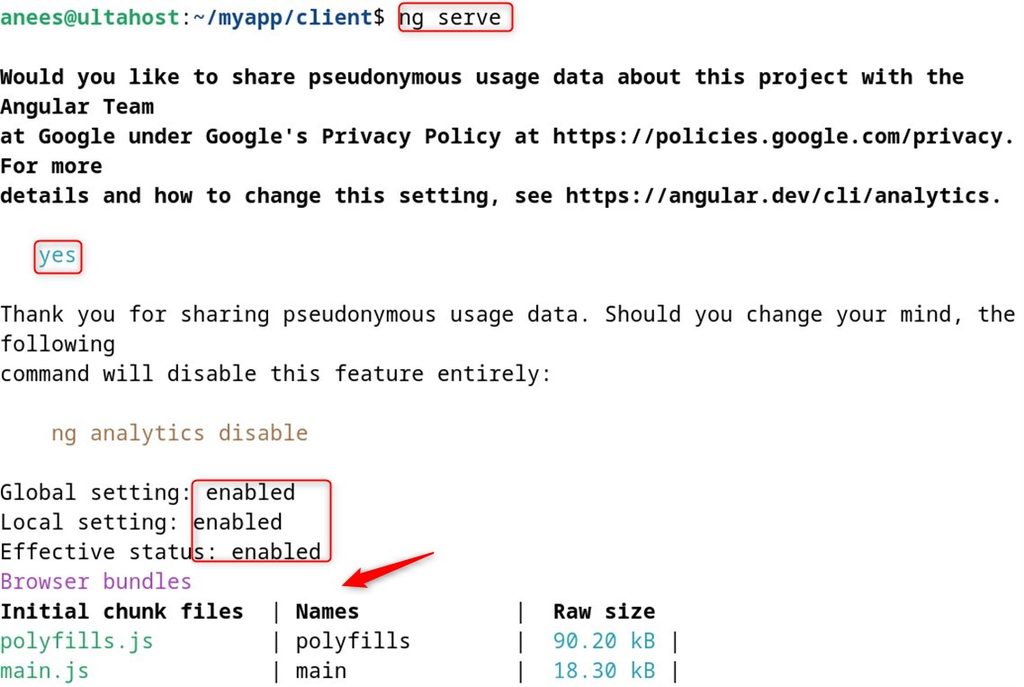
To reach it from outside the server, bind it to all addresses (and open the port in the firewall):
ng serve --host 0.0.0.0 --port 4200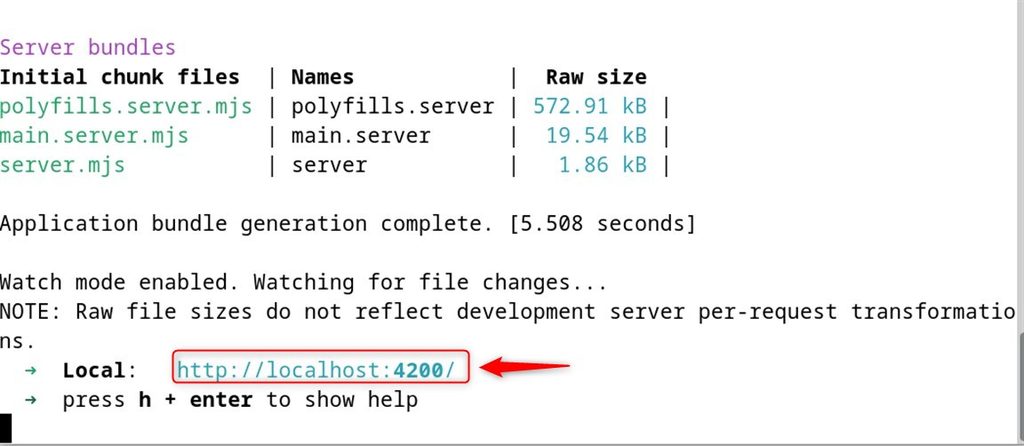
Step 6: Run the MEAN app
Open http://your_server_ip:4200. You see the Angular start page.
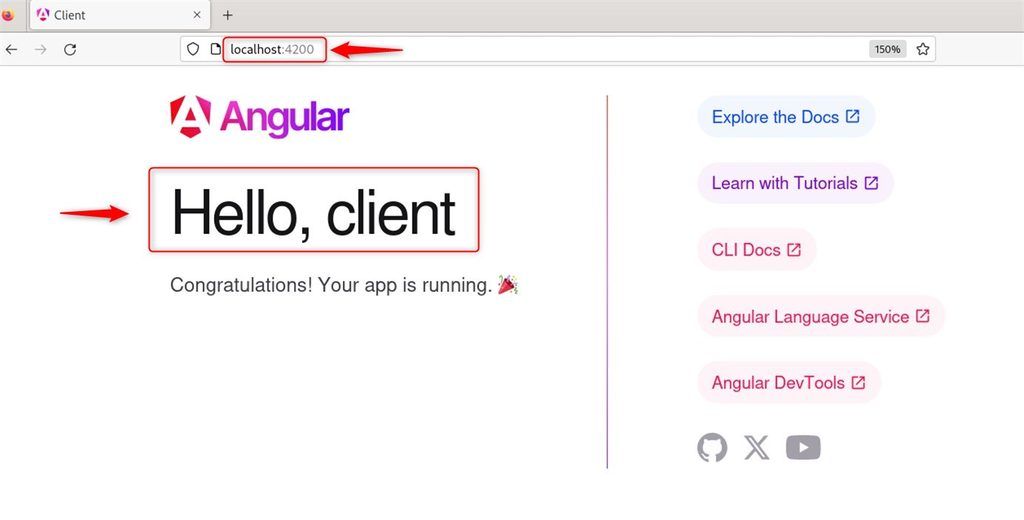
A real app has an Express server (server.js) with routes that read and write MongoDB (with the mongoose package), and an Angular front end that calls these routes with HttpClient.
Quick recap
- Install Node.js, MongoDB, Express and the Angular CLI.
- Start MongoDB with
systemctland Angular withng serve. - Connect them with Express routes and Mongoose.