

Step 1: Install Node.js
Update the system:
sudo apt update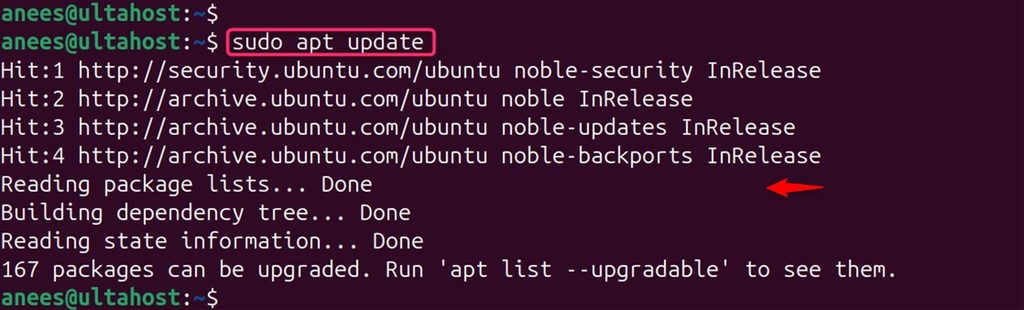
Install Node.js and npm:
sudo apt install nodejs npm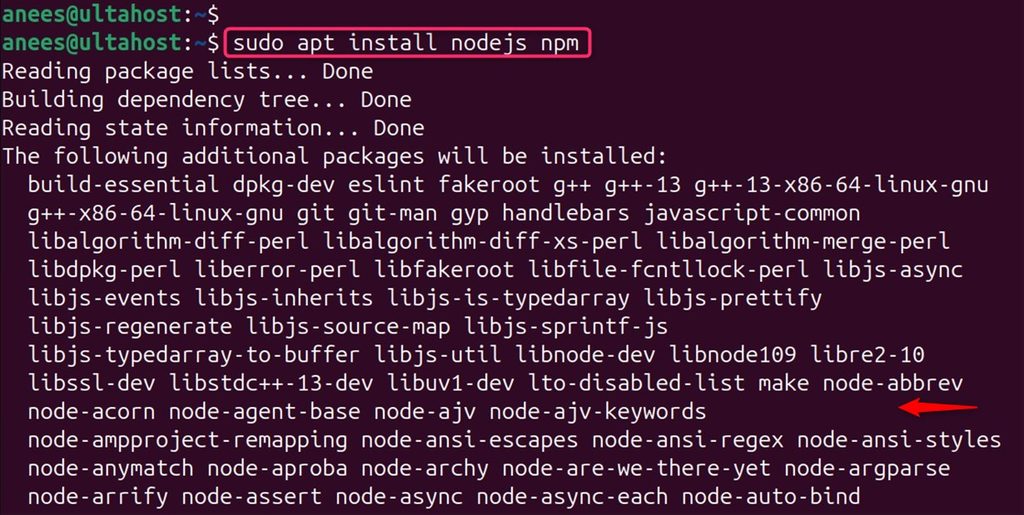
Check it:
node -v
The version in the Ubuntu repository may be old. For a current version, use NodeSource or nvm.
Step 2: Install MongoDB
Install the helper packages:
sudo apt install gnupg curl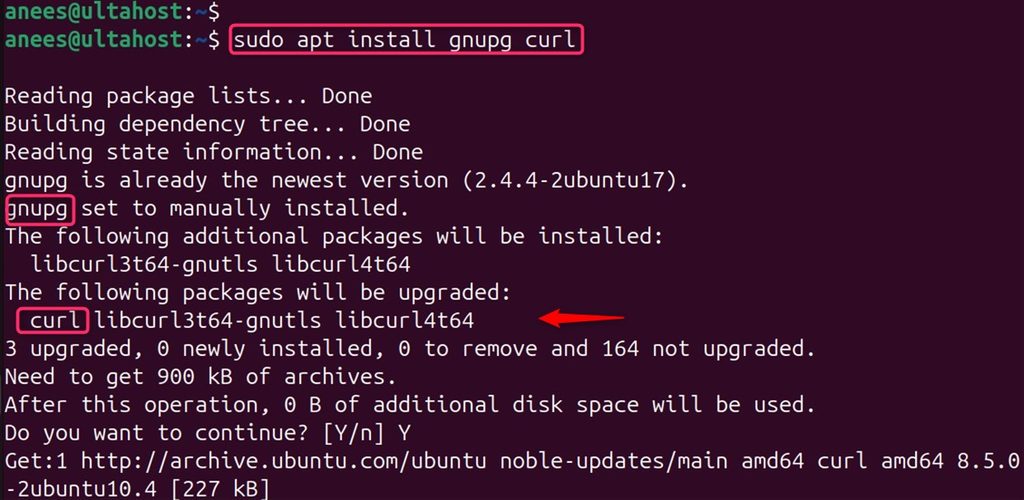
Import the MongoDB key:
curl -fsSL https://www.mongodb.org/static/pgp/server-7.0.asc | sudo gpg -o /usr/share/keyrings/mongodb-server-7.0.gpg --dearmor
Create the repository file. MongoDB 7.0 packages target Ubuntu 22.04 (jammy); check the MongoDB documentation for the newest supported series for Ubuntu 24.04:
echo "deb [arch=amd64,arm64 signed-by=/usr/share/keyrings/mongodb-server-7.0.gpg] https://repo.mongodb.org/apt/ubuntu jammy/mongodb-org/7.0 multiverse" | sudo tee /etc/apt/sources.list.d/mongodb-org-7.0.list
Install:
sudo apt update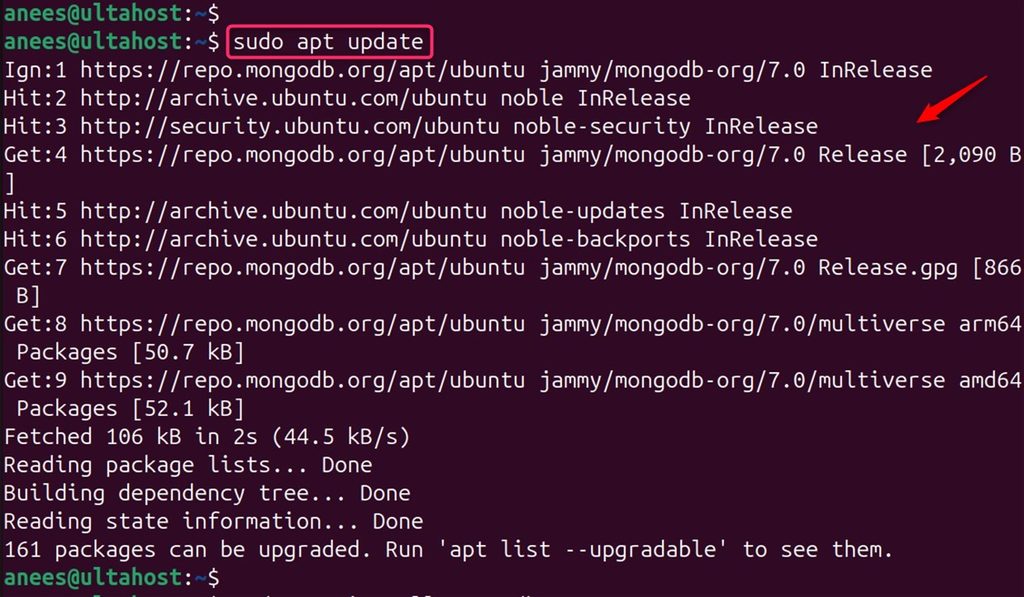
sudo apt install mongodb-org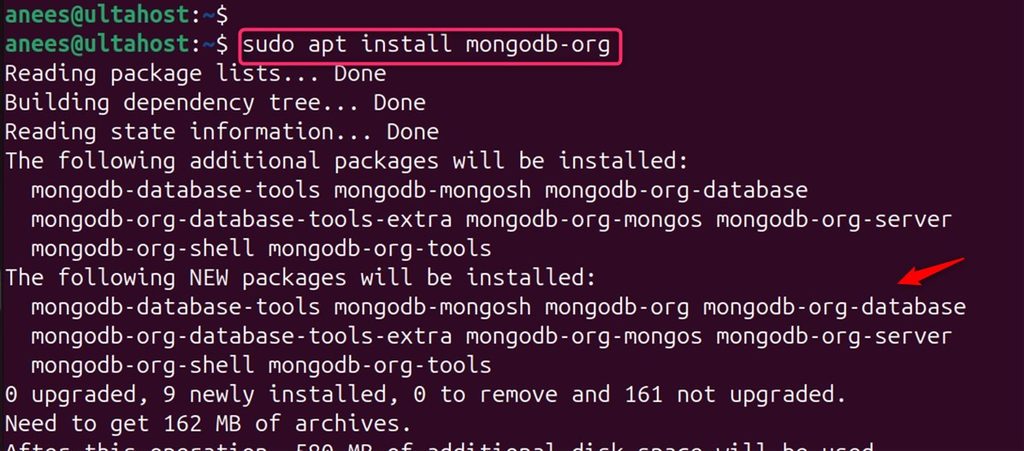
Start and enable the service:
sudo systemctl start mongod
sudo systemctl enable mongod
Check it:
sudo systemctl status mongod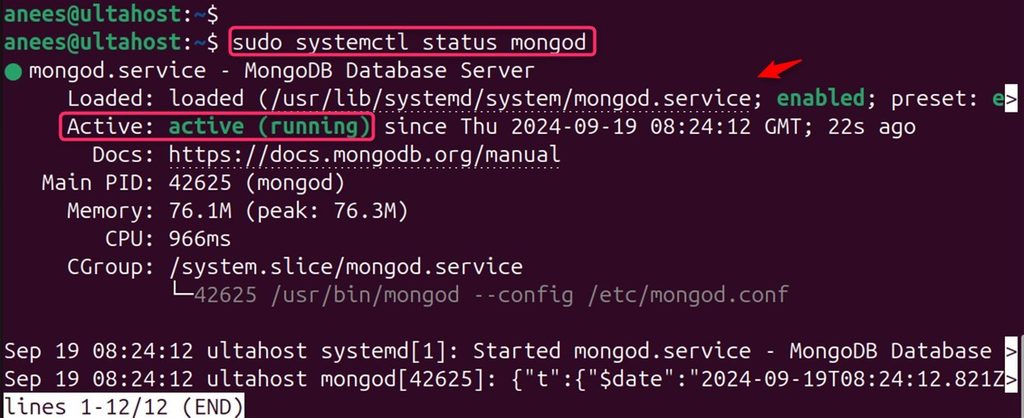
Step 3: Install Angular
sudo npm install -g @angular/cli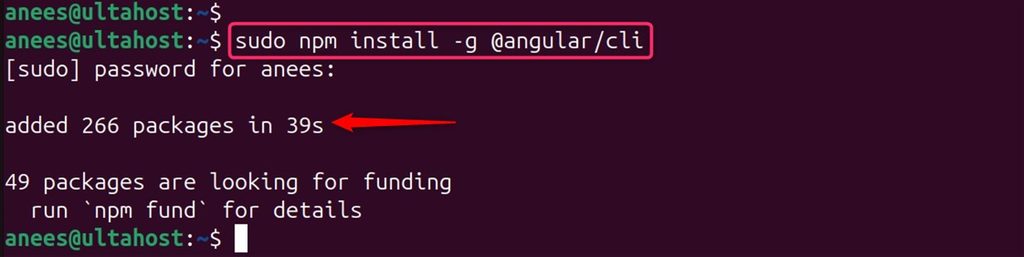
Check it:
ng version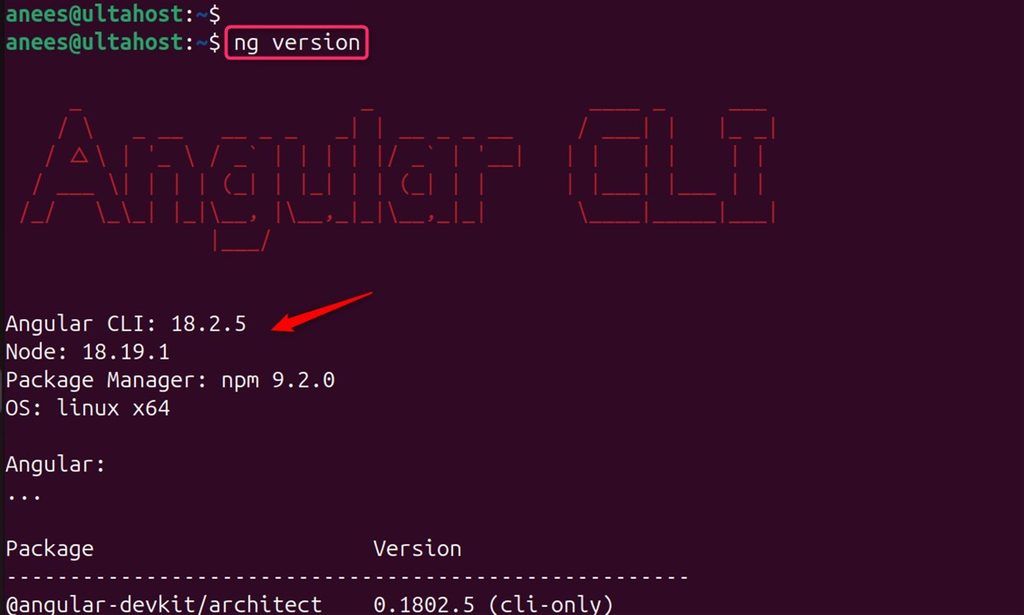
Step 4: Install Express.js
Create a project folder and start a project:
mkdir mean-app && cd mean-app
npm init -y
npm install express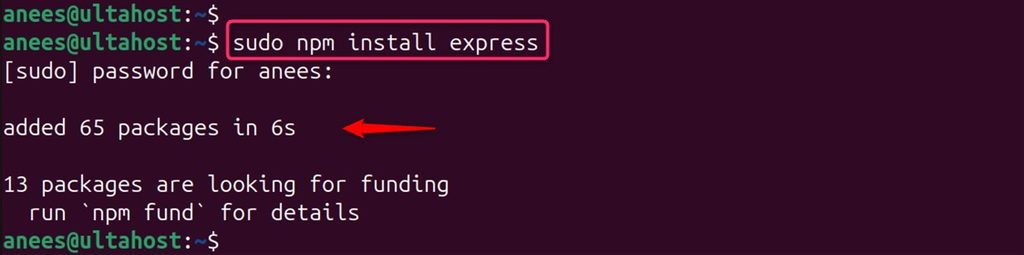
Check that the packages are in the node_modules folder:
ls node_modules | head
Step 5: Create a simple server
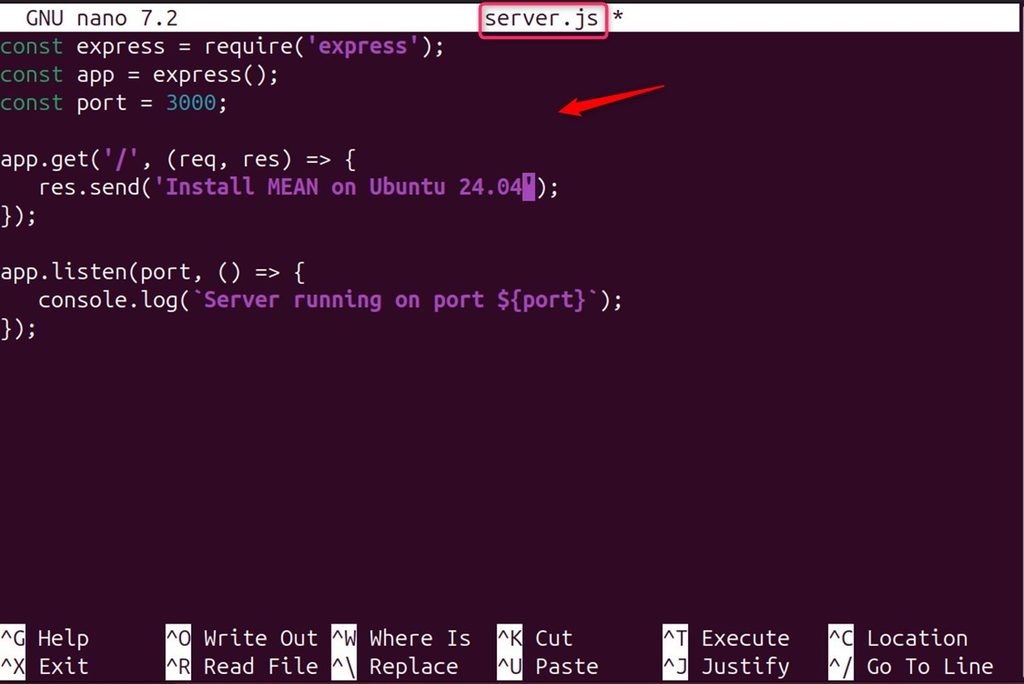
Create server.js:
const express = require('express');
const app = express();

app.get('/', (req, res) => res.send('MEAN stack is running'));

app.listen(3000, () => console.log('Listening on port 3000'));
Customize the stack (routes, a Mongoose model, an Angular front end) as your app needs.
Step 6: Start and test
Start the server:
node server.js
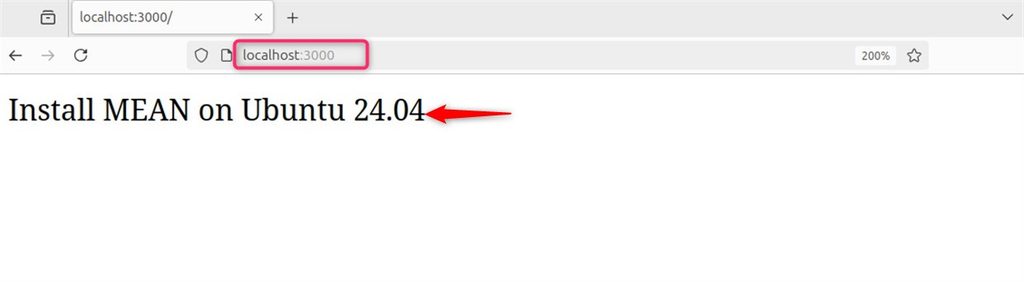
Open http://your_server_ip:3000. You should see the text from the server.
Quick recap
- Install Node.js, MongoDB and the Angular CLI.
- Create an Express server that listens on port 3000.
- Start MongoDB with
systemctland test the app in the browser.