

What MERN is
MERN is a set of JavaScript tools to build web apps:
- MongoDB, the database.
- Express.js, the web framework for Node.js.
- React, the front-end library.
- Node.js, the runtime for the server.
Step 1: Update the system
sudo apt update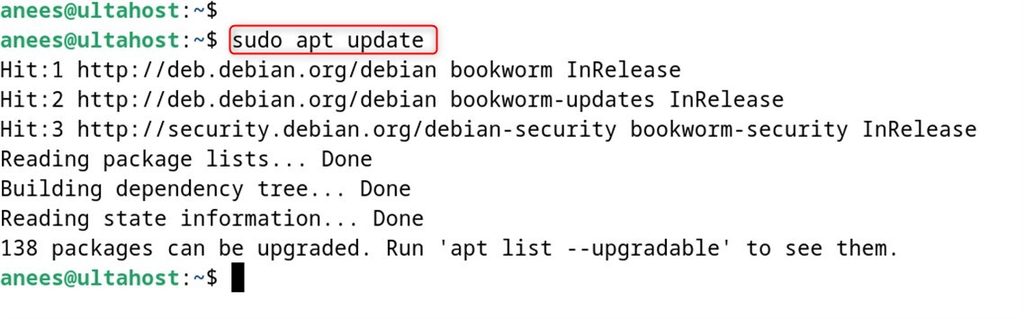
Step 2: Install Node.js and npm
Add the NodeSource repository (use a current LTS version):
curl -fsSL https://deb.nodesource.com/setup_18.x | sudo -E bash -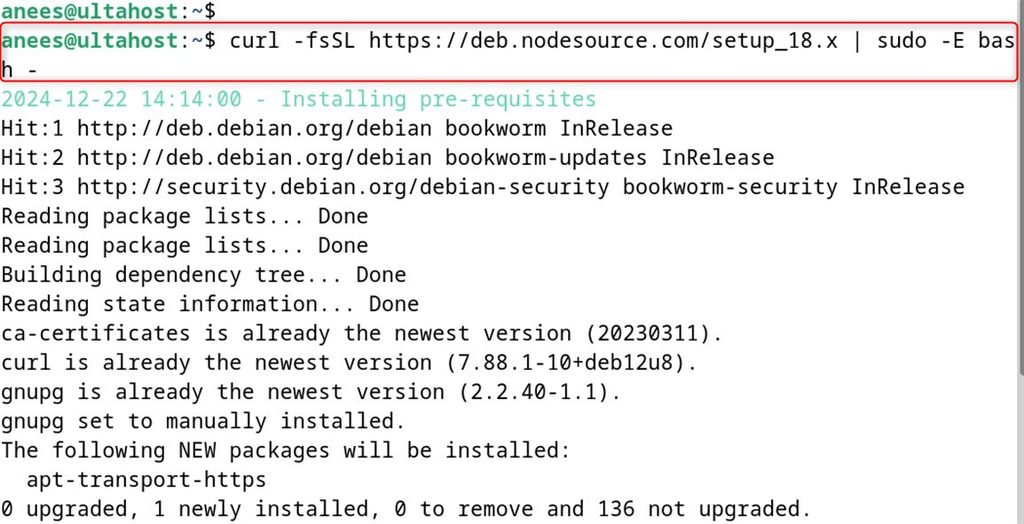
sudo apt install -y nodejs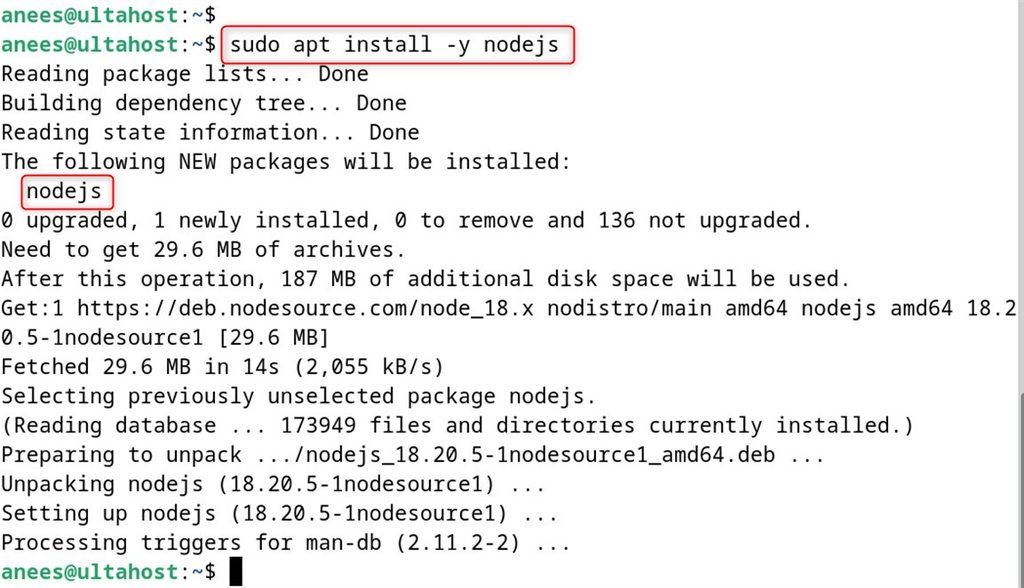
Check:
node -v
npm -v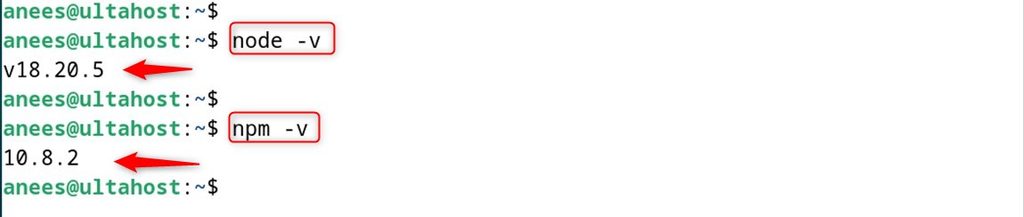
Step 3: Install MongoDB
Import the key:
curl -fsSL https://www.mongodb.org/static/pgp/server-7.0.asc | sudo gpg -o /usr/share/keyrings/mongodb-server-7.0.gpg --dearmor
Add the repository (check the MongoDB documentation for the right line for your Debian release):
echo "deb [signed-by=/usr/share/keyrings/mongodb-server-7.0.gpg] http://repo.mongodb.org/apt/debian bookworm/mongodb-org/7.0 main" | sudo tee /etc/apt/sources.list.d/mongodb-org-7.0.list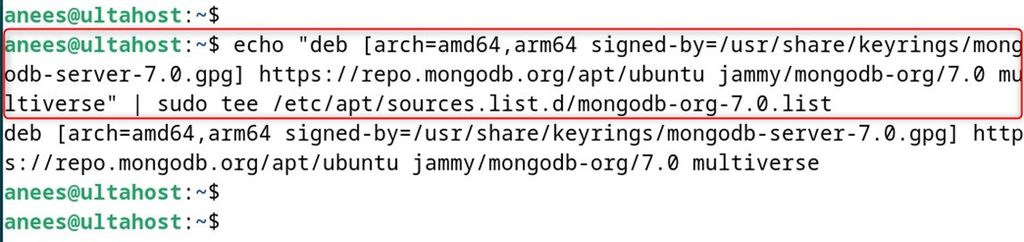
sudo apt update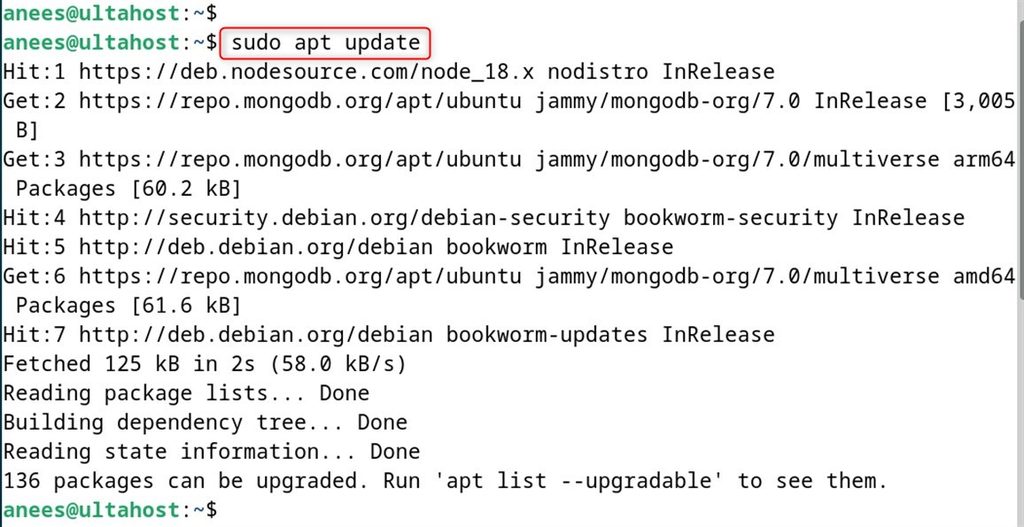
sudo apt install mongodb-org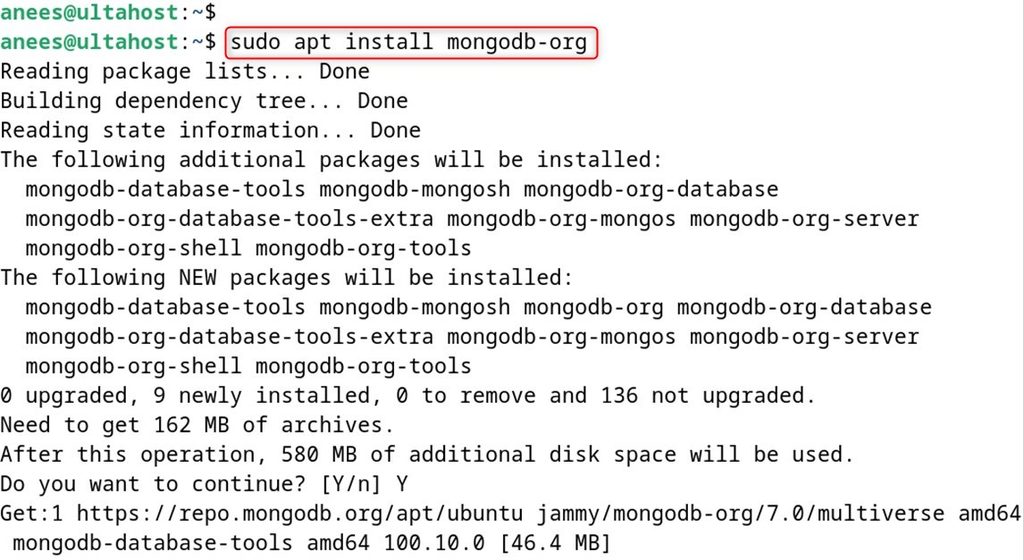
Start and enable the service:
sudo systemctl enable --now mongod
sudo systemctl status mongod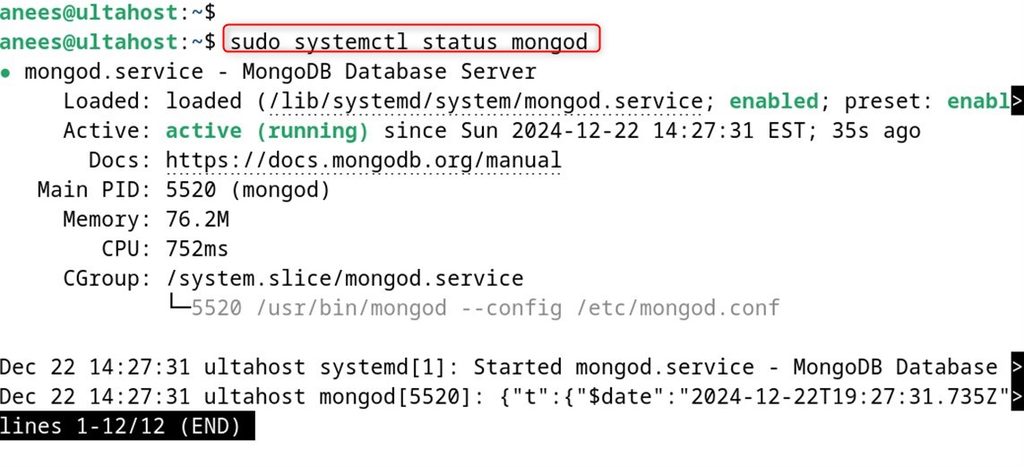
Step 4: Install Express.js
Create a project:
mkdir mern-app && cd mern-app
npm init -y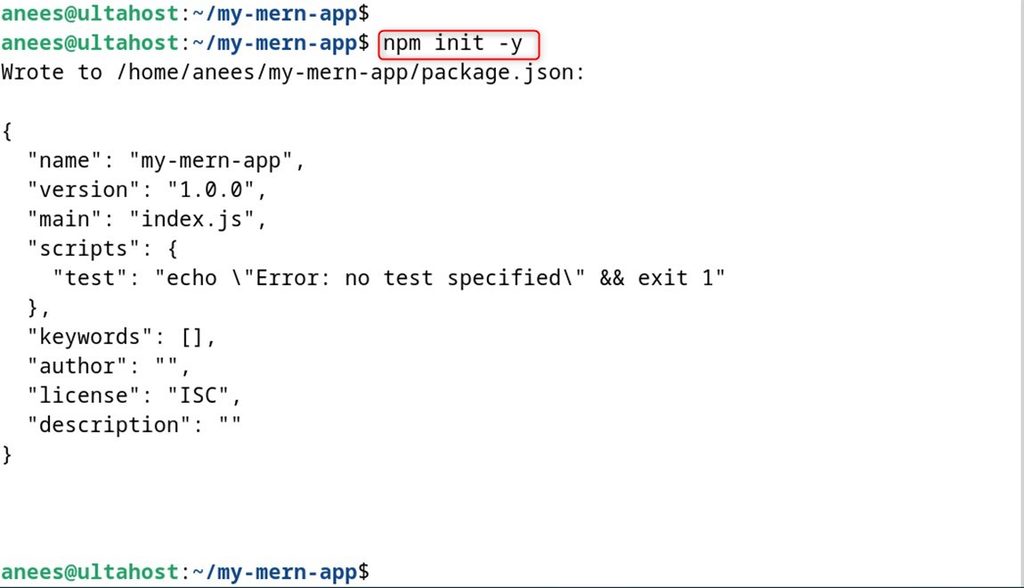
npm install express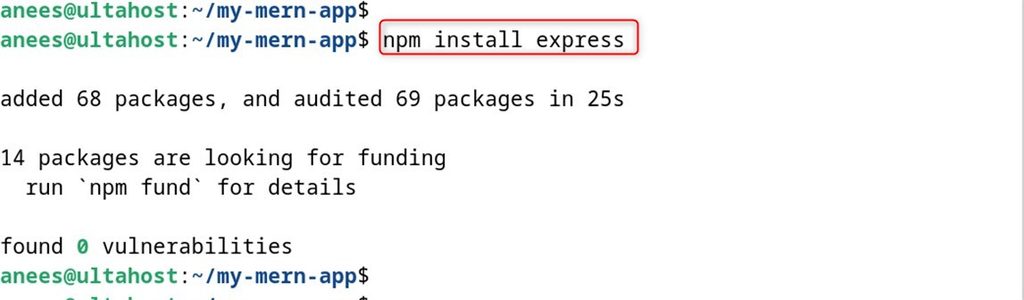
Step 5: Install React
Install the React tooling and create an app. The old create-react-app is no longer advised. Use Vite:
npm create vite@latest client -- --template react
cd client
npm install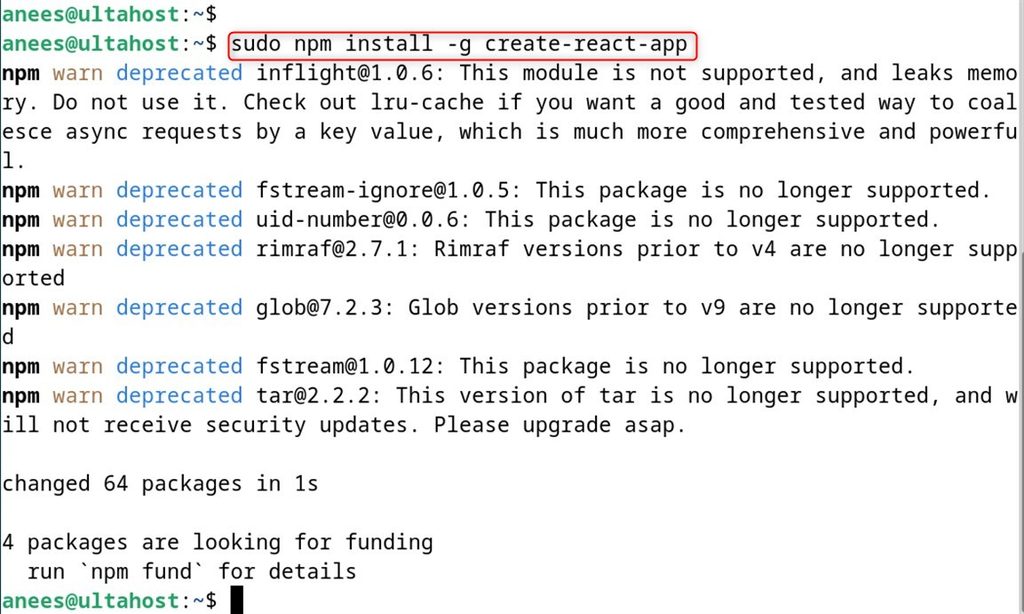
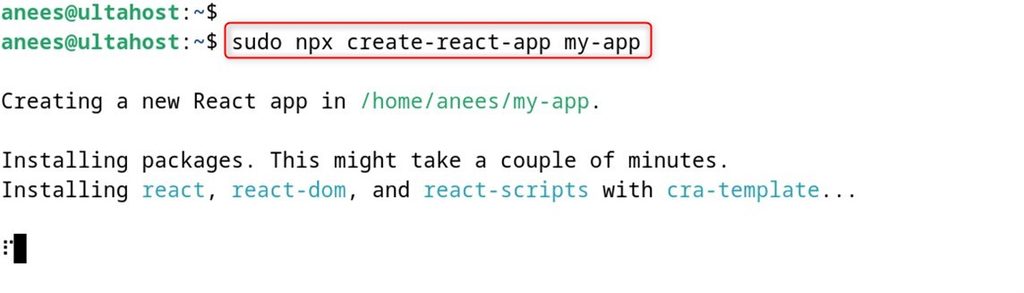
Start the development server:
npm run dev -- --host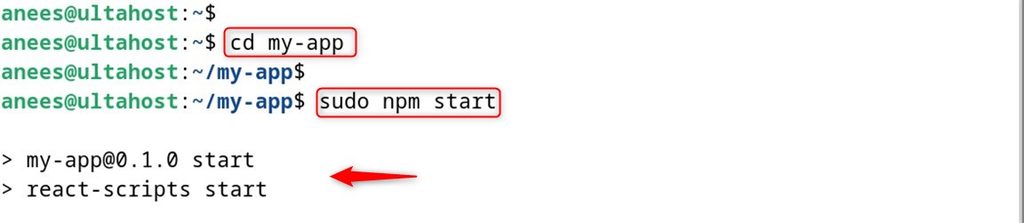
Step 6: Test the MERN stack
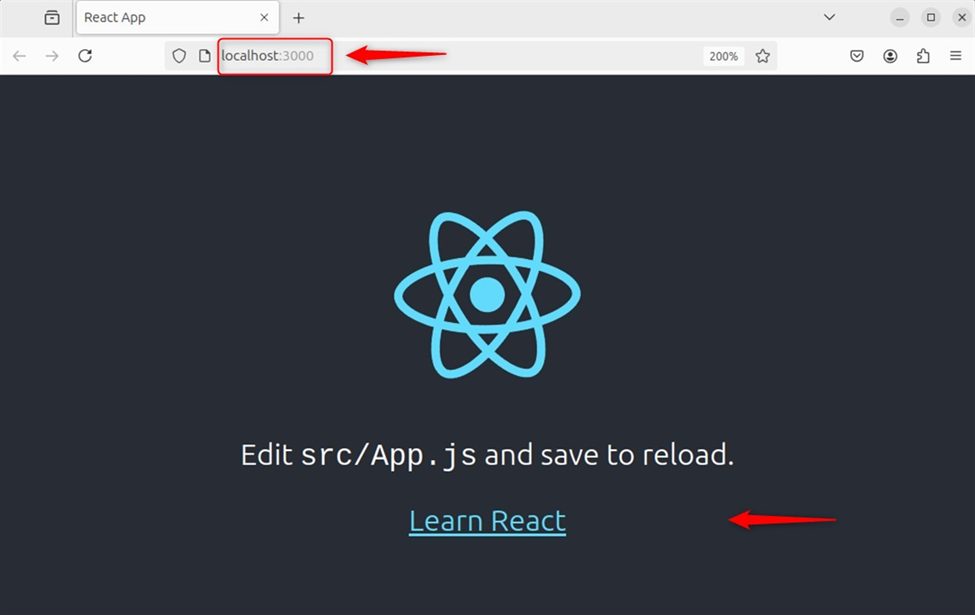
Open http://your_server_ip:5173. You see the React start page.
To finish the stack, add an Express server in the project root that talks to MongoDB with mongoose, and let the React app call it with fetch.
Quick recap
- Install Node.js, MongoDB, Express and React.
- Use Vite to create the React app.
- Connect the parts with an Express API and Mongoose.