

Method 1: APT
Step 1: Update the package index
sudo apt update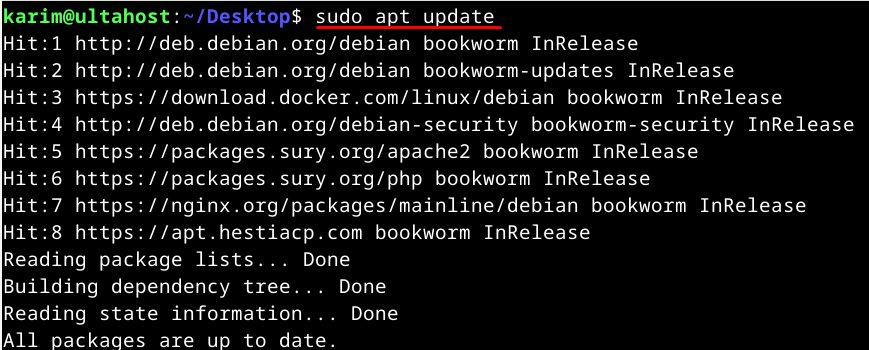
Step 2: Install pip for Python 3
sudo apt install python3-pip -y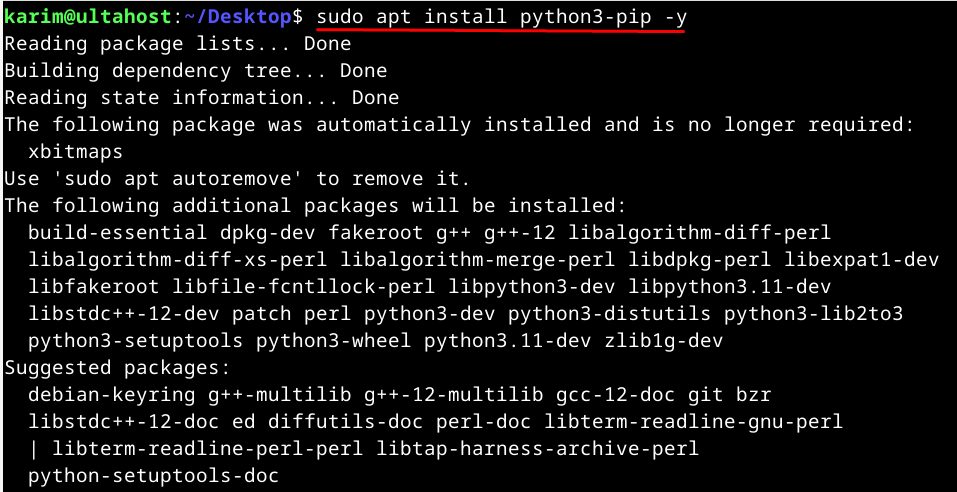
Step 3: Check it
pip3 --version
On Debian 12 and newer, pip refuses to install packages for the whole system (the error says externally-managed-environment). Use a virtual environment (see below) or pipx.
Method 2: The get-pip.py script
Use this when you need a newer pip than the one in APT.
Step 1: Install the prerequisites
python3 --version && curl --version
sudo apt install python3 curl
Step 2: Install the venv module
sudo apt install python3-venv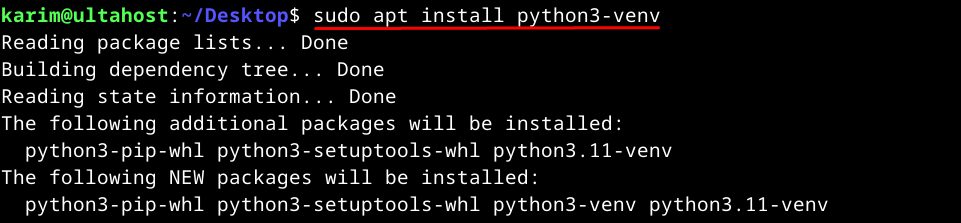
Step 3: Create a virtual environment
mkdir myproject && cd myproject
python3 -m venv venv
source venv/bin/activate
Step 4: Download and run get-pip.py
curl -O https://bootstrap.pypa.io/get-pip.py
python get-pip.py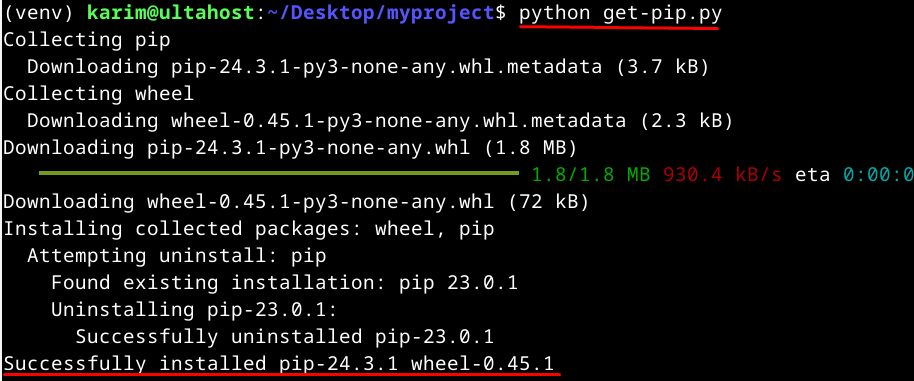
Step 5: Check it
pip3 --version
Use pip
pip install package_name
pip list
pip uninstall package_name
Leave the virtual environment with deactivate.
Quick recap
sudo apt install python3-pipinstalls pip.- Use a virtual environment for your projects.
get-pip.pyis the way to get a newer pip.